CE Canary: unofficial test builds of upcoming features

As I’ve started contributing to CoreELEC and gradually increasing the scope of changes and enhancements that I would like to make, it became clear that some of these changes need larger testing and validation before opening PRs into CE. Enter my CE Canary builds.

Canary builds are unofficial test builds of larger features and changes for CoreELEC that need wider testing before they can merge.

Each build is a CoreELEC nightly with our changes on top. Builds strictly follow the nightlies, and everything here is meant to go upstream to Kodi or be merged into CoreELEC. Once a change lands, it leaves the canary. When all features leave the canary, there may no longer be an active canary build and I will update the description accordingly.

Current testflights

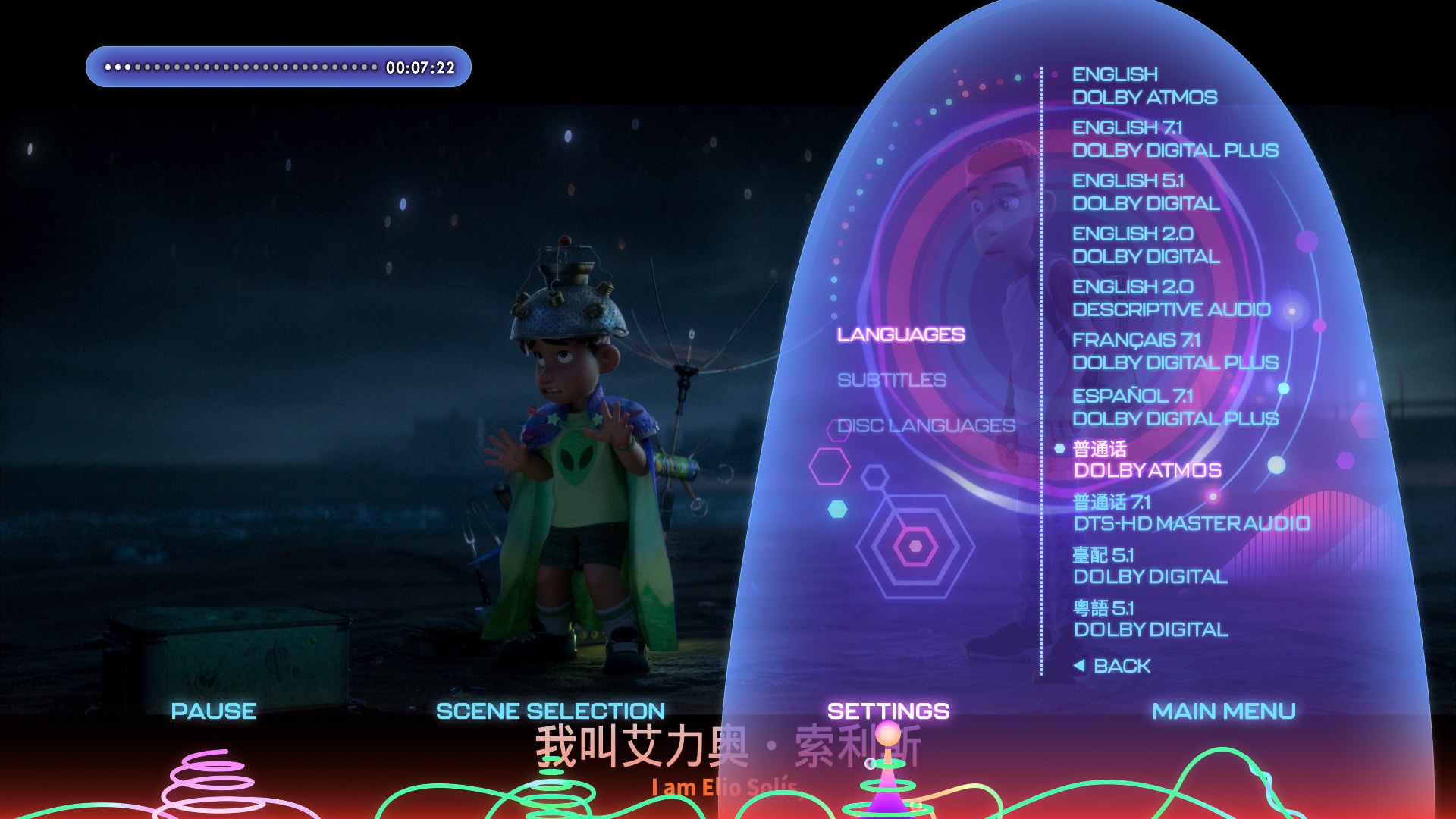
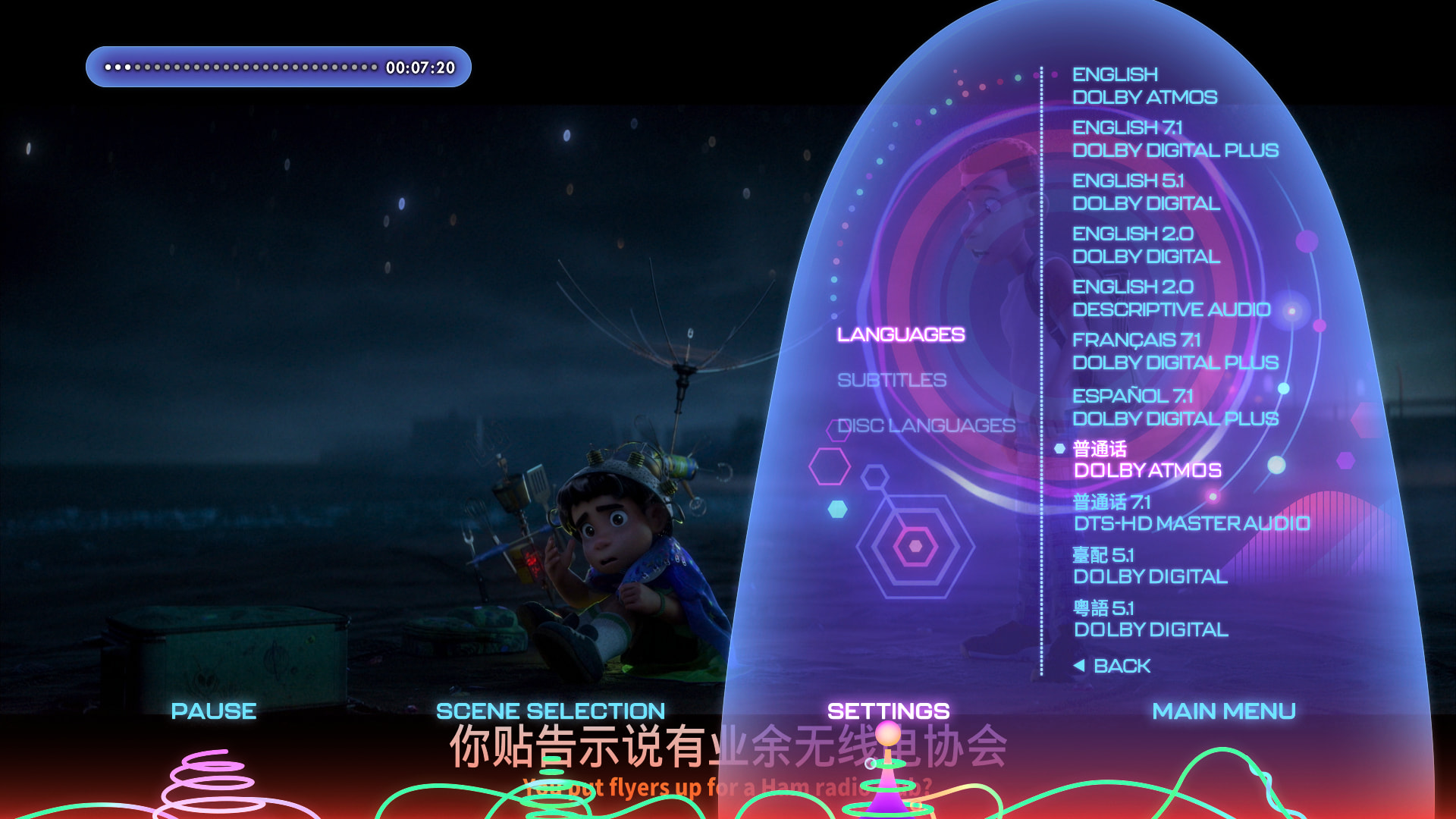
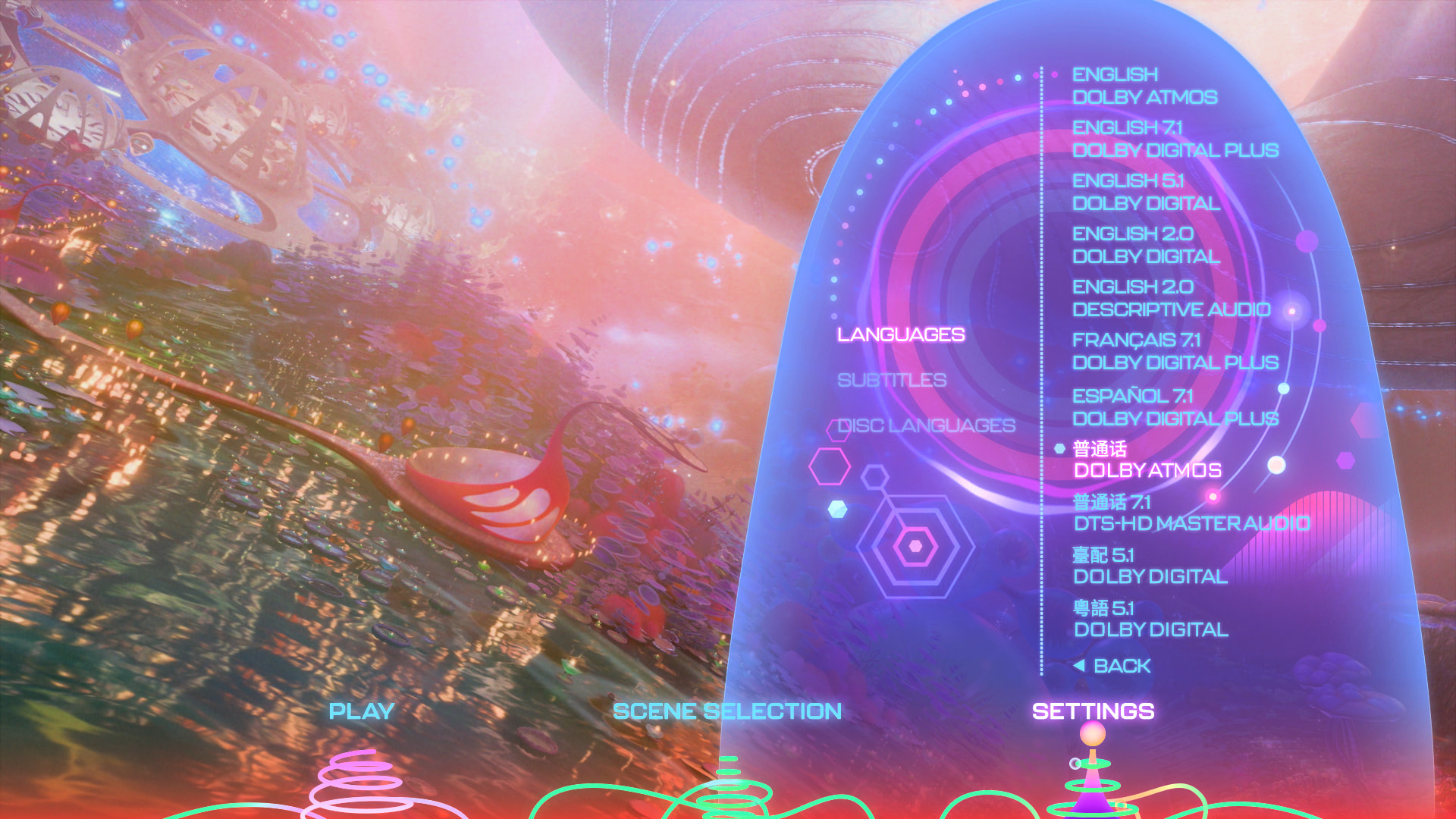
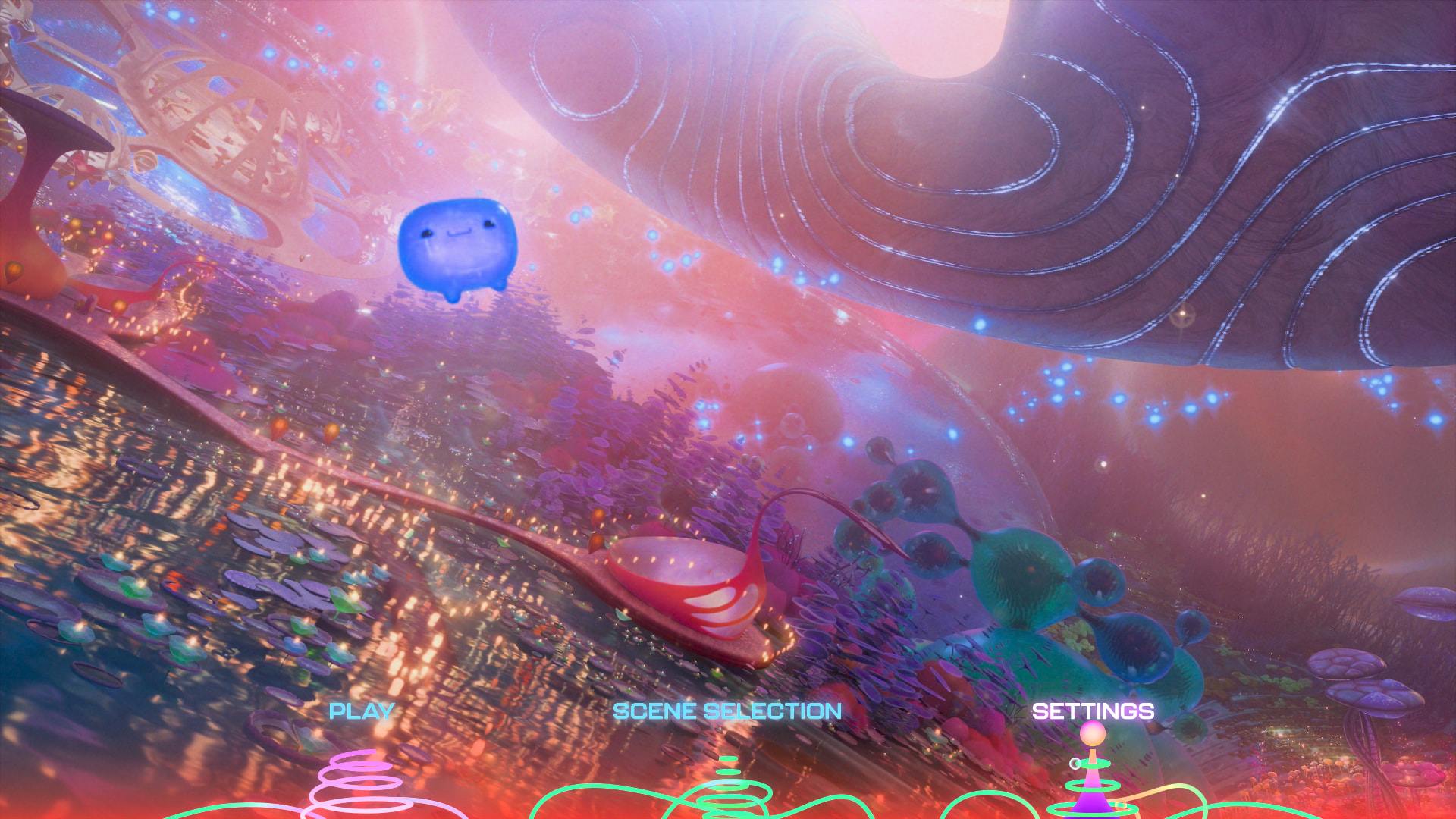
  • Blu-ray menu playback: full disc menus with more seamless clip transitions.
  • A/V sync: vastly tighter audio and video sync with stability across playback events.
  • Screen capture: screenshots and Hyperion ambilight for all HDR formats and output modes, even TV-led Dolby Vision, including Profile 5 and FEL.

Getting it

Downloads, install steps and setup notes for each feature are on GitHub:

Canary builds update an existing CoreELEC install, and you can go back to a normal nightly at any time. After the first install, new canary builds show up in CoreELEC’s normal Updates page.

Credits

The Blu-ray menu and A/V sync work draws on SamuriHL’s public builds and branches. His commits showed several of the defects, mechanisms and design ideas used here, and he reached a number of these problems first.

Reporting a problem

These are early feature previews. Despite extensive testing, there may be unexpected issues on devices outside my test coverage.

First, go back to a standard nightly and see if the problem is still there. If it is, it isn’t from the canary, so report it to CoreELEC as usual. If it only happens on the canary, report it in this thread. Features that only work on the canary can skip this step.

Follow CoreELEC’s guide to reporting an issue and debug log instructions. Then post in this thread or open an issue with your device, the build name, the steps and the link to your log. Since they may come from a change that isn’t in standard CoreELEC yet, please report them here rather than in any other threads.

Changelog

Each build’s changes are on the Releases page. New builds show up in CoreELEC’s Updates page, and I’ll post in this thread when one is out. To get notified on GitHub, use Watch > Custom > Releases on the repo.

Known issues
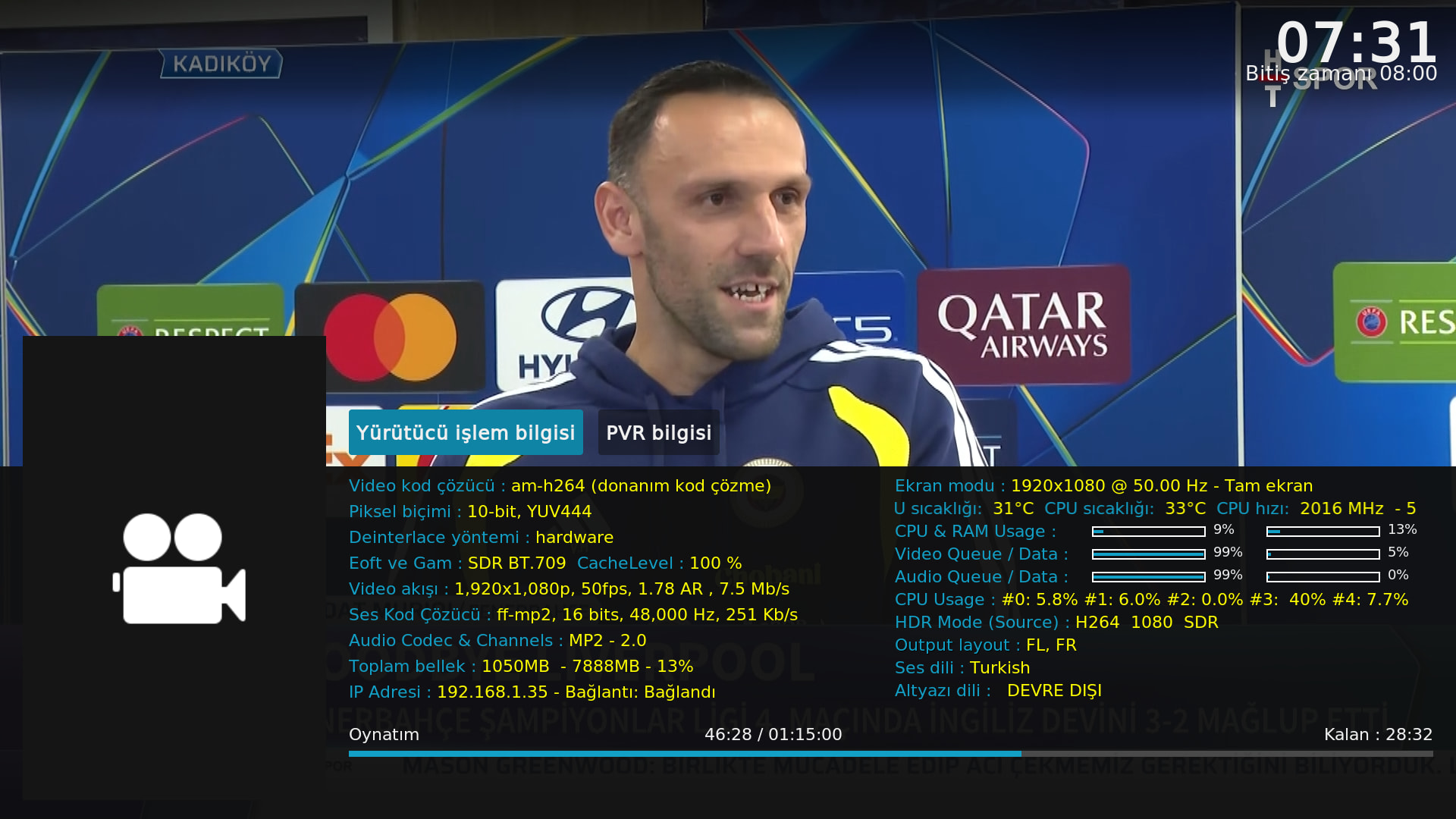
Thanks, Taking screenshots is working.

I’ll install it later. It sounds pretty good so far.

Thanks @matthane

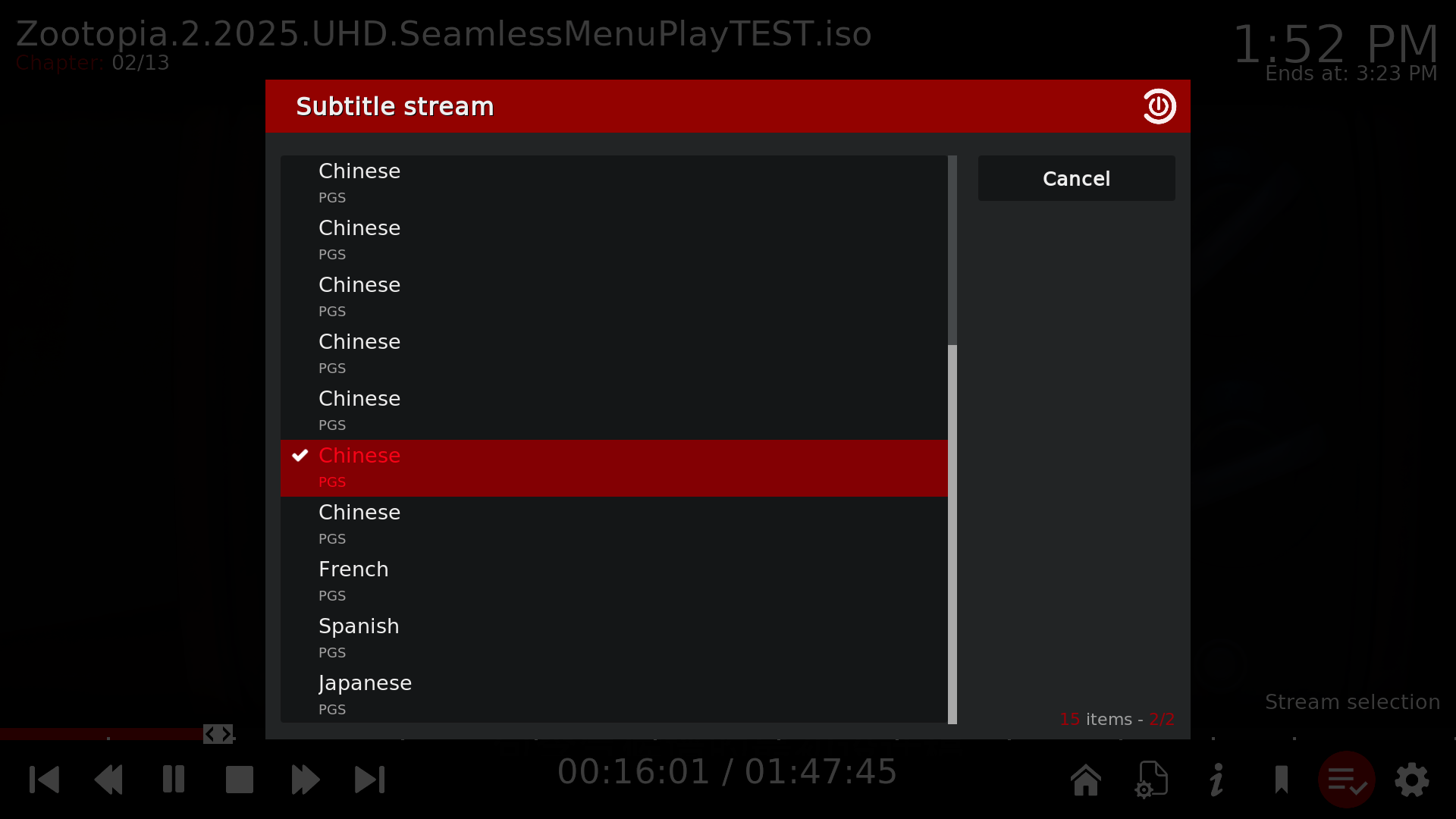
Thanks a lot for your amazing work and the fantastic experience. After fixing the menu graphic mapping, seamless branch video playback, screenshots and chapter jumping all work properly.

There are two remaining bugs:

1. Black screen occurs when switching the menu language. The first option is English; selecting any other language results in a black screen.
​MenuTest – Google Drive

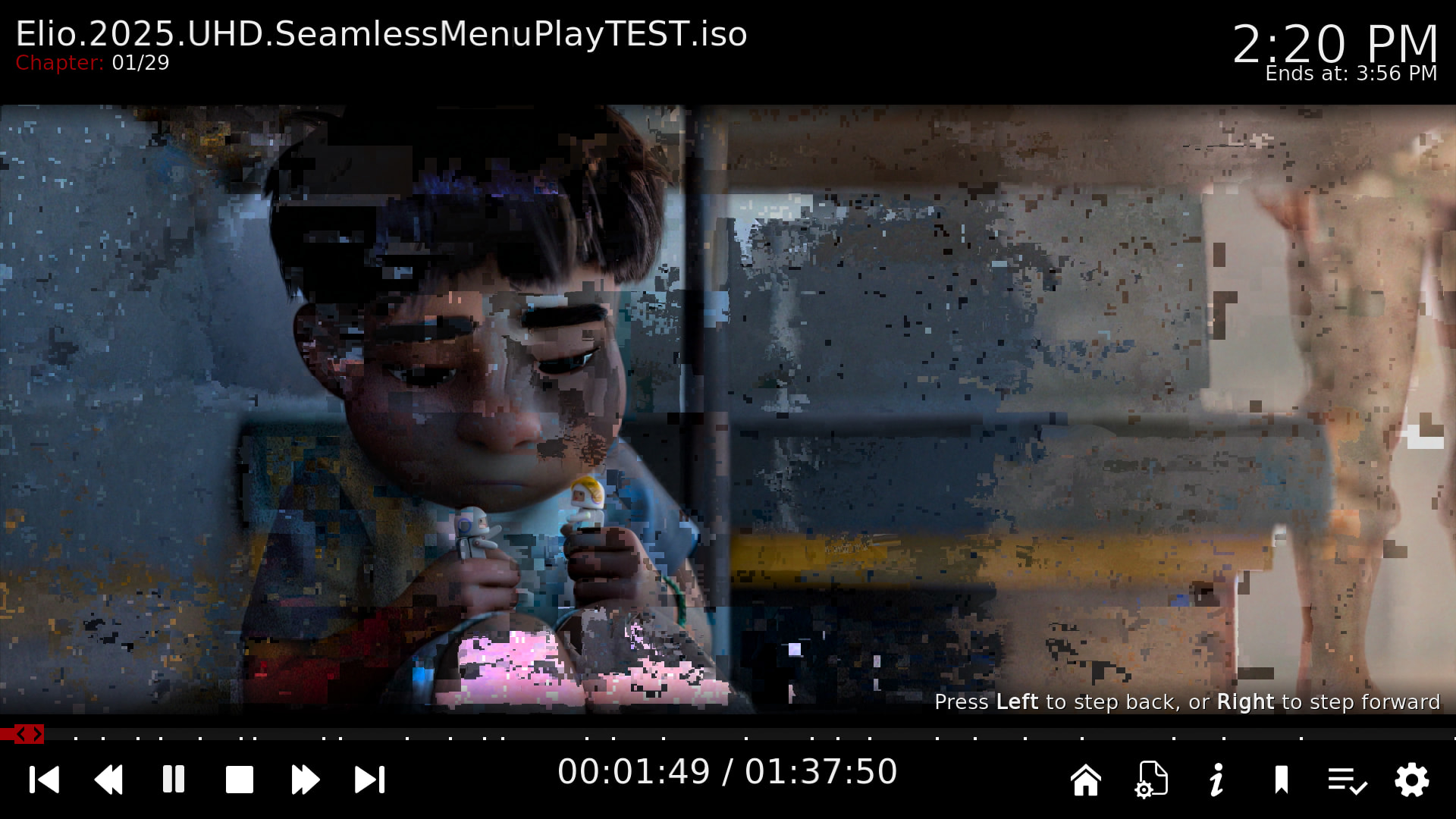
  1. Occasional macroblock artifacts (blocky pixel corruption) appear on the video, as shown in the attached screenshot.

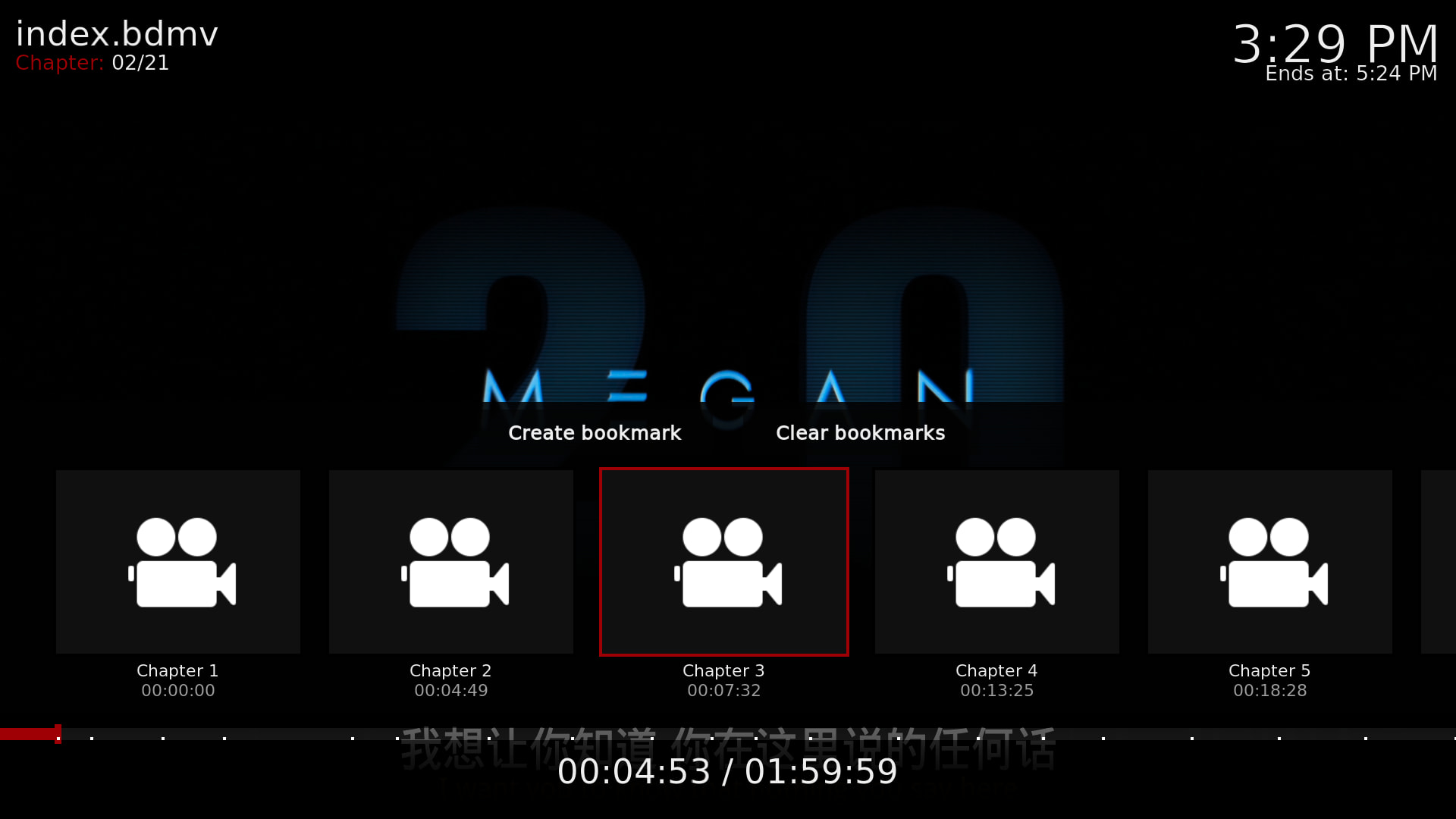
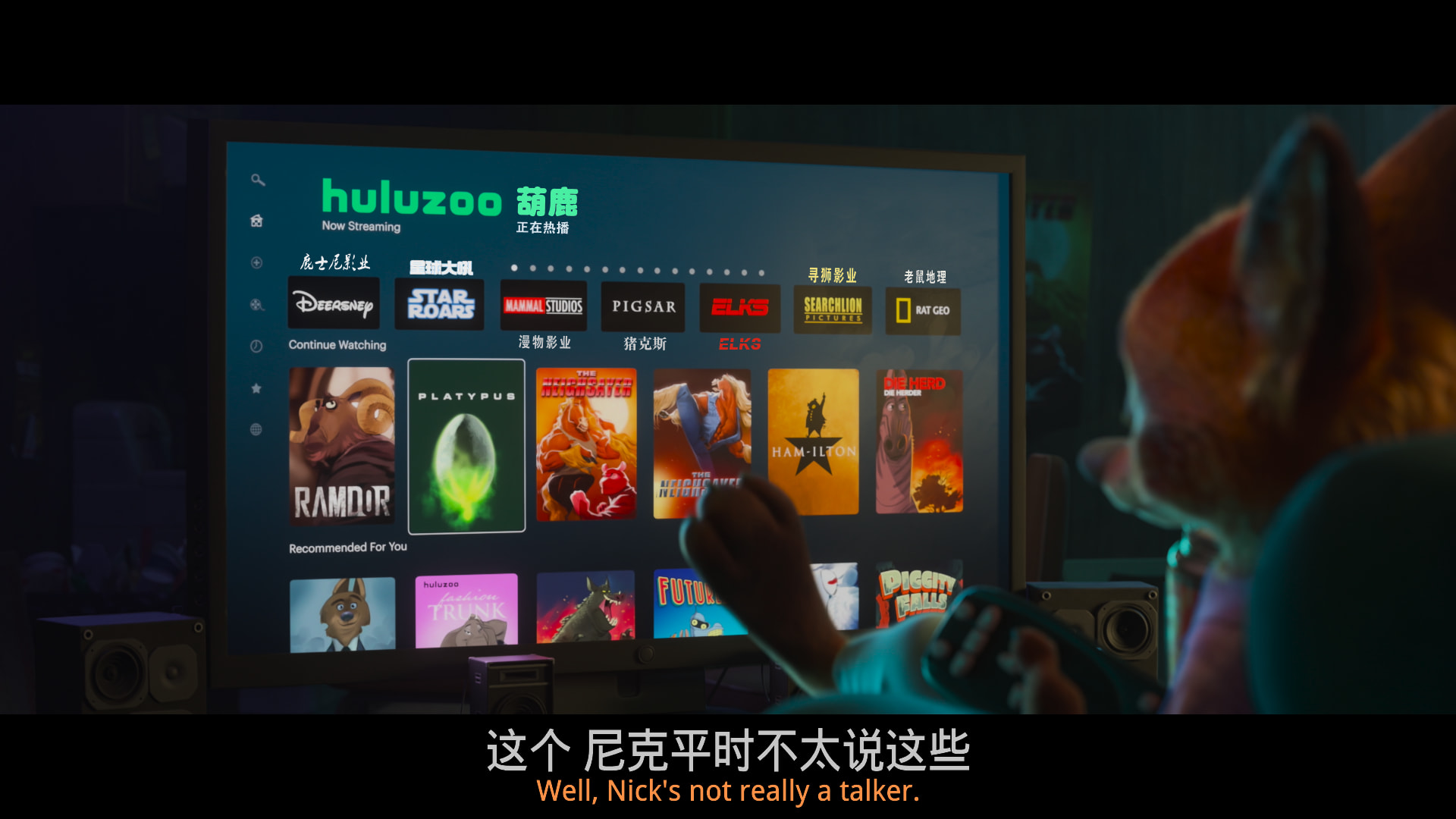
Are missing chapter thumbnails, as shown in this screenshot, expected behavior?

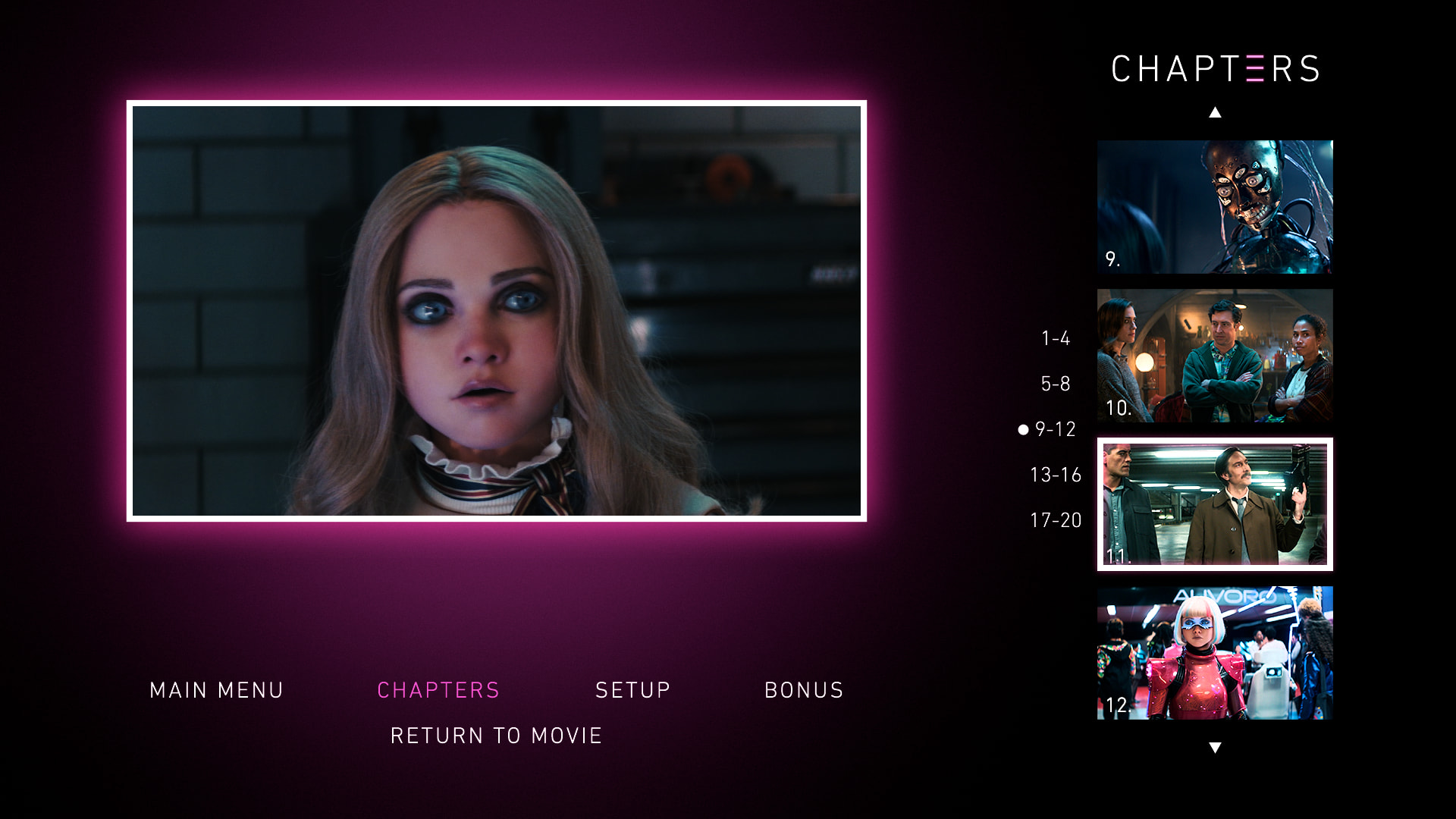
Chapter thumbnails are displayed properly in this menu mode, as shown in the screenshot.

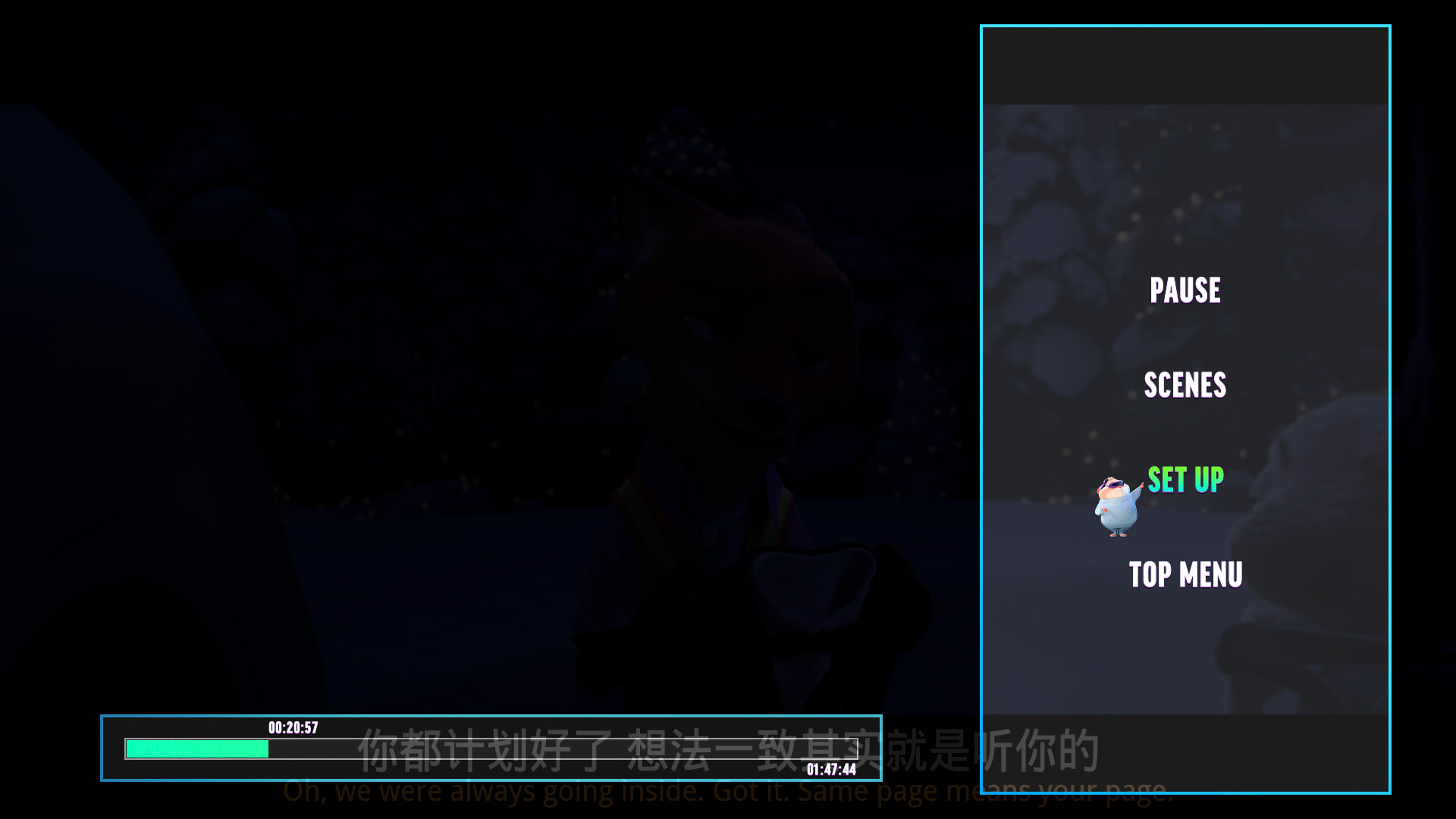
Here are the beautiful screenshots

The menu graphic mapping specification is in this PDF for reference.Thank you again

Thanks for your thorough testing and references. I will take a look for the next build.

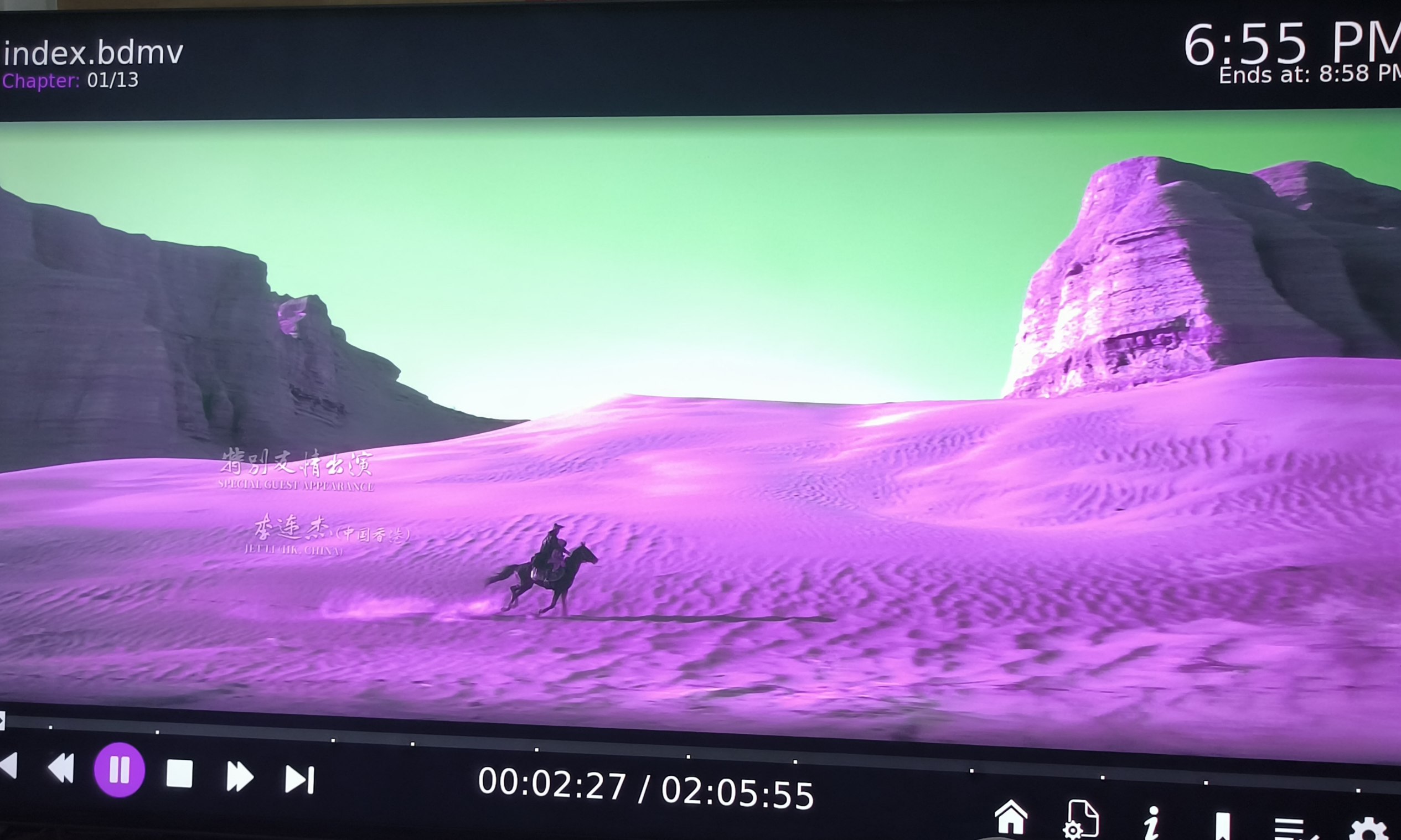
Another bug discovered: In menu mode, the opening is SDR, then it transitions to a DV menu. The menu renders purple. After selecting “Play” from this purple menu, the video stays purple. The problem occurs during the seamless SDR-to-DV switch.

I will upload and share the test sample tomorrow. Thanks a lot.

Edit

@matthane Four movies(Michael 2026,John Wick Chapter 4.2023,The Hunger Games Catching Fire 2013,Now You See Me 2013) fail to load the menu,the red circle keeps spinning. I checked my old logs , they work fine on the official CE22. Thanks.

New build just released: Release 22.0-Piers_canary_20261106 · ce-canary/canary · GitHub

Please see the full changelog there.

@bluesea I was unable to replicate the purple screen issue in your sample. Can you clarify which device you have?

Thanks matthane. The black screen issue when selecting menu language in the 1106 build has been fixed.

My box is Homatics (ATV 12) with LLDV output.

For the titles that fail to load menus, I can only upload one test sample for now. The other three are too large, and I haven’t found a way to reduce their size yet.

Edit:The menu still shows purple on the Rocktek G2 (ATV 14), so this issue may be related to LLDV output.

Thanks, that’s helpful! I can look at LLDV and see where my menu changes might be breaking something.

Can you try this?

  1. In Kodi, go to Settings > System > Logging and turn on debug logging, then reboot.
  2. Play the Blades disc until the picture goes purple. Leave it playing and purple.
  3. SSH into the box and paste the code block below. It uploads the details to paste.coreelec.org and prints a public link. It includes your box model, HDMI state, TV or AVR details, recent kernel messages, and the disc and Dolby Vision lines from the Kodi log.
H=/sys/class/amhdmitx/amhdmitx0; D=/sys/class/amdolby_vision; M=/sys/module/aml_media/parameters
{ grep -E '^(VERSION|COREELEC_DEVICE)=' /etc/os-release; cat /proc/device-tree/model 2>/dev/null; echo; cat /sys/class/display/mode
for f in $H/hdmi_hdr_status $H/attr $H/config $H/hdmitx_basic_config $H/hdmitx_pkt_dump $H/dv_cap $H/hdr_cap $H/dc_cap $H/rawedid $D/dv_video_on $D/src_format $D/graphic_fmt $M/hdr_mode $M/hdr_policy; do echo "== $f"; cat $f 2>&1; done
echo "== dmesg"; dmesg | tail -300
echo "== kodi"; grep -E 'BD_EVENT_(TITLE|PLAYLIST) |force mode switch by|armed close keeps|OpenDecoder DOVI' /storage/.kodi/temp/kodi.log | cut -c1-260 | tail -200; } | paste

This is only to test whether the menu can be displayed; it’s fine as long as the menu pops up.

++++++++++++

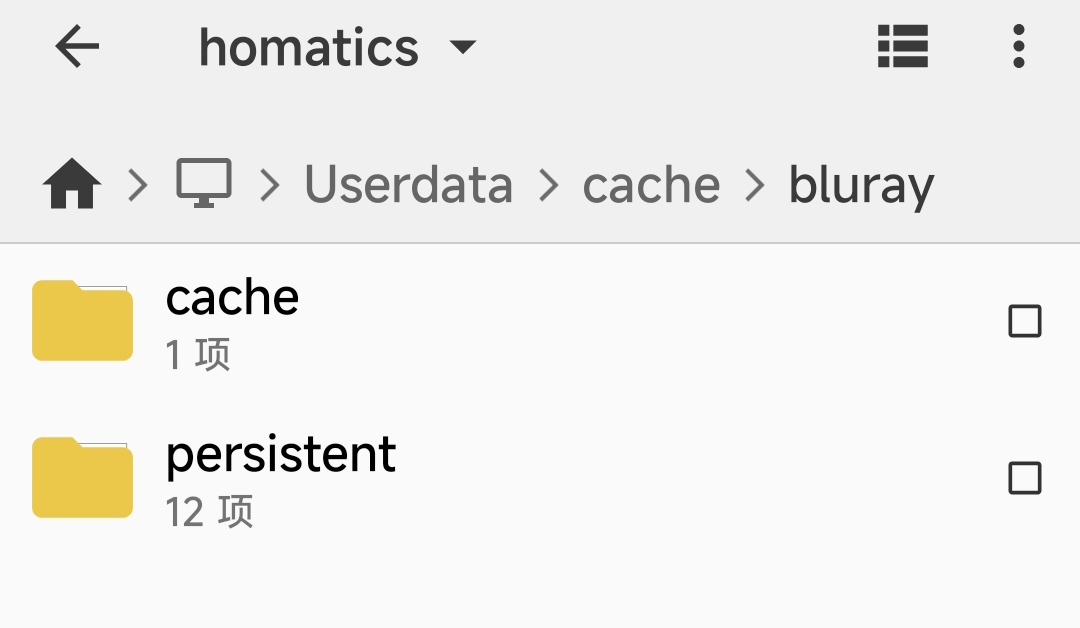
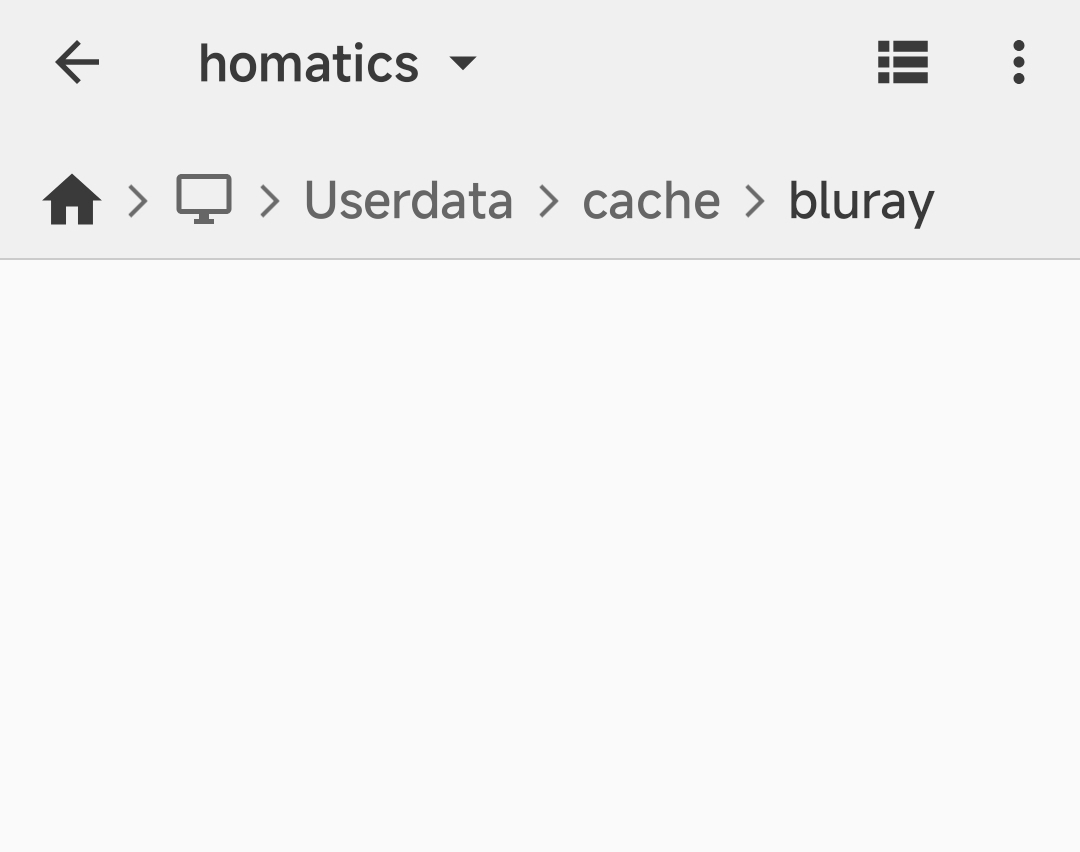
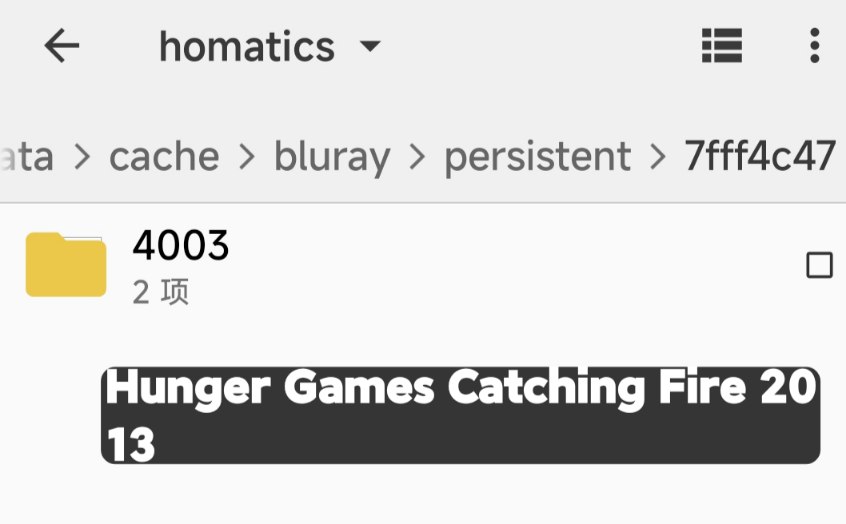
The four movies(Michael 2026,John Wick Chapter 2023,The Hunger Games Catching Fire 2013,Now You See Me 2013) that could not bring up menus have been resolved. Deleting all files under the bluray folder (as shown in the screenshots) fixes the issue. Thank you.

https://paste.coreelec.org/3/hPSUKDDB

​

2. https://paste.coreelec.org/3/sQJJXh8

Thanks, that was very helpful. I was able to diagnose the issue and replicate the problem using your TV’s EDID. You can workaround the issue by turning off “Allow whole-number frame repeat” in the Display settings. The problem is related to 120Hz. I will investigate the root problem to try and prevent it, but in the meantime that is a workaround to avoid the purple screen error.

@matthane

Please keep this Lionsgate BD-J test sample. It features second-play protection, which is valuable for investigation. Thank you.

This is an AI analysis result:

1. This Lionsgate BD-J disc contains a proprietary second-play protection logic inside its BD-J Xlet.
​
2. On the first playback, the BD-J app writes a playback flag (like has_played = true ) to bluray/persistent . When playing again, the script detects this flag and blocks menu loading.
​
3. Deleting the files in bluray/persistent removes the flag, resetting the disc to the first-run state.

Can you clarify what the problem is? A lot of movies save your progress so that on second play you can resume directly. Are you saying something is broken?

This is different from normal resume progress saving. Some Lionsgate BD-J titles refuse to load the menu on the second playback, and have to delete the bluray persistent cache to make it work again.

Ok, thanks. I’m debugging now. I was able to replicate it.