I have 4gb ram.
3842MiB free, not 3842MiB total. Due to the memory-hungry nature of Windows the total memory should be 8GiB for it to work. It’ll take me a whole day to re-upload another image so sorry I can’t compress it with different settings for you.
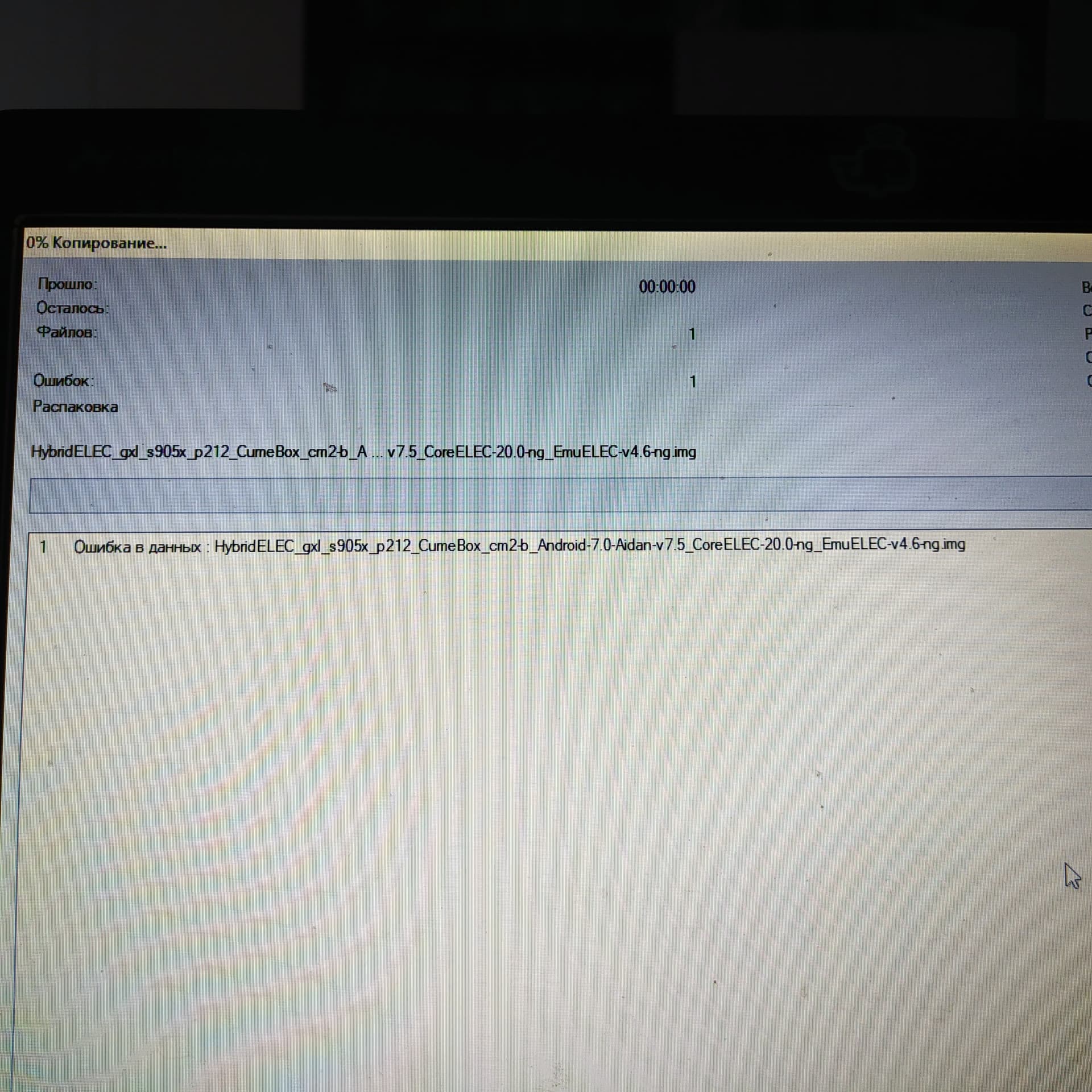
Your download is probably corrupted, the sha256dum of the .xz file should be 958e79ea2287f482a774e2d00ca584f4175e3de92818ee3d32ff15cbbfa7b74a, redownload and try again
I found notebook with 8gb ram and uncompress archive.
Greetings
I have older Xiaomi wifi only
Chinese version only
Mdz- 18aa
I think
Used Shafa Market to change to English
Box has been collecting dust for many years
Saw this thread
Interesting Project.
Has anyone Tested this Version
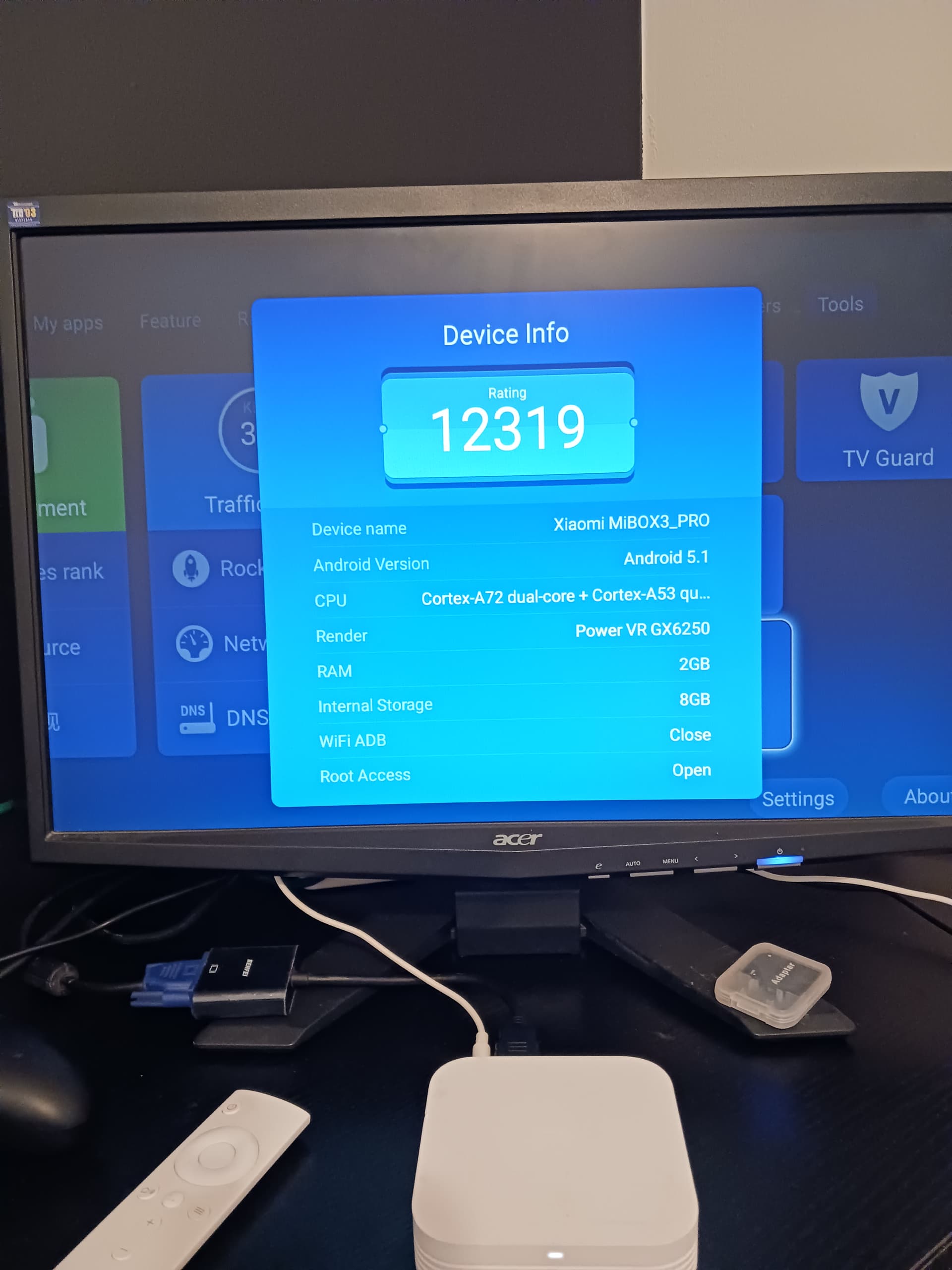
I didn’t test that device nor did any one with that device report if it would be successful.
But since this image shares the same booting compatability with CoreELEC’s Amlogic-ng image, and EmuELEC’s Amlogic-ng image, you would need to test if you can boot them first.
There is no special sause in this image that would make it magically boot on boxes that won’t boot official CoreELEC Amlogic-ng or official EmuELEC Amlogic-ng.
And I just checked mdz-18-aa’s spec and it’s not even using an Amlogic SoC, so sorry it’s impossible to boot this image, nor official CE, nor official EE, on it.
Hmmmmmm
Okay
Thought it was A53 is S905 equivalent
Box still runs great even with Android 5
Wifi is as strong or stronger than current boxes.
Is there SD/USB Version i could test
Instead of Flash img
No, this topic IS for USB/SD image and NOT the internal flash image.
And the USB/SD image shares the same booting compatibility with the official CoreELEC/EmuELEC image, so don’t expect it to magically work on boxes that official CoreELEC/EmuELEC doesn’t work on.
Edit: And I need to make it clear: the dual-boot or triple-boot images I posted won’t bring support to devices outside of CE/EE’s support range. Support could only be narrower, not wider. If new devices could be supported I’ll just contribute to CoreELEC/EmuELEC directly instead of hiding it in my images.
Okay
2 Threads have been merged i think.
Will have a closer look at Box
You are correct
RE CPU
Of course the Box i have is Media Tek CPU
Just by chance mdz-18 aa
All others Amlogic
Oh well
Great Project
Happy Testing
Hi. Question whether you can make a firmware with a triple boot for S905X4?(vontar x4)
There is already, HK1 Rbox X4 and Vontar X4 are clones of each other and HK1 Rbox X4 is the first device I made the triple boot image for, all the way back to last year when I use it myself but not released, and half and a months ago when I released that with unmodified stock Android 11 + unmodified CE 20-ne + unmodified EE v4.6-ng to public:
But this image is not covered in this thread. Again and again this is only for USB/SD dual-boot CE+EE image. If you want to discuss about this image, go open an issue on the Github repo.
Hello, I´m having a problem when I try to reboot to EE from CE menu.
I have Artic Zephir reloaded skin.
I go to power menu, add item, custom item:
Action → Reset(¨/usr/sbin/hybrid_reboot_ee¨)
Label → Reboot to EmuELEC
It worked some weeks ago when I first try it, but today I have taken a new microSD, I have installed Hybrid CE20+EE4.6, and it doesn´t work
I first tried to edit addons/skin.skinname/xml/DialogButtonMenu.xml but I haven´t found the archive, or even the xml folder.
Any ideas to add that option on other skins??
Edit:
I have found the problem and the solution, the problem is you need two actions, System.ExecWait and Reset, and you can only give one action at a time. This way you need a button for System.ExecWait wich seems to do nothing, and then when you reboot the system restarts to EmuELEC… not a good way.
This Skin doesn´t have the DialogButtonMenu.xml, but you have some named overrides.xml, so you must go to:
addons/skin.yourskinname/shortcuts/overrides.xml
You have to edit overrides.xml by adding:
<override action="RebootToEmuELEC">
    <action>System.ExecWait("/usr/sbin/hybrid_reboot_ee")</action>
    <action>Reset()</action>
</override>
Now you can go to your power settings and make a custom item:
Action → RebootToEmuELEC
Label → Reboot To EmuELEC (or wathever you want, mine says GAMES)
Hope this helps anyone, and thanks @7Ji for this great work
Hello,
I burned the Image on MicroSD and prapared a partition for EEROMS and startet CoreELEC works fine, than use the reboot for EmuELEC.
EmuELEC startet but after changing the picture to console, it shows again the EmuELEC start
picture and seams to do nothing more. After waiting 5 min. I pulled out the power cable… I checked the SD card and saw in the EEROMS partition are new folders for each emulation systems…(fat32 formated partition).
What could be my fault?
Hello. On a working Ce+EE+Android system, can I change the CE Flash size on SSh?
No/ and yes if you have the skills
Think instructions are in First Post,or Github
You can ignore the CoreELEC version on Internal.
Thus is what i have done
And boot any/newer version CoreELEC on external
uSD card or USB drive
So its a Quad Boot
Have had this working on Hk1x4 S905X4
Thanks, I don’t want the SD operation. I want CE+Android dual installation. Unfortunately, I’m not a linux guru. I’ll try to install it, but I’m sure I’ll get stuck somewhere.