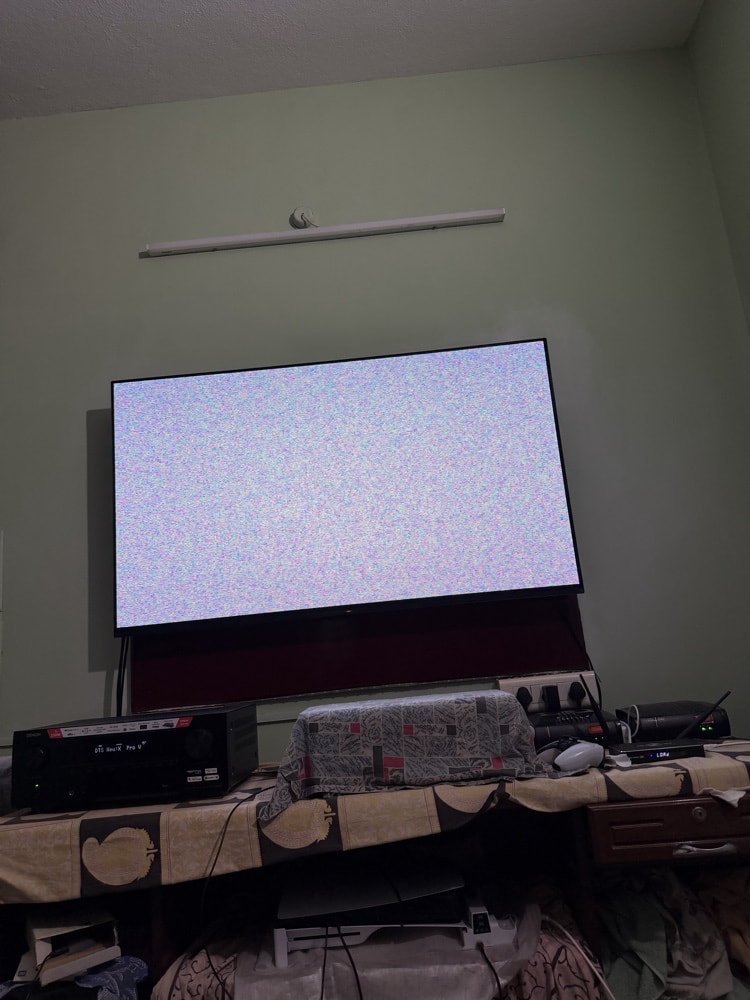
DearBrother I Have a device which comes with SoC: Amlogic S905X4-J using CoreElec 21.3 Omega having in issues with DV DUAL LAYER 7 FEL especially with DTSHD MA & with DTS-X., if we a drag movie a bit or if I try to resume the movie I am getting solid red or purple colour in the screen for couple of …
, Ihavent found solution for this may I know Flashing 22 rc1 will fix my issue?
CoreELEC Version: CoreELEC 22 (Piers / RC1) Comparison: Issue does not occur on CoreELEC 21.3 Omega (clean boot with no static)
Device Information
Brand / Model: Dune HD Pro Vision 4K
SoC: Amlogic S905X4
Memory Size: 4GB RAM (3648MB reported)
Board Type: Amlogic SC2 Reference Design (S905X4)
Peripheral Information
Display: Sony A80K OLED (4K UHD)
Receiver / AVR: Denon AVR-X2800H
Sound System: Multi-channel surround system connected via AVR
Wiring / Cabling: Certified High-Speed HDMI cables (Dune HD → Denon AVR-X2800H → Sony OLED eARC/HDMI input)
TV Tuner: None
Boot Method
Boot Medium: USB Flash Drive
Description of the Issue
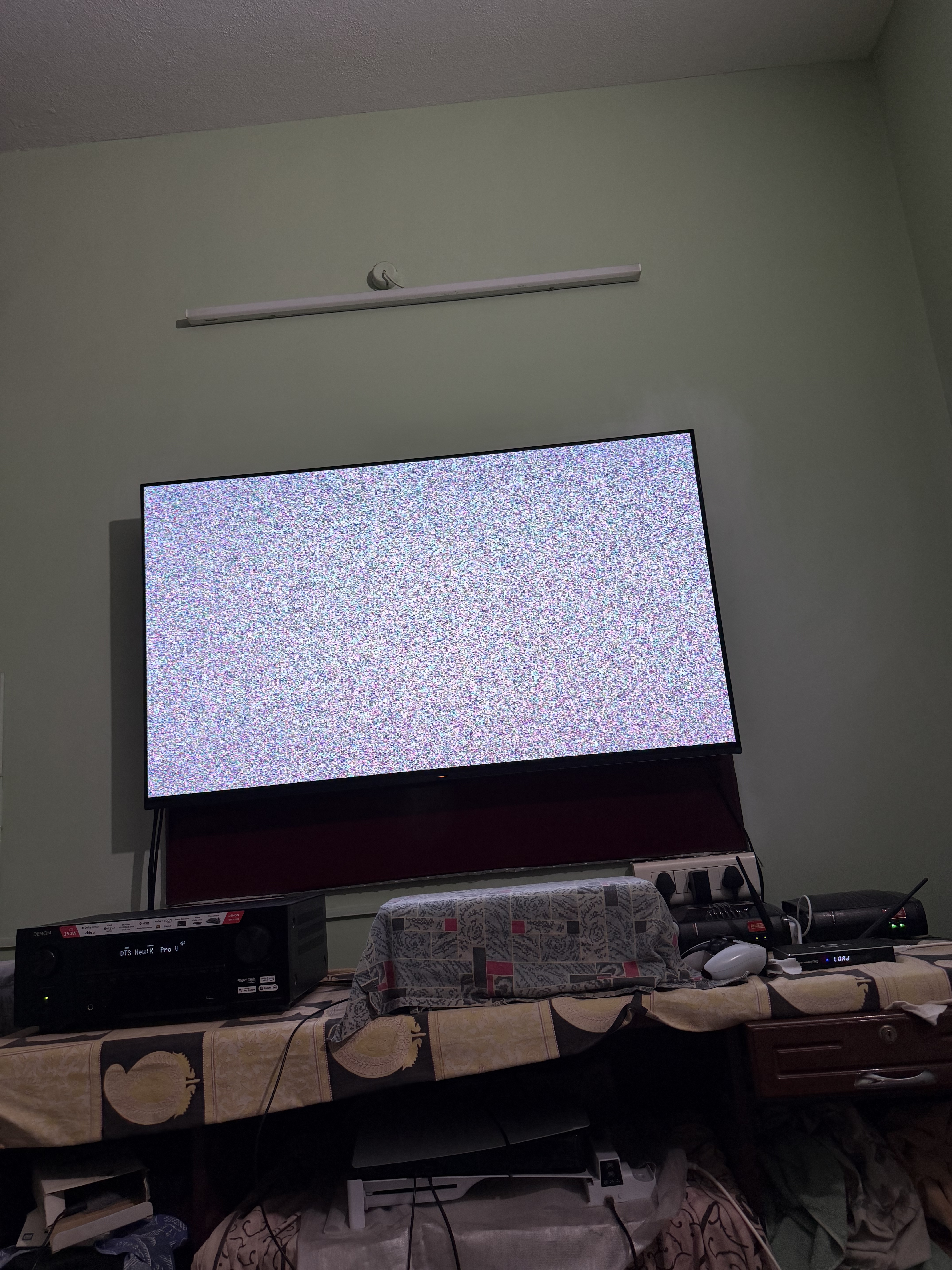
When performing a cold boot from power-off, a full screen of static digital noise (“snow”) appears for approximately 2 to 3 seconds before the CoreELEC kernel takes over and displays the GUI.
On CoreELEC 21.3-Omega (Amlogic-ne / 5.4 kernel), cold boot transitions smoothly from the Dune logo to Kodi without any static.
On CoreELEC 22 (Piers / Amlogic-no), the screen flashes full static during early initialization.
Once booted into Kodi, video and audio playback are completely stable (Dolby Vision Profile 7 FEL with DV-Std tunneling and DTS-HD / TrueHD Atmos bitstream passthrough work without issues).
Adjusting config.ini parameters (vout, color depth, and color space) does not eliminate the flash, indicating an early HDMI PHY/transmitter clock reset before stage-2 boot.
(Attached: Photo of the static snow during cold boot)
Thank you for clarifying, @Portisch. I understand that CoreELEC relies on the vendor’s U-Boot and HDMI bootloader stages in eMMC.
My Dune HD Pro Vision 4K (tv184a) is already flashed to the latest firmware available from Dune: dune_firmware_tv184a_260220_1945_r24.dff (from their latest r24 branch). There are no newer builds provided by the vendor.
Even with this firmware, the 2-3s HDMI sync/snow flash persists during early boot on CoreELEC 22 (Amlogic-no / DRM-KMS), while CoreELEC 21.3 Omega booted completely clean.
Since the device is on Dune’s newest available software, is this an unfixable limitation of Dune’s vendor U-Boot when handing off to the modern display driver, or would you like me to pull a dmesg log to inspect the HDMI PHY handover?
I have the same snow on the same box. It never occurred to me that this might be an issue - does it actually bother you at all? And why perform cold starts in the first place? For me, those only happen after updates or a power outage. There is no snow when you only stop/start Kodi…
Thanks for confirming, @dmitry1988! That’s really helpful to know it’s reproducible across other Dune units on CE 22.
It doesn’t break playback once Kodi loads, but because CE 21.3 Omega boots with a clean black transition from the Dune splash, the sudden burst of static on a cold start stood out as a noticeable regression in the early display handover on 22 RC1.
On the other hand, with version 21.3, about 1 out of every 10 boots would result in acid, distorted colors- an issue that could only be fixed by rebooting again. Version 22 doesn’t have this problem at all. That’s a far more annoying issue than the snow. In any case, it’s better to use sleep mode rather than shutting down completely every time; it’s much faster.
Why are these issues reported in the Homatics topic? The device has no relation with it at all, not a Google certified Android TV device, not a S905X4-K device.
Hello everyone. I’m still having trouble with CoreELEC on my Dune Homatics 4K Plus; I just can’t get it to work. I even tried installing the version specifically designed for Android 4. The Dune detects the flash drive and begins the boot process, but it gets stuck at the CoreELEC logo. I’ve tried every solution I could find, and now I’m considering installing the Android 11 or 12 version instead. Could you help me find the correct file? Thanks for your help.