Definitely do the nightly builds, there are incremental fixes.
I have the AM9 it’s working quite well considering we are only at Alpha
Definitely do the nightly builds, there are incremental fixes.
I have the AM9 it’s working quite well considering we are only at Alpha
I updated Ugoos to 2.0.6. I created the sd card with the nightly build according to the instructions. Again; Amlogic S905x5 logo appears, than “CE New Order” logo appears, then the screen goes dark for like 30 seconds and same thing repeats forever. The sd card is 64 GB Samsung EVO+ XC1.
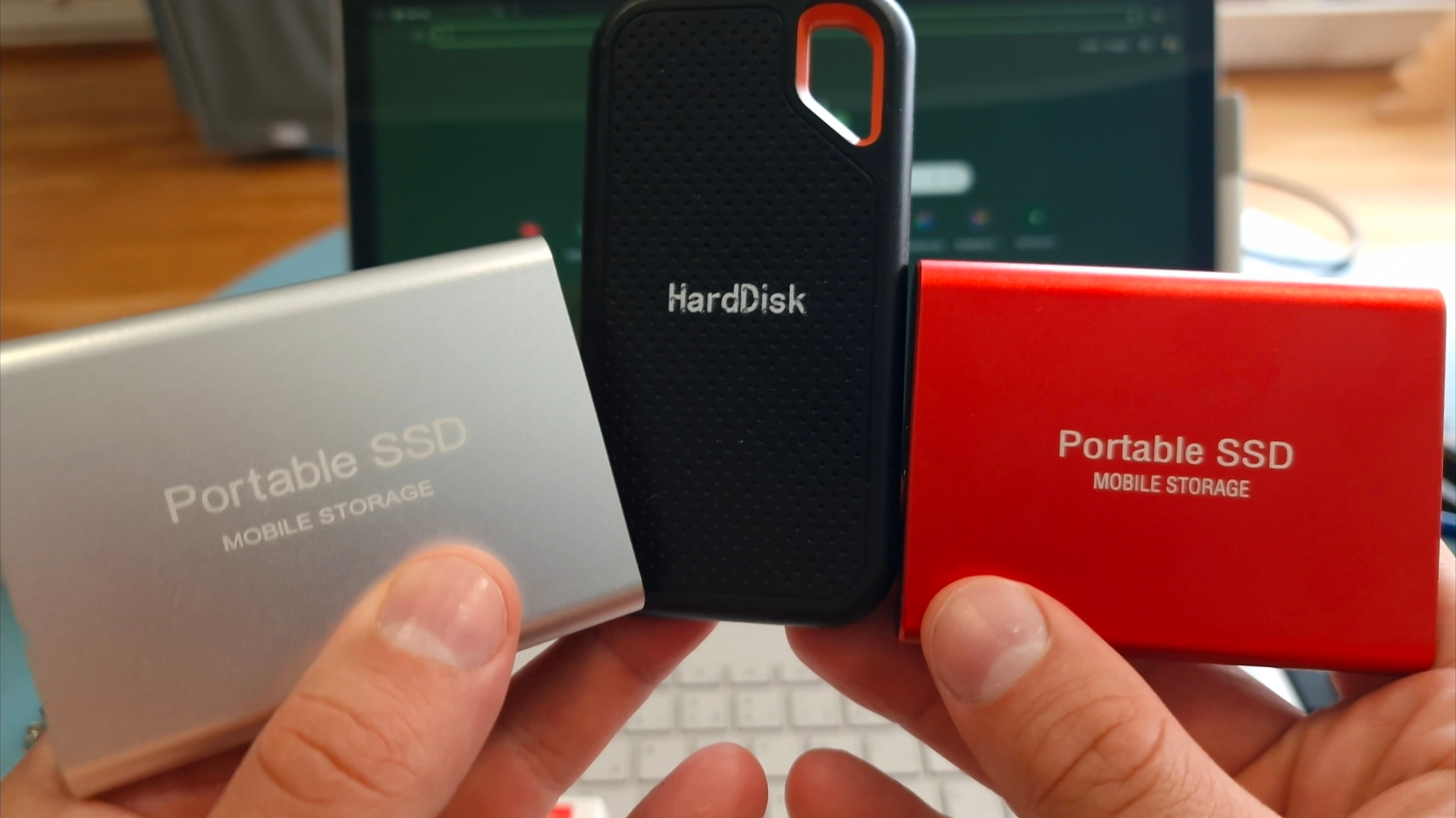
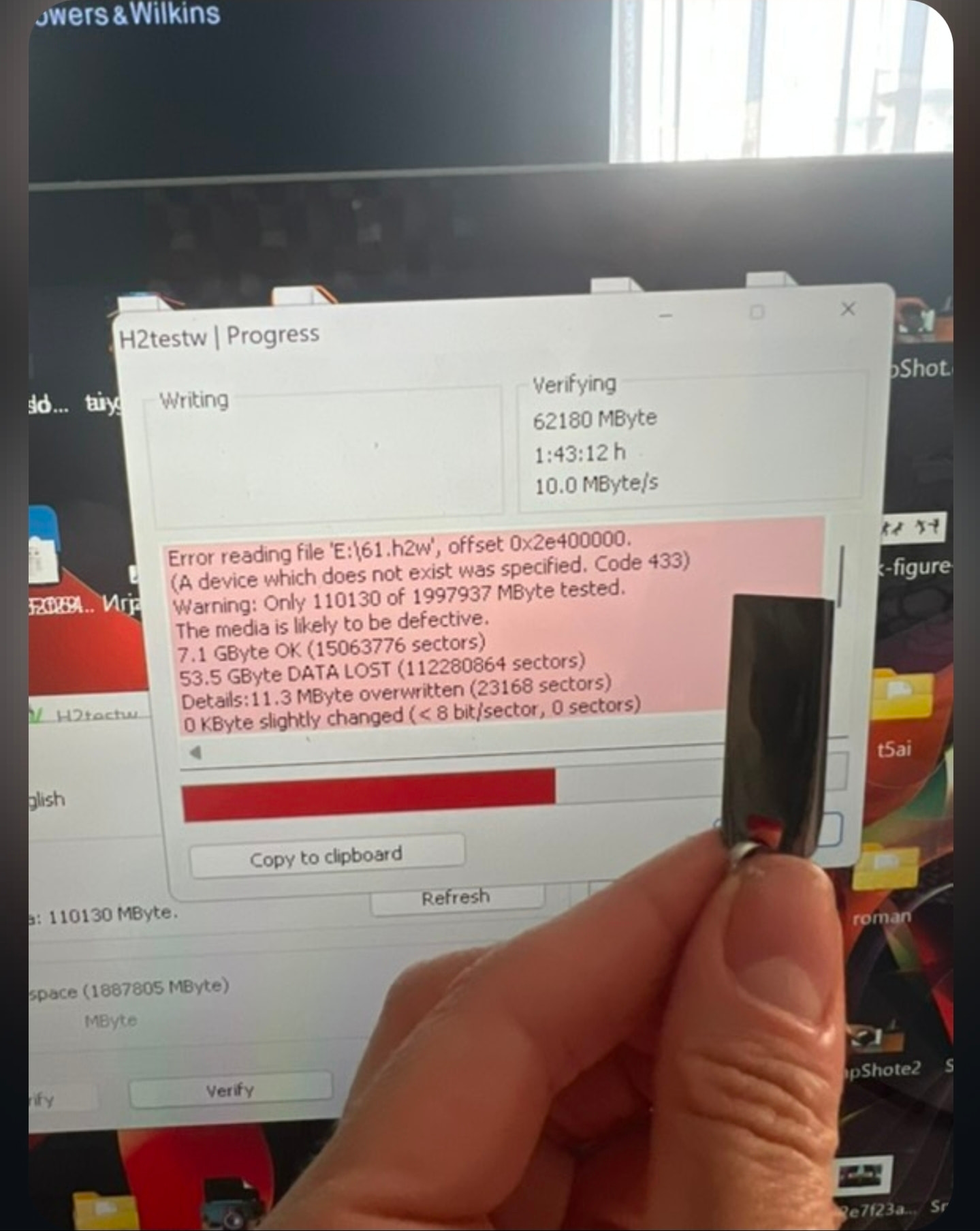
I happened to have 3 fake 2tb USB drives and 3 fake 2 TB micro SD cards(real size was like 16gb or so) ,so I tried to install CE on them,but after plugging fake drive to am9,I got same issue,CE tried to create storage partion and it failed,cuz those memory sectors didn’t exist,but I found solution how to fix it,after flashing CE to USB drive,I manually deleted storage partition with partition wizard and created new partition in EXT4 format 10gb~ named ,Storage" and it fixed the bootloop issue.
Also I won’t reccomend using fake drives for CE, they are slow as hell,they can randomly stop working,everytime you format them they will show fake capacity,I won every dispute,but I almost lost one dispute,so just use real micro SD cards for CE.
I tried with another sd card. The screen with “partitioning, installing” etc. showed up. It said done, done and then restarted. Same loop keeps happening.
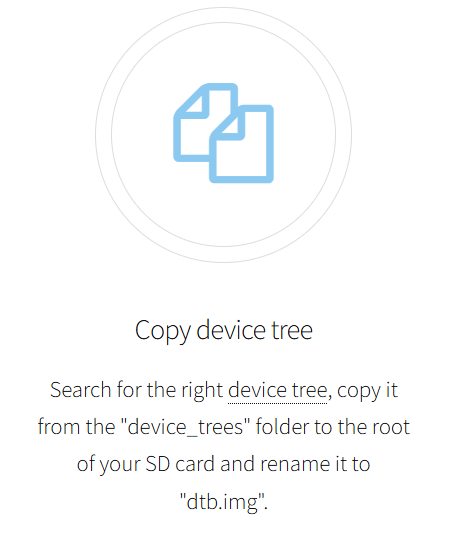
Can you flash fresh generic nightly build,pick am9 dtb and rename it to dtb.img,place it to root folder on your drive,then get partition wizard,delete storage partition on your CE drive and make new one in EXT4 format and name it ,Storage"
Do you get same error after following those steps?
You can check my video guide:
Just use same tools and it should work perfectly.
I did exactly what you said. This time it gets stuck in S905X5 screen.
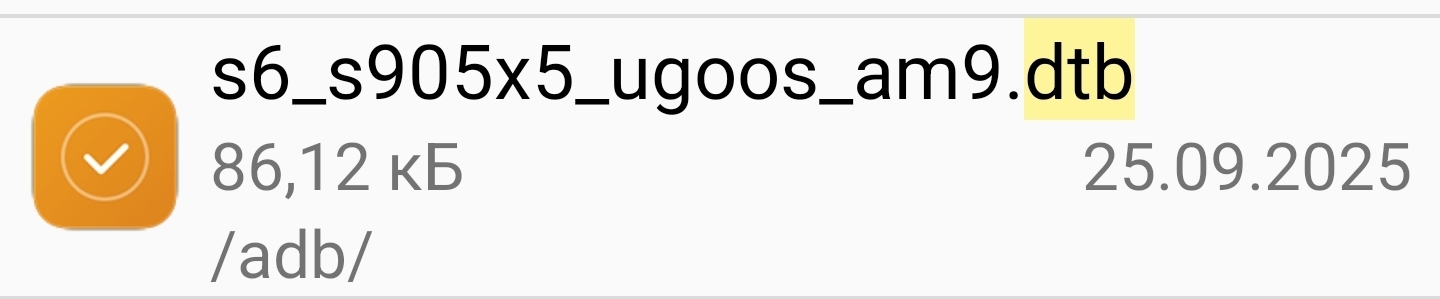
Btw, I just add .img to the end of the file name without deleting what comes before. I don’t delete the file name and rename it to only dtb.img. Does that matter?
Mate,pick this file,put it to the SD card root folder,the first folder you open when you access your SD card and rename this file to dtb.img
I think that you’re not doing fresh install,get rufus,install CE22 NO generic nightly build,pick correct dtb and everything should work,what TV box you have? You shure you have am9?
Well, what a stupid idiot I am  . That was it. Sorry for wasting your time
  .
.
So, what was it?
I performed a clean install on the SD card for the AM9 Pro today, but it wouldn’t boot from the SD card; however, when I plugged it into a USB port, it booted. The issue with it not booting from the SD card started today.
Today I encountered another issue specific to the AM9 Pro: when I connect the TBS5530 Multi Tuner, the device switches off. However, when I connect the other model, the TBS5930 (DVBS2), no problems arise and the device works without any issues.
The TBS5530 Multi Tuner works with the SK1, AM8, X96 M300 and GT King II. It simply does not work with the AM9 Pro.
T2 broadcasts have started in my area, so I had set up this device to watch them.
Instead of renaming the file to dtb.img, adding .img to the existing file name.
AM9 Pro: All videos and audio are working fine.
About | FAQ | Terms of Service | Privacy Policy | Legal Notice