I don’t think you are going anything wrong, I have several devices that only allow adb debugging via USB direct or WIFI and not on Ethernet on the USB hub.
1 Like
just enable USB debugging but not the xiaomi debugging
1 Like
Alpha22 working Dolby FEL
I just got today a Integral 32GB USB Flash Drive Fusion Metal, CoreELEC would not boot with this drive. Hard to believe but made sure it was the case.
I have samsung bar, samsung fit plus, sandisk cruzer ultra and they work fine.
So if you find you device does not boot, that could be why.
1 Like
I just got mine from Ali for $53US shipped. Took 3 weeks but it’s legit, not a counterfeit. Make sure to use the app for lower prices.
I’ve been fooling around with it the last few days- got it dual-booting OK, using with a USB hub with ethernet/SDcard slot and the latest nightly. I will say some of the skins like Arctic Zephyr Reloaded are pretty unstable and crash a lot.
I assume we don’t need to install dovi.ko for FEL to work? How to we know if FEL is working? Are there any skins like on the ADVPlus builds that display all the PPI info (like FEL/MEL, bitrate, etc). Using in conjunction with Jellyfin Unraid server.
Also, is there a way to get the AI upscaler working in this build of CoreElec? I wanted to use it with some animated content. A little OT- I think Xiaomi jacked up the AISR level to max in Google TV, and I installed the Projectivy Launcher hoping to be able to use its’ Amlogic menu settings to adjust the PQ and AISR levels- but unfortunately they’re not there. Not sure why.
That’s the lowe$t price I’ve heard of for it.
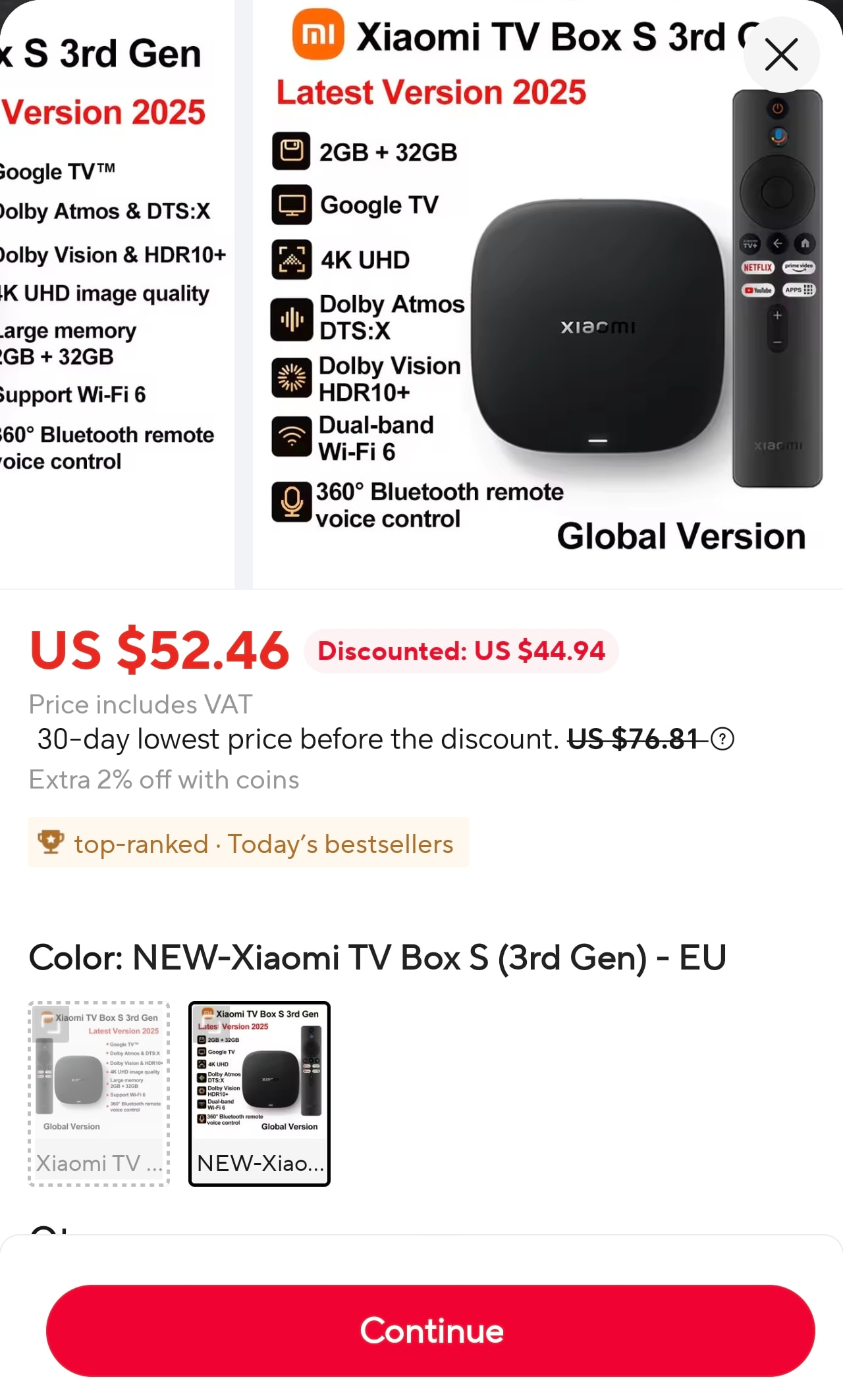
Ali is a mess- it’s almost impossible to find anything specific without a link, and even then I think they do tiered prices, so it’s very difficult to duplicate a deal.
1 Like
Try resurrection from DenDyGH. It was working grand with my sk1 when I tried ce22 like months ago… GitHub - DenDyGH/skin.arctic.zephyr.2.resurrection.mod: This is mod of Arctic Zephyr 2 skin for Kodi 21 (Omega) and Kodi 22 (Piers) · GitHub
Xiaomi TV Box S 3rd Gen (MDZ-32-AA) — My CoreELEC journey
Build: 22.0-Piers_nightly_20260602
Hey everyone, I bought my Xiaomi TV Box S 3rd Gen (MDZ-32-AA) in June 2026.
I started by customizing Android 14 to reduce memory usage — managed to free around 600MB of RAM via debloat, but even so Kodi still wasn’t smooth enough. Then I found this thread and accepted the challenge of unleashing my box with CoreELEC.
After switching to CoreELEC, on the first boot I had 1.6GB of free RAM with Kodi open, and after configuring Kodi I ended up with 800MB free.
What’s working
- Video
- Audio
- Original Xiaomi remote
- Wi-Fi (usable)
- Bluetooth
What I’d love but don’t have
- Sleep/suspend and wake via remote
- Stable Wi-Fi
- Remote connecting within 5 seconds after boot
My installation experience
1. SD card in a USB reader won’t boot
I tried booting from an SD card inside a USB reader — didn’t work. Ended up using an external HDD and everything worked fine.
2. I didn’t use ADB to reboot into CoreELEC
Instead of running adb reboot update, I used the Reboot to CoreELEC app(jamal2367/Reboot-to-CoreELEC) — marked “First Boot” in it and CoreELEC started right up.
3. Initial setup: powered hub + Ethernet + keyboard
I did the first boot with a powered USB hub, an Ethernet adapter and a USB keyboard. That combination was perfect to get SSH access up, which is where the real magic happens.
Problems & Solutions
Remote pairs but doesn’t work (no input)
I discovered that the kernel blocks the BT radio by default (rfkill list showed Soft blocked: yes). Without unblocking it, bluetoothctl power on simply did nothing.
The fix: add to /storage/.config/autostart.sh:
#!/bin/sh
rfkill unblock bluetooth 2>/dev/null
(sleep 8; bluetoothctl power on >/dev/null 2>&1) &
Pairing through the Kodi Bluetooth menu showed the remote as connected (Connected: yes, Bonded: yes), but with zero input. Maybe I should have waited longer… but I ended up doing it this way:
The fix: always pair via terminal, never through the Kodi GUI.
Put the remote into pairing mode by holding Home + Xiaomi TV button for ~5 seconds.
Then run:
bluetoothctl
power on
agent on
default-agent
scan on
Wait for your remote’s MAC address to appear (XX:XX:XX...), then:
scan off
pair XX:XX:XX:XX:XX:XX
trust XX:XX:XX:XX:XX:XX
connect XX:XX:XX:XX:XX:XX
Start moving the remote. It may take up to 1 minute to start working.
OK/Enter button does nothing
I suspected this remote had a mapping inside the built-in 70-local-keyboard.hwdb — and it does, but only for versions e4A4C and e4A53. My remote is version eD709, so it never matched.
It took some digging to figure out what the OK button actually sends, but here it is:
scancode: c0041 → KEY_SELECT (which Kodi ignores)
The fix: create /storage/.config/hwdb.d/99-xiaomi-rc.hwdb with a version wildcard:
evdev:input:b0005v2717p32B9*
 KEYBOARD_KEY_c0041=enter
(note: the leading space before KEYBOARD_KEY on the second line is mandatory)
Then apply:
systemd-hwdb update
udevadm trigger -s input
Reconnect the remote or reboot. The OK button works.
I also connected my Bluetooth speaker and it works perfectly.
The remote can take up to 1 minute to reconnect after reboot — I haven’t found a way to fix that.
The speaker connects instantly.
Remote breaks when switching between Android and CoreELEC
If you reboot directly into CoreELEC without going through Android, the remote reconnects normally. But if you use the remote in Android first and then come back to CoreELEC, it gets stuck in an authentication loop and stops working.
What happens: the BLE remote stores a single key (LTK) per adapter address. When you use the remote in Android, it overwrites the key — and the one saved in CoreELEC becomes invalid.
Immediate fix (via SSH):
bluetoothctl remove XX:XX:XX:XX:XX:XX
Then repeat the terminal pairing process described above.
The definitive fix would be to sync the LTK key between both systems, but on Android I believe it lives in /data/misc/bluetooth/ and probably requires root to access. I haven’t tried it, but that’s my suspicion.
Wi-Fi — doesn’t always come up on boot
The W2 chip (Wi-Fi + BT combo) is non-deterministic: sometimes it comes up on boot, sometimes it doesn’t. I found no config fix — it seems to be driver/blob Amlogic behavior.
What I can say is that when it does come up, it works well. I managed to play the Matrix Remux (180GB) in full over 5GHz Wi-Fi without any hiccups. Maybe it’ll get more stable as the nightly builds mature.
For reliable networking, the way to go is USB-Ethernet via a powered hub.
Open questions
Has anyone managed to fix the slow remote connect after boot? That’s the one thing still bugging me.
Has anyone found a way to make Wi-Fi more stable?
Does anyone know if it’s possible to get the LTK key from Android without root?
4 Likes
I posted what I use to have a type of a standby feature using cec.
1 Like
I tried this skin and couldn’t find the extensive PPI like in the ADVPlus skins. That said I find almost all the skins unusable in these early Jarvis builds- constant crashing and lockups.
FYI- I bought the Vava VA-DK003 hub off eBay for $15 and all the features (ethernet, SDCard, USB etc) seems to work just fine with every Android TV box I’ve tried. I’m booting off a MicroSD card to Coreelec in the slot in the hub.
I have this ppi info but never use it. Rather watch movie/episode than wankin to info screen…
2 Likes
I find it odd you went to the effort to install Coreelec and aren’t interested in the technicals. You might as well just use straight Kodi or any other of the Android TV apps.
I like to fine tune my settings so the PPI info is useful in that way
2 Likes
Some just like that CoreELEC is fluid and doesn’t have a ton of unrelated apps running in the background. They’re not interested in being told what they’re watching.
2 Likes
Are you getting horny seeing those max peak numbers and dv7hdr letters? You will only check it twice and then give up… I personally run a lot background apps on my am6… Android is gone from it and have kodi set up on my rooted LG g4 as well…
Good for you I guess? Everyone has different uses for their media setup, as I said I find the PPI info helpful.
Which skins do people find are more stable than others? Most of the skins I’ve tried so far cause constant crashes and lockups
Hi developers. After the latest updates, my Xiaomi Box restarts every time I stream Dolby Vision. HDR10 and SDR work fine. There was no problem on previous builds. Can you please take a look at this? I hope I’m not the only one. Thank you for your work, I appreciate it!
Regression probably introduced after 20260601, possibly by common_drivers bump 37860707 or Amlogic-ce Kodi bump 29ecf3f1.