This will not work. Local debug is need for such issue.
All system logs are created in the log calendar, would these logs be the solution
Works with CE 21.2 and CE Piers kernel 5.15.119 - 5.15.137
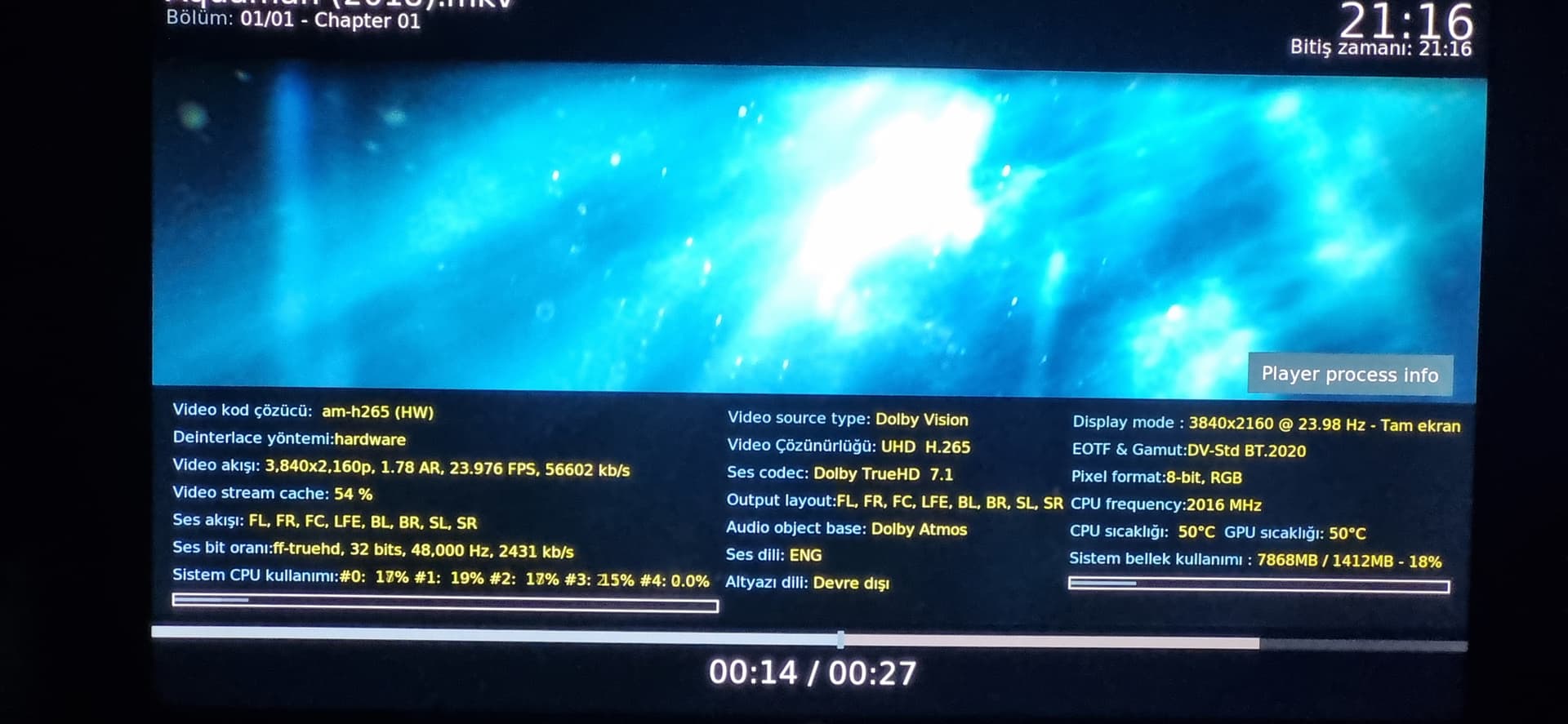
When I want to watch this channel, the cache reaches 100%.
FPS is showing 25,000.
It will not work as I have no idea what to search for.
So it’s hide and seek testing. With a local sample it would be easy.
I started from scratched after I realize files weren’t updated.
But you are definitely onto something database versions related:
working:
2025-04-28 18:03:35.613 T:1735 info : MYSQL: Connected to version 11.7.2-MariaDB
2025-04-28 18:03:35.634 T:1735 info : Running database version MyVideos133
2025-04-28 18:03:35.640 T:1735 info : Running database version TV47
2025-04-28 18:03:35.643 T:1735 info : Running database version Epg20
Not working:
2025-04-28 21:59:52.557 T:1256 info : MYSQL: Connected to version 11.7.2-MariaDB
2025-04-28 21:59:52.571 T:1256 info : Running database version MyVideos135
2025-04-28 21:59:52.585 T:1256 info : Running database version TV47
2025-04-28 21:59:52.588 T:1256 info : Running database version Epg20
local bir örnek nasıl verebilirim
Have you checked if it migrated properly? I.e. the 135 table actually having entries and being roughly the same size as 133?
Sometimes when migrating it creates the new table but doesn’t populate it.
135 and 133 are the same size.
it doesn’t work properly on 2 different machines using the latest nighthly,it works perfectly on a different machine using 20250406.
On your machine new video files added after 20250409 still showing on kodi using the latest nightly?
135 was merged into Kodi 5 days ago so you need to update all your old Piers clients to the nightly,
Martin
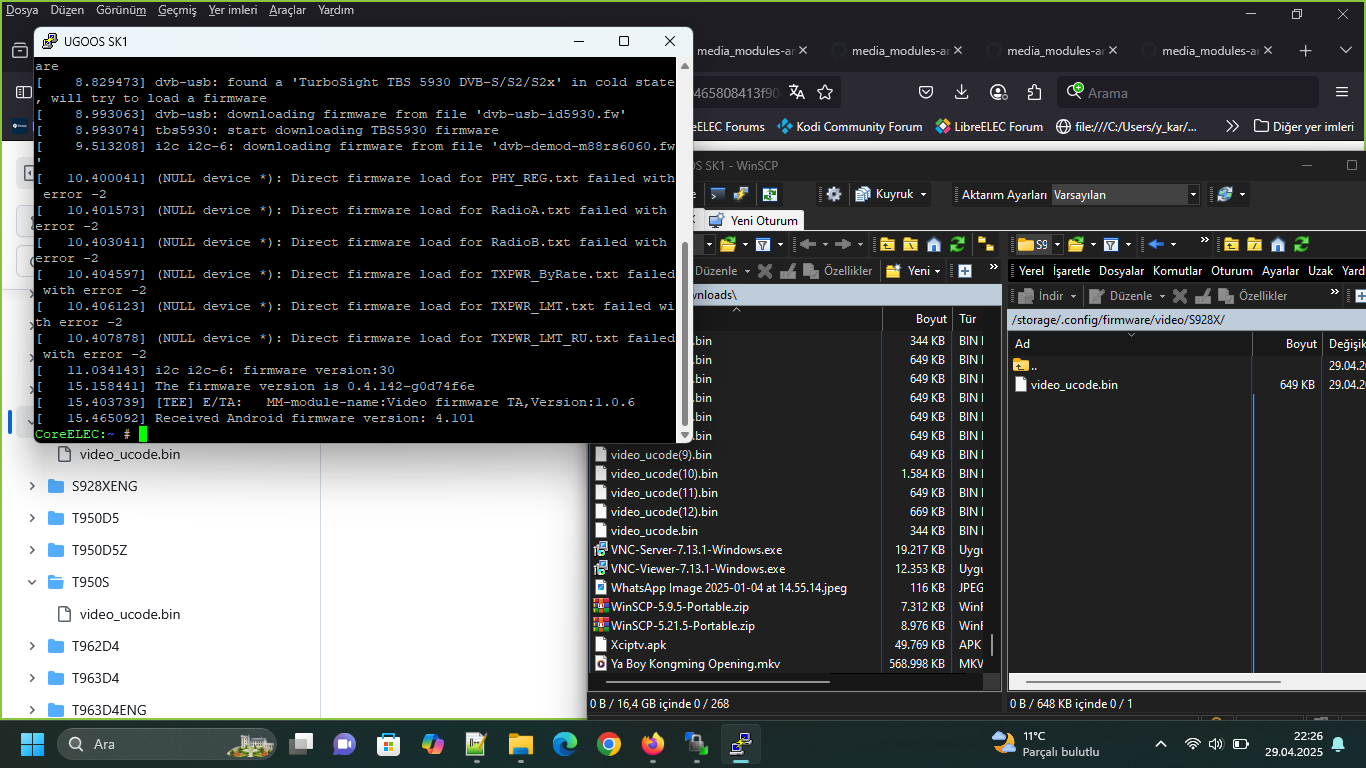
You trigger a bug in the video firmware introduced here:
As it’s closed source blob you will need to fix it temporary by using a older firmware. Create a folder on CE:
/storage/.config/firmware/video/[SOC]
In your case /storage/.config/firmware/video/S928X.
Browse to your SoC firmware and raw save it to your folder created before:
After a reboot you can check if it’s working and confirm by dmesg | grep firmware must print something about firmware 0.4.142.

As you can read you have 0.4.143. You need 0.4.142 or lower!
Seems it is CoreELEC Omega New Order 5.15.119 vs CoreELEC Piers New Order 5.15.153 issues.
And / or input stream adaptive version 
Many changes in NO in last year…
Two of my favorite /Often used addons work Excellent in Omega New Order 5.15.119
Change to Piers New Order 5.15.153/ they are broken.
Of course could just be addons issues not updated to Kodi 22.
Can Inputstream adaptive version affect DVB Satellite Card??
In the end i have moved back to old Omega New Order 2024 04/12
All is Good on Tanix Tx5 Plus Deluxe S905X3
The cause of the error has been found and the CE team is working on a solution.
Still trying to make NO work on my earlier H96x2. Im trying the
g12a_s905x2_4g DTB
NG works very well on it. Same version number dtb for NG.
Dont have the ability to open and do what I think is called an uart?
Has anyone got NO working on one?
Baz
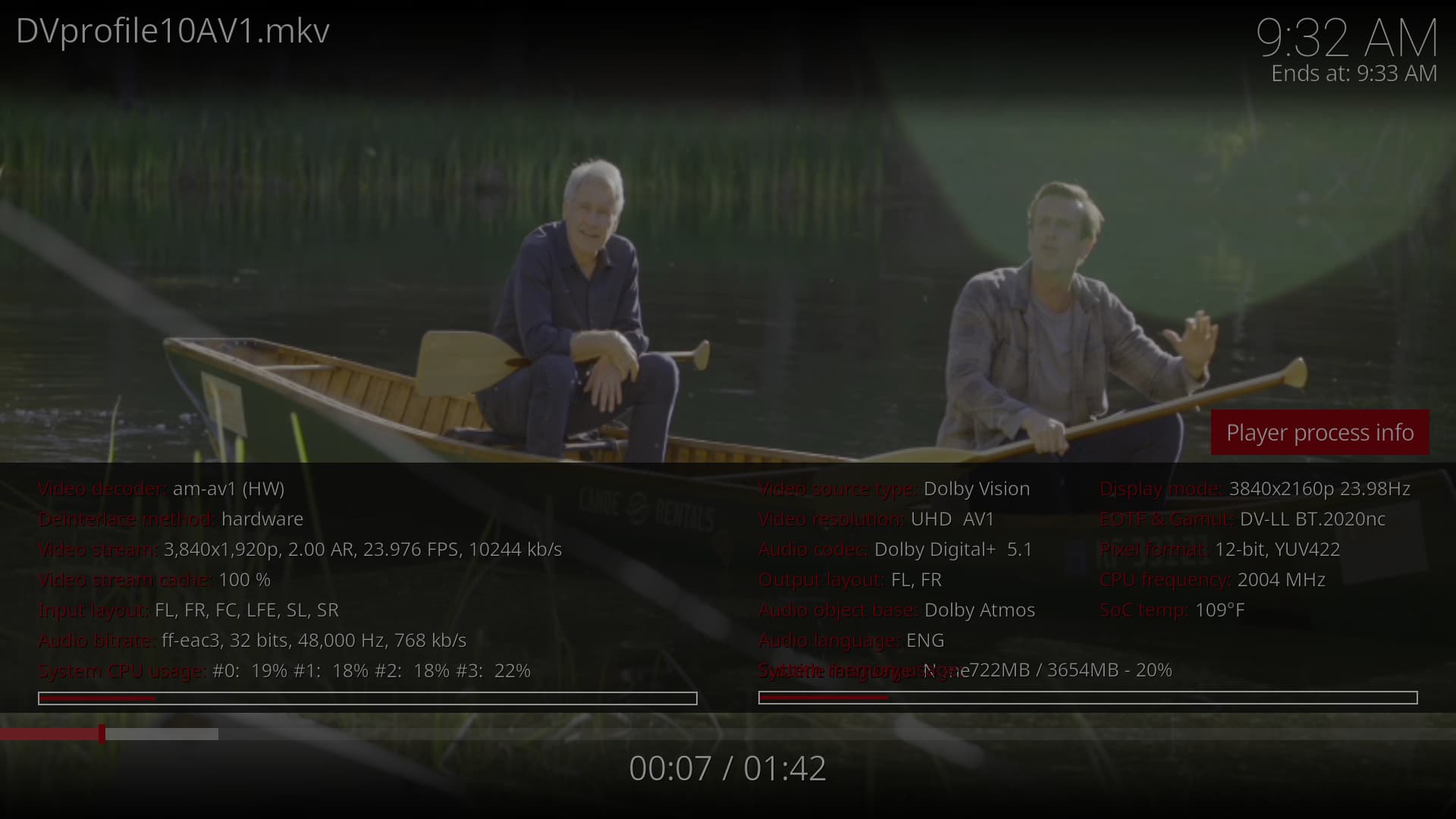
Well, the processinfo need improve, its overlapped under.
@Portisch added pr.