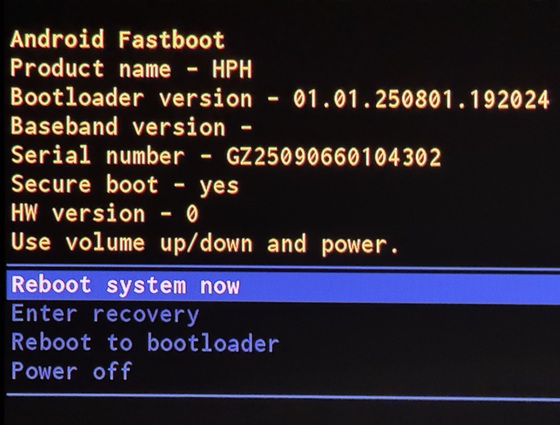
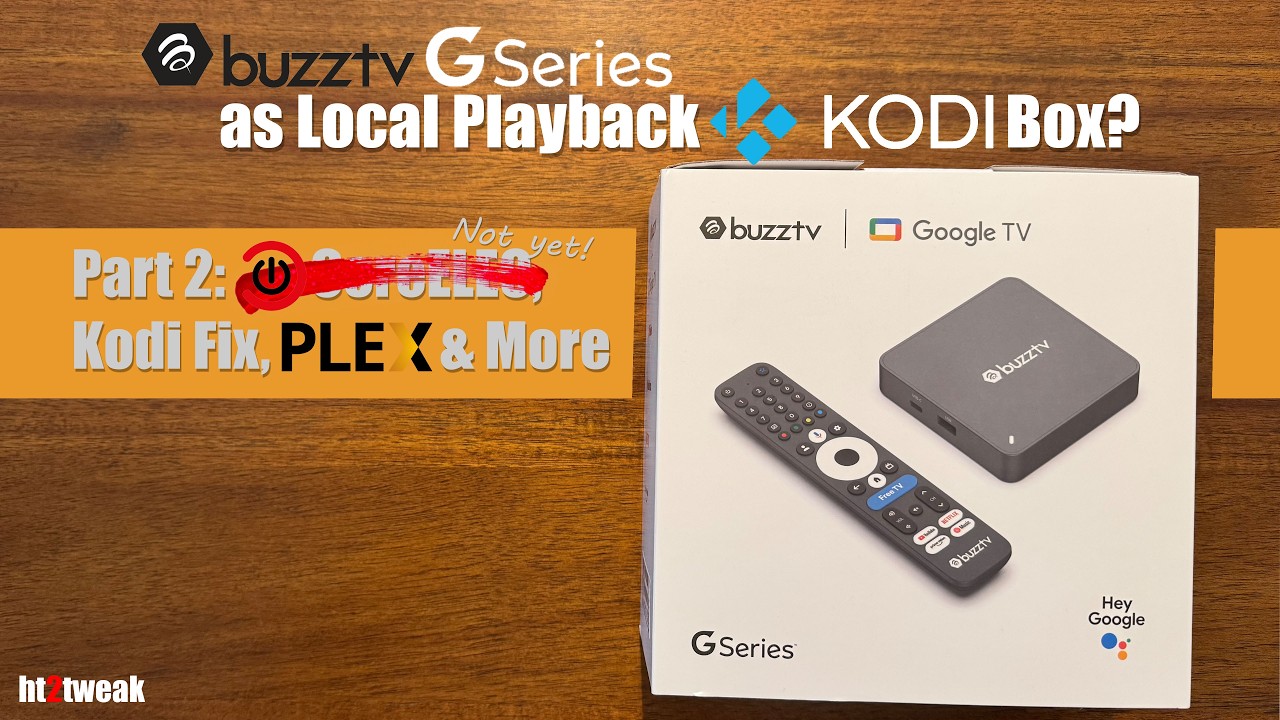
Starting this new thread to cover both upcoming BuzzTV G Series and Homatics Box 4K V2 (4GB variant) as they’re the same box (you can see from the bootloader pic below, and based on specs here & here).
Just tried to install CE-NO nighty, and so far have been unsuccessful. Here’s what I’ve tried…
First, made a CE install mSD card using latest CE-NO nightly. Copied over s7d_s905x5m_4g_1gbit.dtb to root & renamed it dtb.img. Second, tried a USB C stick later, and got same results. Couldn’t try USB 2.0 because my keyboard wouldn’t work off USB C port.
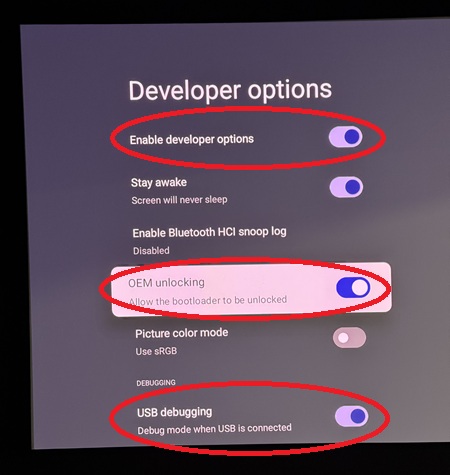
Settings on Android side before trying CE install:
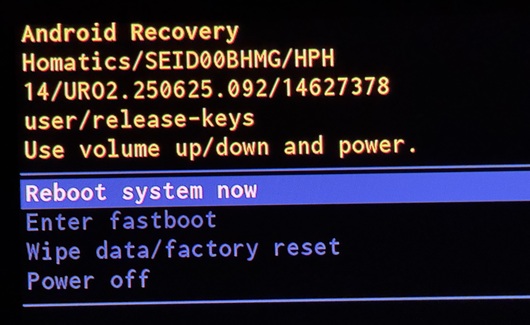
Choosing Enter recovery just took me back to Recovery menu above.
Choosing Reboot to bootloader looks like is rebooting the box, but nothing happens. Screen goes blank and just stays that way. Left it for like 10 minutes & still nothing. I tried 2 different displays, my projector & on a regular TV:
SEI or BuzzTV could fix this be adding the autoscr uboot command back in and having it called during boot by update, as it was with the original Homatics 4K R Plus and variants.
Using recovery to boot another unsigned kernel/OS is a hack, maybe SEI already patched it?
I’m assuming that Amlogic has disabled autoscr (uboot command to boot CE) by default in their newer bootloaders. The Odroid C5 has the command, and traditional USB booting works fine.
X96 and Ugoos aren’t even selling certified devices so there’s no conceivable reason to not have the autoscr command in their newer devices. It’s likely not been re-enabled because nobody complained loud enough, and because CE made use of the recovery hack.
You have BuzzTV’s ear as an early reviewer. They are charging a premium for this device. Ask them to re-enable autoscr booting. It not only removes the complication of booting CE, but of booting any other OS in the future (EmuELEC, Armbian, etc). BuzzTV shouldn’t rely on CE jumping through 10 hoops when they can fix their own product by jumping through one.
In contact with their Director of Operations. Sent request as you suggested. Let’s see what he has to say. Assuming the answer is no, is this & the upcoming Homatics V2 DOA for CE use?
Unsurprisingly, when I asked him about DV P7 not playing on Android side, he said:
He did promise to look into the inconsistent DTS-HD MA & choppy VC-1 issues I flagged in my review:
The best time to lobby for things like open dual booting is while the box is still new.
I think it’s too early to speculate until someone probes the box through uart. But BuzzTV should assume CE isn’t compatible unless they can mend their bootloader.
I’m afraid he’ll come back & say this box is for online streaming only & not for us enthusiasts. So be it if that’s the case… we’ll need to consider other new/upcoming boxes.
Well, color me surprised–they’re going to consider it … fingers crossed:
On Dolby Vision Profile 7, this is something we’re reviewing more closely. Behavior can vary depending on the content, player, and platform implementation, so we want to validate it further on our side.
On autoscr booting, that’s a good callout. We understand the use case there, especially for more advanced setups, and we’ll include that as a feature request for review.
More broadly, your point on positioning is understood. G-Series is focused on delivering a premium Google TV experience, but we also understand that broader local media support and added flexibility matter for home theater users.
I don’t have the device, I’m searching for a new device. Since this is one of the new coming S905X5M devices I’m considering it. Maybe at the moment would be better to stick with one of the more well tested S905X4 devices, I don’t know…