Hello dev team,
My device: Tencent Aurora 4 Pro, S905X4-J with VS10 engine, using third-party ported dovi.ko.
Display: Pure SDR TV, no HDR or Dolby Vision support.
I want to confirm:
Does the latest CoreELEC 22 NO nightly build (0511) fully support FEL dual-layer Dolby Vision?
Will it decode complete BL+EL+RPU internally and tone map to SDR output normally?
Thanks a lot.
Device Model: Tencent Aurora 4 Pro
SoC: Amlogic S905X4-J
Issue: Default official device tree has wrong parameters, missing key nodes and plenty of boot errors, poor native compatibility
-
Wrong Default Display Core Parameters
-
Default VSync IRQ configuration is incorrect, system logs show can’t get vsync irq error directly
-
linux,ppmgr fails to probe and reports error -22, video image management cannot work normally
-
Default osd_axi_sel value is not 0x00 , inconsistent with the standard configuration of this device
-
The optee node is incomplete with redundant codes and lacks enable status, resulting in incomplete Dolby Vision authority call
-
Lack of Indispensable Dolby Vision Core Nodes
-
No efuse@ffd00000 node, unable to read built-in Dolby Vision authorization key, easy to cause TEE session opening failure
-
No aml_vpp/dolby_vision configuration node, the FEL enhancement layer data transmission channel is not enabled by default
-
A Large Number of Fixed Boot Error Logs
aml_aucpu: Direct firmware load for aucpu_fw.bin failed with error -2
error: aml_vout_get_dt_info: can't get vsync irq
ppmgr: probe of ppmgr failed with error -22
[hdmitx:] *HDMITX_ERROR* Should run disable_mode before enable new mode.
amlogic_host: probe of fe340000.hifidsp0 failed with error -22
platform regulatory.0: Direct firmware load for regulatory.db failed with error -2
Besides, there are clock acquisition failures of cvbsout & hdmi, cbus register read-write exceptions, wrong audio codec pin definitions and missing audio bus related configurations.
-
Actual Usage Problems
-
Only single-layer Dolby Vision is available, full Profile7 FEL dual-layer Dolby Vision cannot be supported natively
-
EL enhancement layer data cannot be loaded, resulting in loss of picture details and dynamic light and shadow performance
-
High bitrate DV videos often lose DV logo, stutter, have screen tearing and black screen issues
-
Numerous redundant startup errors seriously affect system running stability
-
Only HDMI audio and video output works normally, the built-in speaker is unavailable
-
Cause Analysis
The official universal device tree cuts a lot of exclusive hardware nodes to adapt more devices. It has not carried out accurate parameter calibration and complete hardware adaptation for Tencent Aurora 4 Pro, only retaining basic decoding functions.
Request
Please add exclusive complete device tree for Tencent Aurora 4 Pro S905X4-J.
Fix wrong vsync interrupt, make ppmgr load normally, correct osd_axi_sel parameter, perfect optee node definition.
Add efuse and dolby vision FEL related nodes, fix hdmi, audio and other startup errors, realize full native adaptation and perfect playback support for dual-layer FEL Dolby Vision.
Just because there’s an error in dmesg, doesn’t mean it’s a functional problem. Post logs, limit your report to 1-2 observed problems
I’m using the latest nightly build of NO 22. I don’t know how to edit DTS/DTSI source code or compile my own DTB files.
Device: Tencent Aurora 4 Pro S905X4-J
Full dmesg log is attached.
We know some kernel error logs do not affect actual device functions. Here are only 2 real actual usage faults:
- Cannot enable EL enhancement layer when playing Profile7 FEL Dolby Vision videos, only base layer works normally.
- DV logo missing and temporary black screen occasionally happen when playing high-bitrate Dolby Vision videos.
Request: Complete dedicated device tree configuration for this device, add missing dolby vision auth node and FEL related node, optimize display parameters to achieve stable full dual-layer Dolby Vision playback. All basic functions work well.
Full logs please
CoreELEC:~# dmesg | paste
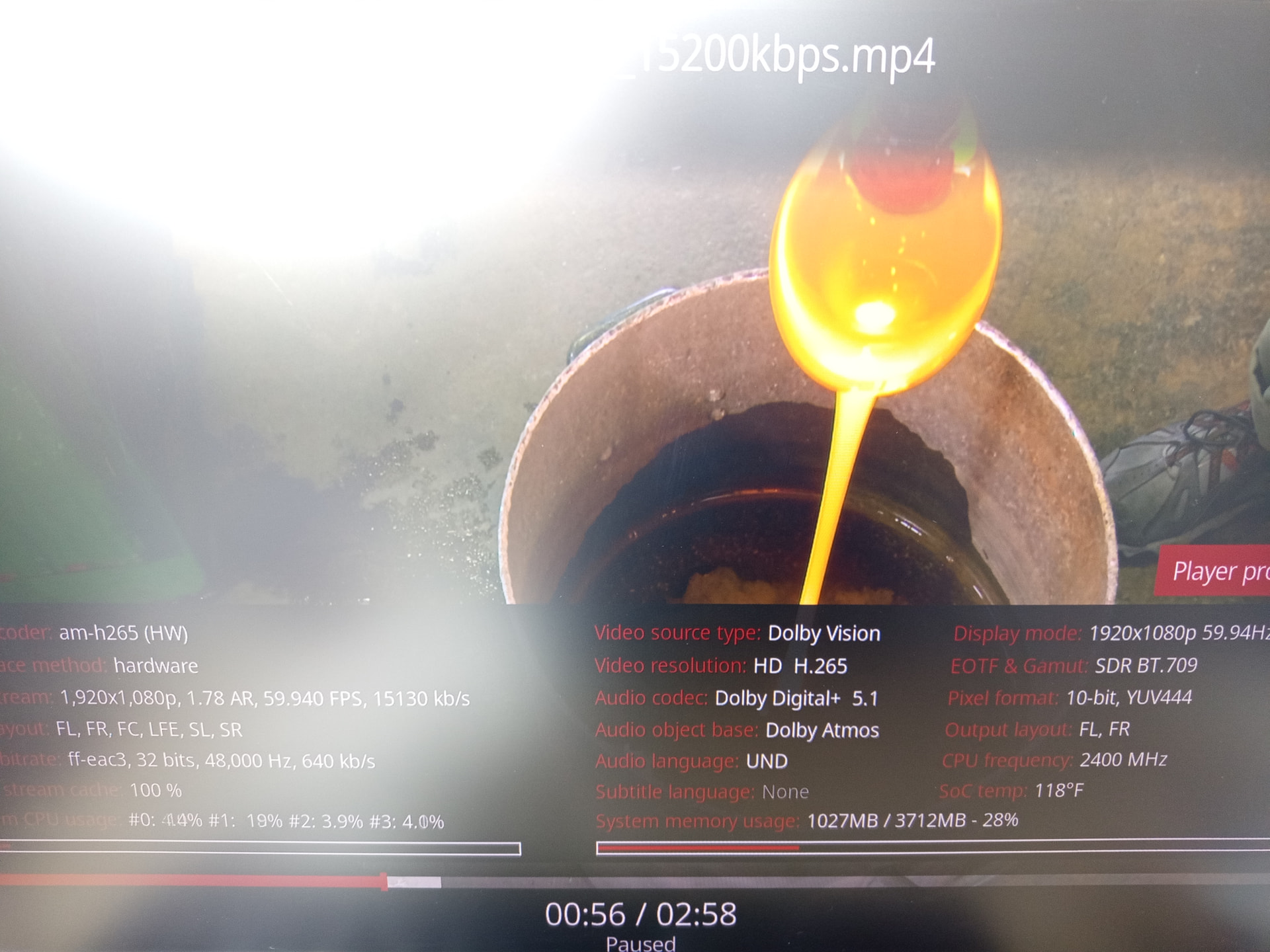
CoreELEC:~# dispinfo
I have a pure SDR-only TV.
I’m using CoreELEC NO nightly build 0513, with the latest dovi.ko kernel module patch version 5.15_2.6.
May I ask: Can this setup properly recognize and decode the Dolby Vision FEL layer on an SDR TV?
Only BL appears on SDR displays
We will submit feedback tonight, and hope to achieve compatibility with the DTB file of Tencent Aurora 4 Pro.
trying to be nice, but….
what is the meaning of your question when you have only SDR display/tv?
you even would not see HDR.
I’m submitting feedback to adapt the device tree for Tencent Aurora 4 Pro box. I just want to ask if SDR TVs support FEL, it’s just a simple inquiry.
Works normal on SDR screen:
Yours is P5? He needs P4/5/8/10/mel/fel 
All works in SDR, but a Dolby Vision compatible device setup is need for sure.
All functions work perfectly on SDR displays.
For Dolby Vision FEL full layer output, it only works on genuine Dolby Vision supported TV.
Ideal for all SDR TVs without any color issue or pink screen.
The DTB file adaptation is completed, no further adaptation needed. I have successfully finished porting the nightly build of CoreELEC No.22 on my own.
Thanks, no need anymore. I’ve fixed a large number of DTB issues with AI assistance, resolved the errors and Dolby Vision problems. Everything is working perfectly in my tests now, so there’s no need to trouble the official team to adapt the DTB for the Tencent Aurora 4 Pro.