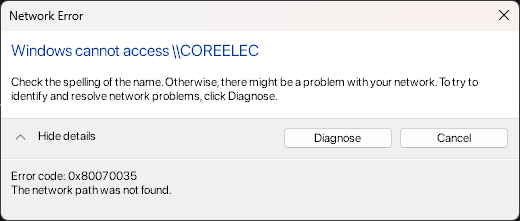
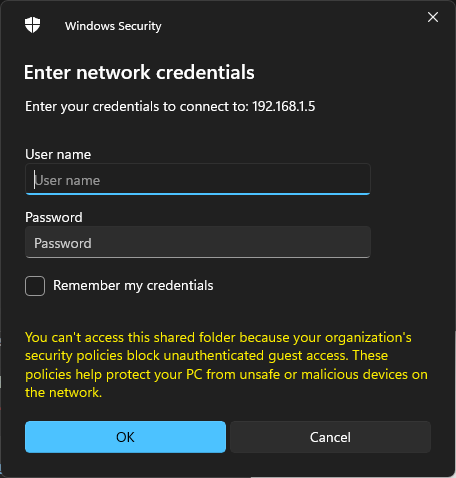
Basically the ugoos can still access media from my computer (because the computer is connected via ethernet, so the router kept its IP), but my PC can’t access the ugoos since its IP changed (connected via WiFi).
I tried many solutions online but couldn’t get it to work. The only solution I can think of right now is to factory reset the ugoos, which I’d rather not do as I will lose my custom skin settings.
I might not understand the issue here but it seems to me you just need to go to your routher and see the ugoos ip address and then permanently assign it. Works for me on wifi and ethernet.
Go to Coreelec in apps and just give a static ip and see what happens.
Forget my windows comments, I only mentioned it as I also use windows explorer and putty from there to see my CE boxes and I have to reboot occasionally.