Hi. I made Android 16 test firmware and need testers for Tomato X96 M200 S905A and M300 devices.
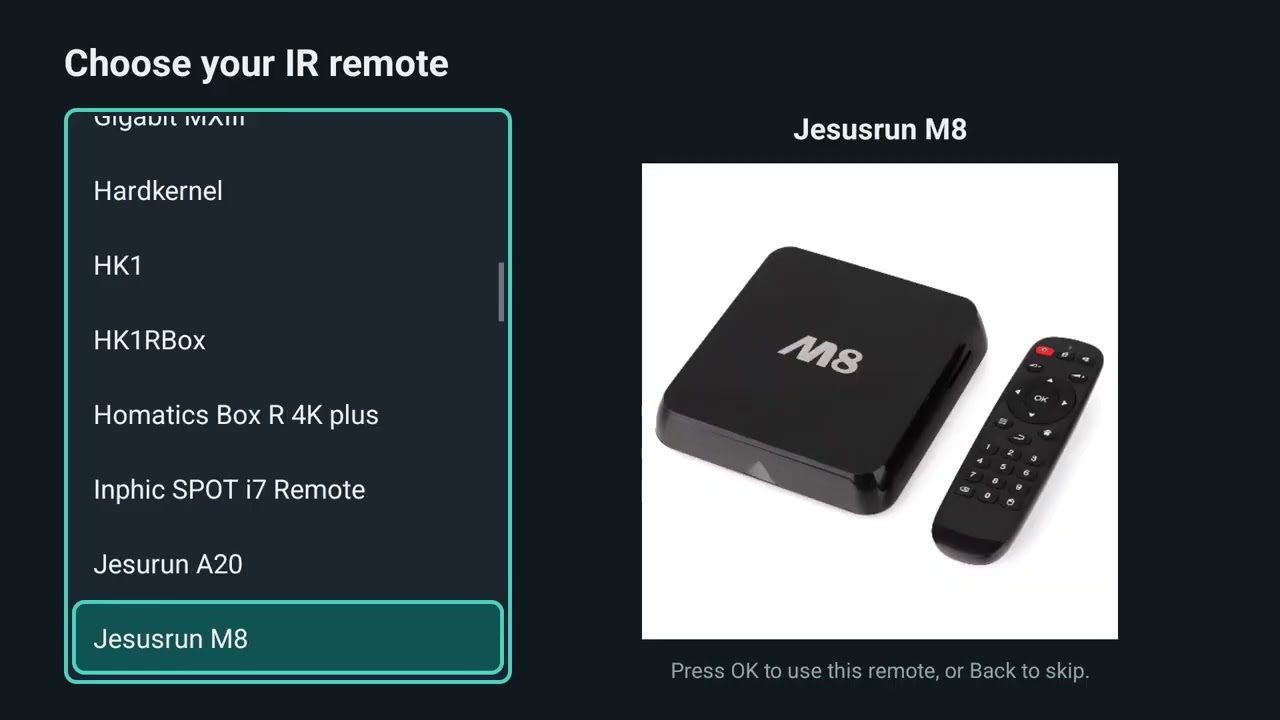
Below is video how Android looks like and how Installer works (works with stable, nightly and local install). There is also IR remote selector if you want to set it.
When in Android if CE is already installed and you long press power button, menu will pop up with 3 options, Power off, Reset (resets back to Android) and Reset to CoreELEC
NOTE: IF IT REFUSES TO FLASH IT’S NOT FOR YOUR DEVICE, LEAVE IT ALONE, YOU MIGHT BRICK YOUR DEVICE. GRAB ORIGINAL IMG FILE FROM NET AND FLASH THAT ONE.
Check the 1st post, I added a link to m300 version (S905X5M SoC). Version for S905A will be the same but I didn’t release it yet. I’ll add link to it later as it’s not finished yet (different Android settings, can’t be same IMG).
I’ll put Aurora Store to next release so you can install and update whatever you want for phone version. @crazyturk Netflix is not working (Google TV one) because box doesn’t have Netflix certification and yes same 6.12 kernel but that is still in pre alpha stage
In the original software, Netflix version 1.6.9 is currently running in HD. I bought it as an apk from him, I installed it, but he wants the code. Additionally, the Netflix application is constantly updating itself.
Could there be a solution for the Netflix application that is in this version to work?
Netflix running version X96_M300_20250902-1635
When you start installer it will ask you to insert SD/USB if its not detected, otherwise you can only cancel
And I did this because:
you don’t need PC/laptop to prepare media
no worries how to reboot to catch recovery.img
If you want to go to CE from android, just long press power button, you’ll have on screen 3 options one of them being Restart to CoreELEC
And I also plan to maintain custom ROM of Android 16 for devices that I can so I figured why not do this too. Plus this can be offered to other manufacturers as it has to be built with firmware, won’t work if you just install apk. It’s system app that talks to internal Android APIs.