“While Team Kodi does not regulate what users install or use, we offer no support when your install includes add-ons that violate the forum rules. Failure to do so may result in a ban.”
I’m using ugoos am6b+ with g4 and recently i added a ups to the setup. Everything’s working fine but there’s one annoying issue, after every use, i have to manually unplug the ugoos. The ups doesn’t have any physical switch near the socket, so i can’t just cut power that way.
The problem is, even if i don’t actively switch to the hdmi input, the ugoos powers on automatically whenever the LG remote cursor hovers over the recently used hdmi input. It seems to wake up just from that slight interaction.
I can’t disable CEC because i rely on the LG magic remote to control the ugoos.
Is there any workaround to prevent the ugoos from turning on unless i actually switch to that hdmi input?
edit - I didn’t realize the AM6B+ was an unsupported device. Using ceemmc -x works.
I’m having some trouble using ceemmc to flash CoreELEC to eMMC on my AM6B plus. I followed the guide here to install, and I’m up and running with CoreELEC. Once I ssh into the AM6B and run ceemmc, I get the following error:
Starting CoreELEC eMMC installation tool…
System is not supported: g12b_s922x_ugoos_am6b!
I’ve tried two different flash drives to install CoreELEC, as a previous comment indicated using a flash drive no larger than the eMMC solved their problem. For me, the 16GB drive produced the same error.
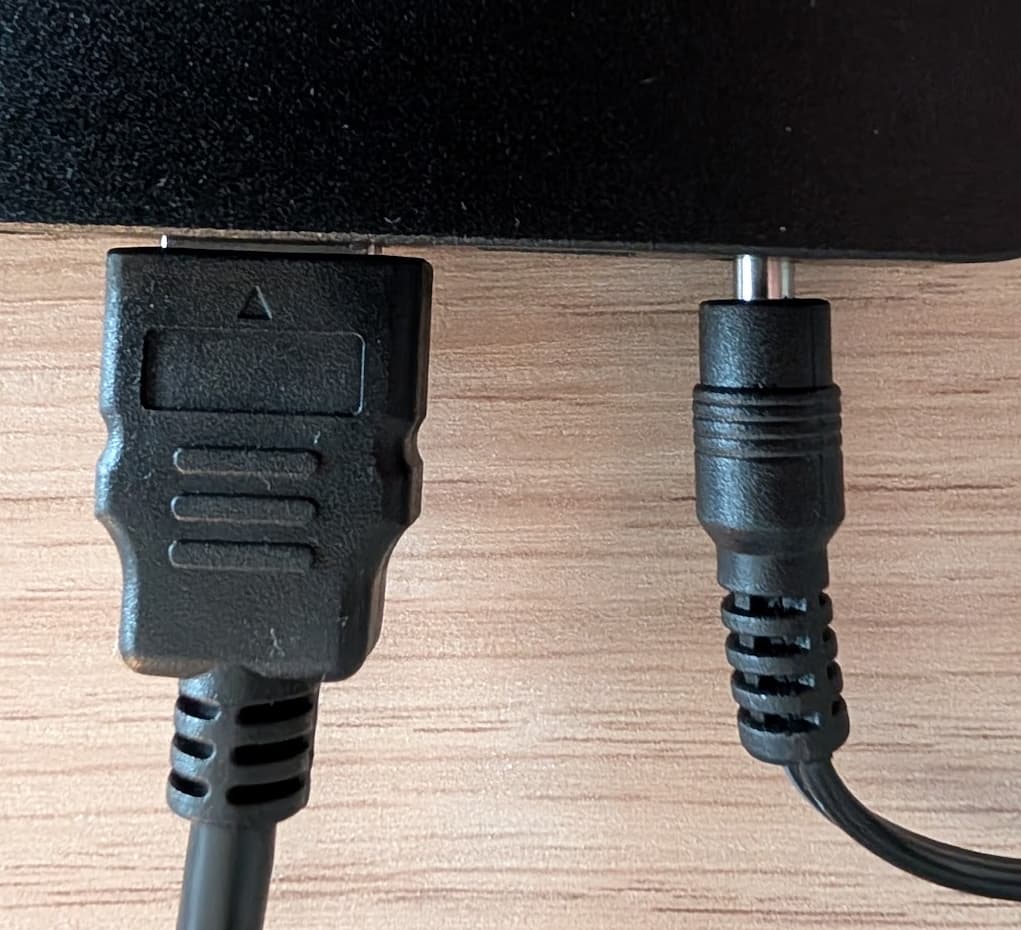
I’ve received my AM6b+ today, everything is working fine so far, but one thing that’s a bit strange is how much of the (EU) power plug still sticks out:
I have my AM6+ up and running and things are working fine but I noticed that a lot of my TV shows have plot descriptions and episode thumbnails but lack a poster for the show itself. Does anyone know what might be causing this issue?
Does anyone have the problem of incomplete display of PGS subtitles, but emby plays and displays them perfectly, potplayer also plays and displays them perfectly?
The lyrics and subtitles are missing
Sorry, I use Google Translate, I hope it won’t cause any misunderstanding.
AM6B+ The latest [CoreELEC 21-ng nightly Generic]
video sample:
I can’t seem to bluetooth pair my Ugoos remote, it says authentication error when I try to pair it in the bluetooth settings, any ideas? It works with ir but is pretty laggy.
Tested on HK1X4RBOX latest nightly NE 5.4.210
They appear at the bottom very brief, while the ending credits scroll.
If based on graphics instead of text,then seems to work as should.
Every time a new credit Scrolls/image changes subs appear
When the last credit holds onscreen
The subs hold on screen
Using the latest CE 21.2 nightly on an Ugoos AM6B+ and have noticed that after upgrading to LG G5 OLED the option to switch to TV-led Dolby Vision is greyed out, the option for STD Dolby Vision is also gone from the Android side of the device. Anything I can attempt to try and fix it or did LG just remove the support for TV-led DoVi on their latest TVs?
Edit: nvm, DoVi VSVDB V1 override trick did the job if anyone googles this with the same issue