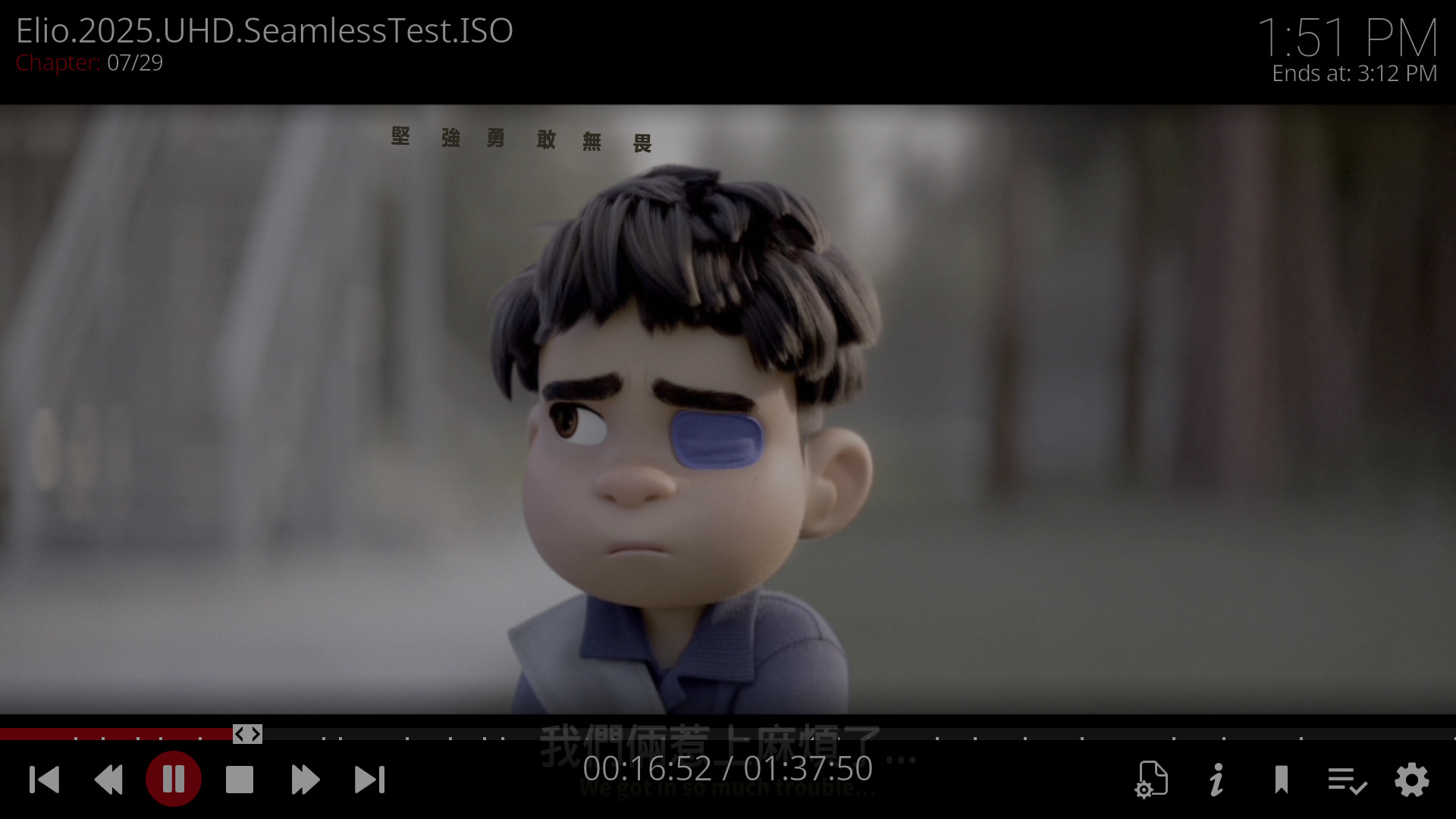
If you look closely and compare PotPlayer and MPC-BE, you’ll notice that the test sample durations read by Kodi and CE aren’t accurate, which shows that Kodi can only read the main MPLS, while Pot can read multiple M2TS files under the main MPLS.
PotPlayer and MPC-BE are really easy to control. Switching between different audio tracks and subtitles, dragging forward and backward with the mouse, and going to the previous or next frame all respond quickly without issues like black screens or desynchronization.
Really happy, double joy! The bug I reported 3.5 years ago is finally starting to get fixed by developers. The CE version also fixed the bug I reported. Thanks to everyone.
Don’t mark my post as solved until the PGS subtitle color conversion is done.
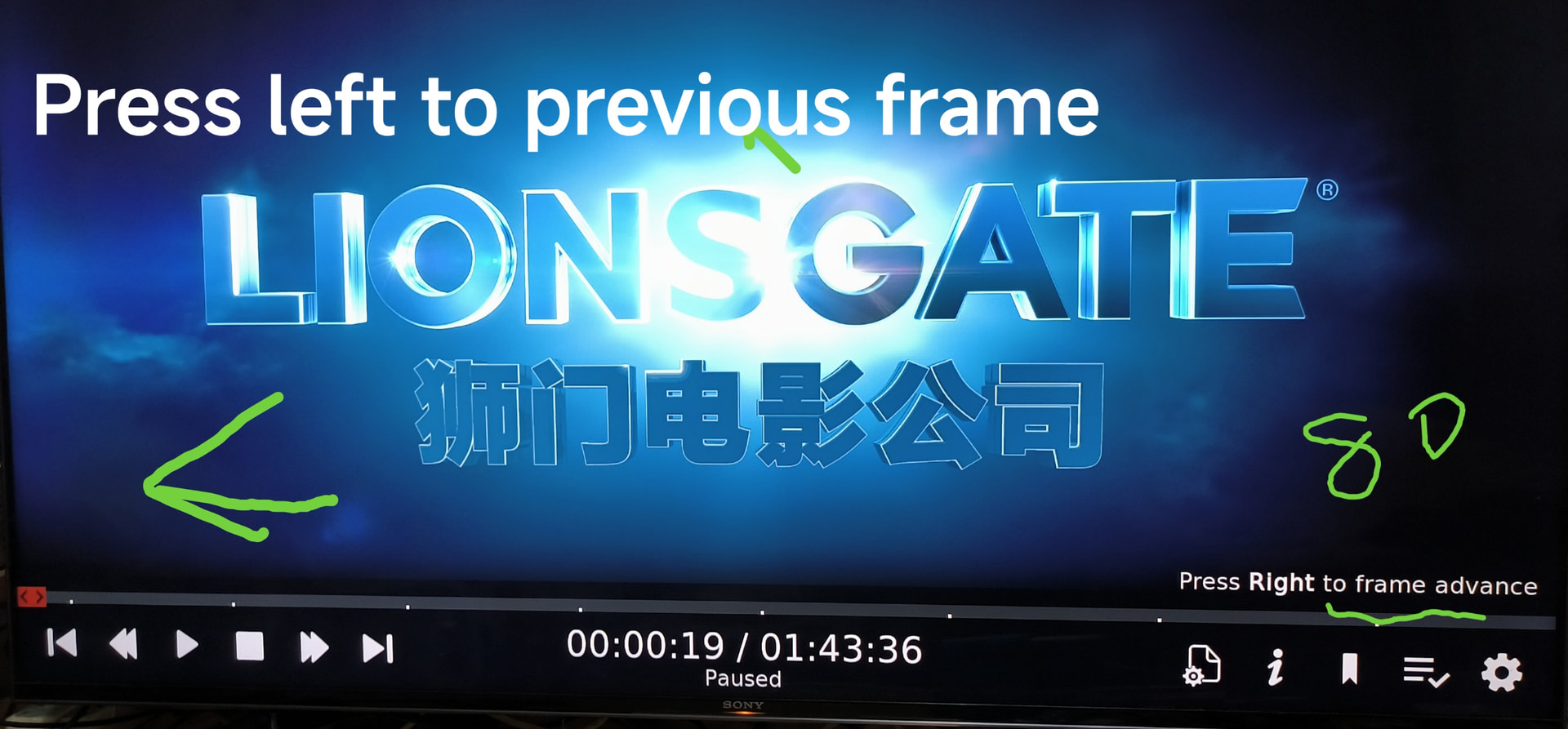
Can CE add new functions, add the missing previous frame function, and not lock the number of next frames? Right now there are only 80 next frames.
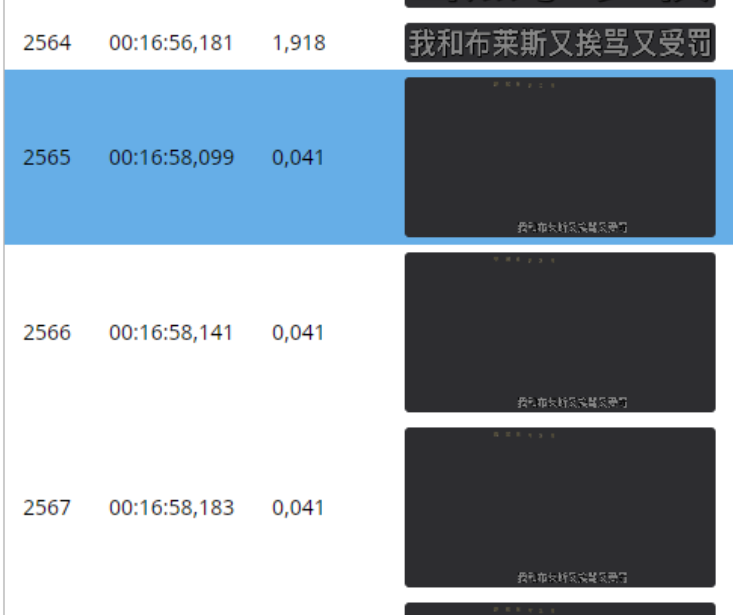
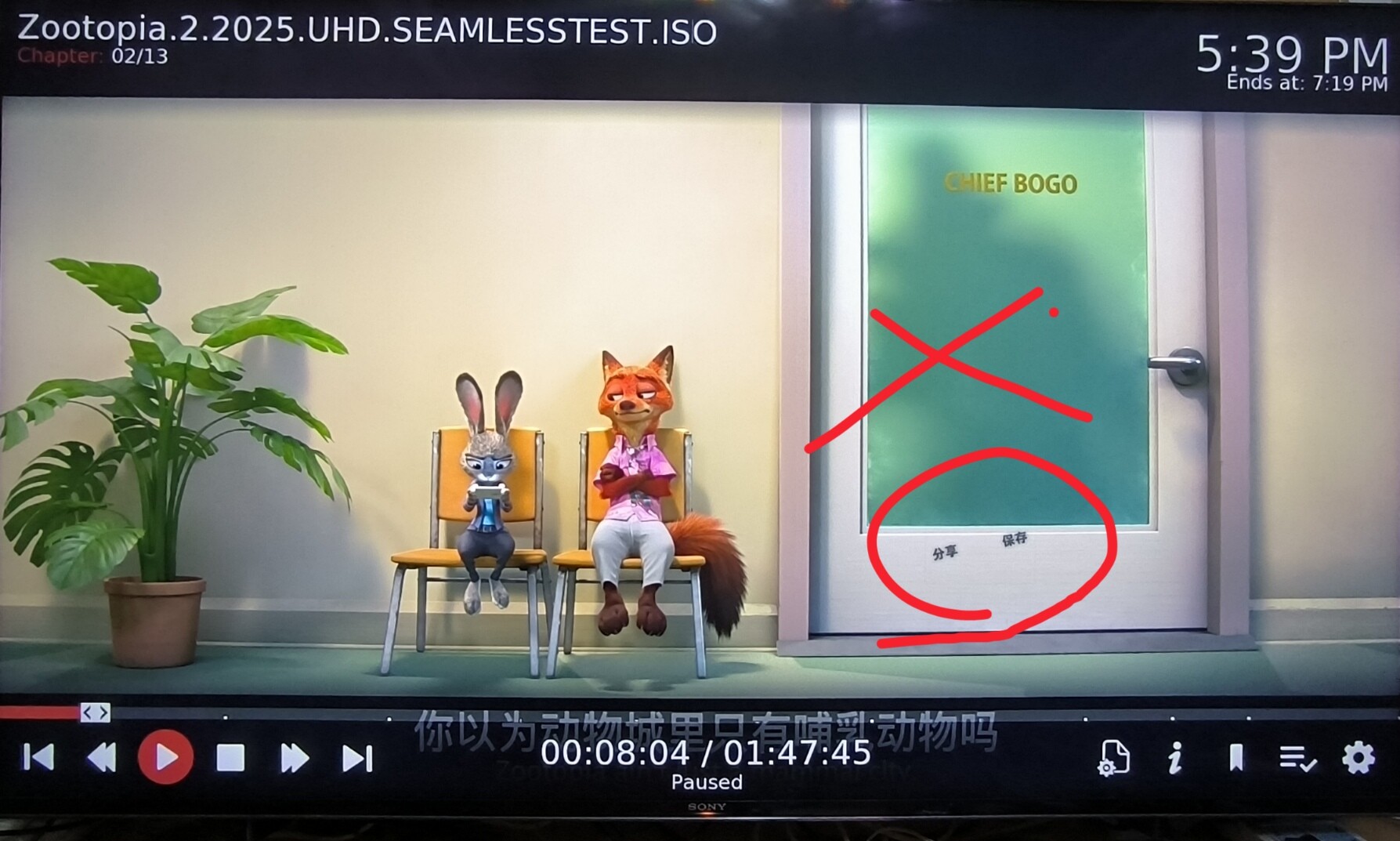
It’s to make it easier to compare when subtitles appear and whether they sync with the hardcoded ones.
The subtitle test results are as follows: there’s some improvement, but there are still a few small bugs. 1. The first minute of the external subtitles is still the same as before, not synced. 2. For the two seamless branch videos, after playing for more than 10 minutes, some of the subtitles get ahead.
Regarding seamless FEL ISOs like Elio : during clip switching, its DTS and PTS may experience jumps or wraparounds, causing timeline issues. In the previous third-party CoreELEC build, the approach of using if (packet.dts < dts) comparison to advance the timeline would cause it to freeze during clip transitions. Will subtitles also exhibit this problem for the same reason?
After I restarted the device, I only found one error. The embedded subtitles on the seamless branch are already perfect. Let’s leave it at that, no need to improve it further.
I have made a dev build and tested it with 115 WebStorage. It seems to be working fine. If it works as expected, I will make a PR to the CoreELEC team once you have approved it.
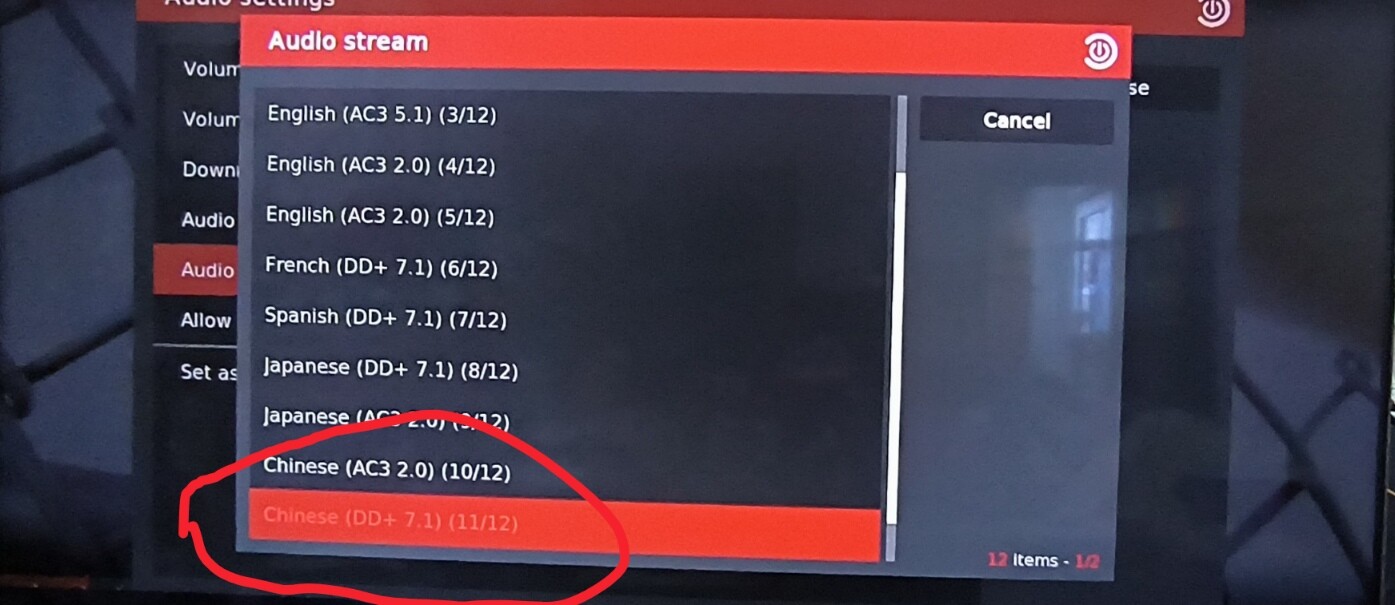
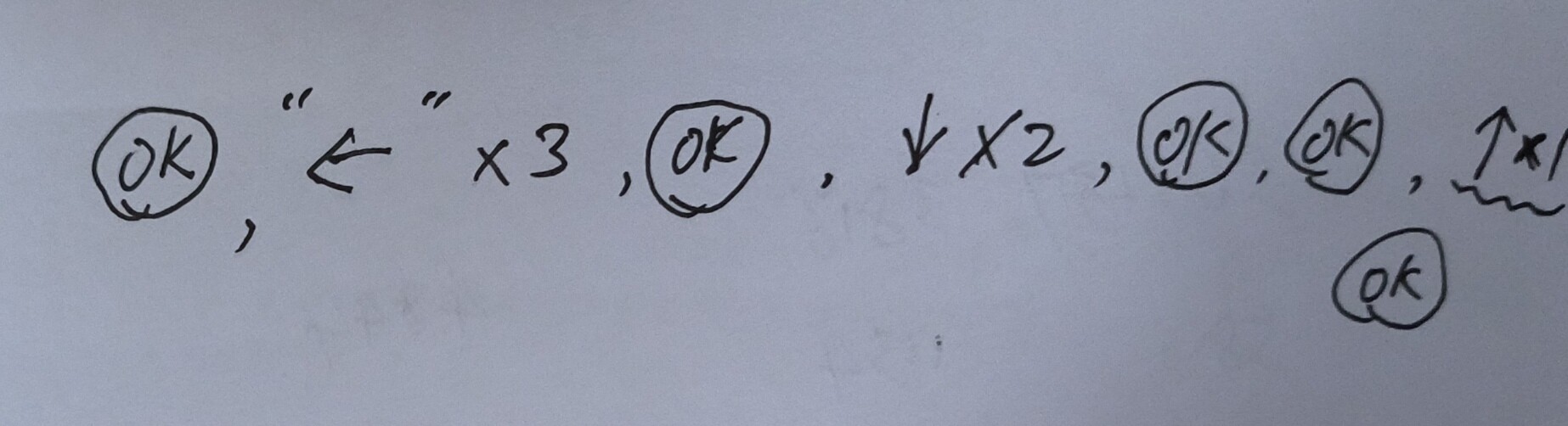
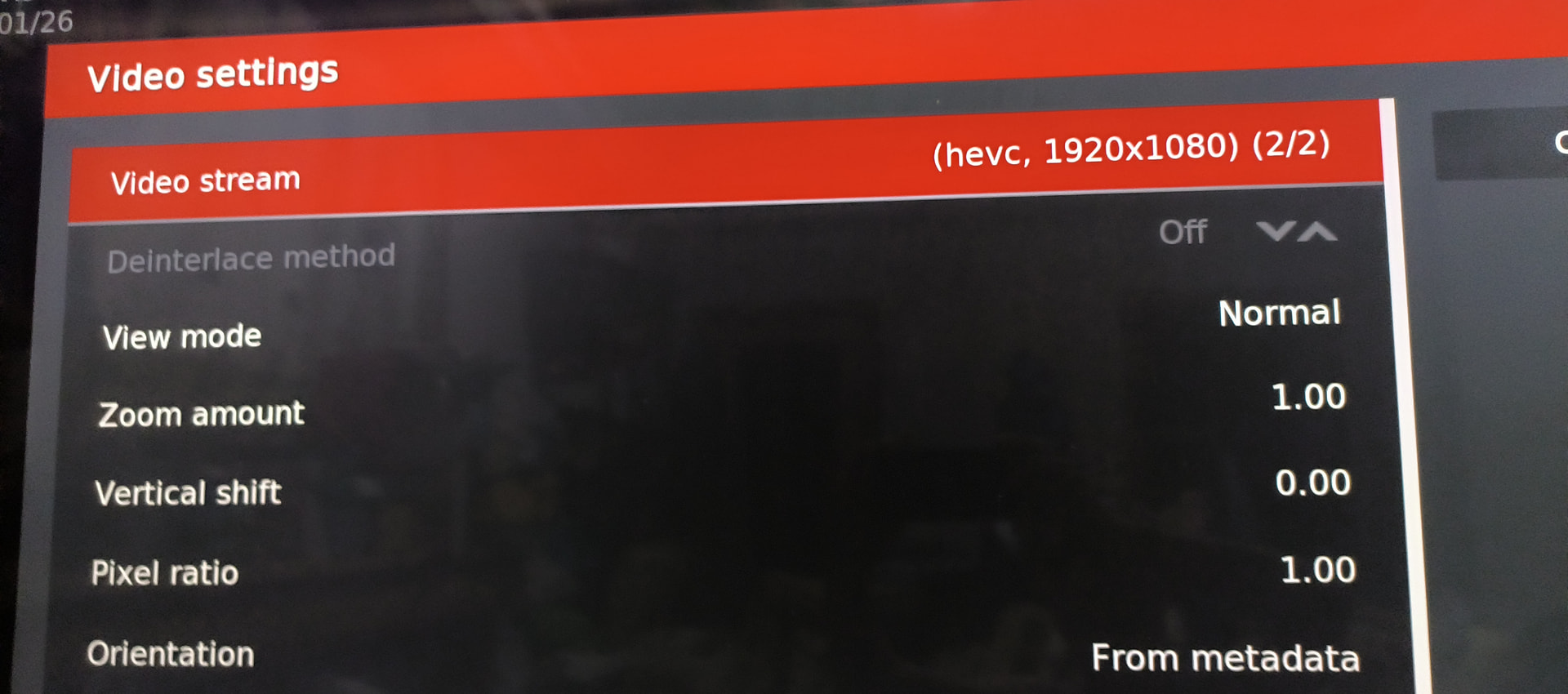
When the screen goes black, follow the instructions in the image to select 2160P BL. At this point, the OSD will be available. However, no matter how you select BL, CE will automatically select EL.