I have a weird issue, where when the device goes to sleep the ur02 remote disconnects and forgets, only the ir buttons work
At this stage, this is normal: activation via Bluetooth or other channels is unavailable—only the IR channel works.
Which is fine, because I have cec on so when I use the grey power button to turn the TV on the am9 pro comes on, the issue is after this the am9 pro no longer remembers the remote and I have to reboot the whole thing for it to connect again
I was wondering if there is a working dovi.ko for the new Ugoos AM9 Pro. I read over the forums and I see a link to a download back in February, but someone said that doesn’t work. Is there an updated or working dovi.ko I should download? Thanks for your help
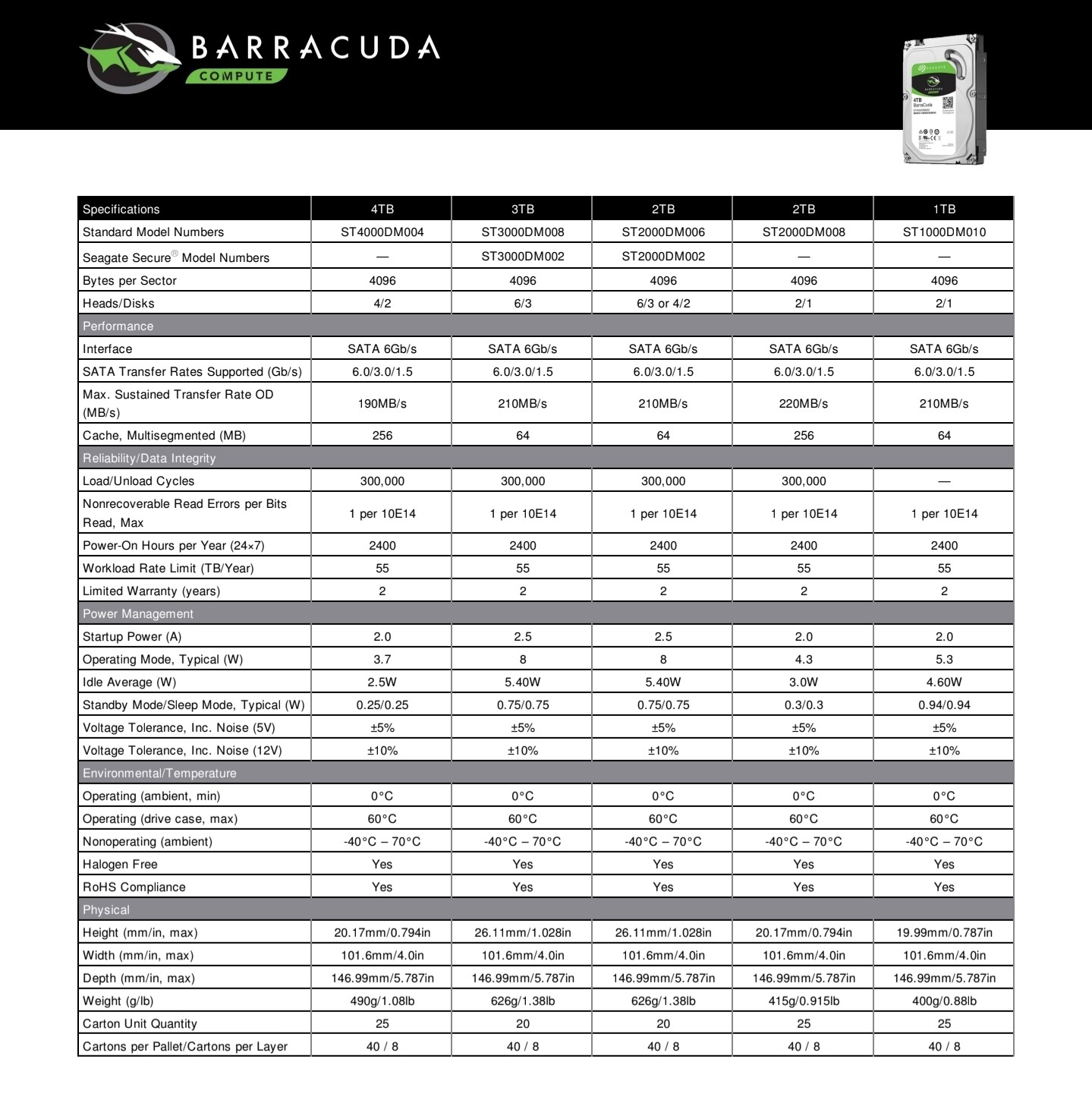
So I have Coreelec installed on my Ugoos AM9 Pro. All my movies and TV shows are on several hard drives. I use a docking station for my hard drives then connect the station to my ugoos via USB. Coreelec doesnt see any of the hard drives. Yet when I plug a portable HD directly into the USB ports, Coreelec sees them fine. Why wouldn’t Coreelec see the drives in the docking station? Can anyone help? Also, the hard drives in the docking stations are regular PC internal hard drives
Thank you,
Maybe the docking station requires a specific driver? What does lsusb show when the docking station is plugged in? Does anything work through the docking station, mouse, keyboard?
I am not familiar with lsusb. What is that? As far as the docking station goes, I wouldnt know if anything else works from it because it is only for Hard Drives. I can tell you that two docking stations and a separate powered HDD enclosure with 1 hard drive in it didn’t work either. Coreelec doesn’t see any of it. But as I said, If I put a portable USB HDD in the USB port, Coreelec sees it right away
Does the docking station have it’s own power source?
LMGTFY
in short: lsusb to list connected USB devices on Linux and their identifying details (vendor/product IDs, device descriptors), to confirm whether the device is present and to help determine compatibility with what the host controller/OS support
Yes, the docking station has its own power source. I have tried several docking stations and none of the work. Would it have sonething to do with I am using NAS hard drives?
Are you using USB A OR USB C on the box?
SSH into the box, and run the command lsusb (details) to show what USB devices are showing up. Check if the HDD is listed there. If the HDD doesn’t show up there, check dmesg (command in SSH) directly after plugging it in to see if there’s any USB activity.
Are you using a USB hub or an actual docking station (what model)?
Yes, apologies, I got this wrong. I was misled by a product review.
I will look into this more and try to do what you said. I booted the Ugoos into regular android mode instead of Coreelec, and Total Commander did see the docking station and all the hard drives attached to it, which leads me to believe this a Coreelec or linux issue, not the Ugoos box or docking station itself
1st of all, thanks devs for getting this up and running. Tried that file on a fresh, first time 20260707 build install today. My tests as to whether FEL is working are inconclusive so far. In the test file in which the woman is supposed to appear at the 80s mark, nothing shows up. OTOH the Halloween II test clip plays fine with only a fraction of a second of pixelation around the woman’s chest as just before she enters the hot tub.
Is this intended? Are things actually working, or is something amiss? FWIW my TV is detecting HDR10 only.
Also, in keeping with bug reports being valid for fresh installs only, how do you folks go about backing up and restoring settings? The 3rd Kodi backup add-on actually backs up very little so I’m not sure how effective the CoreELEC backup is.
I can only assume you didn’t copy dovi.ko or you put it in wrong place.
Also kodi log would be useful.
And your file is named dovi.ko ? Maybe not …
Log says there is no file found.
Try again and make new log.
File must be renamed to dovi.ko and copied to device.