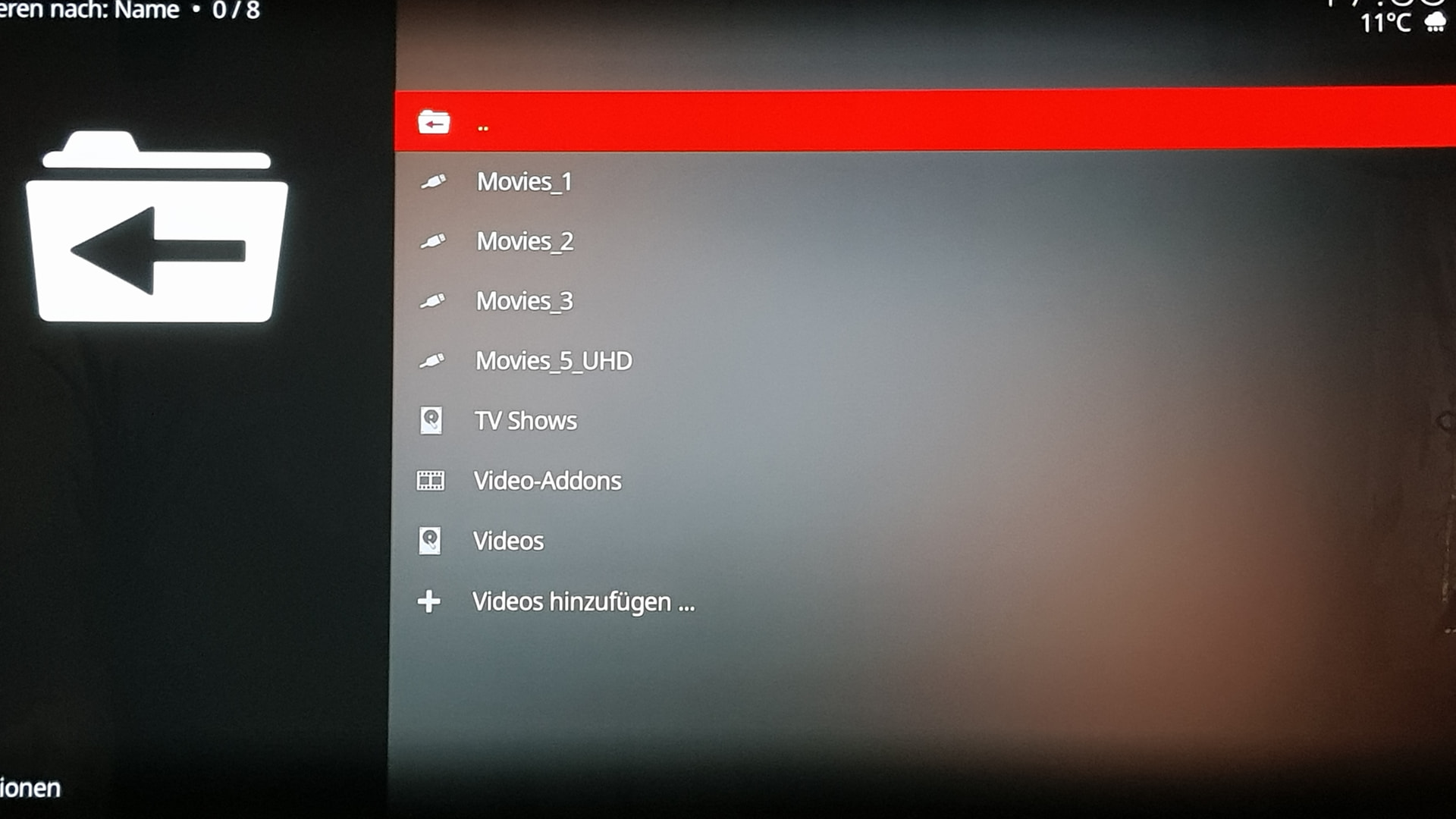
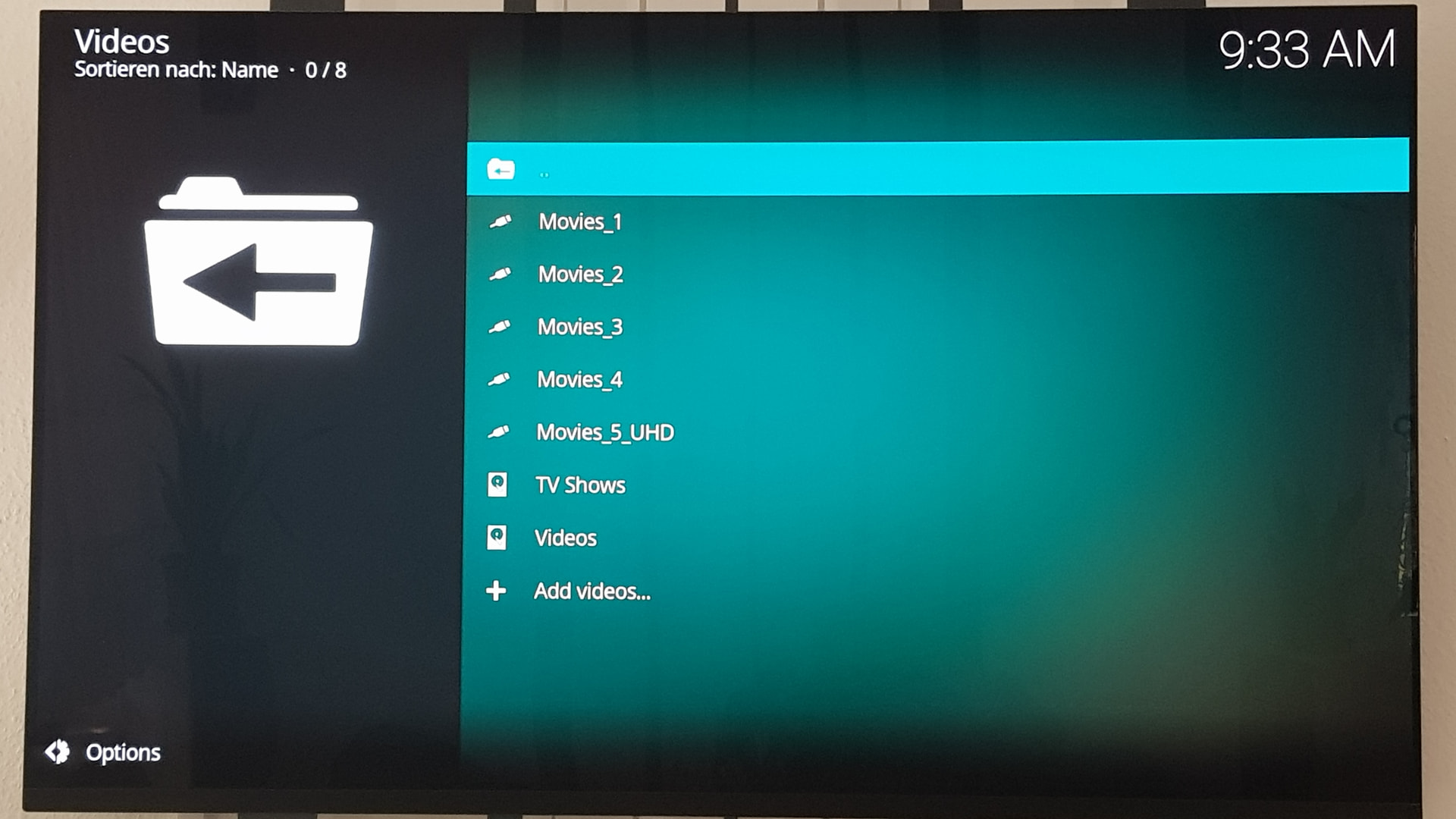
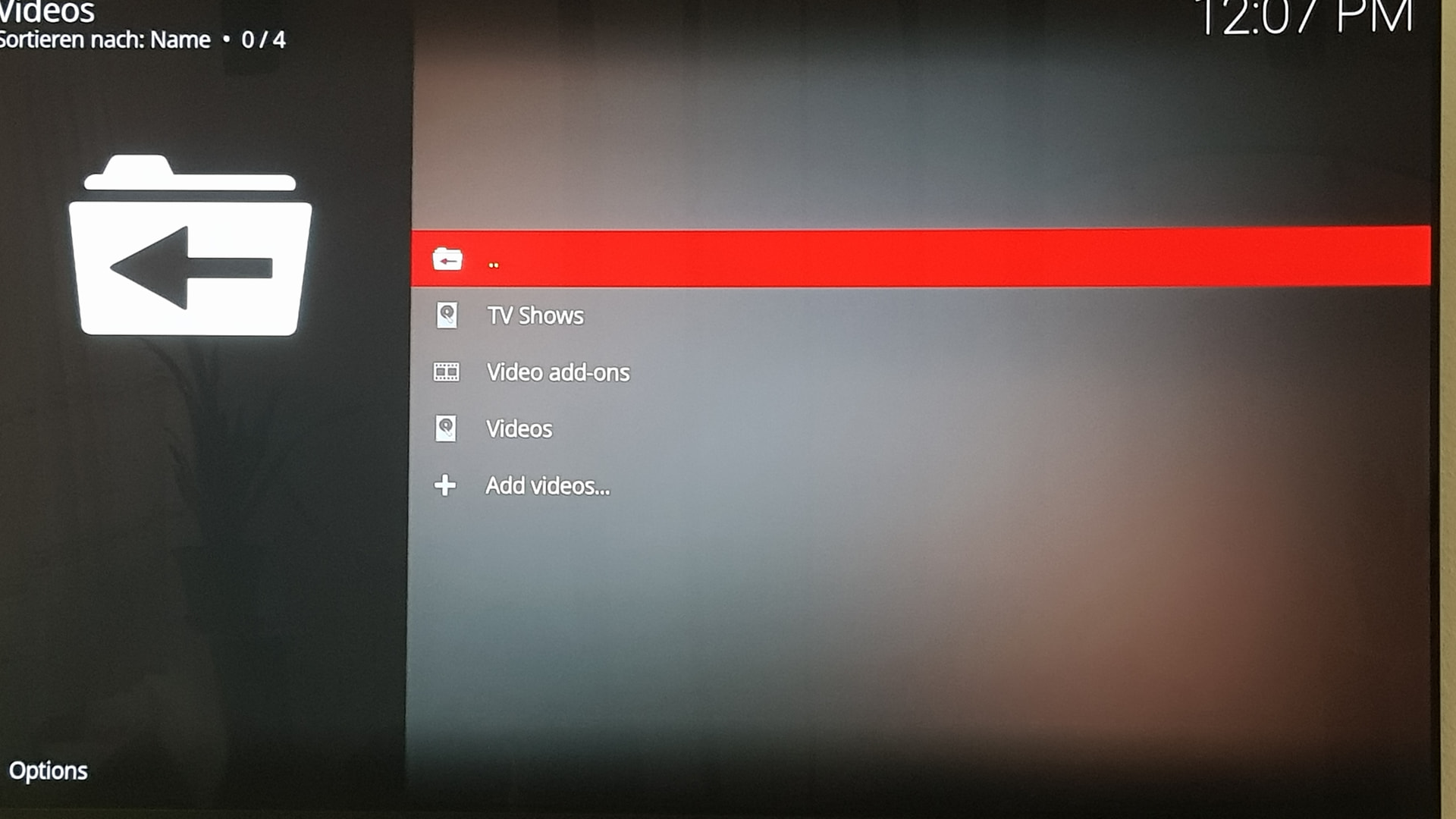
DID YOU TRIED AGAIN 20260511 BUILD RIGHT NOW TO SEE IF STILL WORKS OR NOT? TO RULE OUT THE BUILD OR YOUR DRIVES.
And what partition types are your disks? Also no logs requested above.
DID YOU TRIED AGAIN 20260511 BUILD RIGHT NOW TO SEE IF STILL WORKS OR NOT? TO RULE OUT THE BUILD OR YOUR DRIVES.
And what partition types are your disks? Also no logs requested above.
And a test with 20260509?
Find the build where all works.
And requested earlier logs for working and non-working version!!!
dmesg | paste
lsusb | paste
Would it be possible to have version 20260511 to try? Unfortunately I didn’t archive it and went straight to version 13. Thanks.
CE nightly archive:
testing CE 22 Alpha 1, 2 ,3 on Ugoos AM6B Plus
See:
Update Alpha 3 to Nightly 20260509
See:
Log:
kodi.log (124.5 KB)
kodi.old.log (157.4 KB)
Update Nightly 20260509 to 20260511/13/14
See:
Log:
kodi 1.log (120.5 KB)
kodi 3.log (122.9 KB)
kodi 2.log (122.5 KB)
Why don’t you read about log files: kodi is useless!
ok i make this new
CE still hangs on my AM8 Pro when stopping playback of at least this AV1 clip.
Thanks but already checked and it’s the latest version of tvh client
Ugoos AM6B Plus CE logs
CE 22 Alpha 3 Log: https://paste.coreelec.org/HarpingShelters
CE 22 A3 update to 20260509 Log: https://paste.coreelec.org/MotorsDangers
CE 22 update nightly 20260509 to 20260511 Log: https://paste.coreelec.org/GarlandNotch
CE 22 update nightly 20260511 to 20260514 Log: https://paste.coreelec.org/PlainsOnline
please fix it thanks
Enable coreelec:term_share [CoreELEC Wiki] on latest nightly. Will be much easier.
ntfs3: sde2: volume is dirty and "force" flag is not set!
Connect disk to windows to repair it?
It’s the first thing I thought, but the disks work under Windows and there’s no message asking to repair them. The disks work with previous builds. The strange situation is that if the disk is not seen if it is disconnected from USB, Coreelec declares the disk as disconnected from USB and once reconnected to the USB port and seen by Coreelec, it is not displayed in the Root of USB devices… strange. This only with the built-in CE 22 update nightly
Sorry for my English.
!!!Logs!!!
The same thing is happening to me as you described here
see post 3396
About | FAQ | Terms of Service | Privacy Policy | Legal Notice