it was reply for @okvcos
I have replied
Also after reboot with latest image
journalctl -l | paste
see post 3396
log CE 22 A3 Log: https://paste.coreelec.org/BedtimePining
see post 3396
log CE 22 A3 Log: https://paste.coreelec.org/BedtimePining
CE 22 A3 update to 20260509 nightly Log: https://paste.coreelec.org/ChokedJewish
nightly 20260514 log: https://paste.coreelec.org/ScentWeights
And last command requested? 
journalctl -l | paste
CE 22 A3 update to 20260509 nightly Log: https://paste.coreelec.org/TossingTanya
USE LATEST NIGHTLY WHERE THE PROBLEM IS.
And build 20260509 doesn’t mount any NTFS drives and we already know that becaue we fix it in next one.
sorry , Here is the latest nightly 20260514
journalctl -l | paste
I’m sure it is this. Force disk check under windows.
May 15 19:11:26 CoreELEC udevil[720]: mount: /var/media/Movies 4: wrong fs type, bad option, bad superblock on /dev/sde2, missing codepage or helper program, or other error.
May 15 19:11:26 CoreELEC udevil[720]:        dmesg(1) may have more information after failed mount system call.
May 15 19:11:26 CoreELEC kernel: ntfs3: sde2: volume is dirty and "force" flag is not set!
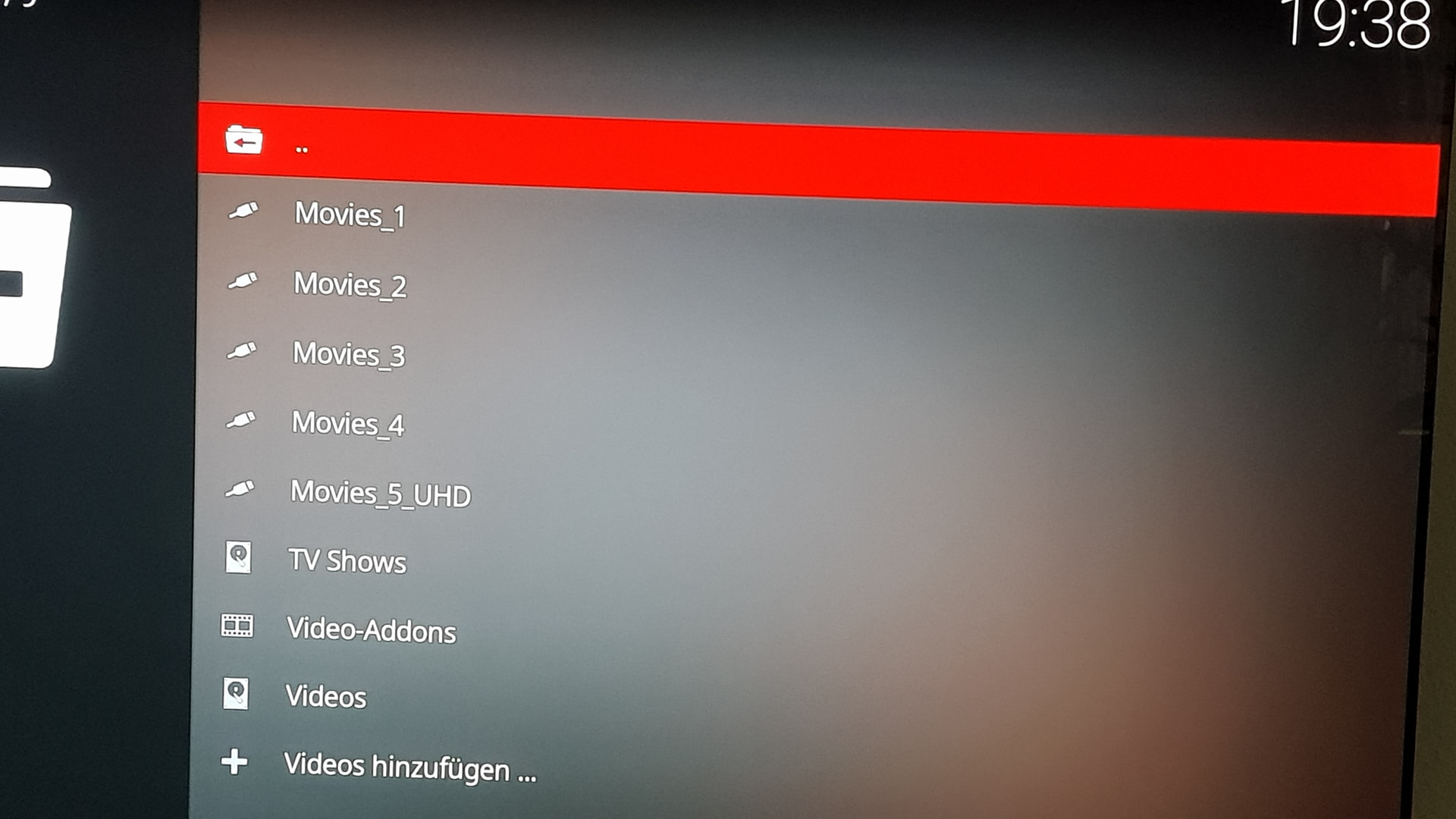

I had some HDD issues. Windows didn’t help. I fixed it by using a cheap Qnap NAS from marketplace and inserting a couple in that and plugging in two more usb drives into its usb ports. Coreelec sees the NAS and all was fixed.
The usb drives are over 10 years old so I cant expect too much from CE.
The age of the drives has ABSOLUTELY nothing to do with it. The logs show that this is a problem at the FS level, not the device level. Most likely, the problem was NTFS itself. Changing the file system to ext4 would help. Linux, CE, routers, and, by the way, NASes work much better with it.
It’s a good idea to establish a rule to NEVER use NTFS in a Linux environment, even if Windows helps with a dirty flag at some point. This file system has a ton of issues in Linux, both in terms of speed and stability, compared to ext4, which works perfectly. CE even includes a utility, fstrim, that can trim a connected ext4-formatted drive.
I wrote exactly this before, too, in slightly weaker English.
there is a way to force the kernel/mount to ignore any dirty flag - but i highly recommend not doing so. i also used ntfs for a couple of years on my external usb ssd with all movies/audio, it is 4tb. then i finally went to ext4, no annoying “dirty flag” problems and all that m$ BS. just dont use it. there are some ways to avoid ntfs but still be able to share files between 2 different OS.
I think ntfs-3g addon also has tool to fix the disk.
that never worked for me, had to use force and was only able to read from that drive
Did you use something like this?
chkdsk :driveletter /f /r /x
Is -No running 64-bit Kodi or 32 Bit kodi? If it’s 32 bit, are there any plans to migrate to 64 bit?
it’s 64-bit which was the case with CE-NG too I think.