jb68
7 June 2026 08:22
3710
Using the latest build in amb6+. Has wake on lan broken? I can’t get it to work, does the Kodi box needs to be suspended for it to work or can I shutdown it down. Worked fine in the ng release
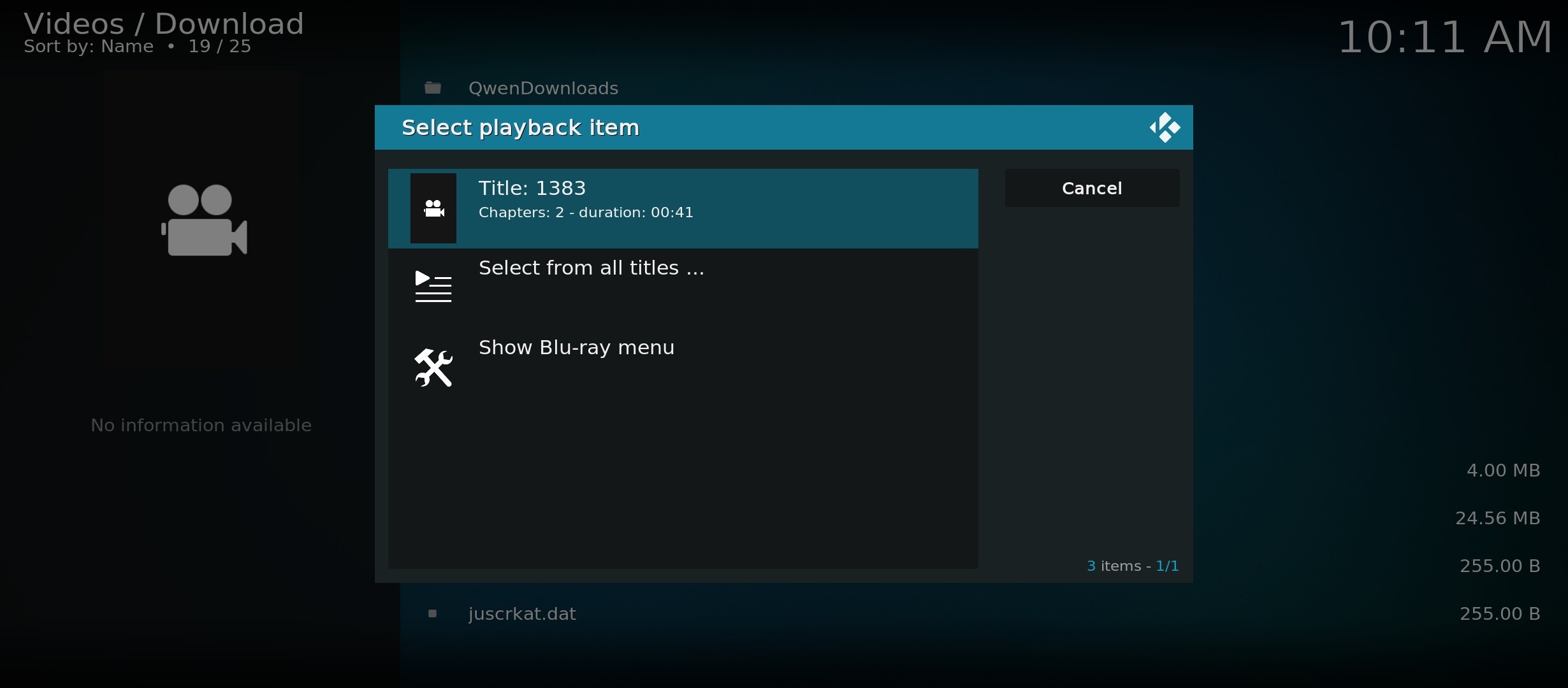
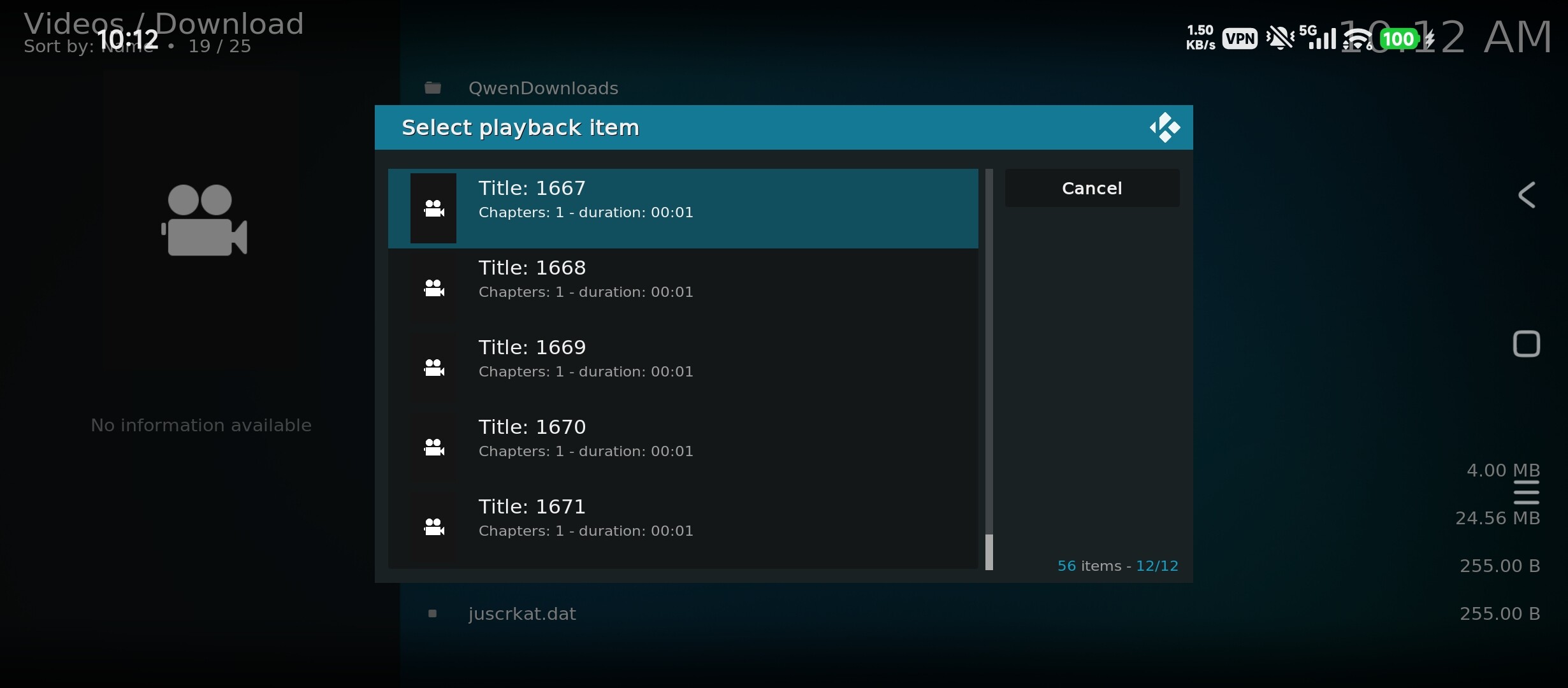
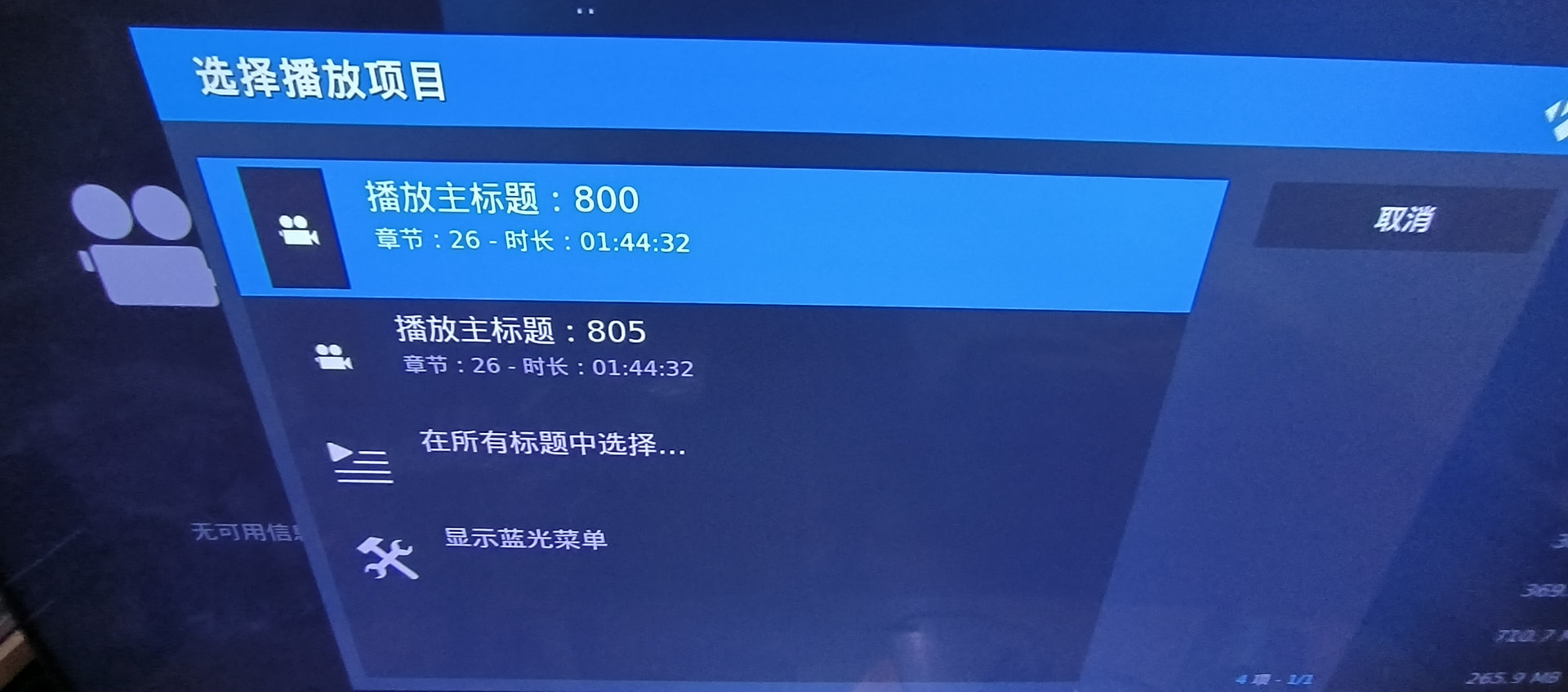
The ancient, un-upgraded Kodi installed on the TV can display mpls normally.
Correct, some other devices could also be affected. Will be fixed in next nightly build.
And ethernet is also broken on X96 M300 and some other devices for some time now. Looks like no one is using it and this would mean no need to fix it.
Recently, some hot Estonian guy installed DEBIAN on his Dune PV4K
The same story with people who are not satisfied with the original CoreELEC and they CONSTANTLY search, install and discuss various mods, 2.8% smoother, 14.2% faster, 11.6% more accurate DV, 0.12% more accurate HDR, or those that lose 1 frame per million frames less than the original CE. For them, it’s like a full-time job. It’s not even perfectionism anymore.
I’m not able to get WoL to work on the AM9 Pro, either (via ethernet).
I have M11Max S905X5M ,and have been using X96M300 for Android Base.
No issues with Ethernet ever.yes wifi is down since last nightly.Bluetooth is fine .
Rtl88x2cs think is driver for wifi.
Thx for fix in next nightly
WOL will maybe not be supported by bootloader, ask Ugoos.
With the 20260608 build, emulator addons don’t work anymore as the libretro compatibility addon is incompatible.
aka
8 June 2026 19:25
3720
CE (COREELEC) is just enough OS for KODI . It boots into Kodi.
Android Kodi also can’t find the required mpls
Has the current CE/LE SDR GUI already been mapped to the HDR GUI?
master ← reardonia:fbo-gui-compositing
opened 01:27AM - 15 Mar 26 UTC
## Description
Scope: single-plane EGL rendering only. This does not impact D… irect-to-Plane rendering. This is used with software or VAAPI decoding.
Add GUI tone mapping and color space conversion for HDR playback on Linux GBM (here "HDR" means either PQ or HLG). This is foundational work for proper color management of the GUI layer — regardless of whether single-plane or Direct-to-Plane rendering is used, the GUI must be converted from sRGB/BT.709 to PQ/BT.2020/ST2084 or HLG/BT.2020/BT.2100 before reaching the display. The DRM hardware compositor performs only alpha blending between planes; it does not do any color space conversion or tone mapping. Therefore even a Direct-to-Plane approach would require this same conversion step before presenting the GUI plane to the hardware.
This commit implements it for the EGL single-plane path, rendering the GUI to an off-screen FBO and compositing it onto the video backbuffer with an sRGB-to-HDR tone mapping shader:
```
sRGB -> linear (pow 2.2) -> BT.709 to BT.2020 gamut matrix ->
scale to PQ luminance range (203/10000 nits) -> forward ST2084
```
On platforms with an OS compositor (Windows/DWM, macOS/Core Animation, Android/SurfaceFlinger), the compositor handles SDR-to-HDR conversion automatically. On Linux GBM with no compositor, Kodi must do it itself.
The compositing is only active during HDR passthrough on single-plane GLES renderers (software+GLES and VAAPI+GLES now, DRMPRIMEGLES in followup). During SDR playback, the GUI renders directly to the backbuffer as before with no FBO overhead. On platforms where the windowing system does not support FBO compositing (e.g. Wayland), SetGuiCompositing returns false and the render split is not activated.
Key changes:
- Add HasVideoPlane() virtual to BaseRenderer, decoupling render pass
separation from DRM plane management. LinuxRendererGLES overrides
to always return false (single-plane).
- Remove dead IsVideoLayer() from RenderManager.
- Fix UpdateGuiRender to keep GUI dirty regions active when there is
no video plane, preventing page flip stalls.
- Add GUI compositing virtuals to CWinSystemBase (SetGuiCompositing,
BeginGuiComposite, EndGuiComposite, CompositeGui). SetGuiCompositing
returns bool so the renderer can gate the render split on whether
the windowing system actually supports compositing.
- Implement FBO lifecycle and sRGB-to-HDR compositing in
WinSystemGbmGLESContext.
- Add CGuiCompositeShaderGLES in rendering/gles/ so any GLES-based
windowing system can reuse it.
- Hook compositing into Application::Render().
Alpha quality: The FBO uses 8-bit RGBA, so GUI transparency effects (fades, semi-transparent overlays) use full 8-bit alpha precision during compositing via GL_SRC_ALPHA blending. The backbuffer's own alpha bits (0 or 2 on a 10-bit XR30/AR30 plane) are never used for blending — only the RGB result is written. This avoids the 2-bit alpha banding issue from #27257 by design. No current Kodi code uses GL_DST_ALPHA, so reading destination alpha from the backbuffer is not a concern, but future code should be aware of this limitation on 10-bit planes.
Color management note: The GUI is rendered to an 8-bit sRGB FBO — not to the 10-bit backbuffer directly. The sRGB->HDR conversion happens only at compositing time when the FBO is drawn onto the backbuffer. This means GUI blending remains in 8-bit sRGB as expected, and the 10-bit buffer is only used as the final PQ- or HLG-encoded output where the video lives. This architecture is compatible with a future move to 16-bit linear GUI rendering — the FBO format and composite shader could be updated independently. I _think_ this aligns with @sarbes's view in #27402
Vs Android+Windows+WebOS: in contrast to platforms where color conversion and compositing is done downstream, here we have full control. I found no need to use #24756 approach ("GUI luminance percentage") that is available on those platforms (which is frankly a little hacky--linearly scales sRGB before going through PQ or HLG, so it leads to color changes not just luminance change). Here, the sRGB->HDR shader maps sRGB white to 203nits (100/10000), which is the conventional SDR reference white level. On a calibrated display, everything looks perfect and at the intended luminance.
```
Platform coverage:
┌───────────────────────────┬──────────┬────────────────────────────────────────┬────────────────────────────────┬────────────────────────────────────┐
│ Platform │ Decoder │ Renderer │ WinSystem │ FBO compositing? │
├───────────────────────────┼──────────┼────────────────────────────────────────┼────────────────────────────────┼────────────────────────────────────┤
│ Linux GBM │ VAAPI │ RendererVAAPIGLES (→LinuxRendererGLES) │ WinSystemGbmGLESContext │ Yes (this PR) │
├───────────────────────────┼──────────┼────────────────────────────────────────┼────────────────────────────────┼────────────────────────────────────┤
│ Linux GBM │ Software │ LinuxRendererGLES │ WinSystemGbmGLESContext │ Yes (this PR) │
├───────────────────────────┼──────────┼────────────────────────────────────────┼────────────────────────────────┼────────────────────────────────────┤
│ Linux GBM │ DRMPRIME │ RendererDRMPRIMEGLES │ WinSystemGbmGLESContext │ Follow-up PR │
├───────────────────────────┼──────────┼────────────────────────────────────────┼────────────────────────────────┼────────────────────────────────────┤
│ Linux GBM │ DRMPRIME │ RendererDRMPRIME (dual-plane) │ WinSystemGbmGLESContext │ Follow-up PR │
├───────────────────────────┼──────────┼────────────────────────────────────────┼────────────────────────────────┼────────────────────────────────────┤
│ Linux Wayland │ VAAPI │ RendererVAAPIGLES (→LinuxRendererGLES) │ WinSystemWaylandEGLContextGLES │ Not activated (base returns false) │
├───────────────────────────┼──────────┼────────────────────────────────────────┼────────────────────────────────┼────────────────────────────────────┤
│ Linux GBM/Wayland │ VAAPI │ RendererVAAPIGL (→LinuxRendererGL) │ WinSystemGbm/WaylandGLContext │ Needs GL shader │
├───────────────────────────┼──────────┼────────────────────────────────────────┼────────────────────────────────┼────────────────────────────────────┤
│ Windows/macOS/Android/iOS │ Various │ Various │ Various │ N/A (OS compositor) │
└───────────────────────────┴──────────┴────────────────────────────────────────┴────────────────────────────────┴────────────────────────────────────┘
```
Planned follow-up PRs:
- RendererDRMPRIME (Direct-to-Plane): Add SetGuiCompositing(true) in VideoLayerBridgeDRMPRIME when HDR is active. The GUI plane is still rendered via GLES, so the existing FBO infrastructure works — just
needs the trigger. Would fix "GUI looks wrong during HDR" on Direct-To-Plane (RPi5, Amlogic, Rockchip).
- RendererDRMPRIMEGLES (single-plane): Add SetHDR() call in Configure (currently missing — TV is never told content is HDR in EGL mode) and integrate with FBO compositing. Would fix the "no HDR in EGL
mode" problem reported in the #27257 bug thread.
- Wayland GLES: Implement SetGuiCompositing in WinSystemWaylandEGLContextGLES when Wayland compositors don't handle SDR→HDR tone mapping. The renderer code and shader class are already reusable.
- GL renderers: Would need a GL version of the composite shader and FBO implementation in the respective GL WinSystem classes.
~~Depends on #28006 or #28030 (for 10-bit HDR, otherwise you get 8-bit HDR)~~
UPDATE: this now explicitly depends on #28030 and dynamic planes
## Motivation and context
- Fixes incorrect GUI appearance during HDR playback on Linux GBM (no compositor)
- PQ is absolute — 203 nits SDR content maps correctly without needing HDR metadata in the shader
- Architecture is designed for reuse: shader class in rendering/gles/, compositing virtuals on CWinSystemBase, any GLES windowing system can implement them
- Related discussion: #27257 (alpha banding on 10-bit planes)
## How has this been tested?
Tested on Intel NUC (i3-8109U, Coffee Lake) with GBM+GLES output over HDMI 2.0 (LSPCON). Verified:
- 8-bit SDR content: compositing inactive, GUI renders normally
- 10-bit HDR content: compositing active, GUI correctly tone-mapped to PQ or HLG
- FBO creation/destruction on playback start/stop
- GUI transparency effects (OSD, volume bar) render correctly with 8-bit alpha
- Shader fallback: if shader compile fails, m_guiCompositing set to false, GUI renders normally instead of disappearing
No RPi5 or Wayland hardware available for testing.
## What is the effect on users?
On Linux GBM with VAAPI+GLES, the GUI overlay (menus, OSD, subtitles) now looks correct during HDR video playback instead of appearing washed out or too bright. No effect on other platforms.
## Screenshots (if appropriate):
## Types of change
- [ ] **Bug fix** (non-breaking change which fixes an issue)
- [ ] **Clean up** (non-breaking change which removes non-working, unmaintained functionality)
- [ ] **Improvement** (non-breaking change which improves existing functionality)
- [X] **New feature** (non-breaking change which adds functionality)
- [ ] **Breaking change** (fix or feature that will cause existing functionality to change)
- [ ] **Cosmetic change** (non-breaking change that doesn't touch code)
- [ ] **Student submission** (PR was done for educational purposes and will be treated as such)
- [ ] **None of the above** (please explain below)
## Checklist:
- [X] My code follows the **[Code Guidelines](https://github.com/xbmc/xbmc/blob/master/docs/CODE_GUIDELINES.md)** of this project
- [ ] My change requires a change to the documentation, either Doxygen or wiki
- [ ] I have updated the documentation accordingly
- [X] I have read the **[Contributing](https://github.com/xbmc/xbmc/blob/master/docs/CONTRIBUTING.md)** document
- [ ] I have added tests to cover my change
- [ ] All new and existing tests passed
This is currently not need by CoreELEC. We use vendor kernel and the OSD tone mapping from BT.709 to BT.2020 is done automatic by hardware, not software.
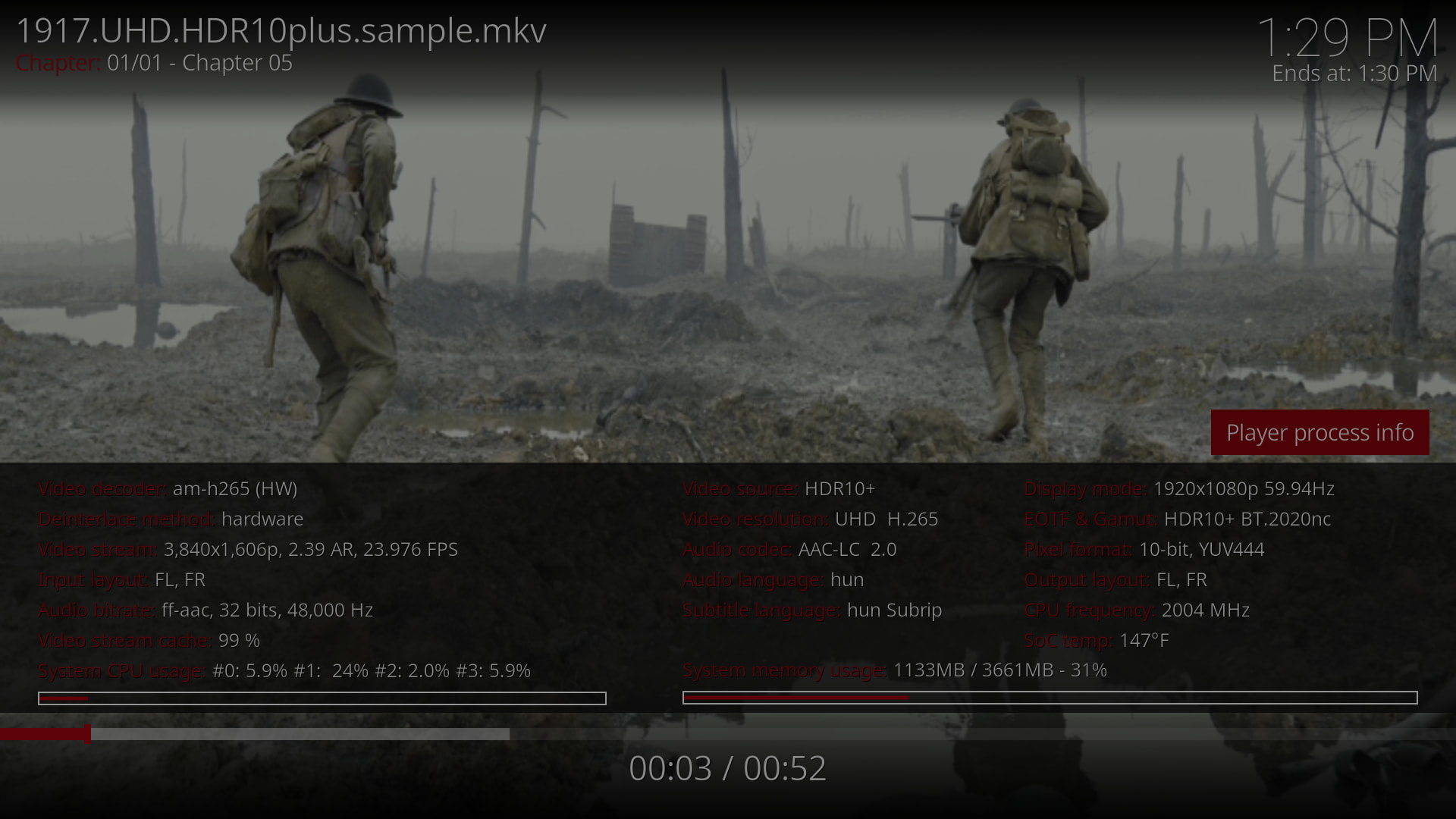
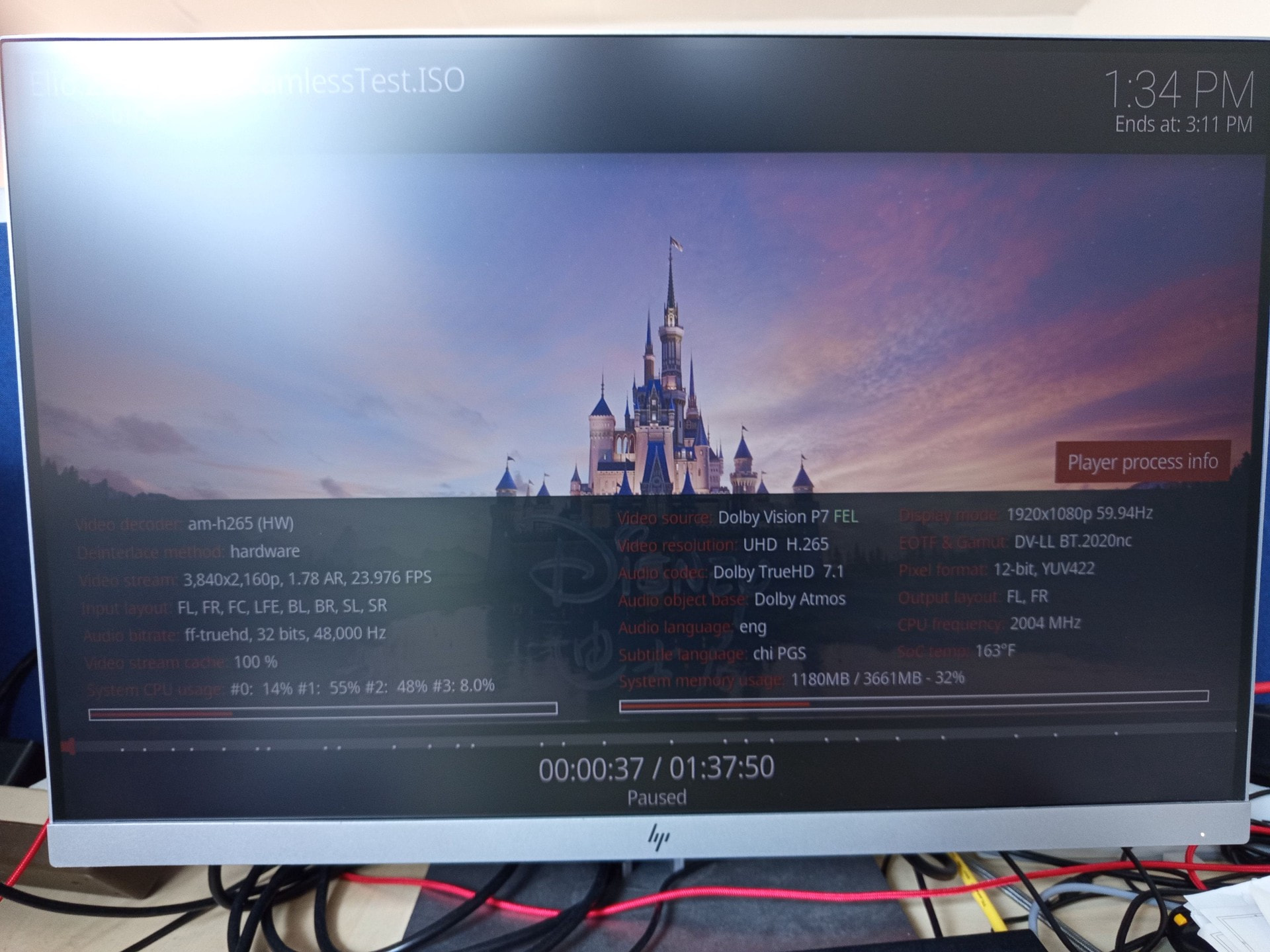
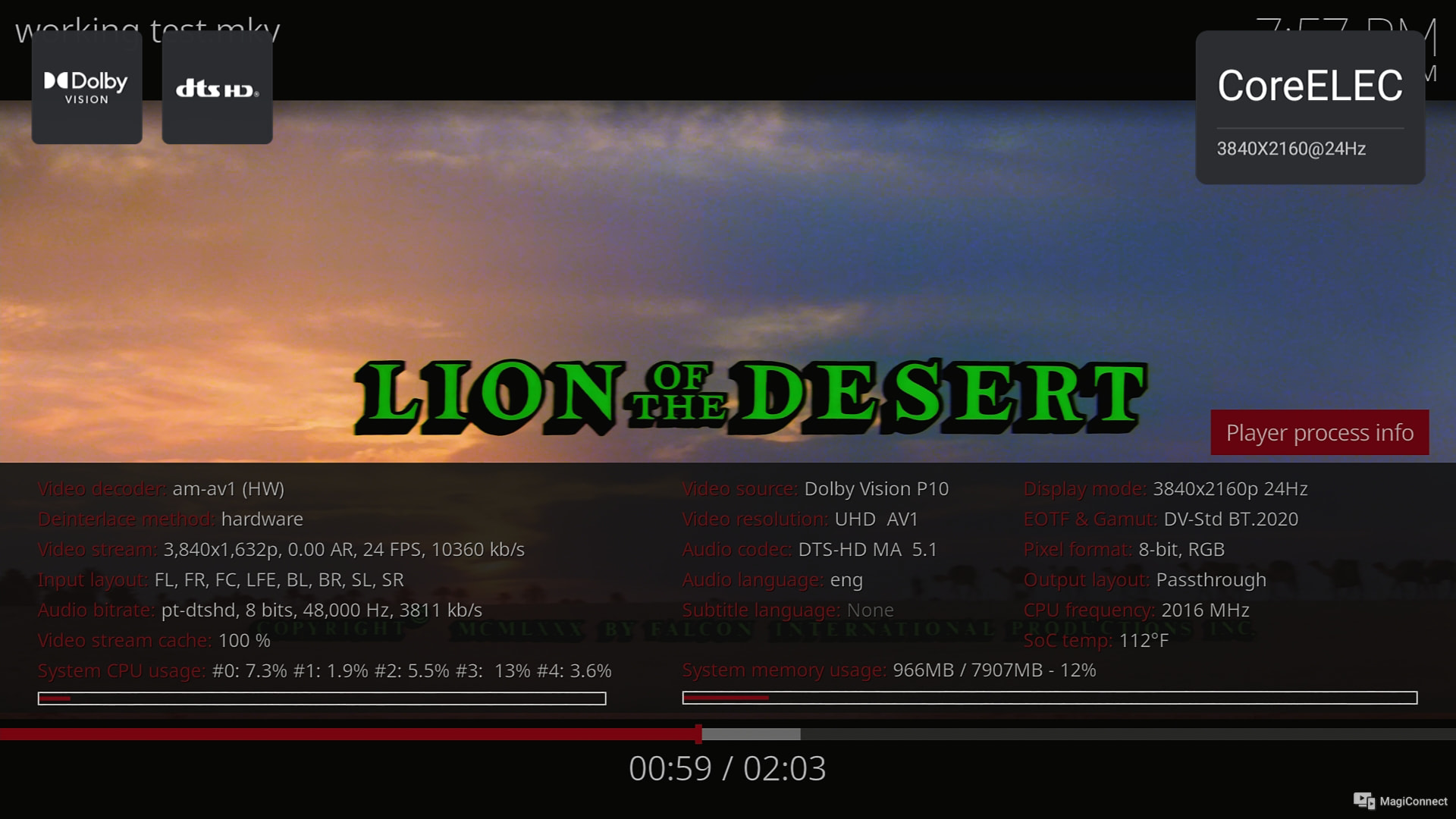
Finally HDR10+ is detected correct:
And it also work for ISO now:
Don’t understand the question. ISO is always dual layer…
Was wrong question. I meant the av1 profile 10 DTDL track.
freddy
10 June 2026 00:10
3730
Like this one from @ragico is working on X96X10 Pro s928x J
boxr4k
10 June 2026 22:19
3731
dmitry1988:
The same story with people who are not satisfied with the original CoreELEC and they CONSTANTLY search, install and discuss various mods, 2.8% smoother, 14.2% faster, 11.6% more accurate DV, 0.12% more accurate HDR, or those that lose 1 frame per million frames less than the original CE. For them, it’s like a full-time job. It’s not even perfectionism anymore.
We gave eyes to a blind man, he started to ask for eye brows
I don’t get these people. I currently feel in a state of bliss! I bought a long time ago a DuneHD BoxR 4K and through out all the updates, I have now something like a dream machine which, with the huge help of CoreELEC displays 4K HDR/HDR10+/DV movies with DTS-MA/DTS-X/DolbyTrueHD/DolbyAtmos sound direct to my AVR while sipping 4W of energy.
AndroidTV is still 11 or 12 as it was out the box, never cared, never used it and I don’t intend to. CoreELEC is the sole use of this box and there’s absolutely NOTHING appealing elsewhere to replace it, both the box and CE!
ge0rdi
11 June 2026 11:05
3732
I have latest nightly build running on Homatics Box R 4K Plus and noticed that kodi.bin uses almost 100% of CPU time when HDMI is plugged off (AV receiver turned off). Once I plug HDMI back, kodi’s usage is at few percent. The box is supposed to be idle at that time.
I didn’t have this problem with official 21.3-Omega NG build.
Is this known issue? Anything I can do about it?
boxr4k
11 June 2026 18:05
3733
Right this moment, my DuneHD Homatics BoxR 4K is alive but my AVR is in standby mode, although it supports HDMI source bypass in standby mode, and my TV is also in standby mode.
htop reports ~6% CPU usage for kodi with spikes to ~10% every few seconds only because the skin I use, AeonNox SiLVO uses a directory for backgrounds for each main menu item and cycles through them.
S905X4 in the BoxR being an underpowered CPU, it creates a tiny bit of load to cycle through the background pictures.
Other than that, nothing to report about kodi being stuck at 100% CPU.
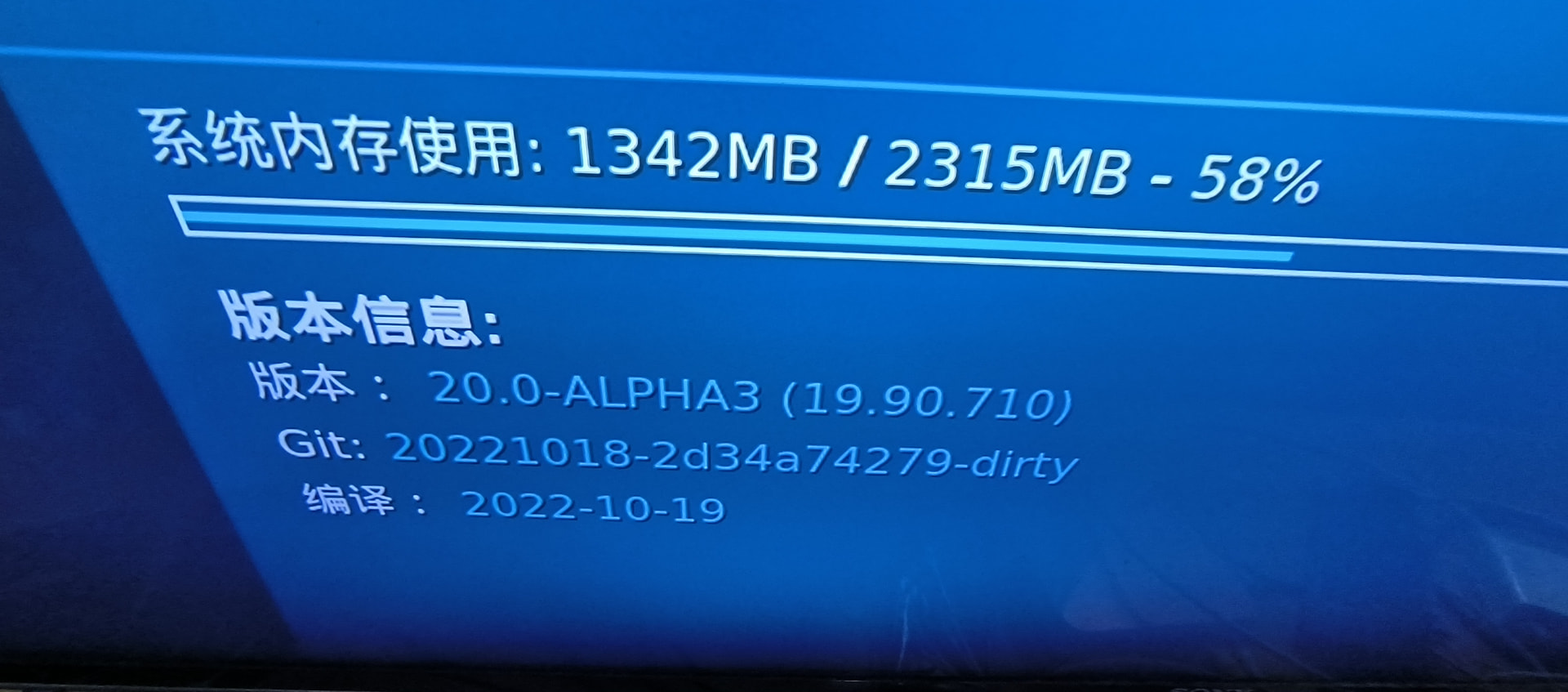
 And soon after, he successfully bricked it. He was only able to recover it for using only for CoreELEC, with no DuneOS. So never underestimate human stupidity and free time.