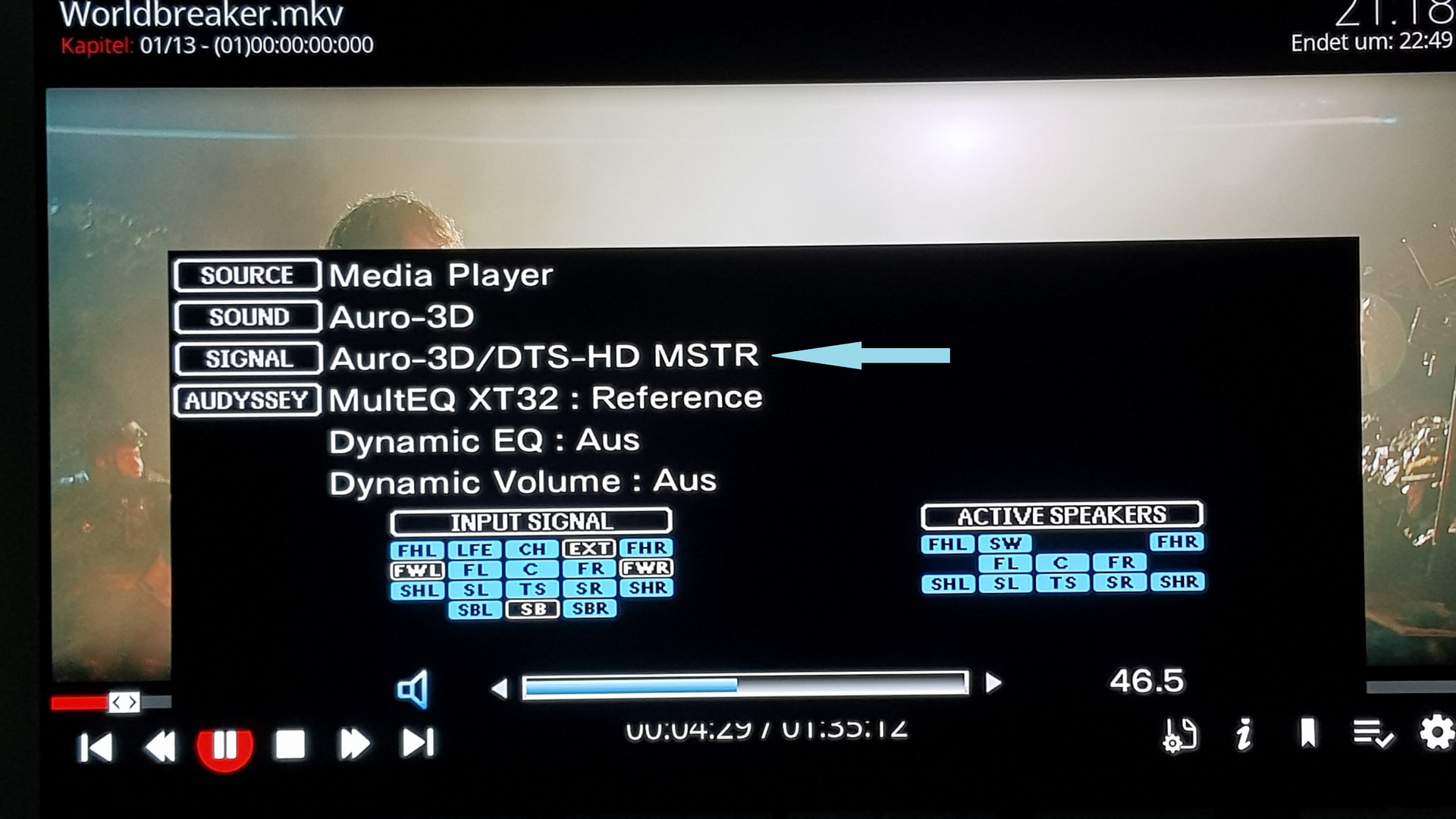
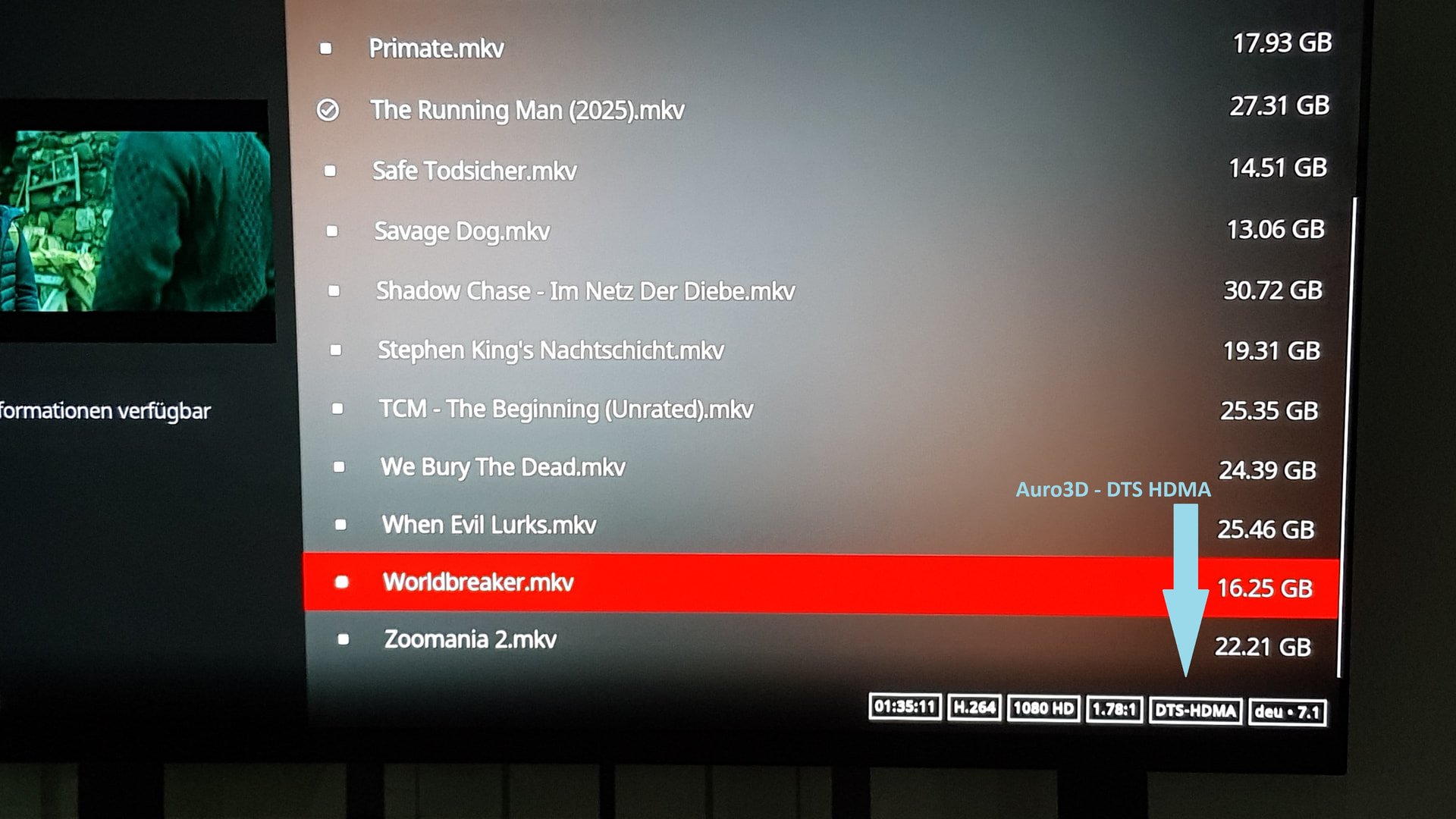
Wrong forum and do not post stupid AI analysis!
Use correct troubleshooting path: coreelec:ce_support [CoreELEC Wiki]
BTW: 8K is dead format
Wrong forum and do not post stupid AI analysis!
Use correct troubleshooting path: coreelec:ce_support [CoreELEC Wiki]
BTW: 8K is dead format
OK, will do that, unless you’re going to ignore it anyway because it’s 8K related…
Writing “LibreELEC” instead of “CoreELEC” was MY OWN mistake not AI. The issue is of course related to CoreELEC.
I would also like to note that I DID read Troubleshooting CoreELEC BEFORE I posted, and really though I was on the right track. So can you at least point out where exactly I have to report the issue (after removing AI-generated info)?
8k is dead, so maybe better open a PR for a fix.
The SoC design is also not continued and already be replaced by others.
@Portisch I admit there’s not much content, but 8K is alive and well in my home cinema  . Same goes for 3D-MVC. When you say
The SoC design is also not continued and already be replaced by others.
Does this mean that new SoC designs will not support 8K anymore?
As for the PR: Would I post this in the Development category?
Thanks.
PR (Pull Request) on Github with a solution to the problem and not a request 
I was reading that as PR = Problem Report. Obviously this discussion is quite fruitless for non-developers. Guess I will remove CoreELEC and go back to Android 14.
You are not forced to use CoreELEC 
Can confirm that the stuttering when using the OSD or subtitles has been fixed 
AM6B+ , AM9 Pro ?
Yes, nice work portisch, thanks.
I updated from the May 4th version to version 20260622 (CE22 NO).
I programmed the “playerdebug” function to the zero (0) button on the remote.
I noticed that the zero button does not work on this latest system.
I checked in the keymap addon and it’s code has changed.
From:
<keymap>
	<global>
		<keyboard>
			<key id="61488">PlayerDebug</key>
        </keyboard>
    </global>
</keymap>
to this:
<keymap>
	<global>
		<keyboard>
			<key id="65534">PlayerDebug</key>
        </keyboard>
    </global>
</keymap>
I fixed it, restarted the system, but the button still does not work.
I turned on debug mode in the menu and it works while debug mode is running.
But if I turn it off, it does not work again.
I know, I know, first world problem…
New infos:
The button behavior is very strange.
After I started the movie, the info panel opens nicely on the first button press.
Then I close it, and on the second, third, etc. it doesn’t appear anymore.
But if I bring up the PPI panel before that, the debuginfo appears again flawlessly.
It’s strange, but it finally works…although not like before.
Sorry forgot to mention, AM6B+ here.
Thanks Portisch
Maybe Use a different key 0( zero) is assigned as default function in kodi keyboard shortcut. And live TV function
I use # 3,6,9 ,because they are right above the back key on my remote.
Don’t even have to look down
The nightly build from today (20260623) works very well on AM9 Pro. All issues I had have been fixed.
Thanks to @Portisch and the entire team!
I’ve never ever had a problem with the zero button since kodi 18 with my remote.conf file. But I’ll figure something out then
Ok,whenever I hit the 0 button on my remotes,a status bar appears at top of screen, skip forward etc..
Happy Testing!!
Yuup, Same here
Todays nightly works great for me, like the yesterday one.
About | FAQ | Terms of Service | Privacy Policy | Legal Notice