I understand the chicken and egg scenario especially if you you don’t have DHCP but I don’t think you can’t easily do it before it any setup. You need to enable ssh and do it manually an then configure using the addon
Don’t post screenshots of the CoreELEC setup screen on the Kodi forum, of course they will say that’s a CE issue. 
I’m assuming that your issue is with the color scheme not having enough contrast. The menu’s and buttons all inherit the color scheme used by the skin (estuary). If you use a different skin, buttons, colors, menu styles all change because those are properties of the skin.
So if you want to make Kodi more friendly for all people with red/green color blindness, it’s best to fix this problem at the source, the Estuary skin which is Kodi’s default skin. Then it gets fixed on all platforms (CE, LibreELEC, Kodi Android, etc).
If you just want to get by with a quick easy solution, use a USB mouse to get past the setup windows.
Then go to:
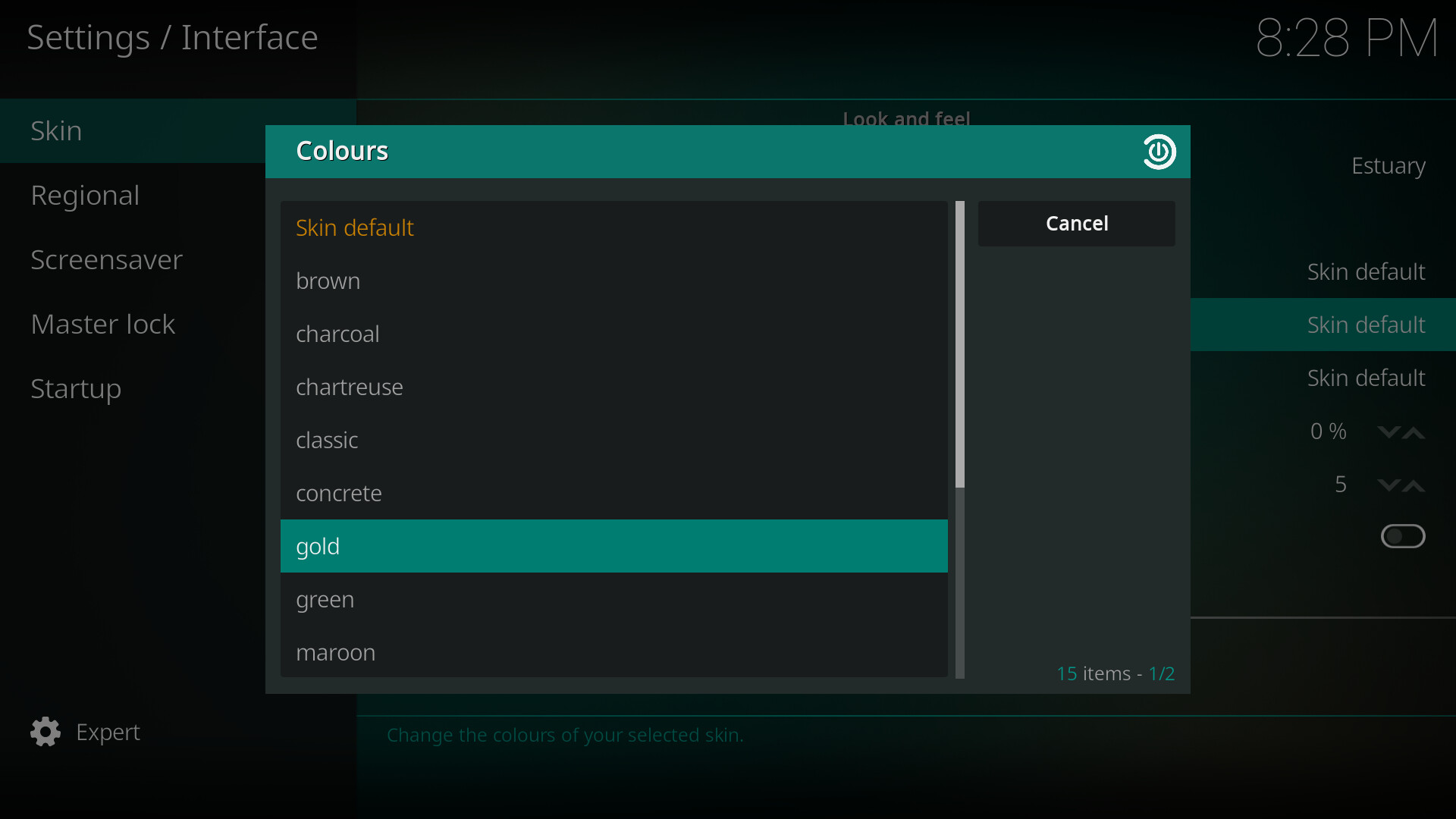
Settings > Interface > Skin > Colours
Here you have 16 color schemes to choose from. Picking from one of those is going to be a lot easier than manually editing the xml files. There’s also many other skins to download and choose from.
The python addon is not themed so it hard coded.
Martin
Sorry I guess I’m not completely sure what we are talking about here then. I thought it was a general issue with the estuary skin color scheme. Specifically that it was difficult to see green/red button highlighting when viewed by someone with green/red color blindness. Wouldn’t this be a problem everywhere in Kodi?
Yes the setup wizard is static for the most part, but the button selection color is inherited from the skin. Eg this is the setup wizard with Estuary ‘gold color’ chosen.
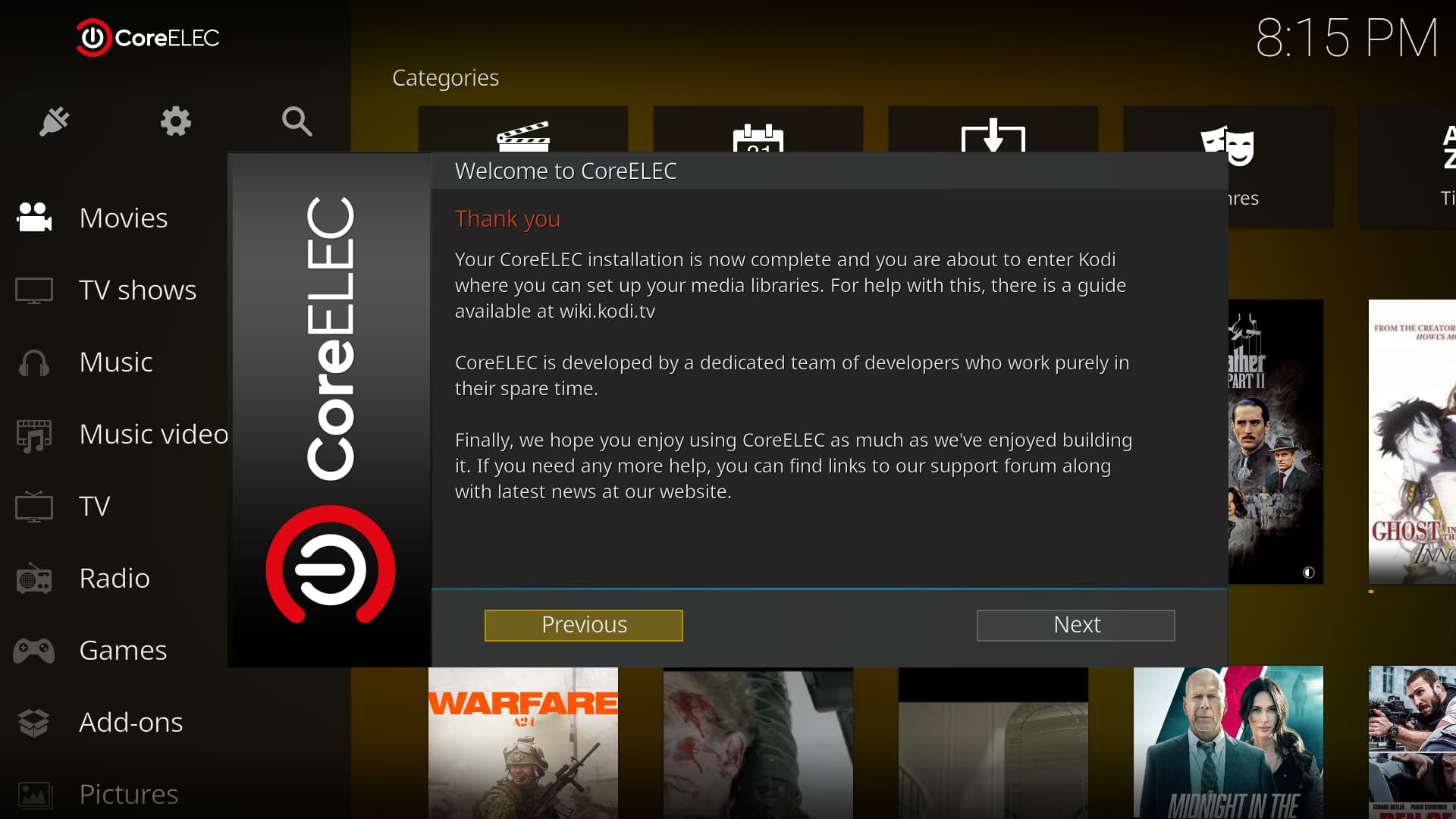
The highlighted/selection button color (yellow) still comes from the skin
The CE settings page style is almost completely up to the skin
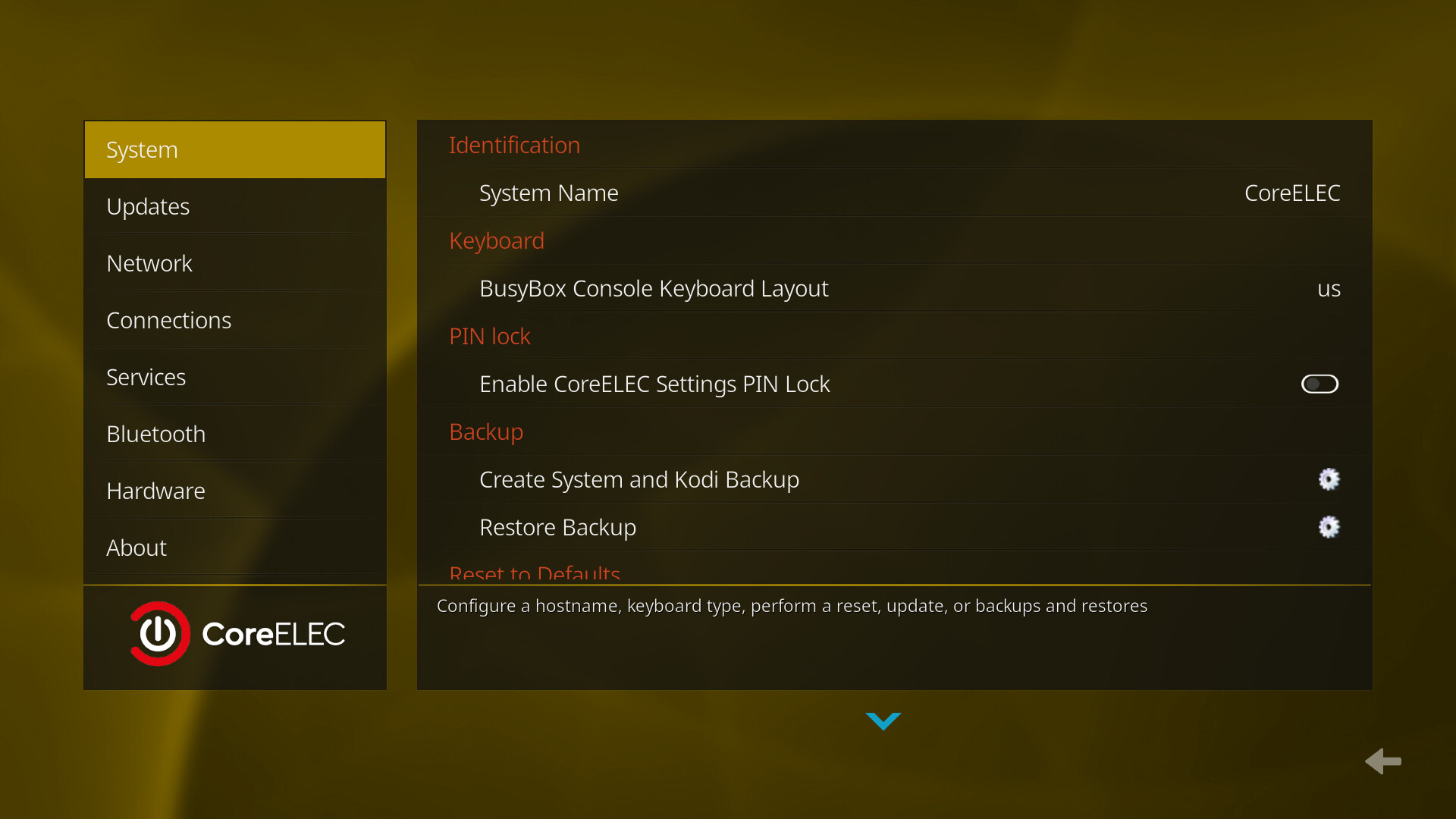
Same settings page using Arctic Zephyr Reloaded
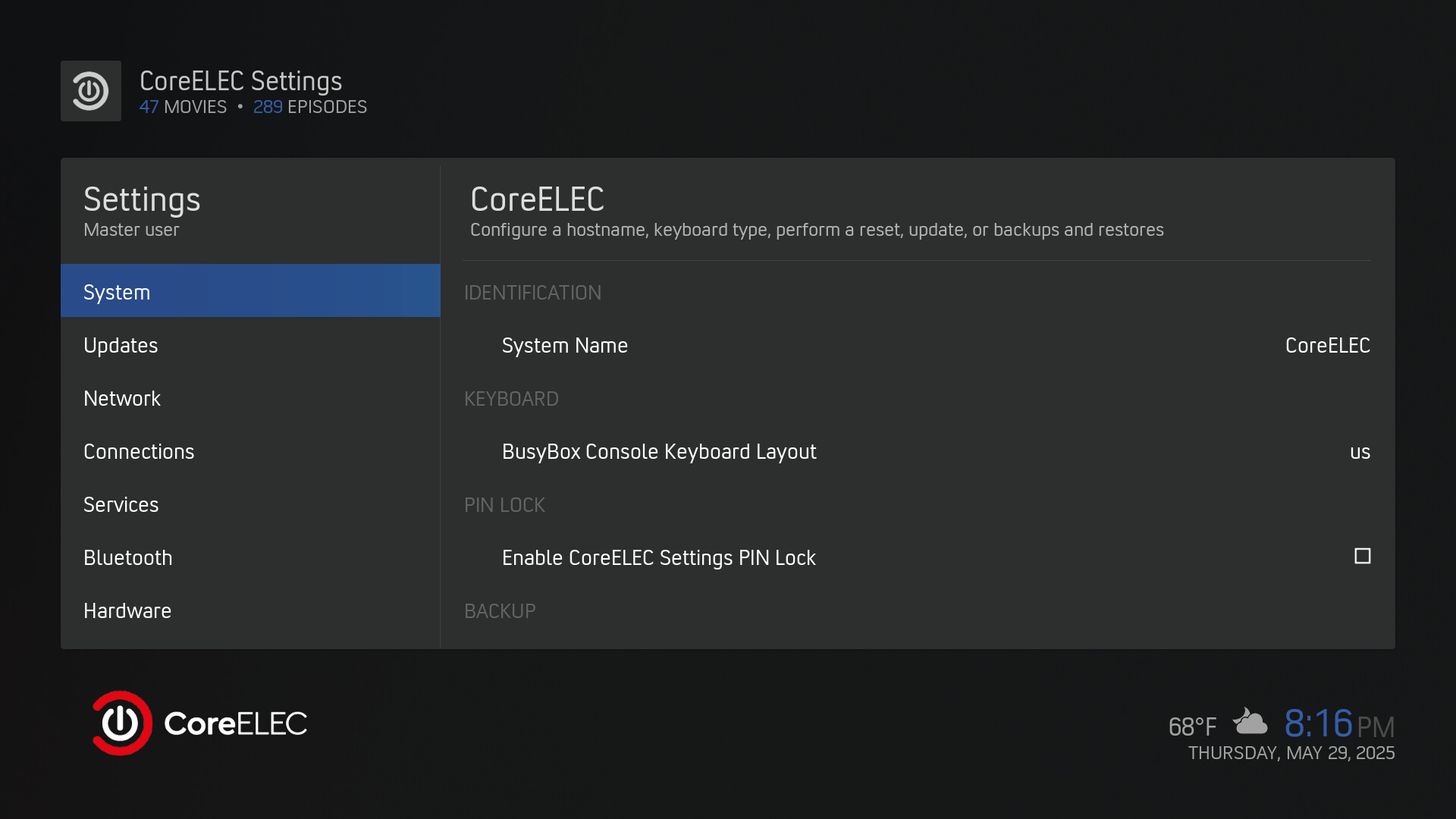
If you have a problem with green selections on gray, that’s all over the place in Estuary, that’s why I think it’s easier to switch to a different skin color (or skin).
Tx for the info.
I * think* I know where the issue lies. It’s that the CE setup buttons do not have a proper colour ‘fill’.
I’m afraid I’ve no idea what the proper term is for this. It’s not the colour used, it’s the (lack of) intensity of the colour inside the button. I’ve verified this on multiple monitors as well as my TV as well as swapping out cables and trying it on an Odroid N2+.
One compounding issue is that the mobile taking a photo enhances the image so the issue looks much ‘better’ than it actually is. I’ve tried disabling all image processing/enhancements and shooting in RAW to no avail.
I can only describe the actual real image as looking a bit like a multiple generation VHS copy and the photos pasted here have undergone some CSI-style enhancements, though I realise the term VHS will mean nothing to many!
If one compares a CE highlighted button with a Kodi highlighted option, hopefully it seems a bit more clear. The CE button has an outline of the skin colour and then a greyed fill. The Kodi button is a full colour fill.
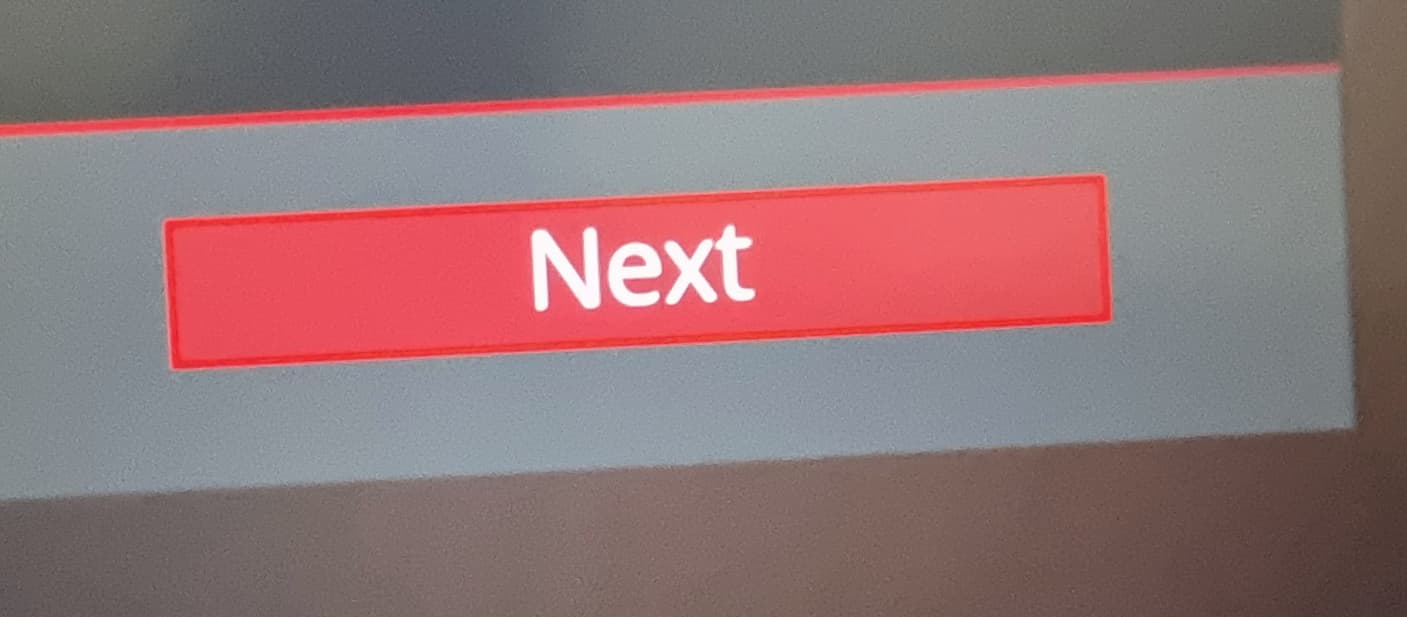
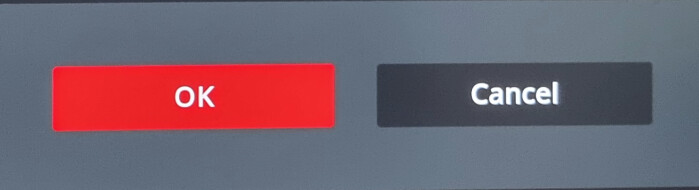
Who could check this?
Maybe it is the background images? If you copied the skin that I suggested above you can try this in ssh to go through the install Uncomment the first line will copy it too.
#cp -r /usr/share/kodi/addons/service.coreelec.settings /storage/.kodi/addons
curl https://pastebin.com/raw/juh1XJu0 -o /storage/.kodi/addons/service.coreelec.settings/resources/skins/skin.estuary/xml/service-CoreELEC-Settings-wizard.xml
rm /storage/.kodi/userdata/addon_data/service.coreelec.settings/oe_settings.xml
systemctl restart kodi
Martin
OK, please can you explain the latter part of " You need to enable ssh and do it manually an then configure using the addon"?
Which add-on is this? Basically I need a way to restart the CE setup wizard to view the buttons, as I’ve not seen them anywhere else.
Do you have SSH enabled? If you can’t enable it in settings on you SD card edit config.ini as explained here coreelec:ssh [CoreELEC Wiki] and change the line
# coreelec='quiet'

to

coreelec='quiet ssh'
If you can’t set up wifi use wired.
Martin
SSH is not the issue, it’s the add-on.
The addon is already installed. Just copy those lines into ssh, skip the # in the first line.
Martin
Which add-on?
Are you reading my posts?
/usr/share/kodi/addons/service.coreelec.settings
Martin
I am, but I’m just not understanding them! 
First of all I did this:
cp -r /usr/share/kodi/addons/service.coreelec.settings /storage/.kodi/addons
then in /storage/.kodi/addons/service.coreelec.settings/resources/skins/skin.estuary/xml/
I edited service-CoreELEC-Settings-wizard.xml and changed the button borders e.g.
 <control type="button" id="1401">
                        <left>280</left>
                        <top>440</top>
                        <width>300</width>
                        <height>75</height>
                        <texturefocus border="40" colordiffuse="button_focus">button-fo.png</texturefocus>
                        <texturenofocus colordiffuse="71FFFFFF" border="40">button-nofo.png</texturenofocus>
                        <label />
                        <font>font13_title</font>
                        <textcolor>white</textcolor>
                        <align>center</align>
                    </control>
I restarted Kodi but the CE wizard did not appear.
Then I did:
curl https://pastebin.com/raw/juh1XJu0 -o /storage/.kodi/addons/service.coreelec.settings/resources/skins/skin.estuary/xml/service-CoreELEC-Settings-wizard.xml
rm /storage/.kodi/userdata/addon_data/service.coreelec.settings/oe_settings.xml
systemctl restart kodi
This time the CE wizard started, and the highlighted button was very clearly differentiated. Yay! 
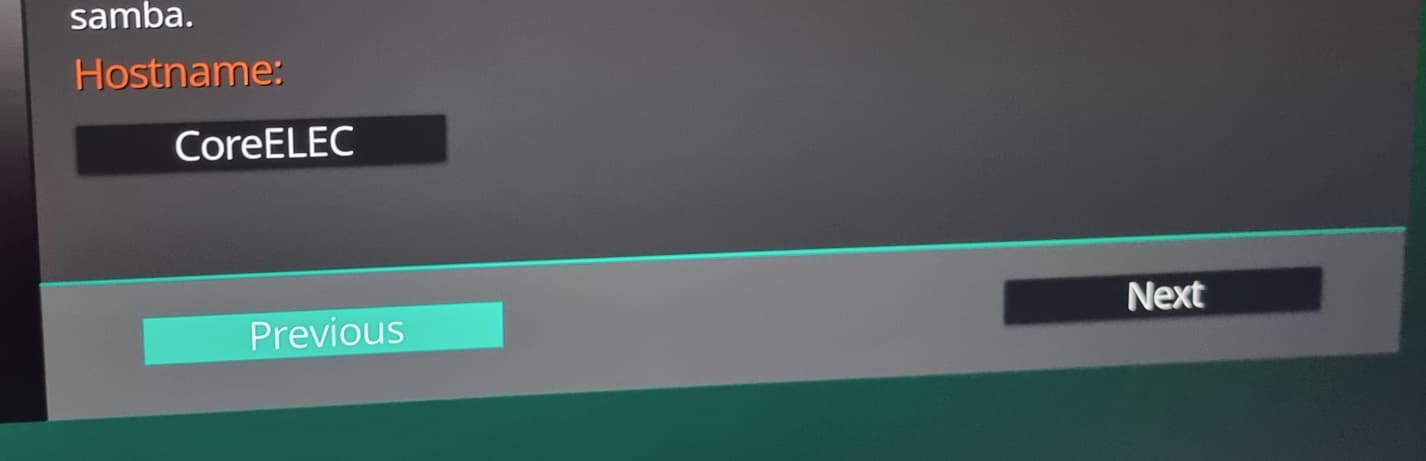
So tx very much for that!
Can you explain what the above did, and is it possible for someone to consider rolling that into CE?
The source <?xml version="1.0" encoding="UTF-8"?><window id="5535"> <defaultcontrol - Pastebin.com is the CE original minus the texturefocus and texturenofocus here
removed on the 4 buttons 1401, 1402, 1500 and 1501. If you can test thoroughly I guess I could PR it if CE team would accept it.
Martin
Great tx. My uneducated guess is that the buttons in Kodi don’t use the texture aspect, so the CE wizard buttons appear more uniform with Kodi now?
I’m happy to test if anyone lets me know how to do it!
I did a quick test using CoreELEC-Amlogic-no.aarch64-22.0-Piers_nightly_20250526-Odroid_N2 and found that the SSH and Samba buttons also needed changing.
So I removed lines in service-CoreELEC-Settings-wizard.xml
with refs to button-fo.png and button-nofo.png from control type radiobutton id 1406 and 1407.
Unmodified NO
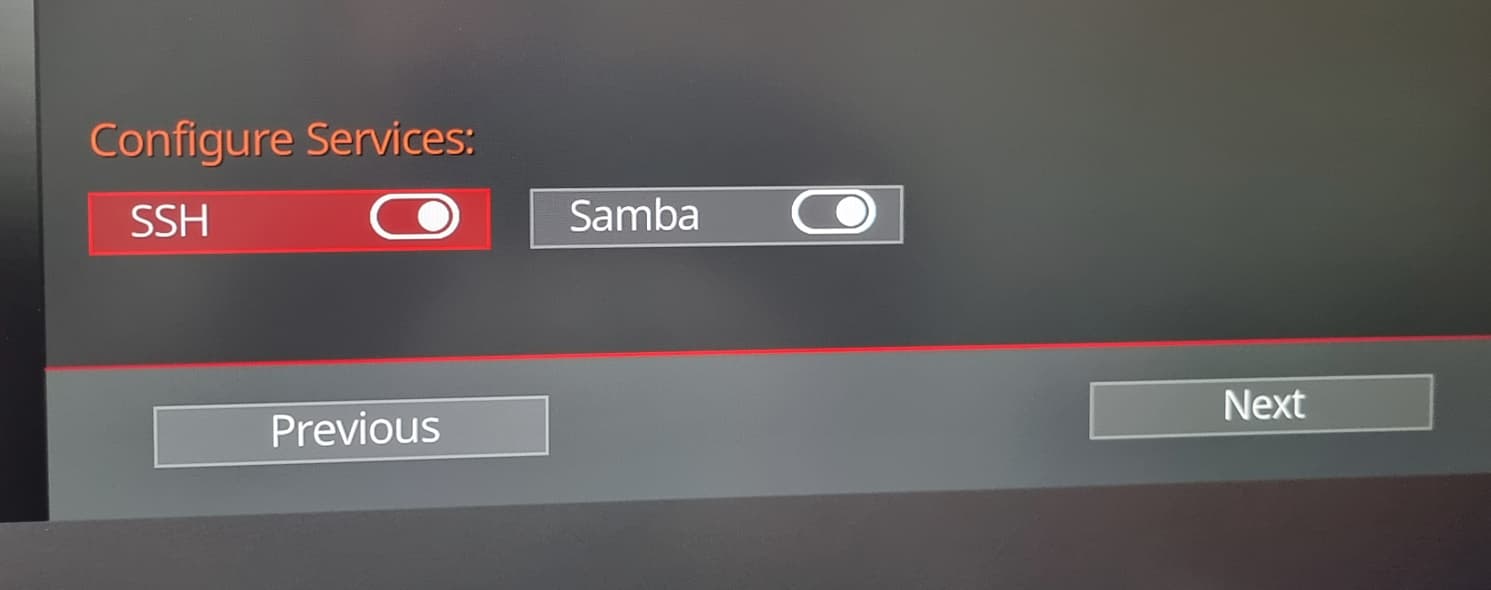
Modified NO without latest mod
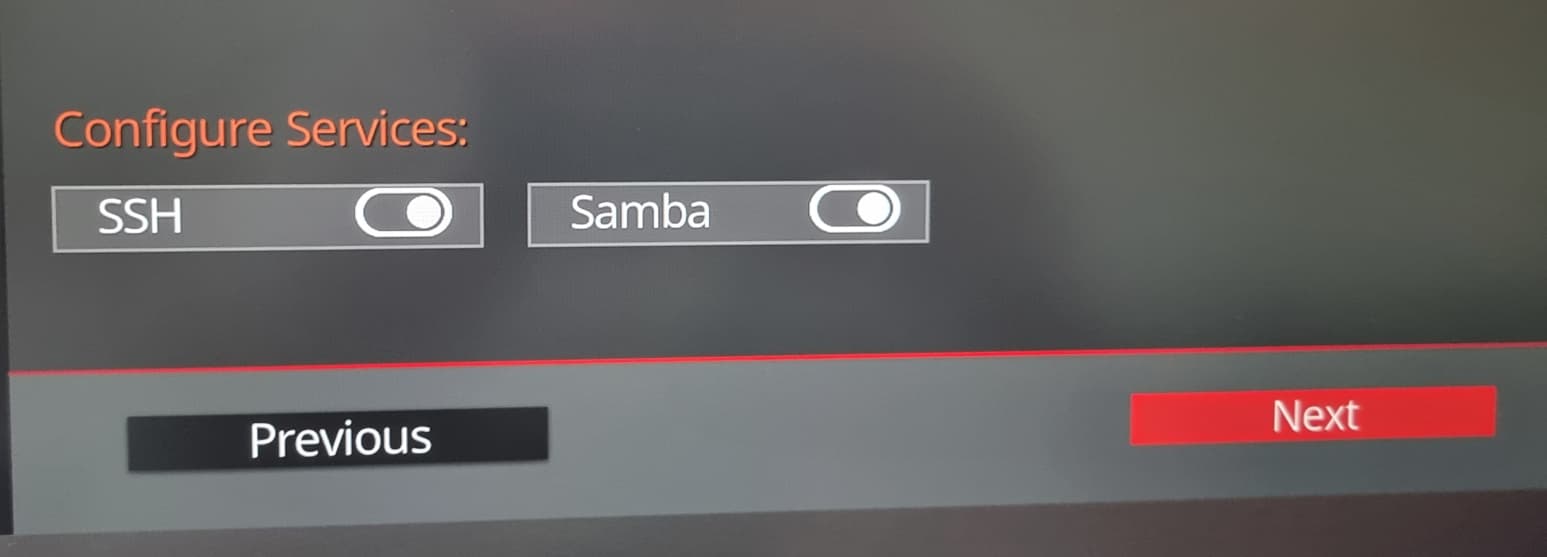
Modified NO with radio buttons 1406 & 1407 changed
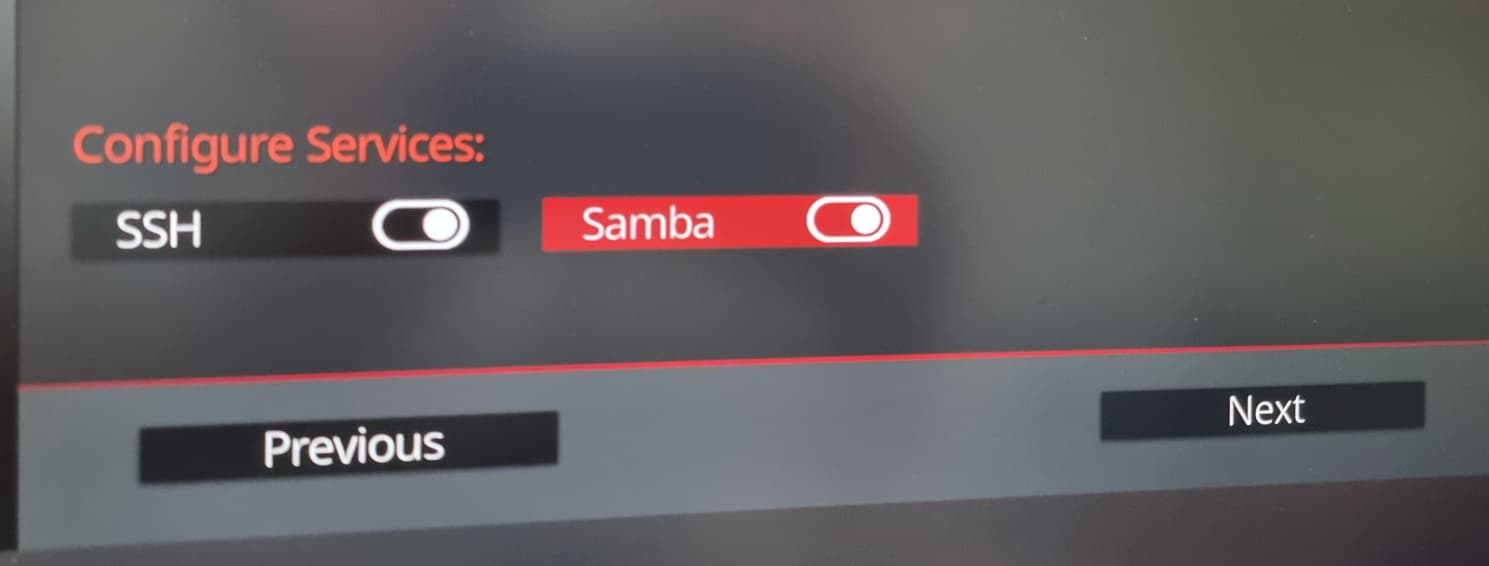
Makes sense that radiobuttons are changed too since apparently it is the same problem. However this shows a problem that was concerning my, without the border that are only on the textures these look like text and not buttons. is your main problem with focused on non-focused button? Also do the dots in the radio buttons look ok, they are also textures?
Can you explain what you mean by " without the border that are only on the textures these look like text and not buttons"?
The central issue is about differentiating between the selected and the non-selected buttons (or options).
It seems that the Kodi UI’s buttons/options use solid and contrasting colours which makes this clear, and the CE ones use a kind of outline border and greyed colour fill that makes it hard.
Also when you say the dots, do you mean the (Material) toggle sliders? I can’t see any ‘textures’ i.e. anything which reduces the colour/contrast.
Happy to test anything.
Text is just that, text on a screen, the border gives an idea other than colour that you might be able to access it with the remote.
By dot I mean the dot image in the radiobutton that shows off/on.
Martin
