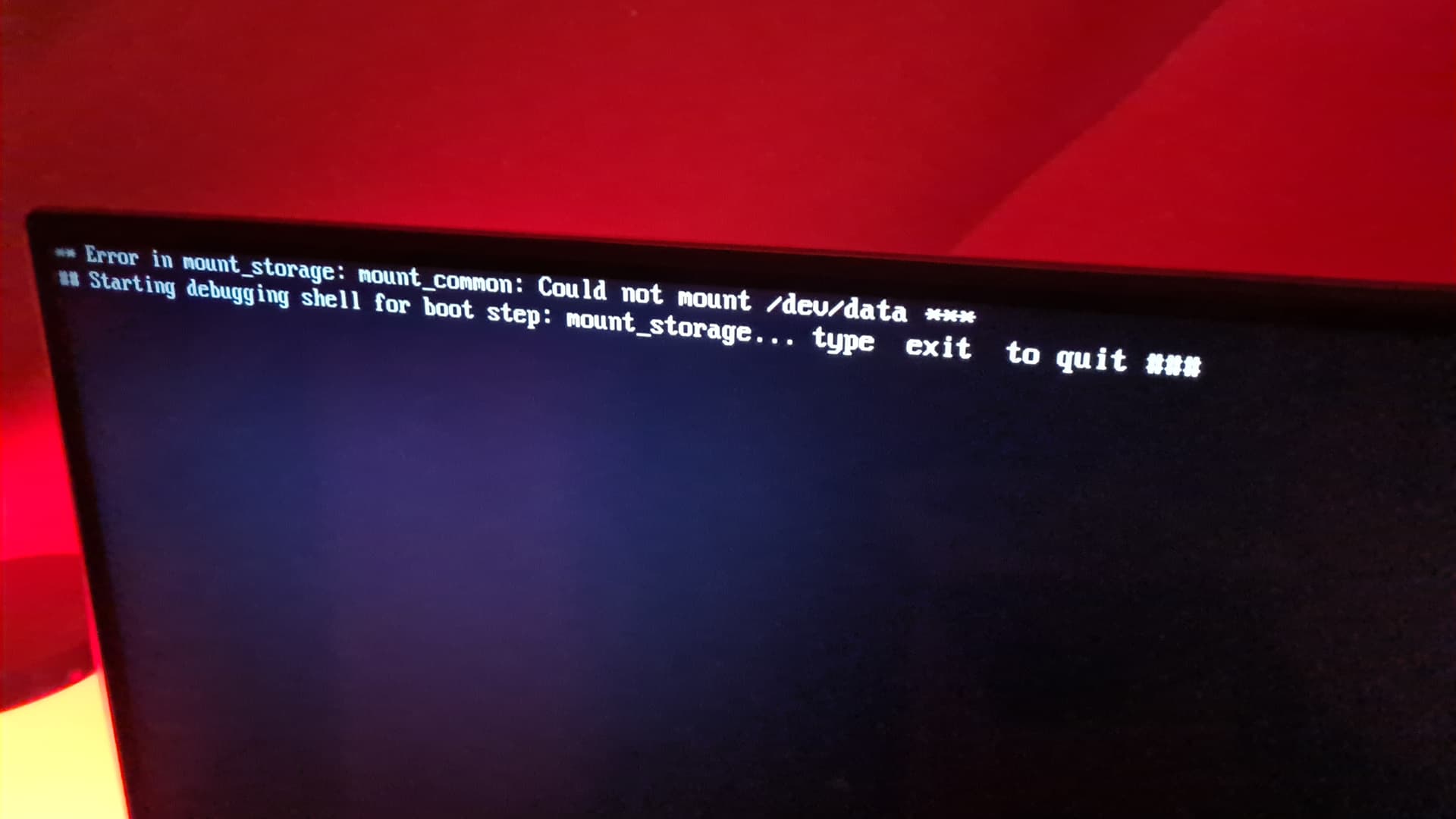
Yesterday I’ve upgraded the software via update on the Nokia 8010 without knowing the consequences.
Right now I can’t boot into coreelec anymore, using the reset method and frist time boot with the coreelec reboot app results in the same error.
Also the developer settings is not opening up anymore.
Do I really need to do a factory reset to get coreelec working again just because usb debugging might be turned off or is it something else? Maybe I need to use a different coreelec file?
I’m using the internal storage for data too if that has to so with anything.
Any helpful advice is very appreciated, I was very happy how it was configured before set it up and don’t wanna change or reconfigure too much.
It worked with a new flash, I’ve added in the config
mkdir -p /media/data
mount /dev/userdata /media/data
and everything is just as before.
The only thing that does not seem to work is the Dolby visionn kernel module is not compatible but that might be because I tried it with Coreelec v22.0
Edit:
After a reboot the screen turned greenish (my guess something with the dolby vision) and updating library does not work as it should, it quickly stops. None of the screen settings fix it and dolby vision notification always appears when startinf kodi.
Accessing the video files works though but scan to library does not work, in media sources my external hdd does not show ip but it seems to be working eycept for scan to libary…
I left it right in the root next to the other files like before.
Above there ther is a notice that it works with CE-NG 20.5+/21+ on any DV licensed devices but nothing about v22.
I tried v21 again but that does not work: Error in mount _storage: mount_common: Could not mount /dev/userdata still appears, I will flash v22 again and try to fix both issues now.
Edit 2:
I switched to v22 and as before the green issue did not appear with the first boot (videos look fine too) and probably turn green after a reboot.
This is the whole message:
I stumbled upon the correct dovi file for v22 way hidden in the thread, would’ve saved me a lot time if it was added to the top post…
Anyway I also manged to fix the sources not updating, I had to manually change thr content type to none and change it back and let everything to clean up and rebuils the database and it works now.