fuze 2 wil be great
Information for everyone here:
The upcoming Release 20 of the AZR skin will probably be the last final release from me.
There will be no new functions and builds from CPM in the future. (I know it…)
The work on the skin is with the upcoming Release 20 now complete.
Then i’m out too like @frodo19 .
I’ve been here since CPM started their work in March 2024 and it’s been quite a ride. The AM6b+ has grown into the best media player that can be dreamt of.
However, I expect there will probably be one more build to incorporate Portish’s av sync fixes once they’re done. Then, it’ll be a matter of waiting for someone to bring CPM’s work into the mainline
I’d also advocate for a skin setting to disable the media logos from popping up.
I will build that switch, to user can disable.
But mine will be in the left under corner…
Did CPM told you why there will be no more releases? Is his last release now concidered feauture complete or does he just not want to work on it anymore for other reasons?
His latest release is considered to be finished and he now wants to take care of his private affairs, he told us.
ok, good to know. I’m happy with all the latest developements. Thanks CPM and Jamal for all the great work!!!
Arctic Zephyr: Reloaded for CPM A10 build and up.
Can be installed over the current one, then reboot.
Changes from 19.0 → 20.0 Final:
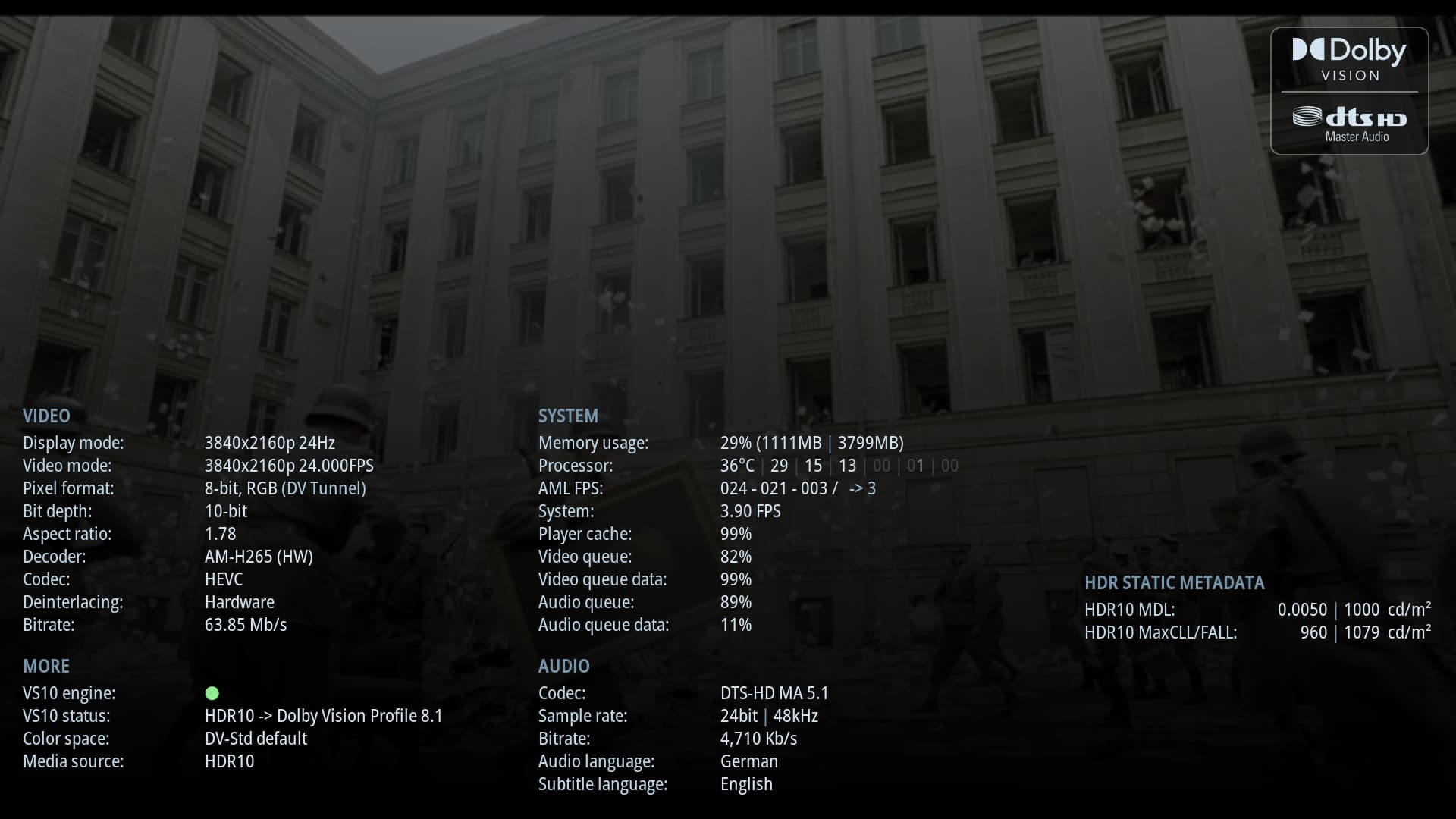
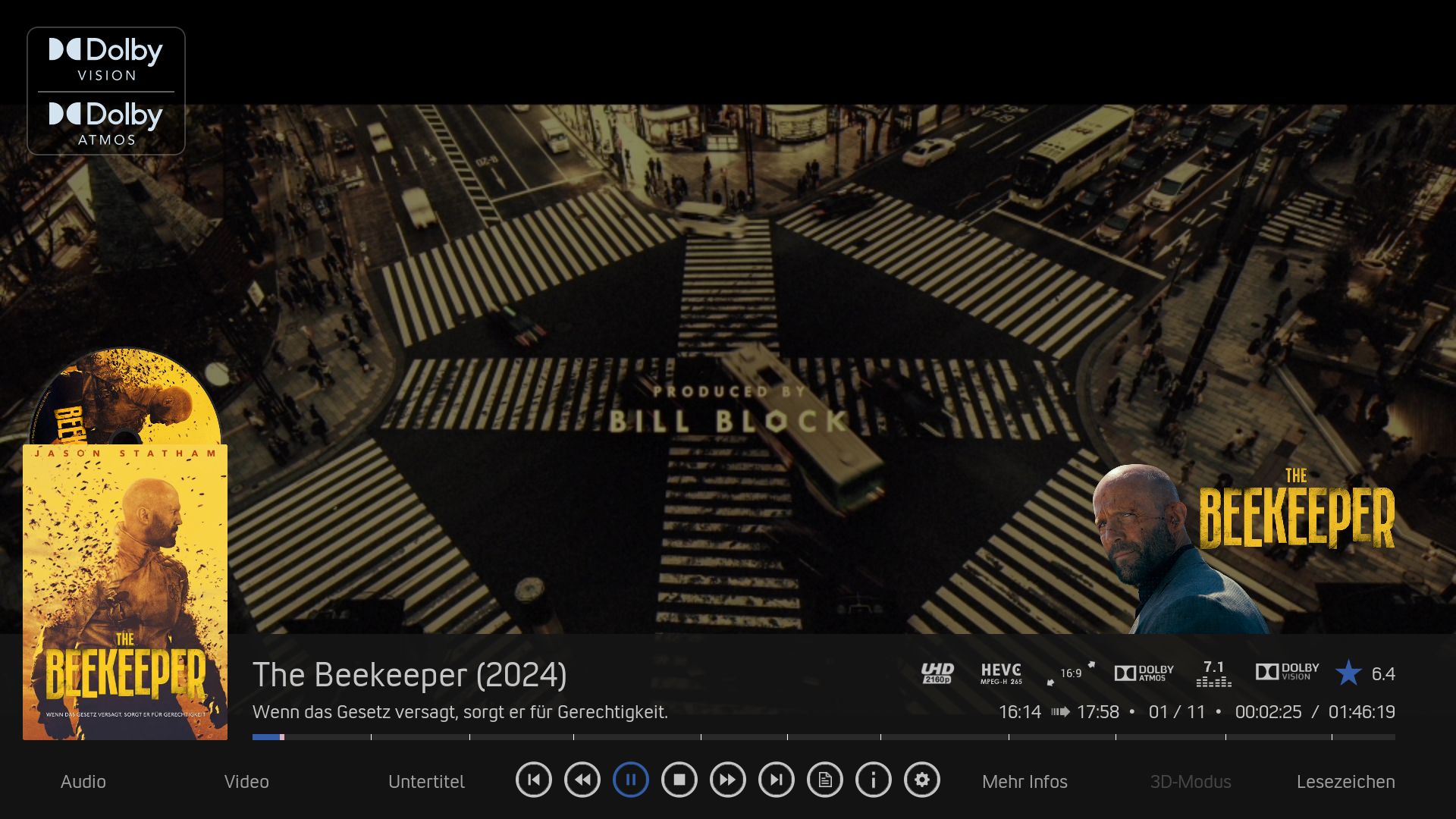
- Added setting to display codec logos at video startup without activating the setting “
Show detailed information at video startup (in seconds)” ← (More info below!) - Settings → Skin → Video / Music OSD has been tidied up.
- Cyrillic font set added.
- Bugfixes.
Screenshots:
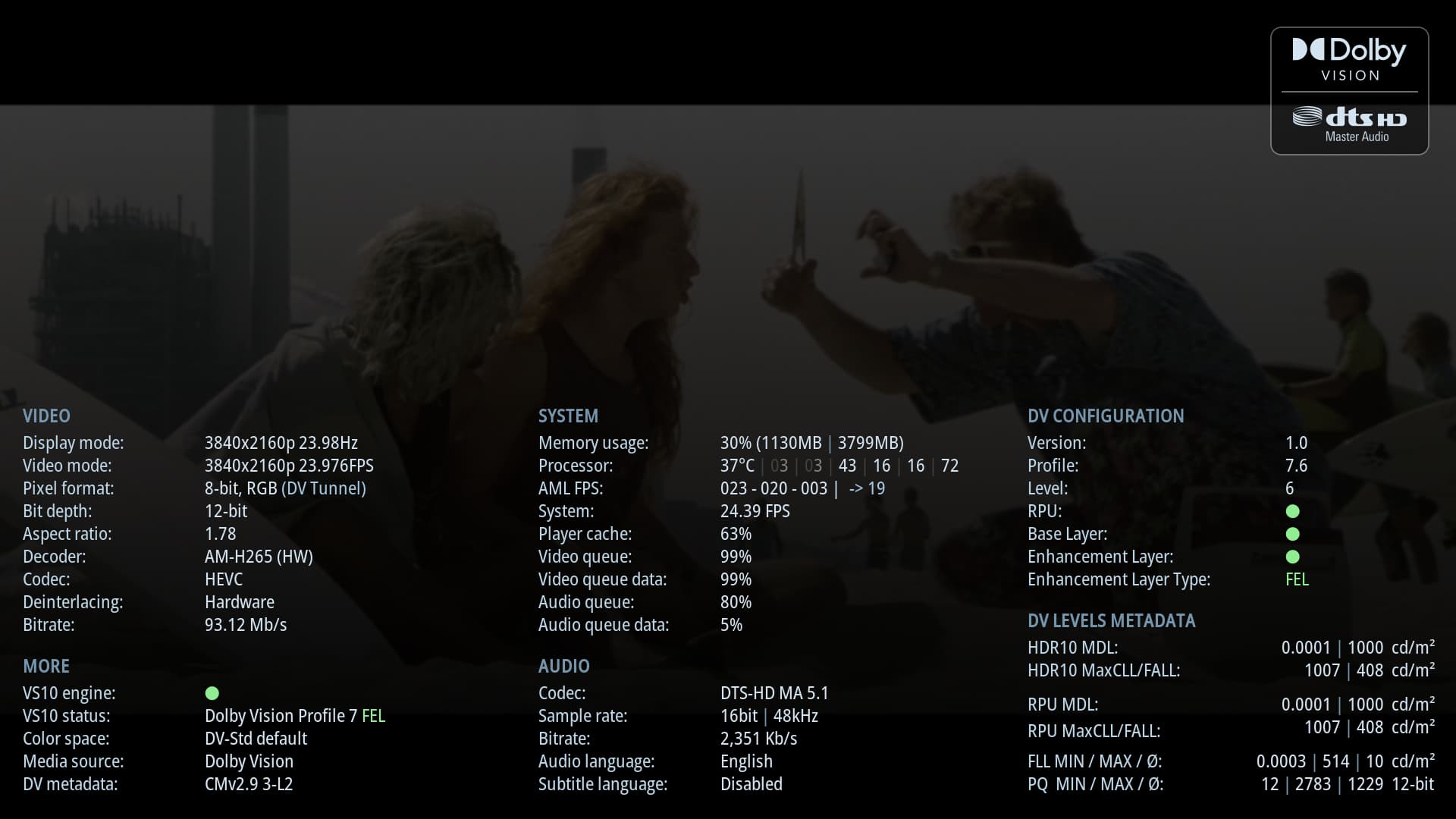
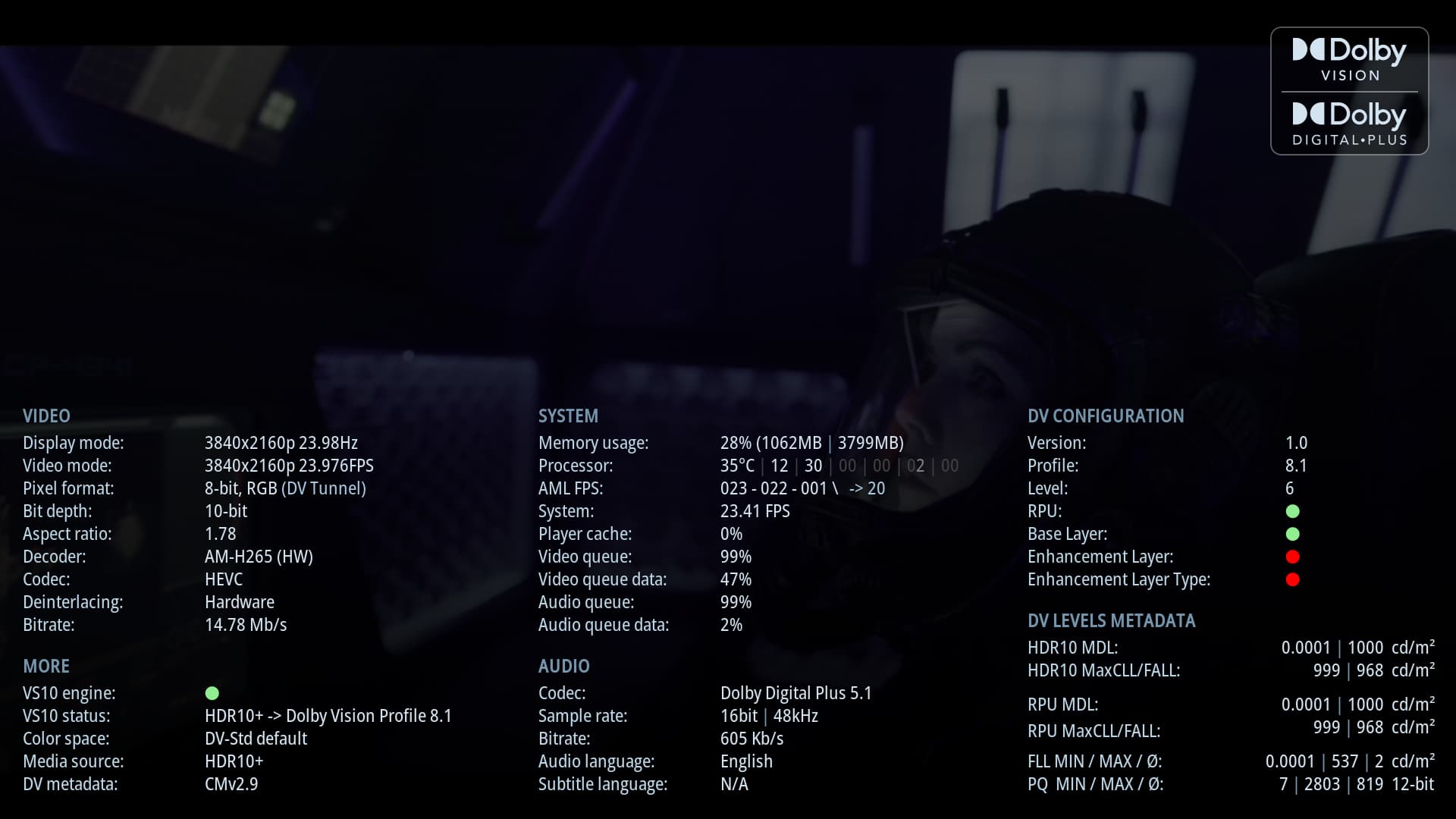
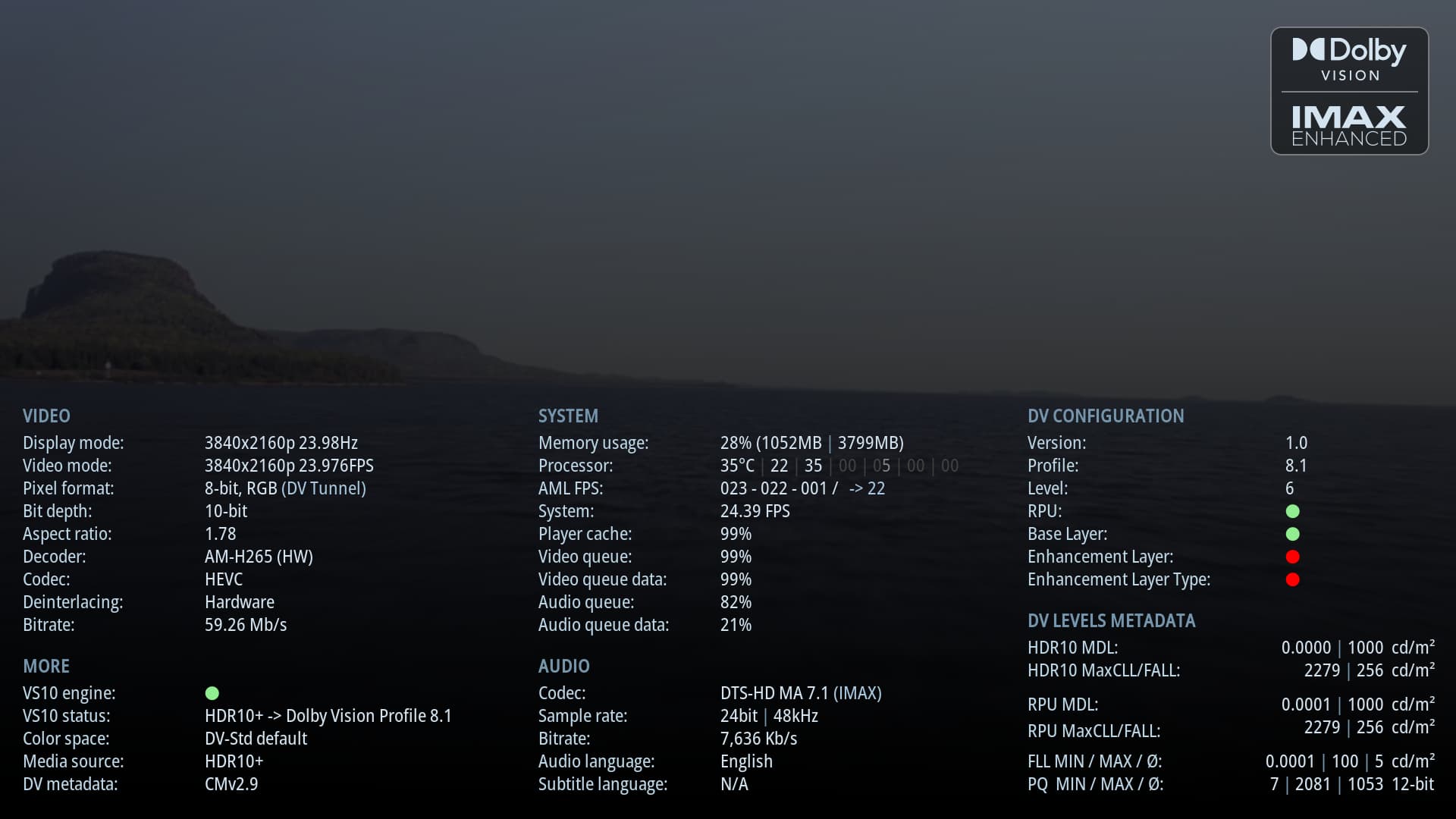
Info:
Details
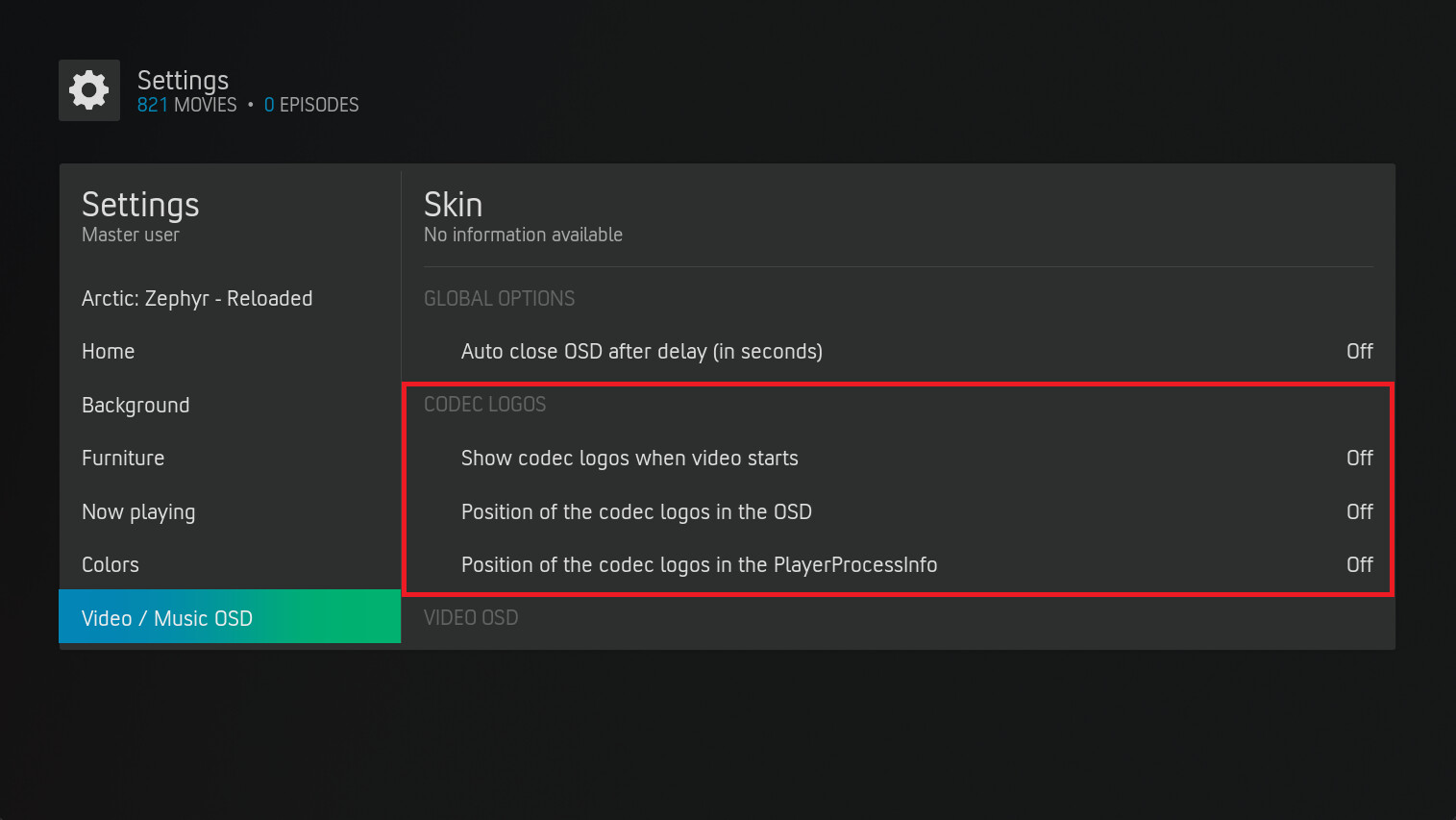
If the codec icons are to be displayed at the beginning of the video, this must be done:
Settings -> Skin -> Video / Music OSD -> Show codec logos when video starts
Values: Off, Top left, Top center, Top right
Standard: Off
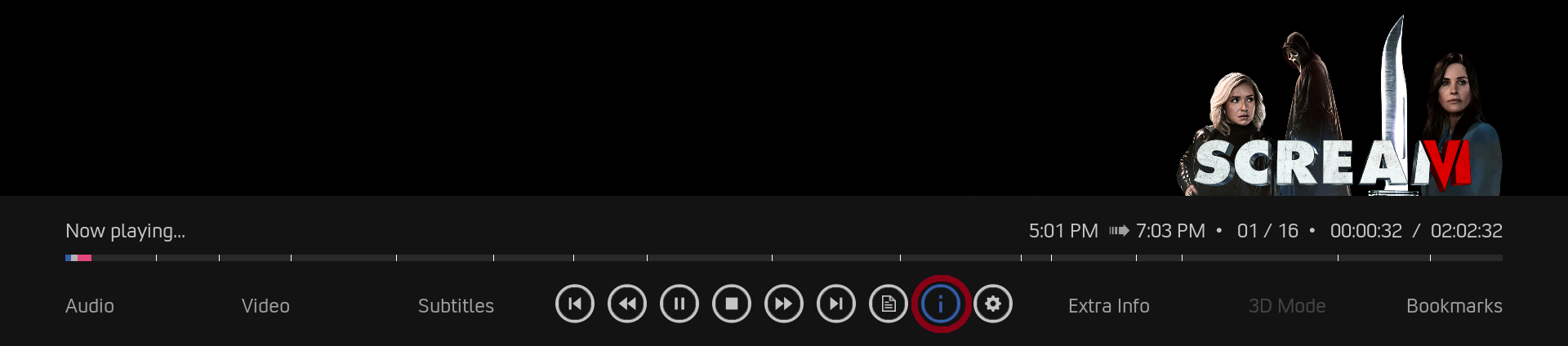
If you want to move or switch off the codec logos in the Video-OSD, you can do so here:
Settings -> Skin -> Video / Music OSD -> Position of the codec logos in the OSD
Values: Off, Top left, Top center, Top right
Standard: Off
If you want to move or switch off the codec logos in the PlayerProcessInfo, you can do so here:
Settings -> Skin -> Video / Music OSD -> Position of the codec logos in the PlayerProcessInfo
Values: Off, Top left, Top center, Top right
Standard: Off
The translation into your language can be done in
/Addons/skin.arctic.zephyr.mod/language/resource.language.XX_XX/strings.po
msgctxt #32000 - #32063
The msgstr "" entries must be translated, saved and then restarted.
Important:
Please note that this version is the final version and there will be no further updates in the future.
Download:
Enjoy! 
many many thanks for the logos and all your work!!
it’s really nice!! happy Sunday!
I think that incorporating this in current CE builds is farther than it ever was. cpm himself said that some changes were made without caring for future integration because it was for personal use.
That “someone” that could bring this to CE properly is exactly the same person that announced for the past 2 months that was going to stop builds because of private life but kept doing them on an almost daily basis. I would bet my right arm that he won’t stop as he didn’t before and will continue to diverge from the main code. So don’t expect much on this front (from CE team).
Before further rumors arise, that was his post.
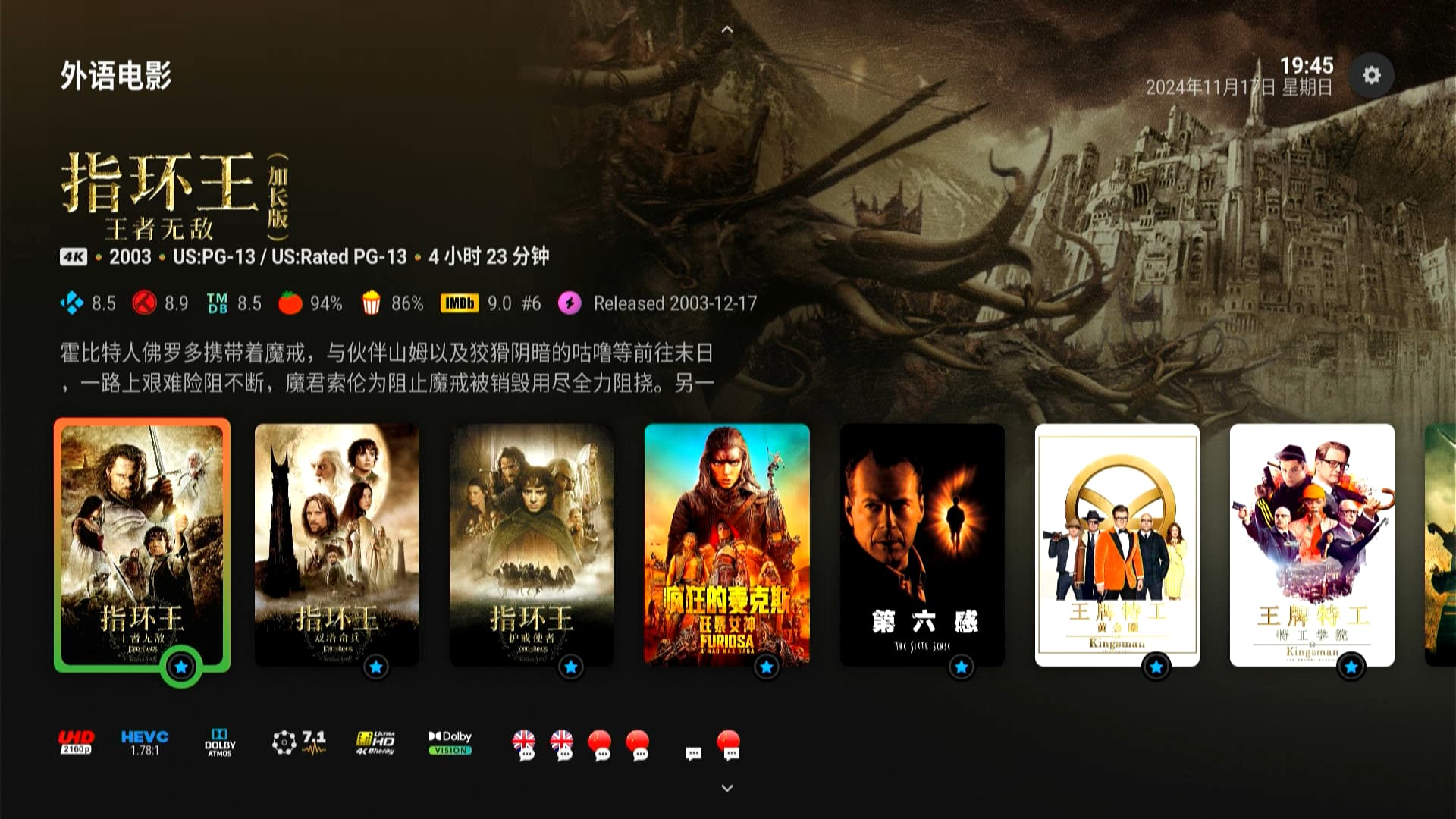
Did the update from A9 to A10 and then AZ19to AZ20. Everything works as intended.
One remark : had to enable the Codec logos and set positions before they started to show but I guess it’s inherent to the new version with these options.
Great work by both CPM and you @anon95383068. Thank you.
Yes, the setting for the video codecs when starting the video requires the positioning setting. This is what is intended. 
yes i like AH2 the best also. I like having the plot displayed by default for posters, its much nicer for browsing
Thanks @anon95383068 for AZR10 fantastic service as always.
Hi @garethk1979 where can I get AH2 to try? Thanks.
There is one issue I regularly happens when converting HDR/SDR to DV. When I stop the video and go back to the menu, the menu is now messed up because I assume it’s trying to display it in DV but DV is not set for the menu? The only solution is to change it from On Demand to On.
Please download the release 20 again, install and restart. There has been a change due to the new feature.
Please check out the latest screenshot.