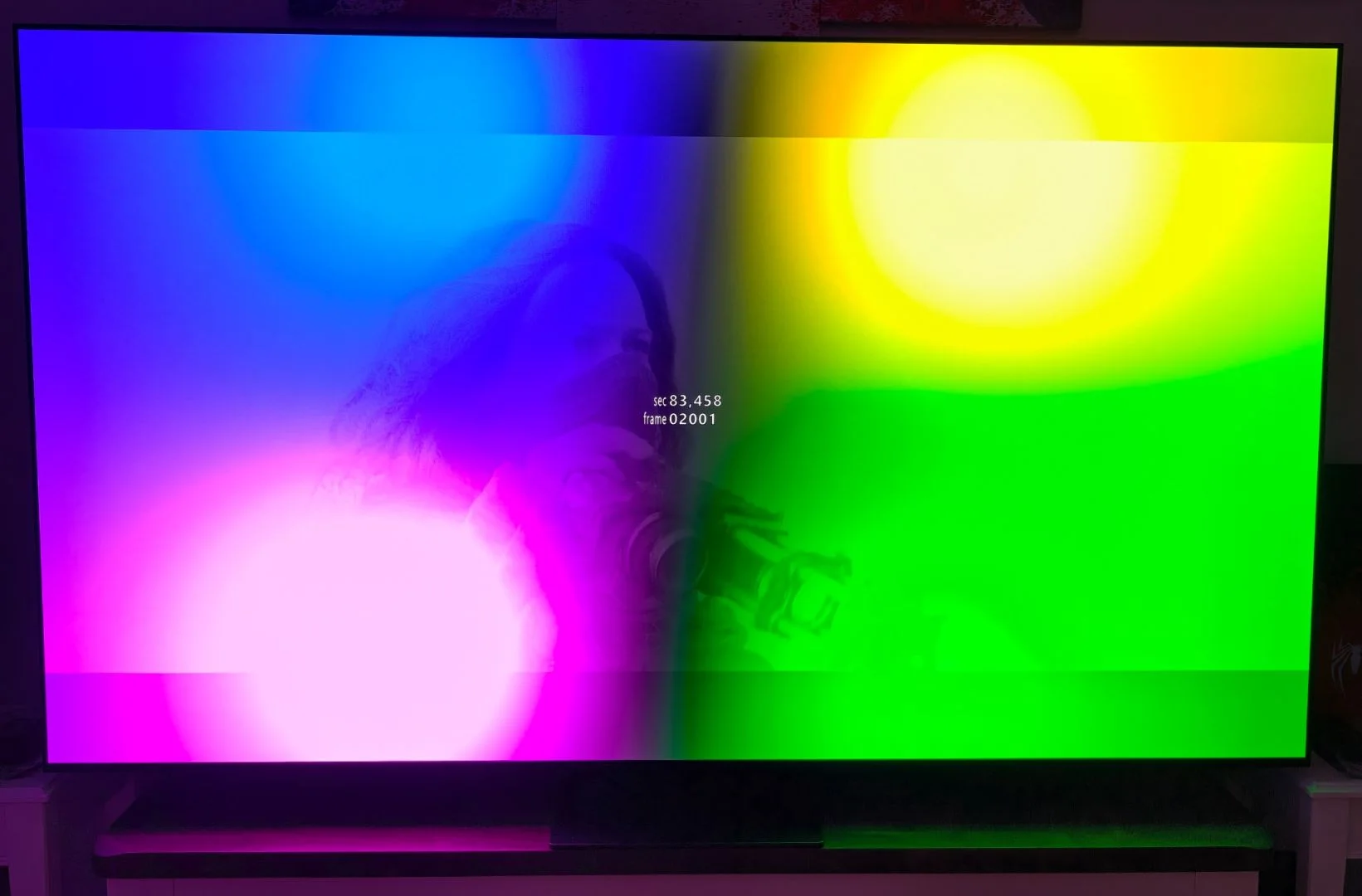
Short explainer
- Dolby Vision is an HDR video format that includes scene-by-scene or frame-by-frame metadata describing how brightness, color, and contrast should be rendered.
- A display that lacks Dolby Vision capability cannot read or apply that metadata.
- Without that processing layer, the device falls back to a supported format (usually SDR or a generic HDR profile like HDR10), so the picture won’t match the creative intent delivered by Dolby Vision.
What happens when you play Dolby Vision content on a non-Dolby-Vision display
- Player detects display capabilities
– The player or operating system queries the display’s capabilities via HDMI/DRM APIs. - Metadata ignored or downgraded
– Dolby Vision metadata is either ignored or stripped; the system selects a fallback format (SDR or HDR10). - Tone mapping is done without Dolby Vision instructions
– The display or player applies generic tone mapping rules (often based on PQ/BT.2020→BT.709 conversion) rather than Dolby Vision’s dynamic mapping. - Visual result
– Highlights: Clipped or compressed — specular highlights look less bright or lose detail.
– Shadows: Less detail or crushed blacks compared with intended look.
– Color: Reduced color accuracy and saturation; some colors may look muted or shifted.
– Overall contrast and balance: Scene-to-scene consistency and intended contrast may be lost; bright scenes may appear dimmer and dark scenes muddier.
Simple visual demonstration (conceptual)
- Dolby Vision master: very bright highlights, rich colors, deep detail in shadows.
- On non-Dolby-Vision display (fallback to SDR/HDR10):
– Bright highlight areas become flatter or clipped.
– Midtones shift; faces and skin tones may look less natural.
– Color gamut reduces; vivid hues appear muted.
– Overall image looks less dynamic and less faithful to the director’s intent.
What happens to FEL data
- FEL (Frame Enhancement Layer) data in Dolby Vision contains extra per-frame metadata and enhancement information used to improve tone mapping and color on capable displays.
- On a display without Dolby Vision support the FEL data is not applied.
- The player or sink may strip or ignore FEL, or the content may fall back to a base layer (e.g., HDR10/SDR) that lacks those enhancements.
- Effects of losing FEL:
– Fine highlight and shadow detail intended by the enhancement layer can be lost.
– Local contrast and color precision from per-frame adjustments are reduced.
– Artifacts or banding may become more visible where FEL would have smoothed transitions.
– Overall image reverts to the appearance dictated by the fallback layer, which is generally less faithful to the mastered Dolby Vision intent.
Disclaimer :
This is to explain how CoreELEC acts in Display-Led (TV-Led) when using a standard install without hacks specific to individual setup.
Said ‘hacks’ are not indicative of normal operation and users cannot expect stock CE to behave like a modified setup.
I have no information on Player-Led in regards to CE, I don’t use it and I’m not even sure when/why/where CoreELEC supports it.
Feel free to list said ‘hacks’ below, however they will not be verified and will be up to per-user experience.
The last note, without ‘hacks’ CoreELEC will not enable DV when a non-DV display is detected, period.
- ‘hack’ : add capability, bypass limitation, or mimic an existing function.