Can this functionality be used to have the VFD completely off? I dislike any light being on in my home theatre when I watch stuff.
If you install the VFD addon, you can turn the display off from there.
Also, if you simply don’t put a vfd.conf file, in some devices the display will be off.
Hey. Hey. I’d like to ask for your help. I have a box X98Q (S905W2). It doesn’t have a display, but after installing CE, the blue LED is constantly on, even after turning it off. With Android, the LED is red when the box is turned off. Would it please be possible to solve this problem by configuring it with vfd.conf?
dtb_b.zip (256 KB)
https://paste.coreelec.org/FreemanExcuse
Try this dtb: 66 KB file on MEGA
Amazing, it works. Thank you very much. And I have a small question. I tried it on version 21. Will it work on version 20.5? Is there any difference?
hi need a little bit of help.
the box is: A95x F3 air (s905x3) 2/16
android cat
ampere:/ $ cat /sys/kernel/debug/gpio
gpiochip1: GPIOs 410-495, parent: platform/pinctrl@ff634480, periphs-banks:
gpio-448 ( |amlsd ) out hi
gpio-458 ( |amlsd ) in hi
gpio-482 ( |sdio_wifi ) out hi
gpio-483 ( |sdio_wifi ) in hi
gpio-493 ( |bt_rfkill ) in lo
gpio-495 ( |bt_rfkill ) out hi
gpiochip0: GPIOs 496-511, parent: platform/pinctrl@ff800014, aobus-banks:
gpio-498 ( |avout_mute ) out hi
gpio-500 ( |data_gpio ) out hi
gpio-502 ( |stb_gpio ) out hi
gpio-503 ( |clock_gpio ) out hi
gpio-504 ( |data_gpio ) out hi
gpio-507 ( |? ) out hi
ampere:/ $
Controller chip: ht1628
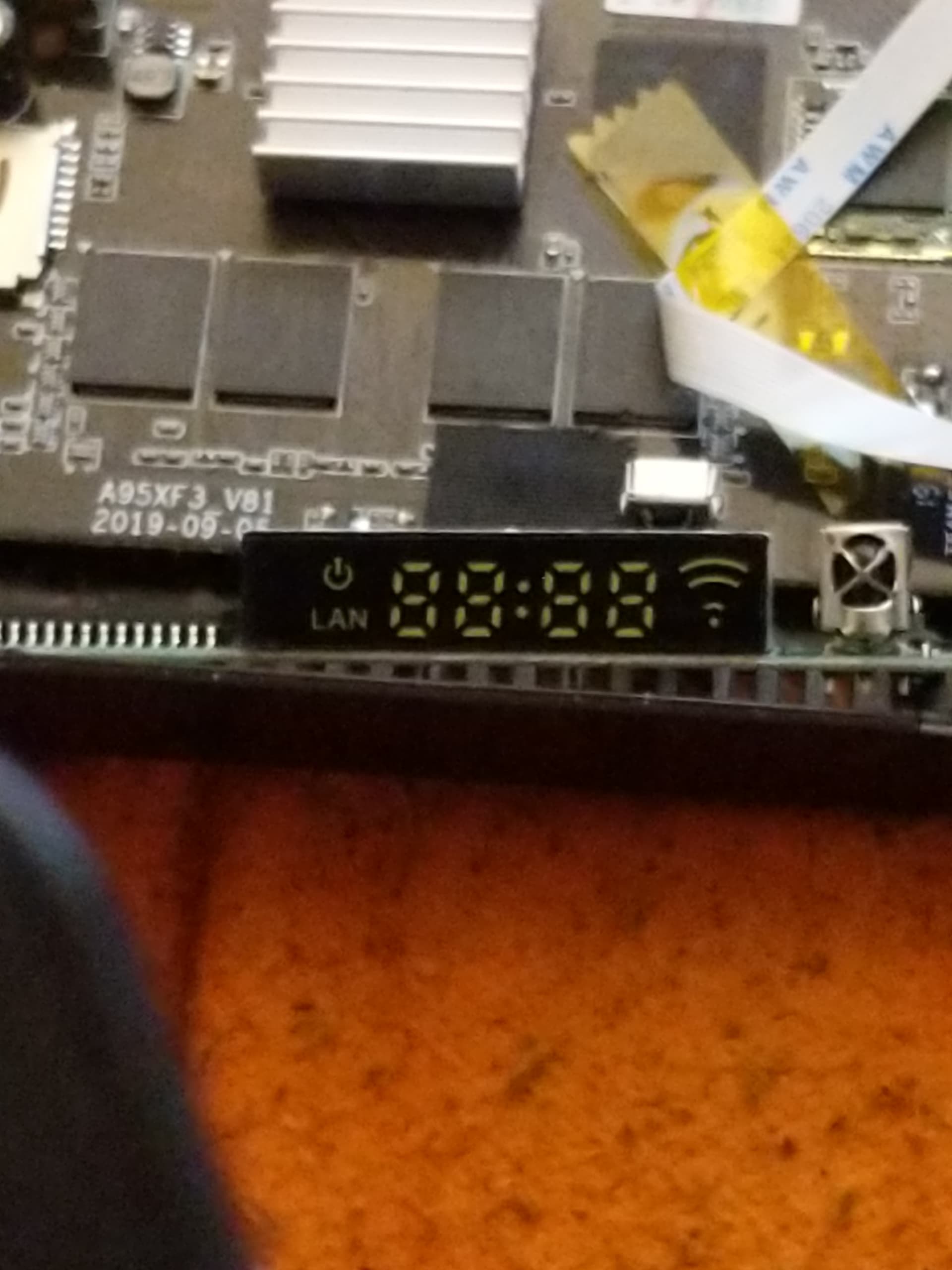
Try the vfd config there for a95xf3
I asked because it didn’t work. It’s for F3 Air 2 with a S905W2 and not for F3 Air with a S905X3. but now it works. At first I didn’t understand how to write the conf file with the data from the Cat but now I know and have already created a working one
Try a95x-r2-aml-vfd.conf
If it doesn’t work, replace the following setting:
vfd_gpio_dat='1,8,0' with vfd_gpio_dat='1,4,0'
Let me know if it works correctly.
as i said i have already a working one
Blockquote
vfd_gpio_clk=‘1,7,0’
vfd_gpio_dat=‘1,8,0’
vfd_gpio_stb=‘1,6,0’
vfd_chars=‘4,0,1,2,3’
vfd_dot_bits=‘0,1,2,3,4,5,6’
vfd_display_type=‘0x03,0x00,0x00,0x02’
Nice, thanks!
I was looking for TOX3 VFD. I could not find it in the repo ?
but found it in a post somewhere 
vfd.conf (1.2 KB)
If you could add it, it Works ok .
Baz
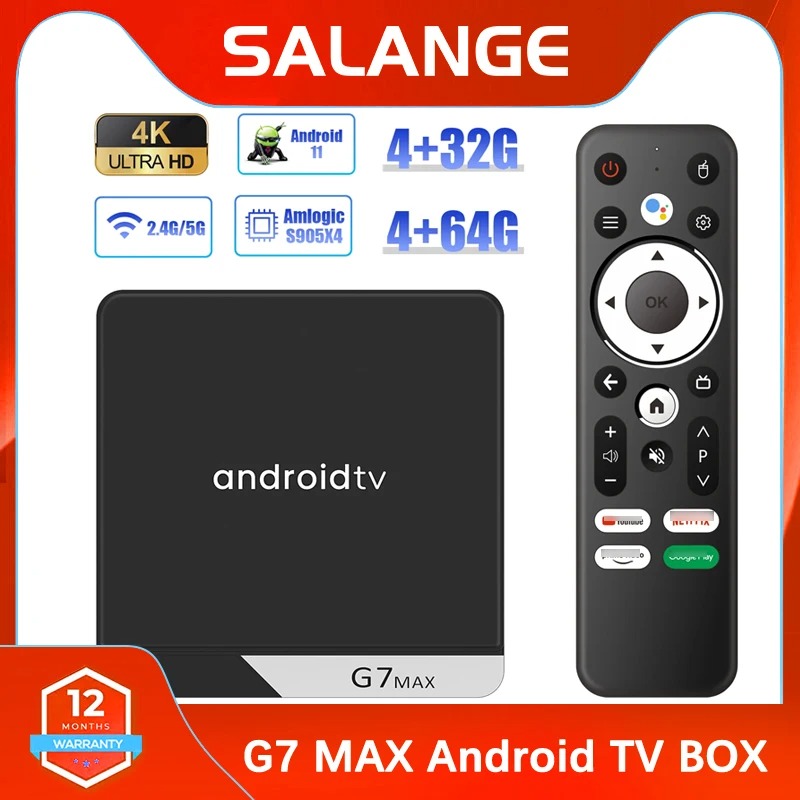
Hi, I bought this box with S905X4 processor, I installed Coreelec ne.21.2 - Omega on the card
But I have a problem with getting the VFD display and controller to work, I’ve probably tried everything, but I don’t know how to get it to work, if anyone has functional files for the display (vfd) and the controller (remote_control).
I would be really grateful for that, the only thing I managed to get it to work is turning the diode when the box was red when turned on and blue when turned off, now it lights up as it should, but I can’t get other things to work… 
Hi,
my functional files VFD and controller.
G7Max_Configfiles.zip (2.2 KB)

Thanks, I added it to the repo.
Hi,
I have a G7 max S905x4 android box running latest nightly for Kodi Omega v21.2. Box is 4g/64g with 1000m ethernet.
I am having issues with the “vfd.conf” file which I downloaded from the vfd repositiory ( vfd-configurations/g7-max-vfd.conf at master · arthur-liberman/vfd-configurations ). I downloaded the “raw” format.
I have the OpenVFD setting “Turn on display” on and on reboot I get an error, “OpenVFD service error - check log for details”. If I set “Turn on display” to off, there are no errors. I have attached the various log files:-
dmesg | paste
https://paste.coreelec.org/KathyGroupie
I see some errors near the end of log:-
“20.596244@2]- OpenVFD: Select FD628 controller
[ 20.596527@2]- OpenVFD: SW SPI 3-wire interface failed to intialize. Invalid CLK (460), DAT (461) or STB (-2) pins
[ 20.596528@2]- OpenVFD: Failed to initialize the controller, reverting to Dummy controller”
systemctl status openvfd | paste
https://paste.coreelec.org/PlayfulReserve
kodi.log (45.2 KB)
Line 372 is where the OpenVFD errors start appearing.
Thanks for any help.
Thanks for getting back so quickly!
I currently have CE installed in single boot on eMMC. I’ll re-install android later today and provide what you are looking for.
Many thanks.