Try to update to a CE normal update to see if it works. You can always update to cpm after again.
1 Like
Make sure that once you successfully update to cpm you need to turn off CE auto update. It could be that you CE system is updating automatically to the normal CE version (and you loose the DV VS10 screen) given CE’s latest date version.
1 Like
ok, I started from scratch with stable 21.1, now cpm installed, DV settings are there, hopefully it works now, haha this took too long, thanks for help.
As I mentioned on the previous post turn off CE auto update and set it to manual. Or else it could update to the latest CE version and you loose your DV VS10 screen again.
1 Like
yeah I done it 
so about the DV settings, that HDR infoFrame, should I enable it? what should the payload be? I checked the excel file but don’t know what I look at haha, this is how my settings are atm, like I mentioned earlier I do have Samsung S90C soft modded to S95C (1300 nits).
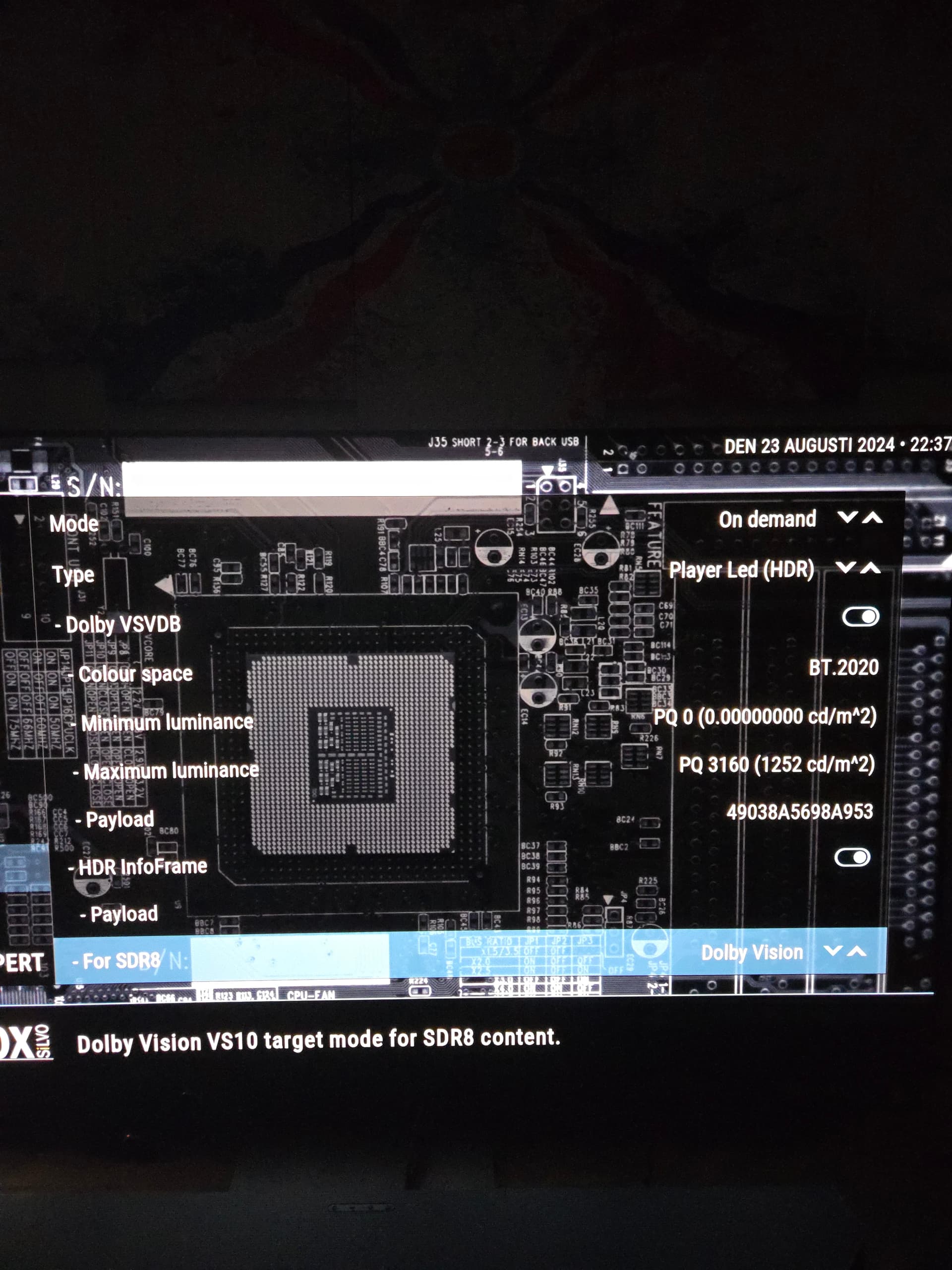
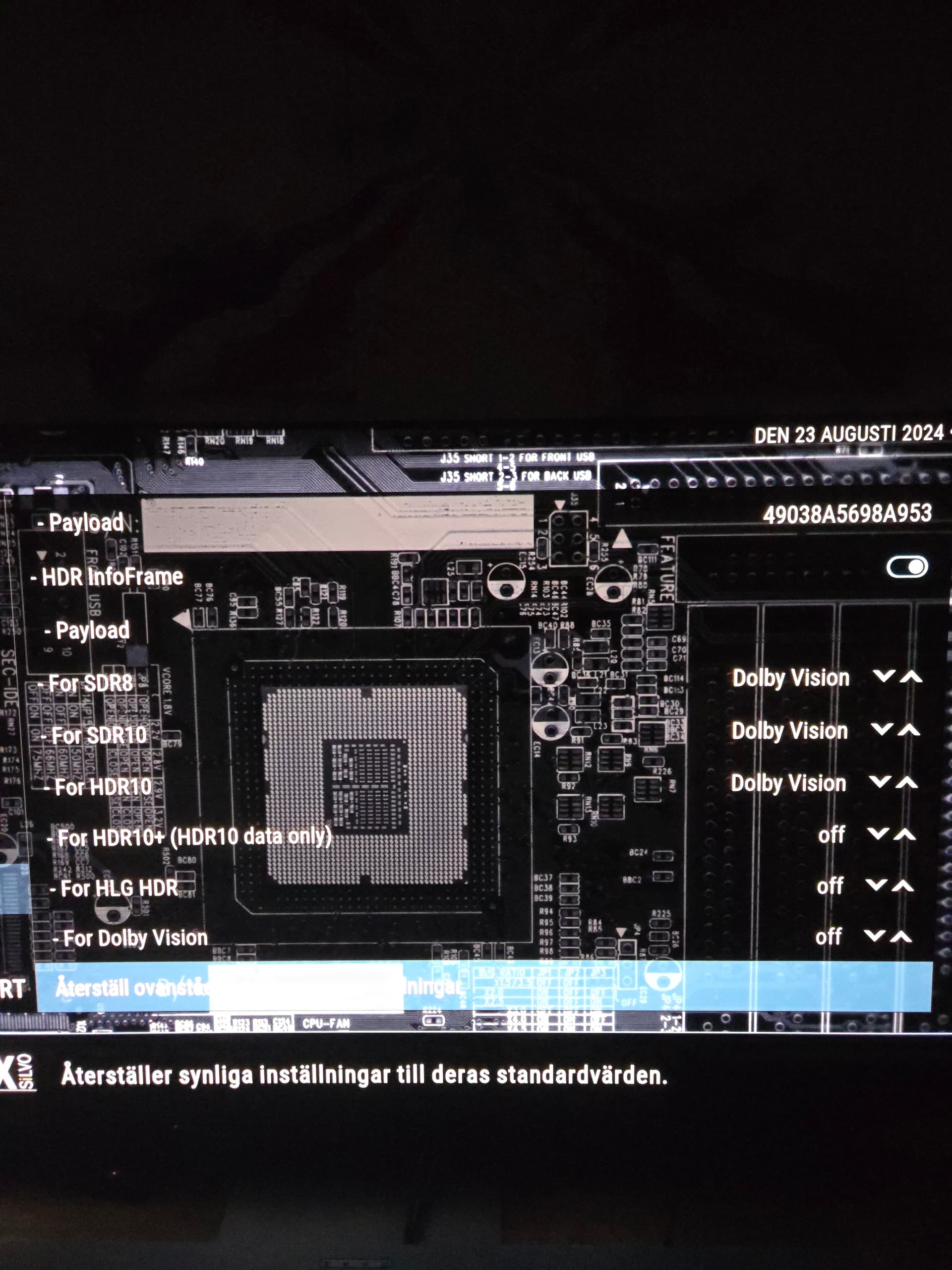
anything else that should be changed? btw how do I get 120Hz option on GUI? I run 1080p 60Hz atm, but could choose 120Hz when connected to my PC monitor, TV is capable of 144Hz, Thanks
I would recommend Color Space = BT2020, White Point = D65, MaxDL = 1252, MinDL = 0 (these would match your VSVDB block) and would leave both MaxCLL and MaxFALL = 0 (when 0 the display uses its default values for both items).
This combination yield this HDR InfoFrame Metadata =
3421AA9B9619FC08488A0839133D42401405000000000000
To test different options you should only change the MaxDL, MinDL, MaxCLL, and MaxFALL. Leave the Colorspace in sync with VSVDB block and leave White Point as D65.
1 Like
Thanks, do I put this in Payload?
3421AA9B9619FC08488A0839133D42401405000000000000
Yes that is correct
1 Like
Cheers big fella. 
*LLDV broken if your TV edid is higher than the RPU mastering display
*1000nits or less edid: everything works properly (except chroma weight).
is this something I should do something about as I run max luminance at 1252? Thanks
I would test some videos to see if the very bright images on a video looks wrong (too bright and lack of detail or too dark) if not then leave it alone. This was reported some time ago before CE and cpm updates/improvements so not sure if it is still true or not.
The best video image I know to test bright images is the movie “The Meg” at around 1:08 to 1:12. The sky images should be bright but you should still see well defined white clouds. If cannot see any clouds or the clouds are yellowish or greenish then there is a problem.
1 Like
ok, I tried that movie and it looked bright and great, wow.
Ok, so you saw well defined white clouds on the light blue sky during that time period? If so then everything is good. If you saw the sky as everything white or the sky as everything light blueish (do not see any clouds) or if you see clouds in the sky but they are not white but yellowish or greenish then there is a problem.
1 Like
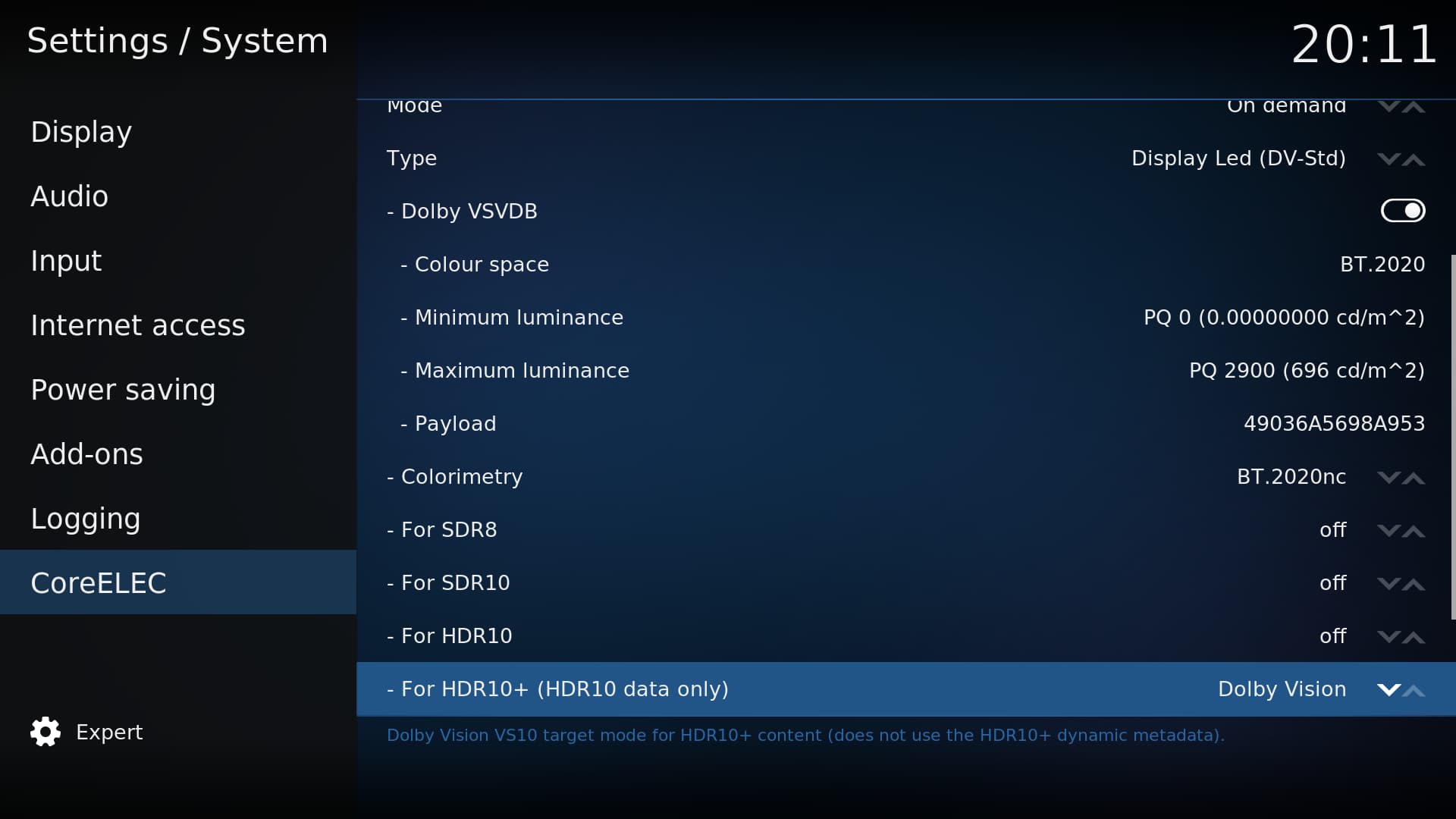
You will only see this input when the “Type” is set to “Player-Led (HDR)” then besides the VSVDB block you will also see the HDR InfoFrame Metadata payload input. The string is generated by the spreadsheet that was post previously. I posted below also. No use if you are not using “Type” as “Player-Led (HDR)”.
dolby_vsvdb_calc_MOD_6.xlsm (59.3 KB)
I see, I think these are only for TV not support DV for e.g Samsung HDR? my tv is LG G4 support dv.
Yes. This is if the TV does not support DV or LLDV - only supports HDR10 or/and HDR10+. His TV is a Samsung so he needs to set as Player-Led (HDR).
1 Like
As pre the screenshot, do you recommend any change input?
If you have fully calibrated your TV (SDR and HDR) then you can leave everything off. If you have not fully calibrated your TV then you can set everything to “Dolby Vision” and only leave HLG HDR (given an AMLogic bug) and Dolby Vision “off”.
1 Like