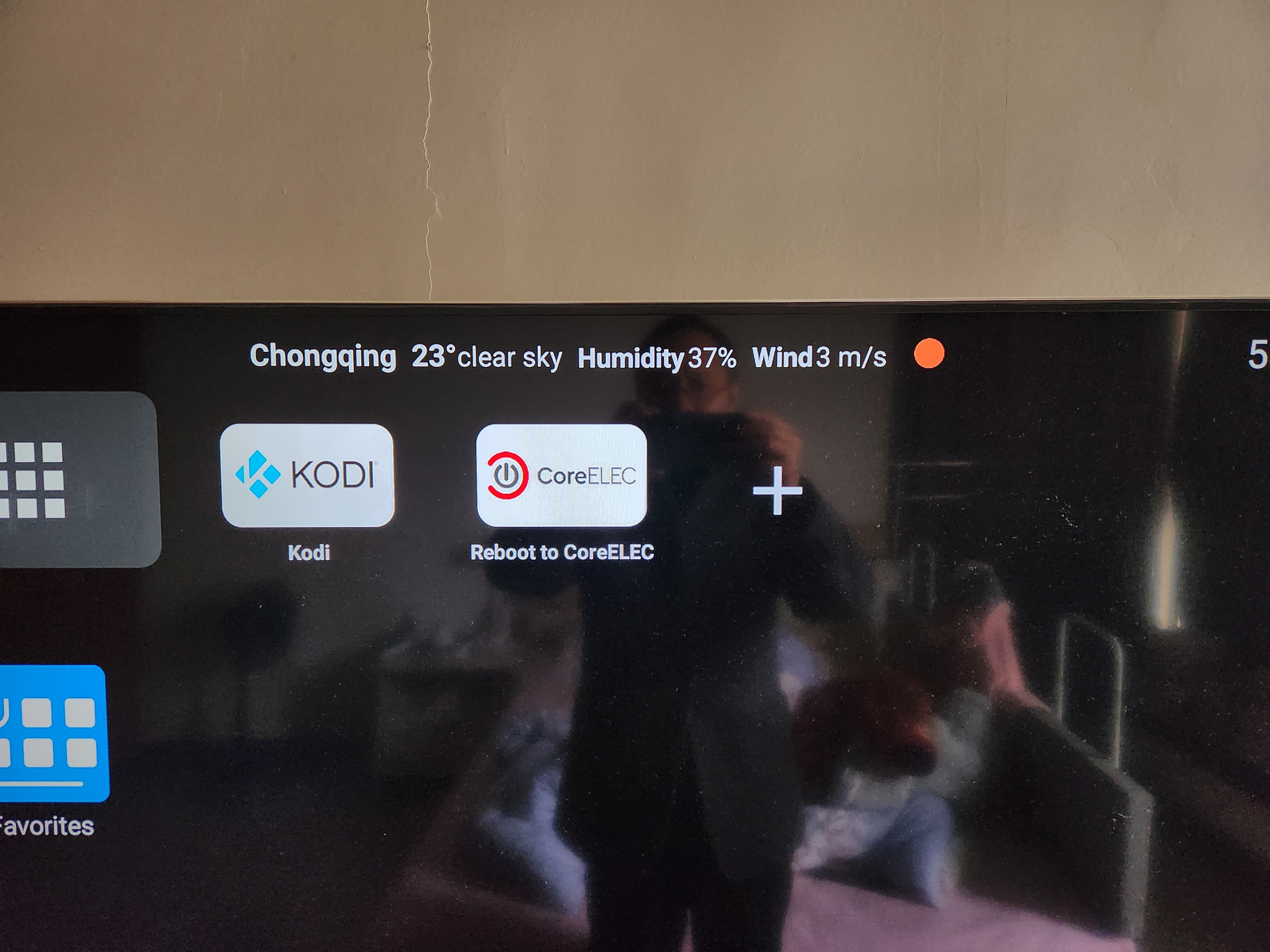
I am testing the 0311 latest Nightly build on Ugoos AM9 Pro (S905X5) and encountered a persistent “Green Screen” issue when playing HDR10+ or Dolby Vision content after a system resume or reboot.
Cold Boot: Video playback (HDR10+/DoVi) is perfectly normal with excellent audio/video quality.
The Trigger: After the device enters sleep mode (suspend) and resumes, or after a warm reboot, the video output turns completely green.
Driver Status: I have manually loaded the dovi.ko module (Jialong Jiang version) via autostart.sh. The module loads successfully, but it does not resolve the green screen issue post-resume.
Attempts: I tried forcing HDMI HPD reset and re-setting the color attributes (444, 10bit) via sysfs, but the green screen persists. It seems like the VPU clock or the video pipeline fails to re-initialize correctly after power management events.
Could you please take a look if there are any missing power-state transitions or VPU reset sequences specific to the S905X5 in the current Amlogic-no branch?
Additional Observation:
Actually, the only way to get HDR10+ working correctly is the first boot after restarting from Android. Any subsequent warm reboot or resume within CoreELEC triggers the green screen.
My apologies for the confusion. I was testing with a custom path (/storage/bomb/dovi.ko) earlier. I have now moved the driver to the standard location: /storage/.config/dovi.ko.
The Result: After rebooting CoreELEC, the issue remains identical. The log still shows the same error, and the Green Screen persists after any resume or warm reboot.
Comparison & Setup:
TV: Sony X9000H (Flagship LED).
Comparison: I have used a Banana Pi (S905X3) on this exact same TV for years, and it has never encountered any green screen or HDMI handshake issues.
This confirms that my TV and cables are perfectly fine, and the issue is specific to the S905X5’s VPU/PCIe initialization in the current kernel.
I am happy to enable terminal sharing for further debugging. I have enabled terminal sharing service now. Thank you.
Even if I issue the reboot command within the CoreELEC terminal, the device reboots directly into Android instead of returning to CoreELEC. I have to manually select “Boot to CoreELEC” from Android every time to get back, which causes the Terminal Sharing service to disconnect and makes consistent debugging very difficult.
It seems the boot priority isn’t sticking during a warm reboot on the AM9 Pro. Let me know how you want to handle this.
Thank you for the suggestions. Here are the updates based on my testing:
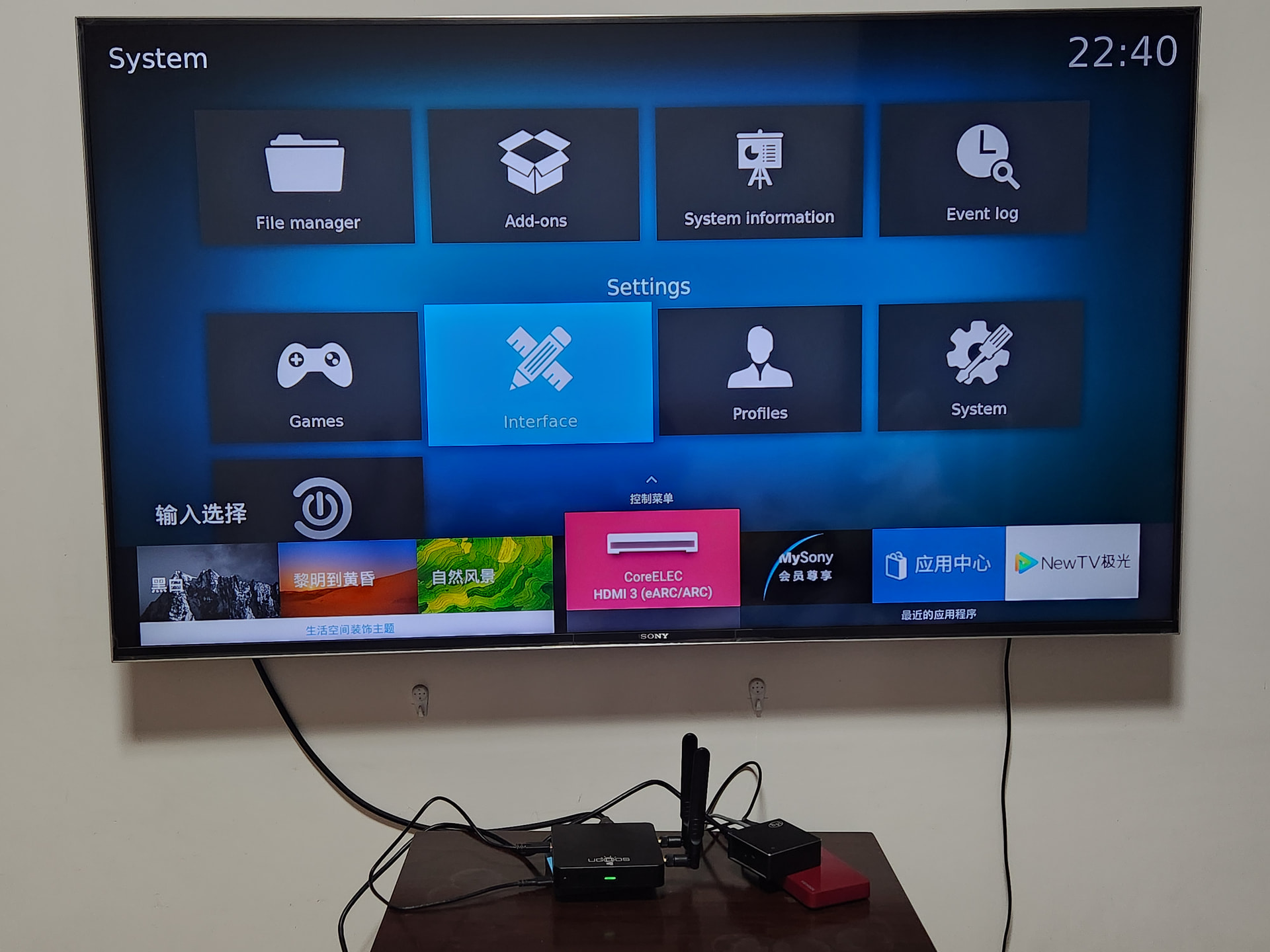
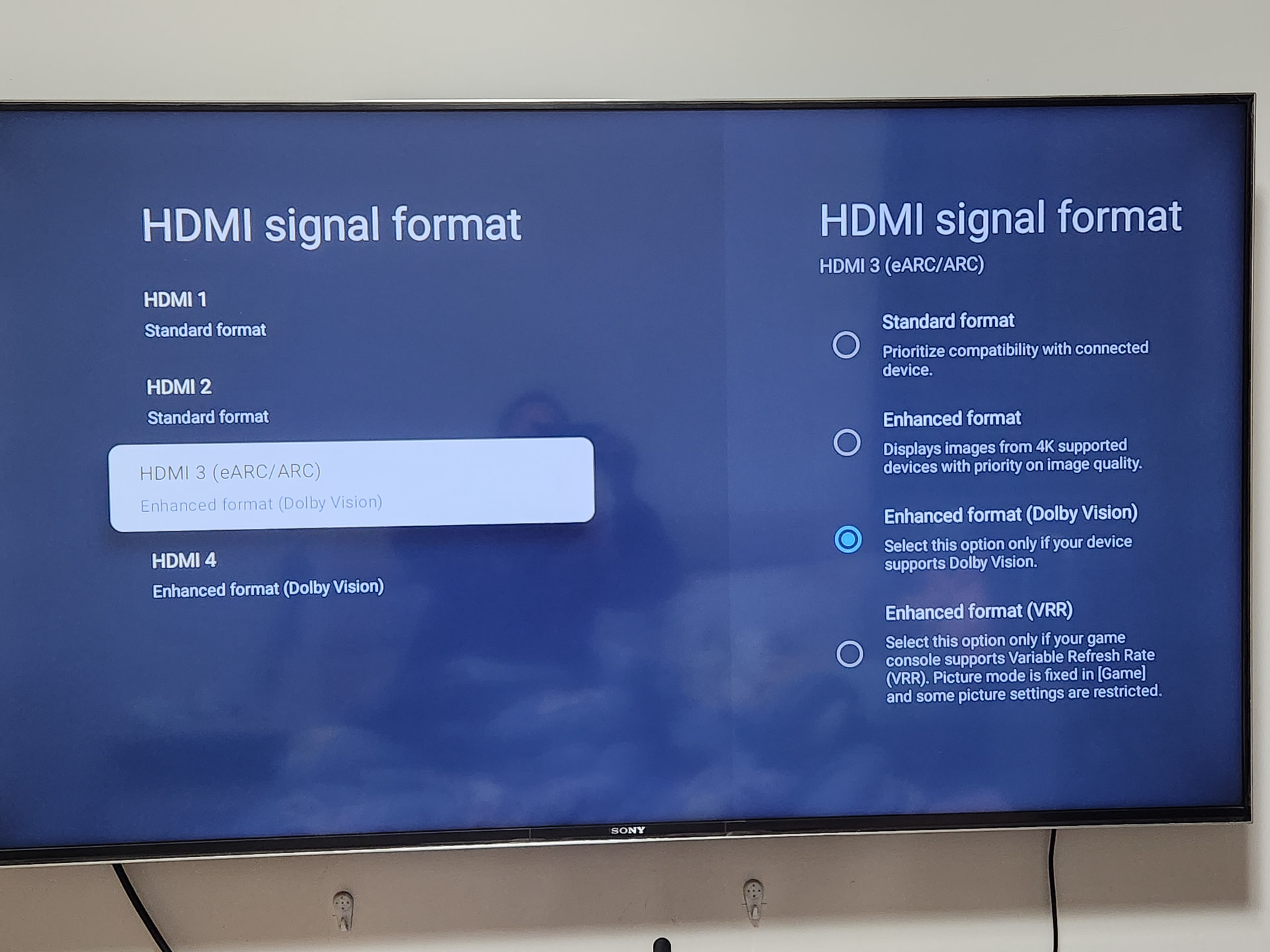
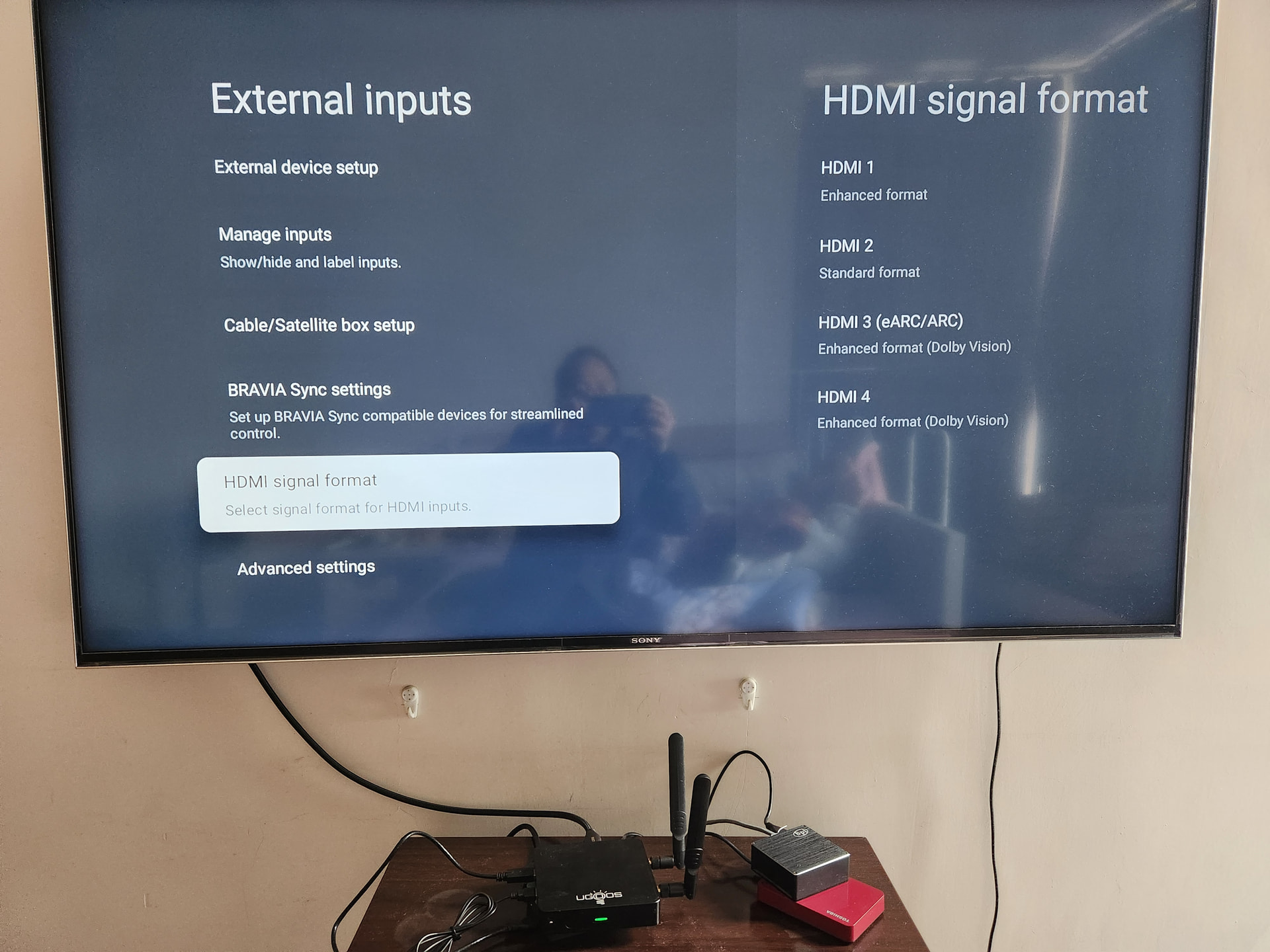
Direct Connection (No AVR): As shown in my previous photo, I am connected directly to the Sony X9500H via HDMI 3 (eARC). There is no AVR or soundbar in between. On my S905X3 box, this same setup provides 4K 60Hz DV without issue. The fact that the S905X5 only detects 2160p30hz suggests an EDID or handshake bug in the current S905X5 kernel.
Boot Issue (Power off vs Reboot): @Vpeter, I tried using the poweroff command and then starting the device again as you suggested. Unfortunately, it still boots directly into Android. On this Ugoos AM9 Pro, neither a warm reboot nor a cold boot (via poweroff) seems to respect the µSD boot priority once it has been in CoreELEC.
Hardware Status: I will leave the device powered on and the Terminal Sharing (wangyu1314) active so you can continue to investigate these VPU/HDMI and Bootloader issues directly.
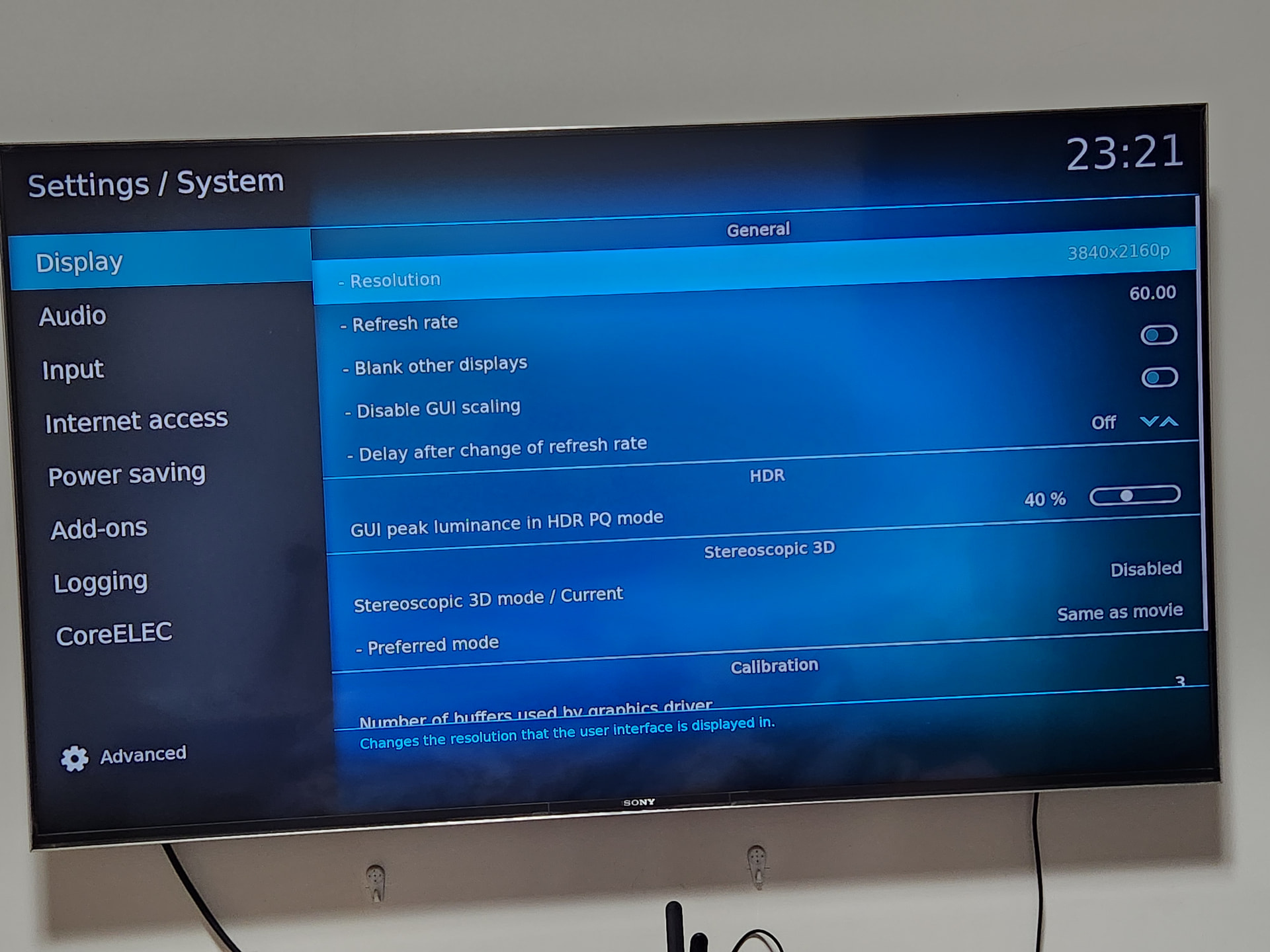
Now that we have confirmed the HDMI 3 port and Sony TV are correctly configured for 4K 60Hz (as shown in my previous photos), let’s look at the actual core issue.
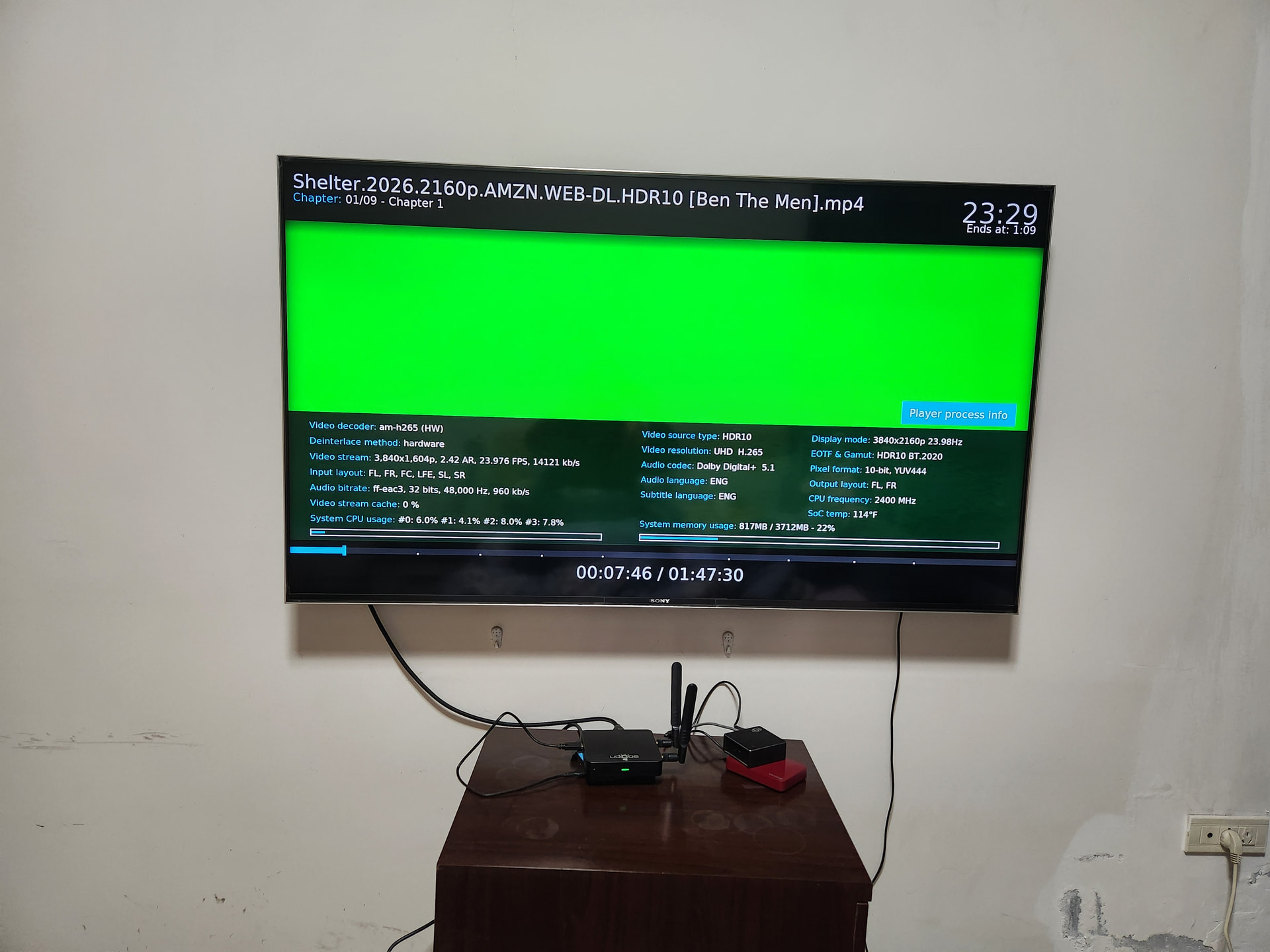
I have attached a photo of the Green Screen occurring during playback of a standard 4K HDR10 file.
Hardware Decoder: am-h265 (HW) is active.
Resolution: 4K UHD.
Result: Complete green screen (VPU failure).
This proves that even with the “Enhanced Format” enabled on the TV and the correct HDMI handshake, the S905X5 kernel/driver is failing at hardware decoding.
This is the real bug I’ve been trying to report. It’s not the cable, not the port, and not the TV—it’s the VPU implementation on this new SoC. Please use the log from my Terminal Sharing session (wangyu1314) to investigate this decoding failure.
Furthermore, in this green screen state, the decoding performance is abysmal. The playback is constantly stuttering or completely freezing.
This suggests that the VPU is not just outputting wrong colors, but is likely crashing or failing to manage the buffer at the kernel level.
To recap:
Android works perfectly (Same hardware, same TV, same file).
CoreELEC fails with a green screen and total playback stagnation.
This is a textbook case of a broken hardware-accelerated video driver in the current S905X5 build. I hope these details help you pinpoint whether it’s a memory allocation issue or a VPU clocking bug.
I have followed all your suggestions, and the results clearly point to a hardware initialization failure in the CoreELEC kernel for S905X5.
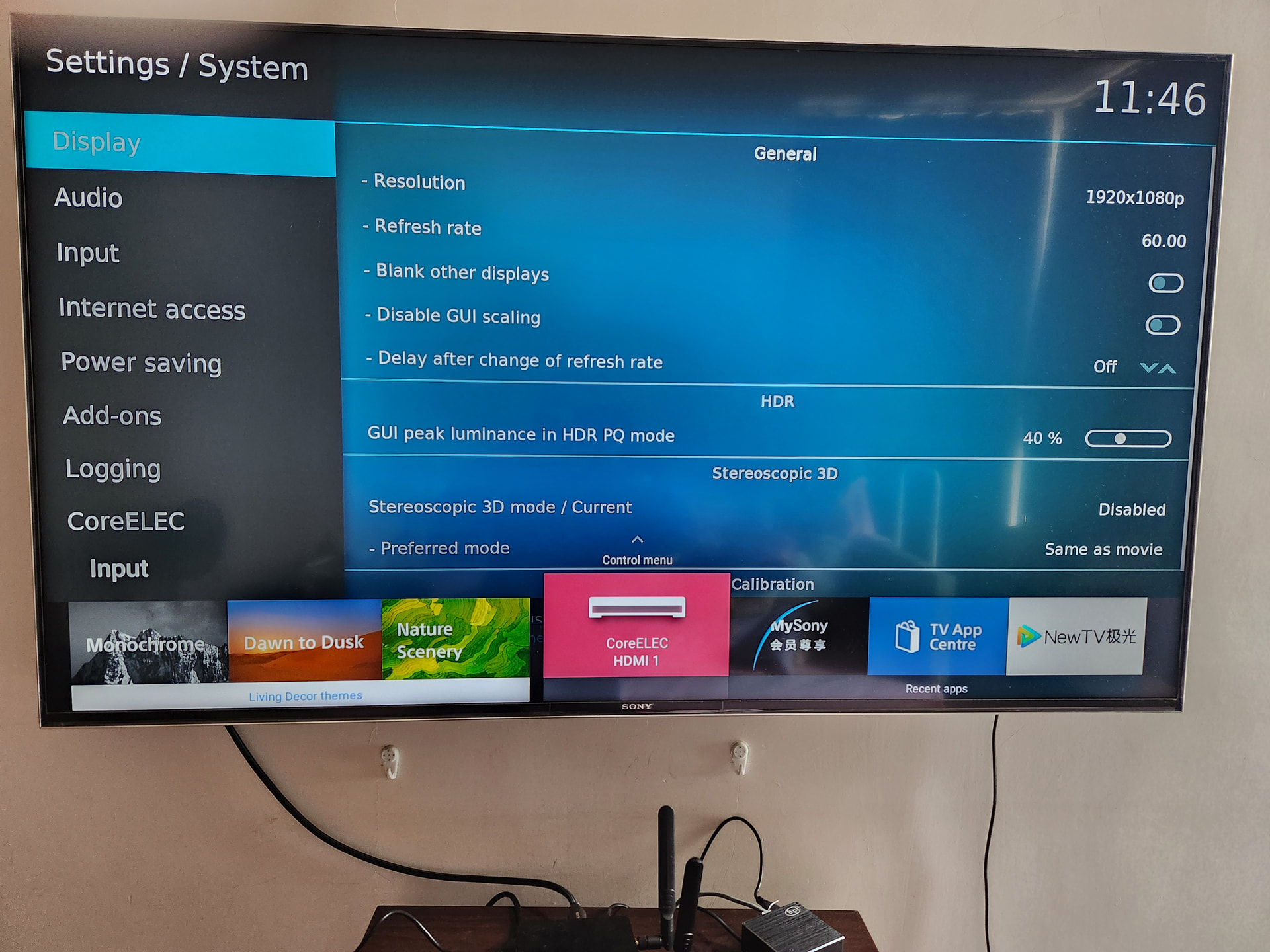
Test Setup as requested (See attached photos):
HDMI Port: Switched to HDMI 1 (Standard/Enhanced mode).
GUI Resolution: Set to 1080p 60Hz.
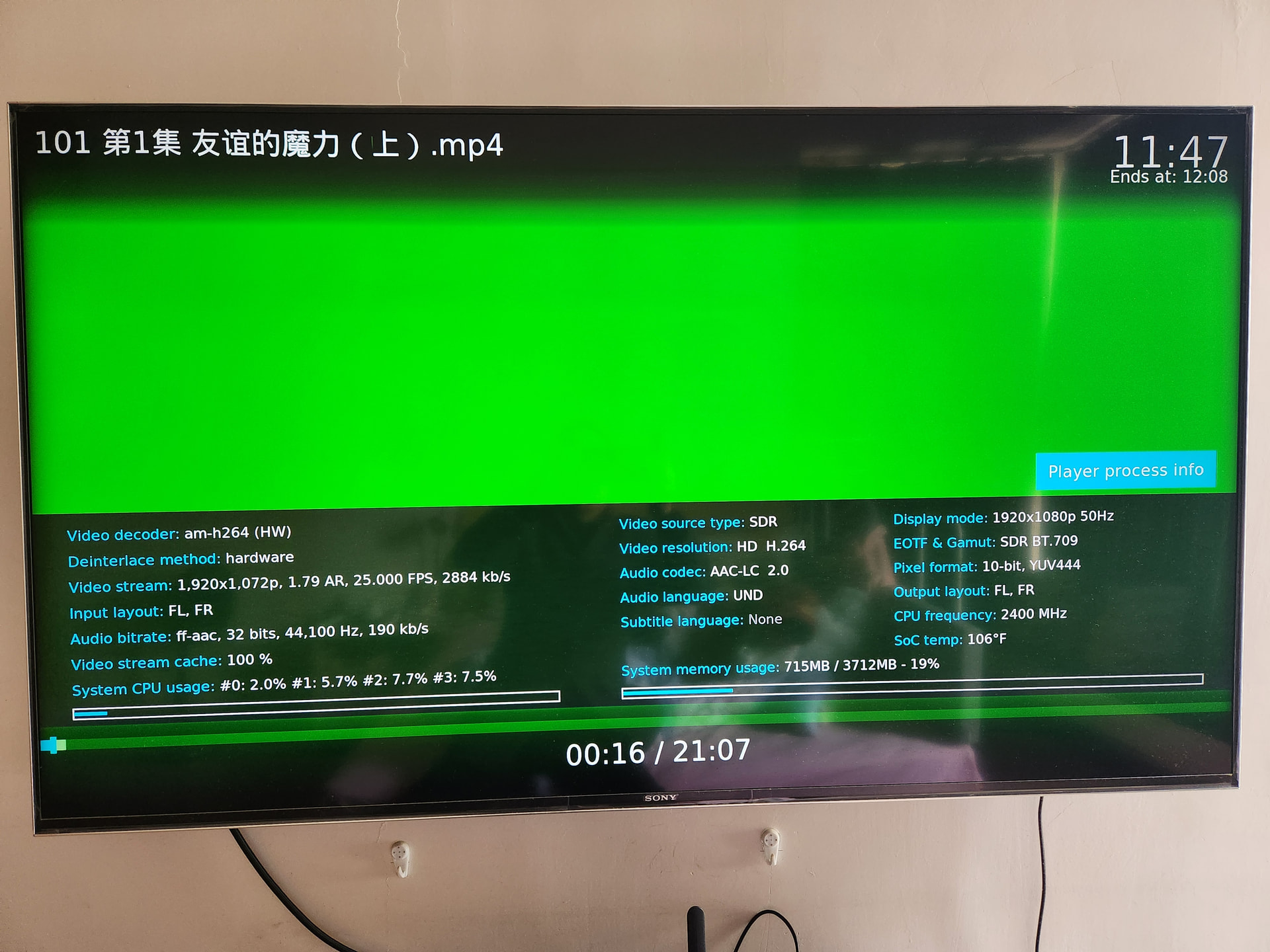
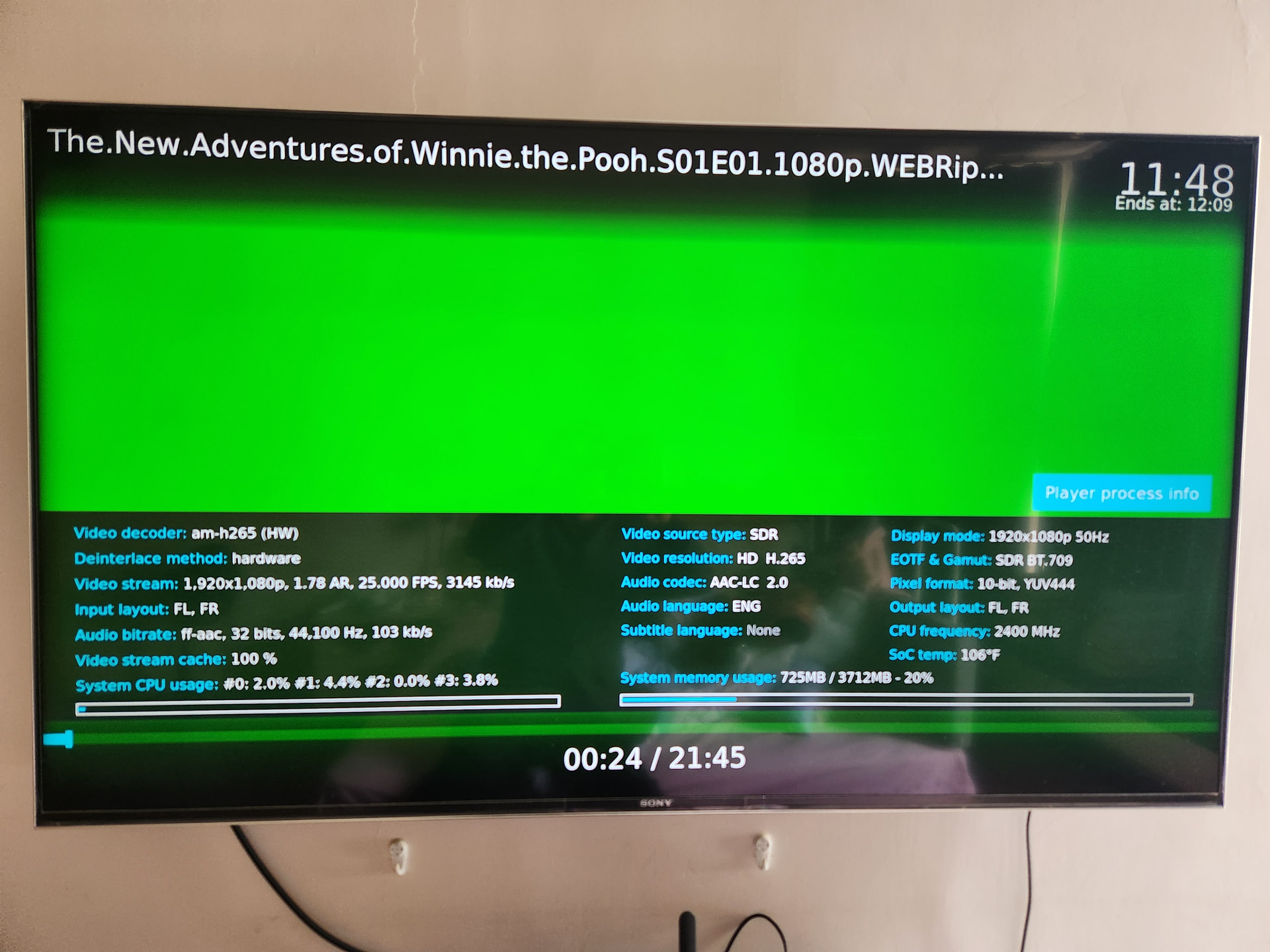
Media: Tested various samples, including non-HDR H.264 and H.265 files.
The Results:
The Problem Persists: Every single file results in a GREEN SCREEN and extreme decoding lag (as shown in the Player Info overlay). It doesn’t matter if it’s 1080p or 4K, HDR or SDR.
The “Sleep” Trigger: If I put the device to sleep/standby using the Sony remote and then wake it up, every video becomes green.
The “Android” Proof: All these files play perfectly on Android firmware using the exact same hardware and HDMI 1/3 ports.
The “Warm Boot” Logic: If I reboot into CoreELEC directly from Android, the FIRST playback is normal (see the successful 4K playback photo). But after one playback or a standby cycle, it breaks completely.
Conclusion:
This is NOT a TV setting issue, NOT a cable issue, and NOT a media sample issue. The fact that it works after an Android reboot but fails after a CE cold boot or sleep cycle proves that CoreELEC is failing to correctly initialize or reset the VPU/HDMI registers on the S905X5. The evidence is now undeniable. I have provided the logs and the visual proof. It’s time to look into the kernel’s VPU/HDMI driver implementation.
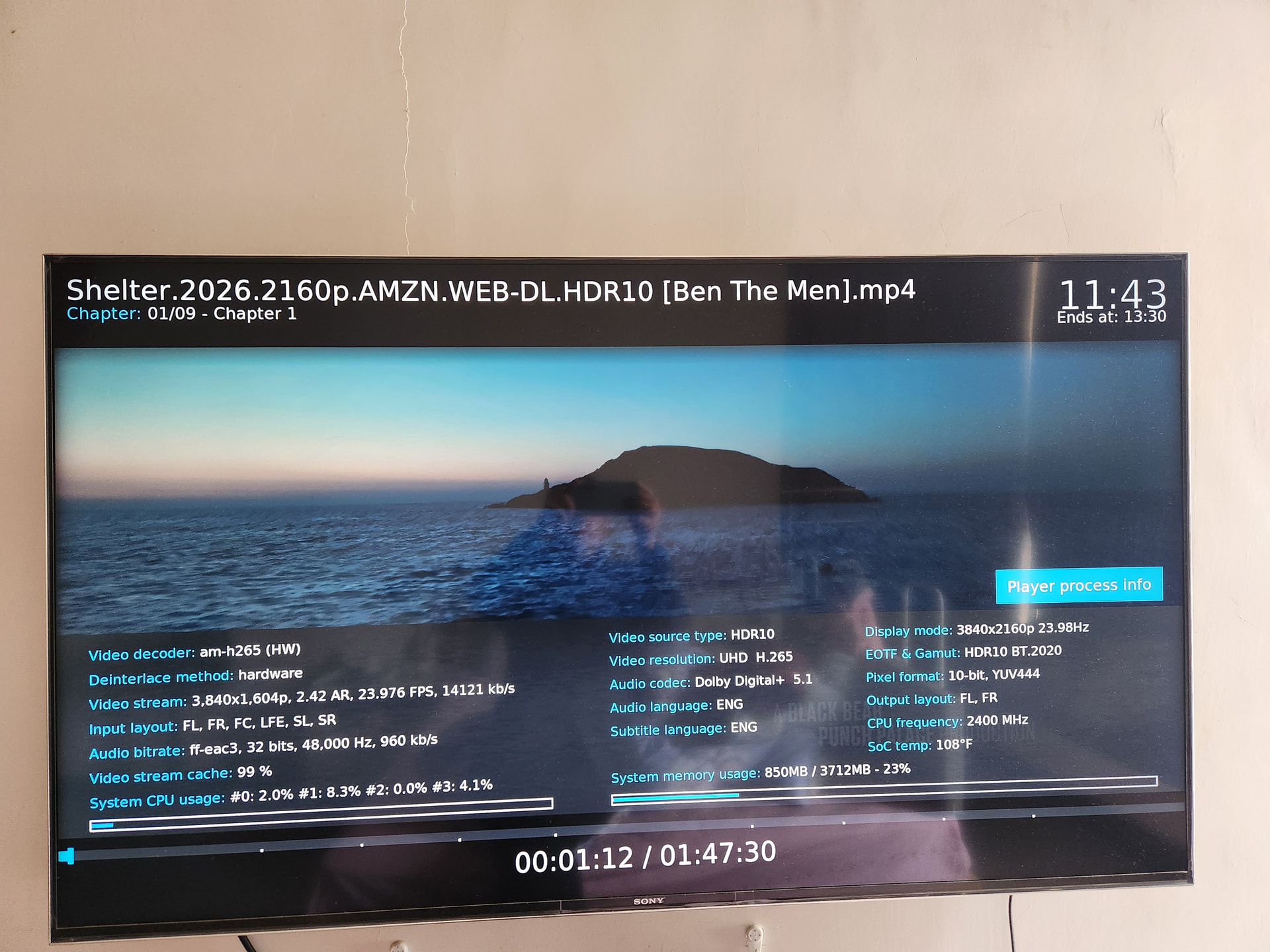
Here is the evidence of normal playback on the same setup.
The photos show that when I reboot into CoreELEC directly from the Android firmware, everything works perfectly (4K, HDR, correct colors).
However, after a sleep cycle or a cold boot in CoreELEC, the screen turns green as shown before. This confirms that the hardware, cable, and Sony TV settings are all correct. The issue is specific to how the system handles video/output after a fresh boot or standby in the current build.
Update: After further testing with alpha3, I noticed that the green screen issue is partially resolved, but it still persists with certain files.
Some videos now play correctly, which is progress. However, other files still trigger the same green screen and lag, especially after a standby cycle.
It seems the VPU driver is now “halfway there.” It can handle some profiles but still fails on others. I’ll keep testing to see if I can find a pattern in the file specs (bit depth or frame rate) that causes the failure. Thanks for the partial fix in this build!