I don’t know if this will help, but perhaps take a look at the android power settings. Change from sleep or reboot to power off.
Thanks for your reply but its problem in corlec side the android work fine
But i will try
Are you having this problem ?
I see the very same horizontal white lines they are short not all the length of the screen in HW VC-1 decoding.
Thank you for the devs as usual, very nice playback on my AM9 Pro.
If devs are looking in here, I have only noticed the following problems so far:
- VC-1 have horizontal white lines glitches in HW acceleration
- There’s a vsync bar that moves from a little below the middle of the screen and down to the bottom when you start some videos, SDR ones mostly it seems but I need more testing to be sure
- H264 4K 60 fps videos don’t play correctly (slow-motion and audio don’t match) but H264 4K 50 fps and below seems fine, which is the first Amlogic SoC to do that (before all 4k h264 didn’t play correctly in older SoC).
- DV movies sometimes hangs and reboot the player when you seek in the video and MAYBE also when you just watch it (more testing needed)
I think the DV issue is known and it’s because of the dovi.ko module that the devs did not make so I don’t know how that could be fixed?
Additionnal infos: I never booted in android 14 and never upgraded the firmware, but, to my knowledge, CoreElec is completely stand-alone and upgrading the android 14 firmware will not change anything in CoreElec. Am I right?
Question: Is it possible to force SW decoding for VC-1? I tried the decoderfilter.xml file and it didn’t work? In any case I have other players that play VC-1 perfectly so it’s not that big of a deal.
Question #2: I never was able to boot CoreElec from USB so far and I tried a lot of external SSD and USB keys. Only SDCard works. What am I missing to boot from USB?
I loaded the NO nightly build on an AM6B+ and a VC-1 encoded movie (1080 HD) looked great! I thought I saw one short horizontal bar while watching for at least 10 minutes but I never would have noticed it if I wasn’t looking for it. I see short horizontal bars randomly across a frame at least every 5-10 seconds while using the AM9 Pro. My Settings/Player and Settings/System are identical (defaults) on both systems.
Good to know that someone else saw this on the AM9 Pro too! Not a big deal since I only have a handful of VC-1 movies and I doubt that there will be any new ones.
Congrats to the developers for the wonderful software!
1 Like
I installed CE NO nightly on my AM9 Pro a few hours ago using a micro SD to boot from; it seemed to go perfectly. Played a few movies and all seemed good. I didn’t change anything significant, only my network setup and added a few NAS shares.
Later on, the box had turned off with my TV CEC (I guess) and when I turned it back on, I got the error “Failed to initialise database” after the CE logo followed by rebooting, and looping from reboot to the error continually.
I can reinstall it and try again of course, but if there’s anything I can find out from the micro SD that would help determine the cause, let me know. Obviously I can’t do anything in CE because it won’t even start.
A post was merged into an existing topic: Dolby Vision for Minix U22X-J (Max) and Ugoos AM6+
A post was merged into an existing topic: Dolby Vision for Minix U22X-J (Max) and Ugoos AM6+
I’ve had this. Try a different card.
1 Like
I will if it does it again. So far, after reflashing the card, it’s been OK after a few restarts. Early days though.
The card is a new Sandisk Extreme 128GB. I do hope it works because I bought two. If it fails again I’ll swap out for something different.
A Lexar PLAY PRO MicroSDXC seems to be alright for me, so far. Not cheap, though.
1 Like
I have sandisk extreme 128 gb and it works perfect for me
just check are you using correct dtb (rename to dtb.img) and dovi patched (renamed to dovi.ko)
1 Like
The green screen on any non-DV video after suspend of S905X5 should be solved since nightly 20260527.
7 Likes
BSOD would be better
I get this after playing DV content, log file - https://paste.coreelec.org/PrestoBobbi
tv > avr > box, tried different hdmi cables, seems to stop when I turn off adjust refresh rate and im on the latest nightly
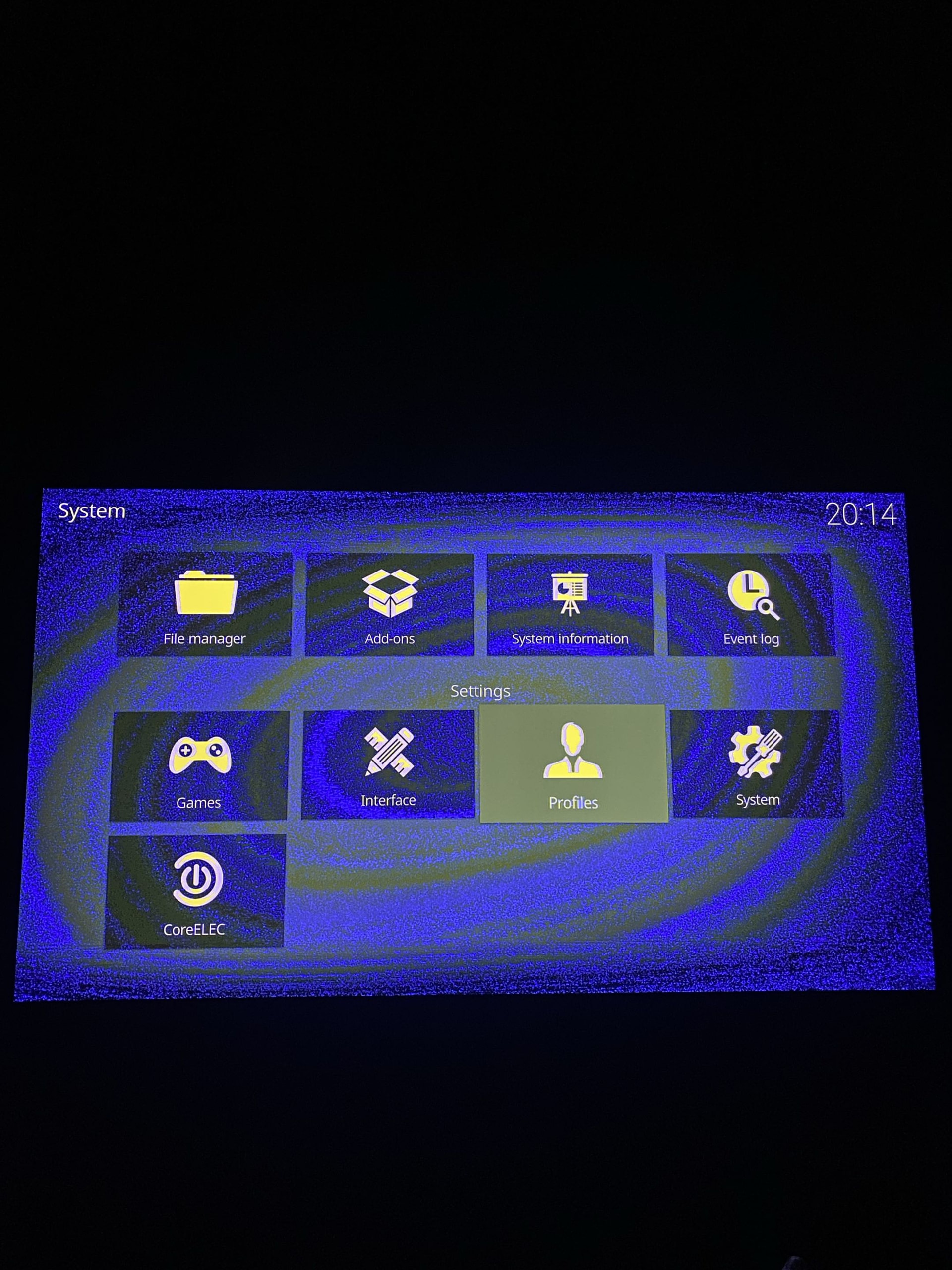
This is the error!
The TV does need a mode switch to enable/disable correct Dolby Vision mode.
Why disable it at all?
To watch a 23.974 FPS movie with 60Hz and get stutter?
I disabled it to see if it fixes the problems (which it does)
It’s better to disable sdr2hdr and try again.
Oh that seemed to fix it, thanks!
Hi, I tested it on my Ugoos AM9 Pro with the S905X5-J SoC and Sony HDR TV. The green screen issue on non-DV video after suspend on S905X5 is indeed fixed since nightly 20260527. Even after hot shutdown/hibernate and then resuming playback, there’s no green screen anymore. Huge thanks for your great work on this — I really appreciate the effort!
2 Likes
Sometimes, when I stop a video, the hdmi gets lost and I need to power off and power on the am9 pro to get the image back. Anybody else has that? It does not happen super often. I use PM4K.