Have you had any success in getting 5.0 audio to map correctly in subsequent NO releases? I had hoped that the 22 alpha would have improved the audio mapping but I’m still having issues with my several jazz and classical SACD recordings which are in 5.0 format. It’s the one thing that is preventing me from moving fulltime to the newer kernel. My 4.9 kernel NG version is working perfectly with all audio formats. I don’t really have any requirement for the various DV-type tweaks as I have a separate 4K Blu-ray player which supports DV, HDR+ etc.
The audio channel mapping was reworked in CE-NO and the Kodi audio channels must exact match the used system configuration.
You need to use Multi-LPCMand ensure pass through isn’t used.
The audio channel mapping was reworked in CE-NO and the Kodi audio channels must exact match the used system configuration.
You need to use Multi-LPCMand ensure pass through isn’t used
I’m not sure what you mean by “must exact match the used system configuration”?
My audio system has 8 speakers (5.2.1 configuration) - basically a 5.1 system (FL, FC, FR, LFE, RR, RL) plus two Dolby Atmos speakers, so my Kodi setting is for 7.1 configuration.
“You need to use Multi-LPCMand ensure pass through isn’t used” My Kodi audio is set as ALSA:AML-AUGESOUND,HDMI Multi Ch PCM if that is what you mean. The FLAC data on the albums is output as LPCM to my AVR and this is correct for 2.0 and 5.1 formats, but not for 5.0 formats. Only Dolby/DTS audio formats are passed through to my AVR for decoding there.
I have used the same Kodi config (except set to 5.1 before I installed Dolby Atmos) for years now. The 5.0 mapping works perfectly in NG with the 4.9 kernel.
Don’t expect much from alpha release Joe 
You better go back to NG.. Nothing new in NO you would miss. Only troubles…
I’m on an Odroid N2 and I know NG is no longer being developed, so I’d prefer to be on a supported kernel. My “thing” is multichannel audio, rather than trying for latest Dolby Vision development, so my use case is a bit of an outlier. However, that said, audio channel mapping and bit rate and bit depth has always had issues in various CE releases, but @Portisch and other devs have always tracked down the problem areas eventually. Usually, it’s down to a low-level ALSA file misconfiguration somewhere.
What if you set kodi channels to 2.0 and use pass through where you receiver/amp does the decoding? Works for me.
I was wondering if this was the commit 2ca26b1 (from 27th March) which changed the channel mapping? One of the files changed was sound/soc/amlogic/auge/tdm.c and part of the changed file reads as follows:
//                     channel:   7,    6,   5,   4,   3,    2,   1,   0
{ .channels = 2,  .speakers = {                                  FR,  FL } }, // AE_CH_LAYOUT_2_0        0x00
{ .channels = 3,  .speakers = {                            LFE,  FR,  FL } }, // AE_CH_LAYOUT_2_1        0x01
{ .channels = 3,  .speakers = {                       FC,        FR,  FL } }, // AE_CH_LAYOUT_3_0        0x02
{ .channels = 4,  .speakers = {                       FC,  LFE,  FR,  FL } }, // AE_CH_LAYOUT_3_1        0x03
{ .channels = 3,  .speakers = {                  RC,             FR,  FL } }, // 3.0                     0x04
{ .channels = 4,  .speakers = {                  RC,       LFE,  FR,  FL } }, // 3.1                     0x05
{ .channels = 4,  .speakers = {                  RC,  FC,        FR,  FL } }, // 4.0                     0x06
{ .channels = 5,  .speakers = {                  RC,  FC,  LFE,  FR,  FL } }, // 4.1                     0x07
{ .channels = 4,  .speakers = {             RR,  RL,             FR,  FL } }, // AE_CH_LAYOUT_4_0        0x08
{ .channels = 5,  .speakers = {             RR,  RL,       LFE,  FR,  FL } }, // AE_CH_LAYOUT_4_1        0x09
{ .channels = 5,  .speakers = {             RR,  RL,  FC,        FR,  FL } }, // AE_CH_LAYOUT_5_0        0x0a
{ .channels = 6,  .speakers = {             RR,  RL,  FC,  LFE,  FR,  FL } }, // AE_CH_LAYOUT_5_1        0x0b
In the audio I am referring to (SACD 5.0) the channels should be RR, RL, FC, FR, FL - which is 0x0a. I am wondering if the selection process in the code is actually picking the first 5 channel configuration, which is actually 4.1 (RC, FC, LFE, FR, FL) - which is 0x07. Does this make sense or am I looking at it wrongly?
The reason I ask is that the speaker layout displayed on the track information in the Estuary skin is 4.1. However, what my AVR is displaying is 5.1 but the channels are not mapped properly.
The data in the audio file in this case is 5 channel PCM which is compressed in a FLAC container not any of the Dolby/DTS variants which need decoding. So no pass-through possible. AVRs generally don’t decode FLAC compression or AAC over HDMI.
I’d prefer to be on a supported kernel
Your media player is supposed to be the device for which function matters more than how modern its linux kernel version is.
That’s true. But then start working on this older kernel because new kernel is needed for new devices. And there is not enough man power to do work on both.
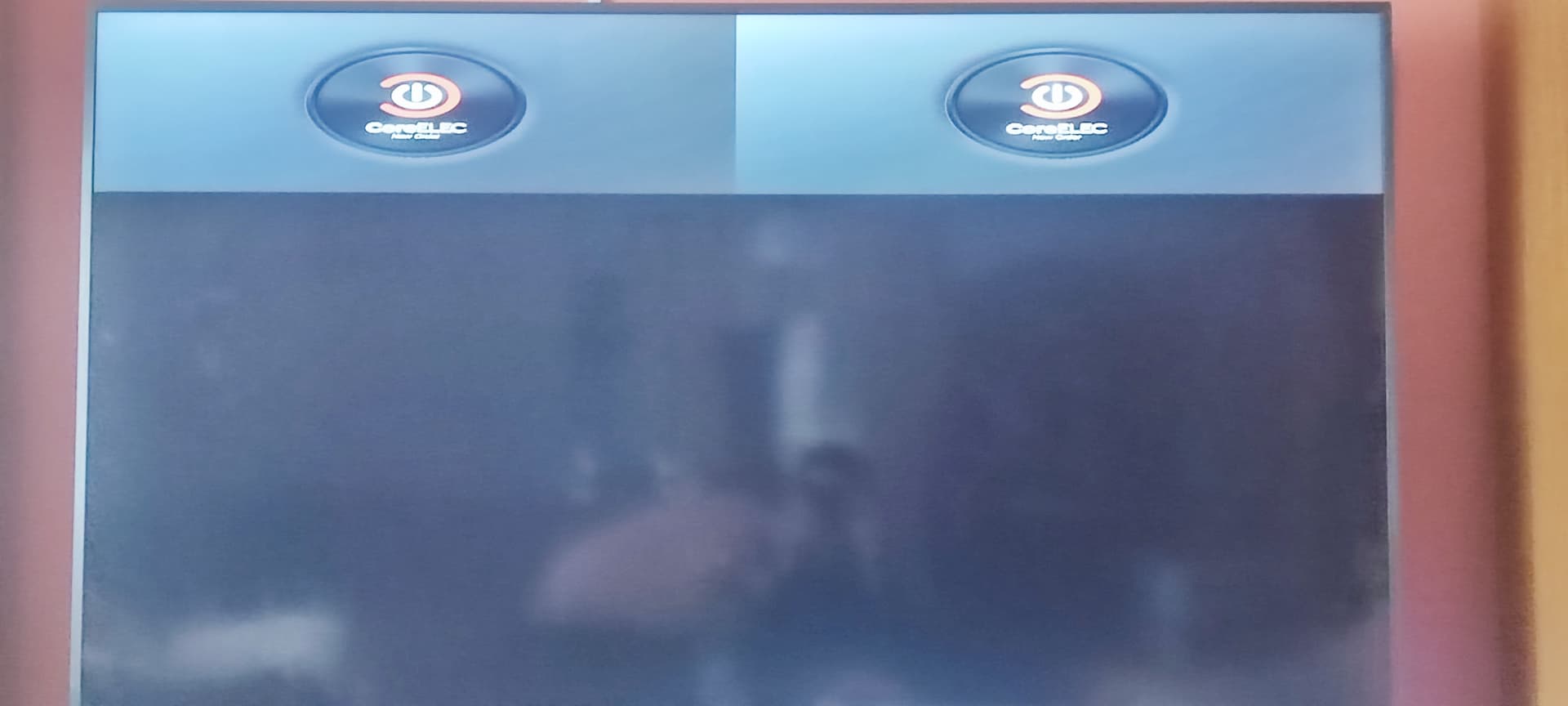
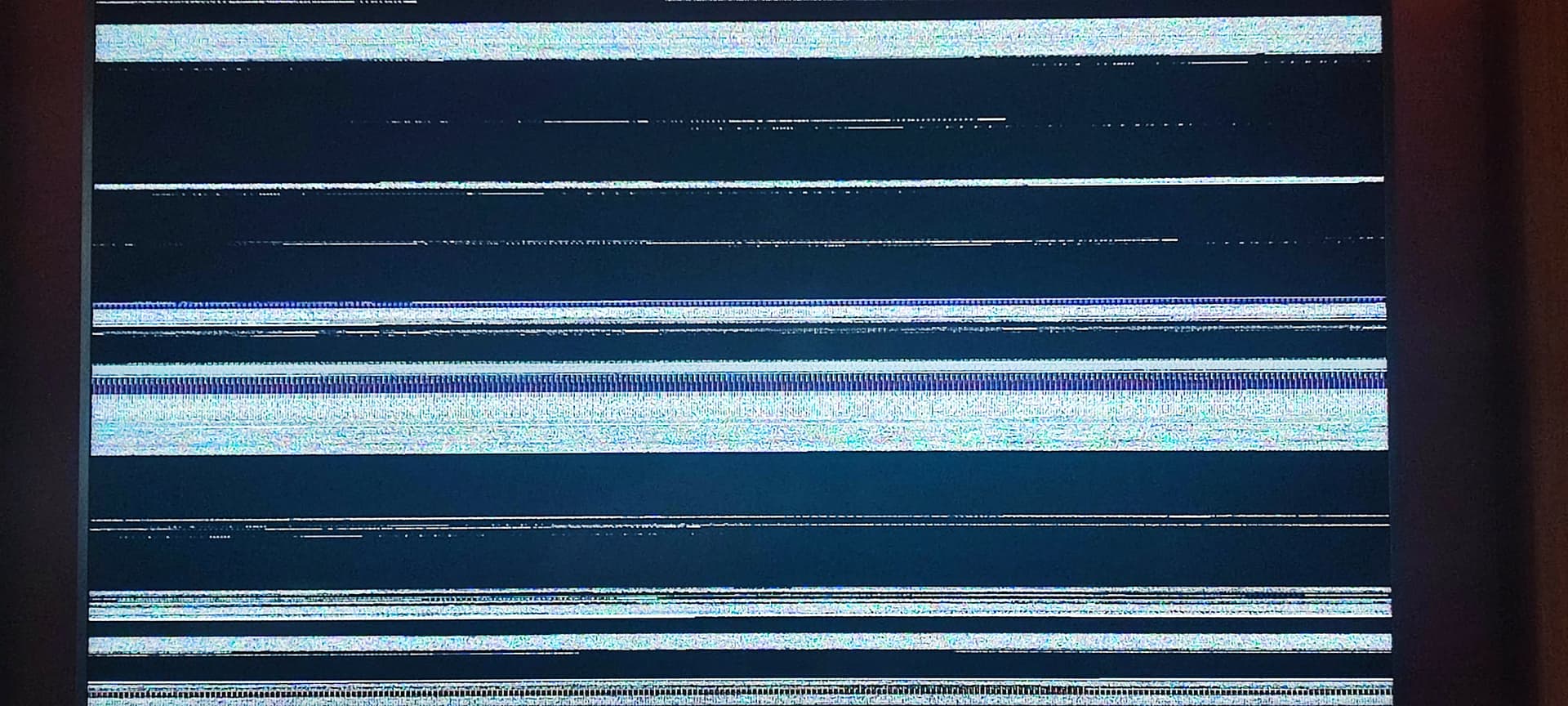
Hi  , today i give another go to latest nightly of CE22 on my SM1 box. And while i was importing all my CE21 configs to 22 i suffer total freeze of system, so i needed to do power reboot, so i guess 22 is still not so stable. But i manage to import all my stuff after reboot. Ill need to run it couple of days to compare with my corrent CE21 nightly. But first thing that i notice is that, first boot sequence on 22 nightly have weard artifacts on screen (like white notice), and after that, boot screen with CE logo is not filling entire screen but is rather small and split to 8-10 quadrants and 2 upper once have that logo, after system boots kodi fills entire screen just fine. Im running kodi in 2160p 60fps mode
Disable/enable once gui scalling to fix the error you imported from CE-21.
Thanks, if i disable GUI scaling, boot logo fills entire screen resolution is set to 60fps 1080p. If i set resolution to 2160p, scaling disable boot screen still not filling entire screen
Edit: No metter if scaling is enable or disable if resolution is set to 2160p boot not filling entire screen, but as i say not so big problem right now
When you restore a old ce-21 backup on ce-22 it’s not ce-22 fault or not being stable.
It’s just not good and your backup kill the good new installation.
Always start with fresh, clean new install. There is a reason why there is no automatic upgrade from different Kodi versions…
Very bad idea
You say NO is not stable, I say it’s up to You while importing old settings
Maybe I expressed myself wrong when I said I imported the configuration. What i did i copy content of my .kodi/userdata and after i made clean install of CE22 to new SDcard i uploaded just a minimal amount of old configs to get things going like sources.xml, passwords.xml, mediasources.xml, favourites.xml and couple of configs in addon_data folder like service.openvfd, plugin.video.youtube, pvr.hts. I dont think that that sort of things hurt install
Ps i also uploaded to /storage/.config remote.conf and vfd.conf
Edit:
If that is problem then ill need to start fresh from ground up, and set all of this settings manualy one by one from gui’s inside of new install. But i newer in past needed to do (or i think i did not need to) going back to switch from LE to CE, long time ago.
Certainly true up to a point, but if the old kernel is no longer supported then there is no possibility of bug fixes or enhancements to suit new developments in audio/video processing. Then there is the issue of plug-ins etc. maybe only being made available for new, currently developed kernel versions. My N2 will never handle Dolby Vision due to hardware constraints or licensing for example, so I will eventually replace it, but it’s not an important driver for me at the moment.
What do you expect ?
I was answering @stigger with the reasons why I preferred to move to new kernel. That was one of the reasons to NOT stay with the old kernel.
In the latest build 20250929 CEC stopped working entirely. Now it doesn’t even turn off the box.