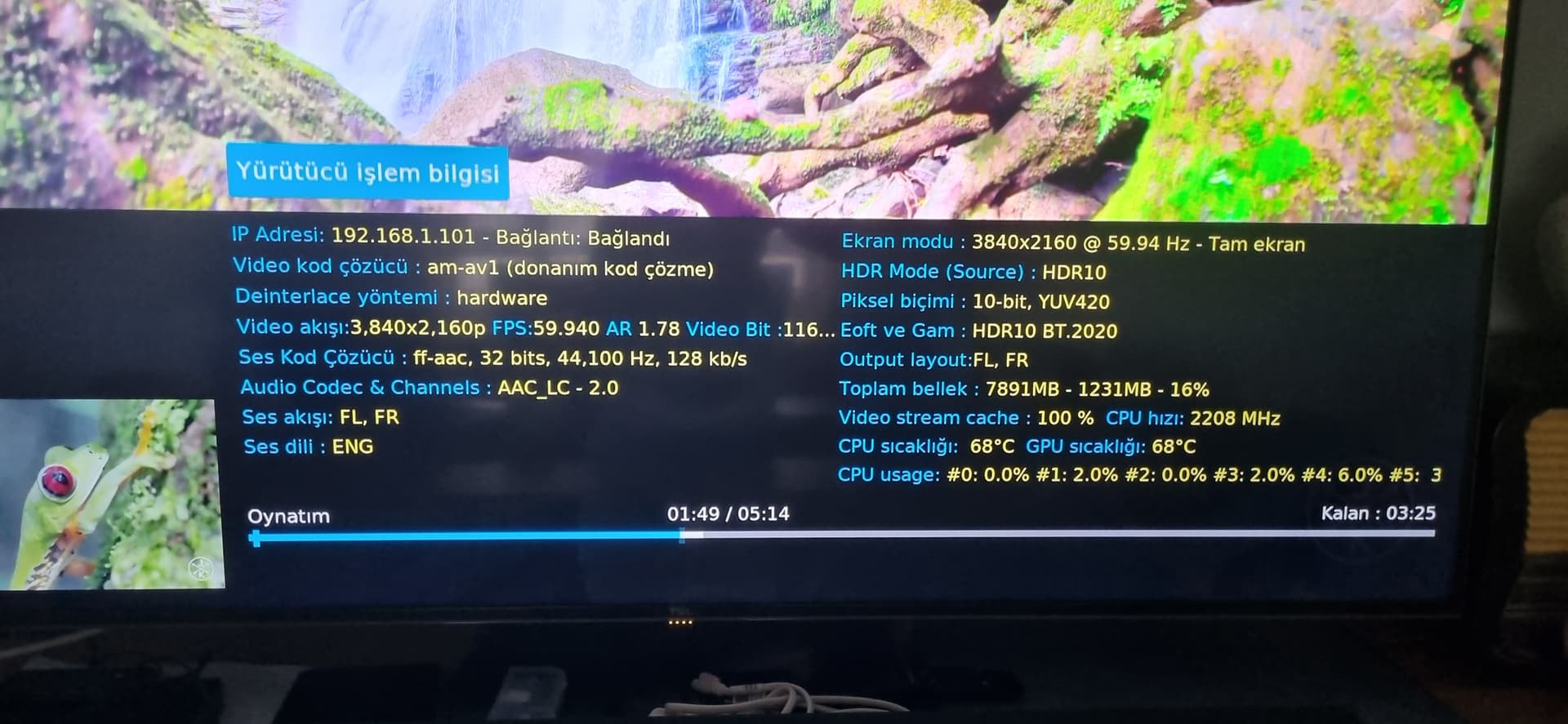
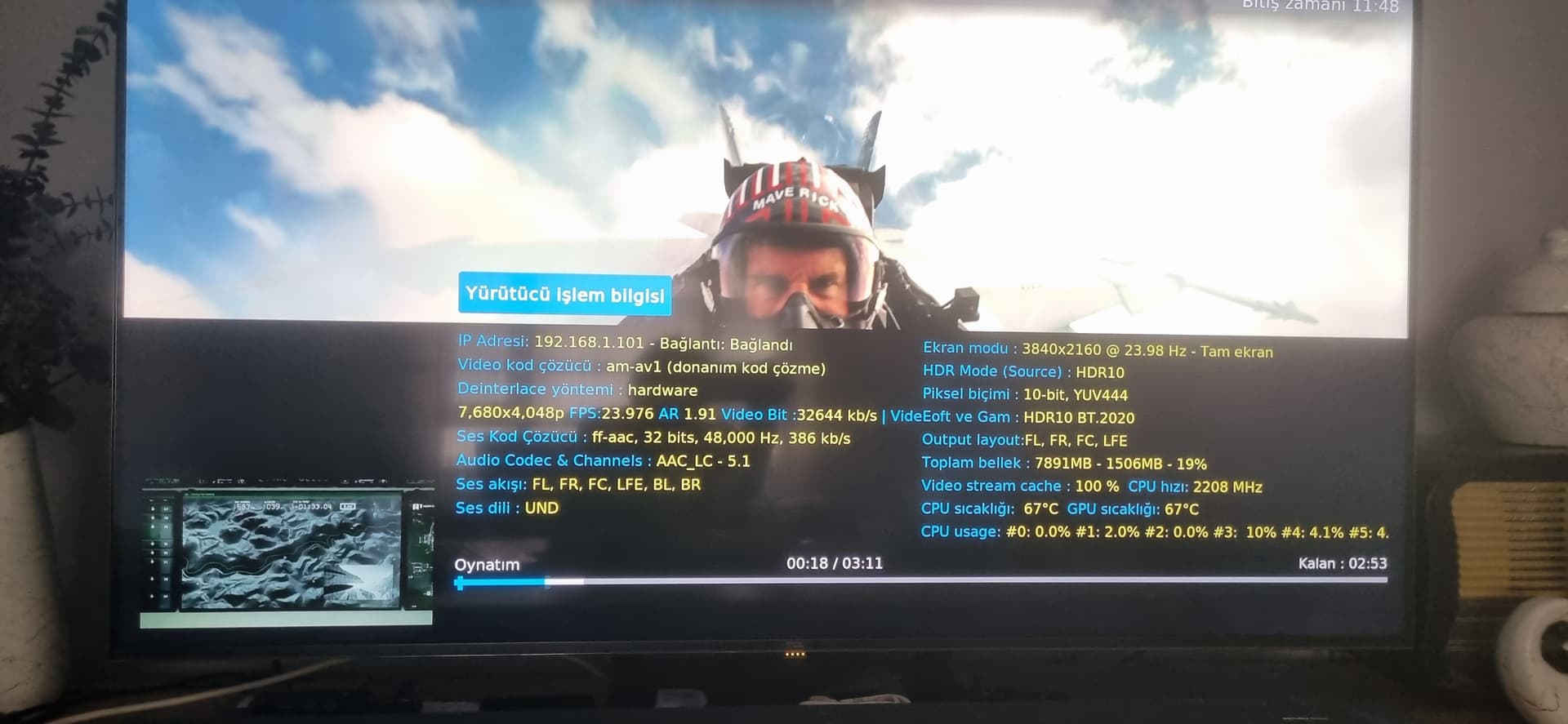
It’s for all Amlogic SoC since S928X.
You can visit Amlogic and request a FBDEV libMali for all newer Valhall GPUs.
There is nothing CE can do about it without a mass of time invested (wasted) to maybe fix this tearing.
It’s for all Amlogic SoC since S928X.
You can visit Amlogic and request a FBDEV libMali for all newer Valhall GPUs.
There is nothing CE can do about it without a mass of time invested (wasted) to maybe fix this tearing.
Thank you for your answer @Portisch. I have tried to ask Gemini deep research: https://gemini.google.com/share/01fb962cbd64
In my personal opinion (I am not Unix developer), it is as you mentioned. I will be back at Sunday and try to contact Amlogic at the evening.
Did you have a version of CE where this did not happen. If so maybe just stay on that release if its an issue.
I have an X96 M200 box and I’m having the same problems with the user interface.
Otherwise, the box is very good (no CPU overheating problems like with the X3 and X4 processors).
i tried to install spotify but it always fails.
i added the source, tried to install the .zip from it and then kodi crashes. always.
the log is this:
2025-12-21 22:37:15.486 T:2110    error <general>: CCurlFile::CReadState::FillBuffer - (0x3306eeb0) Failed: Error in the HTTP2 framing layer(16)
2025-12-21 22:37:15.487 T:2110    error <general>: GetDirectory - Error getting zip://https%3a%2f%2fglk1001.github.io%2fplugin.audio.spotify-1.3.14.zip/
anyone an idea why is that or how to fix it?
My Kenwood amp is 35 years young…
With last build dont going play files as .avi. Before i had only green artefacts with mjpeg avi files and now only black screen. Other codes are ok.
0: amvdec_mmjpeg: unsupport uv 1:2
ammvdec_mjpeg_remove
Please finally disable hw acceleration for am-mjpeg at CE.
GT King II CE Piers 22 supports videos encoded with av1, vp9, and vc1.
I wrote about avi not av1
including av1
In case of Antik addon. Only sometimes is micro pause (in case of 1080i). Streams 1080i are going, but streams 1080p have downgrading video stream buffer issue always.
and why you send pictures in my issue of avi ?
Yes I can also play AVI and VP9 ok. I have only one AV1 (AV one) sample but it also works ok.
On the latest builds 20251223 and 20251224, ce-22 can’t connect to a new Wi-Fi network.
All Wi-Fi networks are visible, but when I click Connect, nothing happens and the list of Wi-Fi networks reopens.
I tested both builds on a clean installation without changing any settings.
I have a Xiaomi Box S 3rd Gen.
On build 20251222, connecting to a new Wi-Fi network worked fine, but after updating to 20251224, it also stopped working.
Yes, I have the same Wi-Fi problem.
The software dated 20251222 connects without any problems.
https://paste.coreelec.org/BaptistObsolete
Still working on Homatics R 4K Plus.
Broken on my Homatics R 4K Plus.
If you were connected to wifi before the update then on boot wifi connects fine, using the last known connection.
However if for any reason you disconnect you are unable to then reconnect until CoreELEC is rebooted.
If you perform a clean installation of the software dated 20251223 and 20251224, the Wi-Fi connection will not be established.
If you continue to update with the old software, the Wi-Fi connection will remain active.
Which means the problems started with 20251223 and not 20251224?
There was Python bump. Will look into detail in next few days.
Update: Yes, CE settings is broken.
About | FAQ | Terms of Service | Privacy Policy | Legal Notice