Thank you, I’m looking forward to giving it a run in a few hours when I get home from work.
After updating the previous version, the wireless connection is working.
However, after a clean installation with the 03-03-2026 version, the wireless connection is not working.
Note:The wireless connection menu is not opening.The password cannot be entered.
I had hoped the add-on issue would be solved but it has just moved on in my case. I now get installation failed as they try to update.
Is there something else I need to do to get them working?
I did update one of my devices and all went well.
You need to be more precise because I have no idea what you are trying to say.
Try to refresh CE repository.
Thanks, The CE repository has been updated and the plugins are working.
2 Likes
BTW I have few issues,can’t install inputstream adaptive,even from zip file and if SDR>DV is turned,if I quickly toggle between videos sometimes there is this purple layer or whatever.
I know that wizards work here,thats why I didn’t capture any logs.
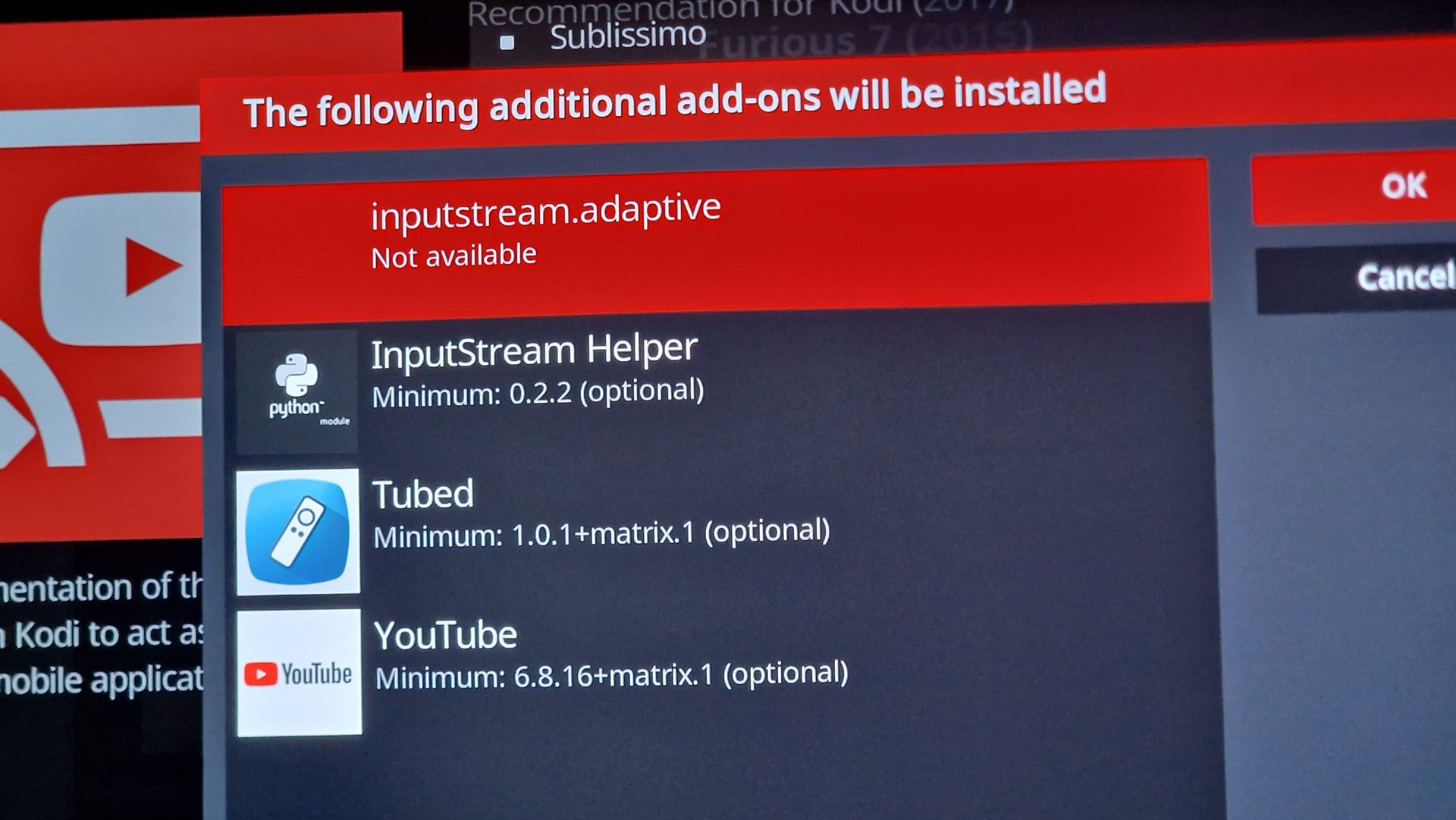
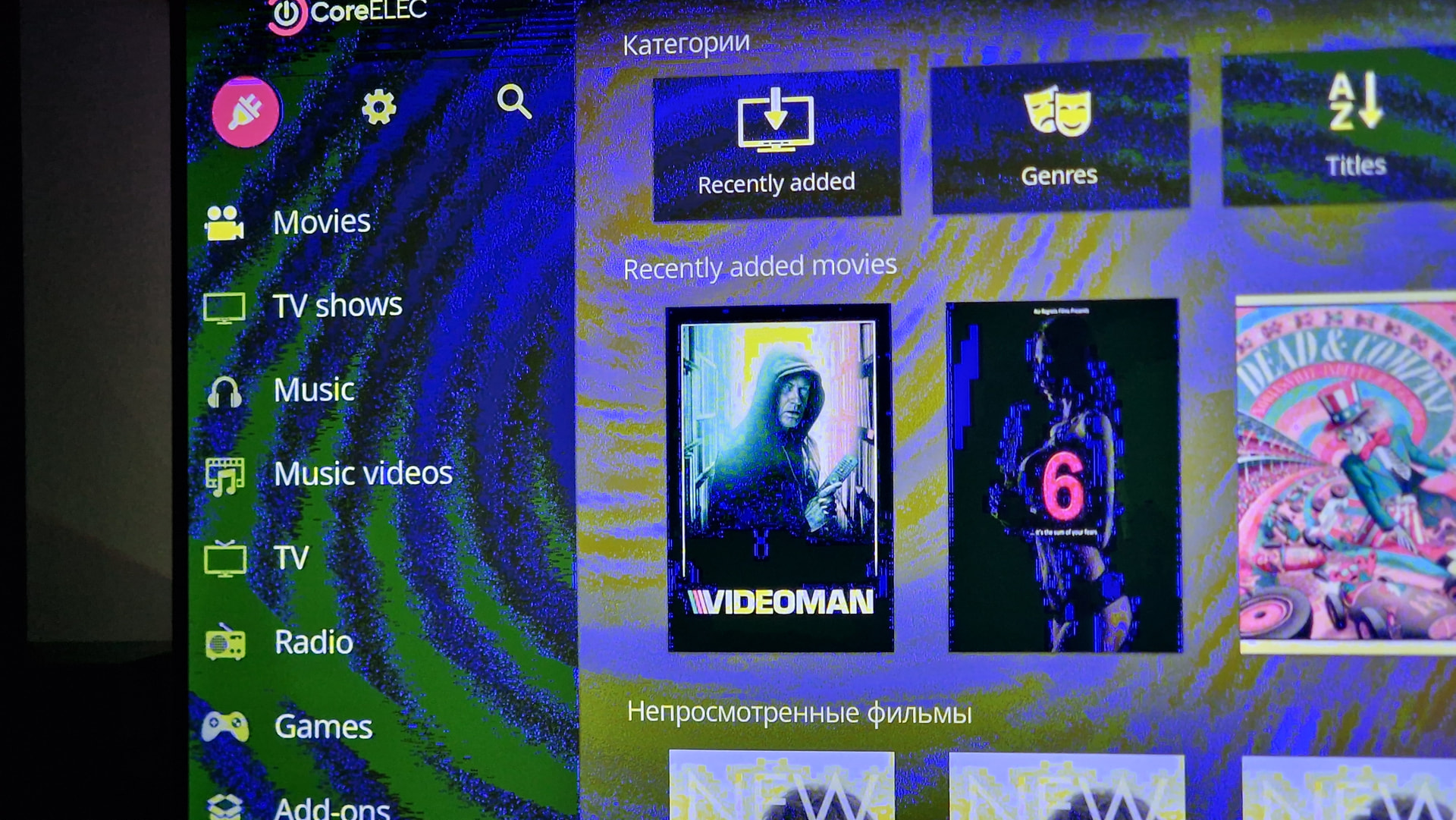
Refresh CE repo for a start. If still not working post kodi.log after unsuccessful install.
1 Like

I applied the latest build to my Ugoos AM9(not pro)
Applied the addon updates also. Everything is working great.
A streaming works, YouTube addon works again, HEIF is good.
3 Likes
So, I managed to get the addons to update by doing a hard reset and then restoring a backup. Incidentally, I had a second box which updated without issue and that went through addon migration, giving me the clue to try the hard reset.
The trouble I have now is that the backup used wired only. When I enable wireless and disable wired, I see the WiFi channels but when I go to Connect nothing happens. I see that @crazyturk has already reported this, so I’m a +1.
1 Like
Addons all working here today.
1 Like
yeah, that’s the issue. on my device it’s also clearly visible when using the default slide-in animations of Estuary (so I turned them off)
1 Like
Connect when setting up a new WiFi channel works again with the latest nightly (20260304). Thank you @vpeter.
2 Likes
After latest update it works now.
Also issue with some streams PVR was repaired compare to yeasterday version. I tried doing dmesg, but server is maybe turn off.
Does this include the S905x5 from the Ugoos AM9 Pro? Does it suffer the same tearing as the devices with S905X5M?
All since S5:
And it’s NOT a tearing/vsync issue!
It’s a defect in CE-Kodi or how the GBM backend is used.
Or a error in the GBM libMali itself.
Everyone is welcome to contribute any knowledge about GBM/GLES handling; it might enable us to solve the issue.
5 Likes
Box: x96 max plus 2 2101w
Image: CoreELEC-Amlogic-no.aarch64-22.0-Piers_nightly_20260304-Generic.img.gz
dtb: sm1_s905x3_4g_1gbit.dtb
dmesg:
coredmesg.log (76.6 KB)
I have no image in textmode.
failed to allocate memory for node ‘linux,meson-fb’
textmode is not common used for a media center…
disable splash, disable kodi, same result.
I know, but coreelec is very useful not only as a media center, but as codebase for external projects. Thanks to the CE team. It is not a main goal of CE project, but it will be cool to see all components work, including tty image in the textmode, so my regular distro will show me tty too.