That message means the USB stick was detected and booted by the bootloader, but the CE kernel is having a problem detecting the drive. I’ve seen this due to flash drive corruption, USB drive not being compatible (for whatever reason) with CE, USB hub not being recognized by CE (requires newer kernel/driver version).
While troubleshooting don’t use a USB hub. Again try a fresh reflash of a different USB drive with Etcher.
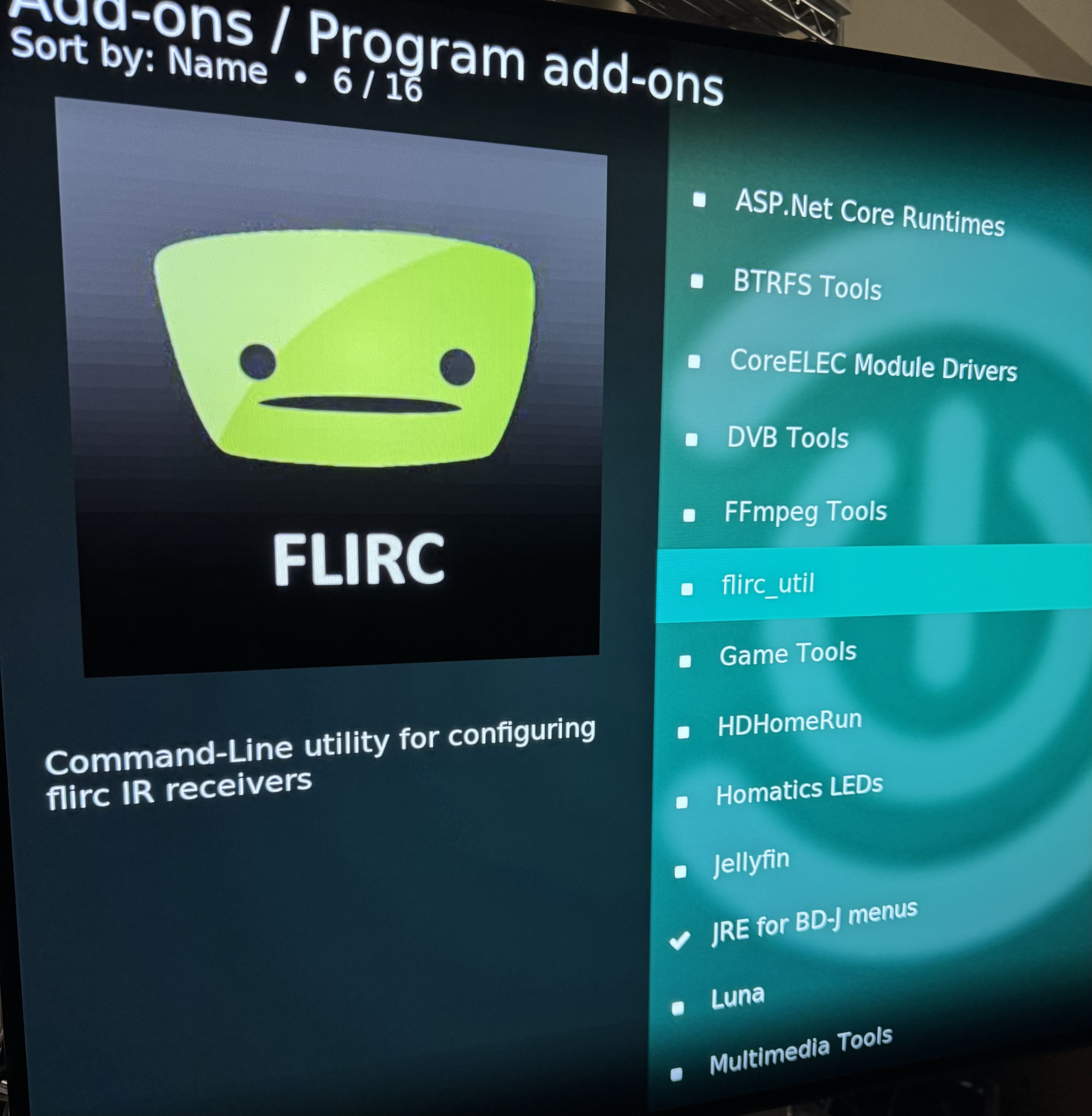
Long-press CoreELEC Add-ons to bring up the context menu, select ‘Check for updates’
Kodi Settings > Add-ons > Install from repository > CoreELEC Add-ons
Does anyone else have trouble with latest nightly (0805) for audio? I just tried updating from the stable version to the nightly, and my audio is completely out - not even UI sounds are playing. Both UI and video sounds emit strange crackles. I’ve switched the audio output to different settings with no luck.
Log: https://paste.coreelec.org/DefectLocating but nothing jumped out at me.
EDIT: somehow audio magically came back today, I didn’t do anything in-between
Hi all, I’m looking to buy one of these to use CE. I found a sealed piece listing, but it’s an Amazon-certified refurbished unit. Does anyone know if these refurbished ones still come with the old firmware, which can be unlocked?
For reference, I do see a 2021 Amazon copyright symbol on the refurbished seal label.
If the 2021 date is an indication of when the refurbishment was done, then it likely can be unlocked. The first patched firmware (PS7603) that couldn’t be unlocked wasn’t released until September 2022.
But as I mentioned, it’s still a gamble. I’ve not see enough of the refurbished boxes, to know if there’s any indicators of when they were processed.
There’s two new 2nd gen Cubes listed on eBay Germany for 80euros. The Best Offer option is available, so you might be able to get it even a little cheaper.
I just got a refurb Cube 2 from Amazon (USA), had PS7292/2984 firmware. So they do sell them “like new”. In fact, I am not sure if anyone even used it previously, looked prestine. Got coreelec installed on emmc. After setup, the audio and video (both DV, HDR to SDR tonemap using VS10, 3D MVC) are working fine.
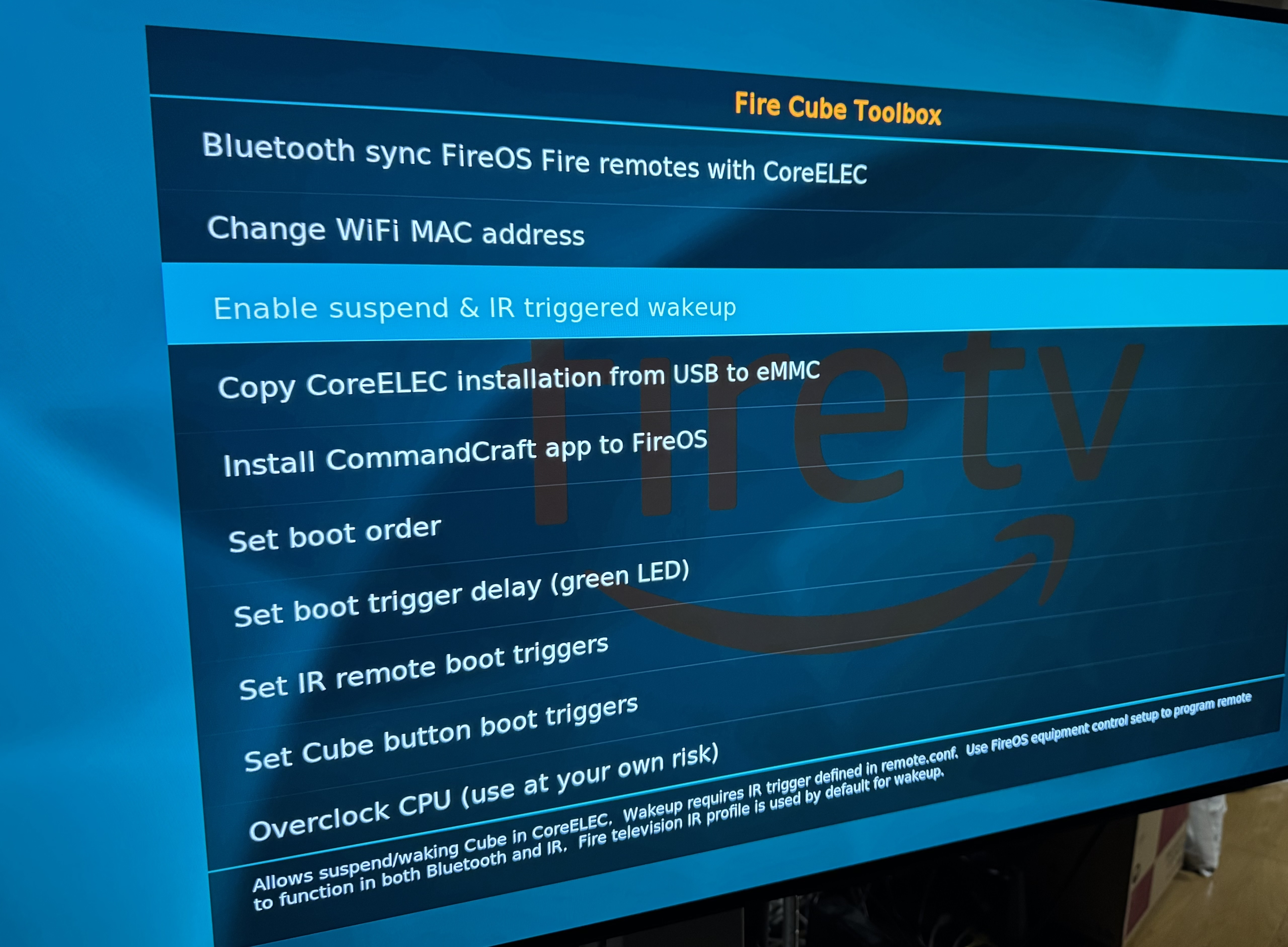
I do have a problem with BT remote. It came with old BT Remote (the one with black microphone button and no shortcut buttons). It works fine in FireOS side. I used FireCube Toolbox to copy the mac id of the BT remote in Coreelec but the remote does not work at all. Please let me know how I can troubleshoot.
BLE wasn’t fixed until mid-March. If your build isn’t newer than that either update, or manually copy the mt7668 firmware to /storage/.config/firmware/
The older remote without app buttons shouldn’t be a problem. CE will have to be rebooted once after the BT sync option in the Toolbox. When CE boots, pressing either the voice/alexa or home button will trigger the connection (after 2-5sec).
Assuming you’ve done that all. Reboot CE, press voice or home buttons, wait 10sec, and grab dmesg.
Hi @YadaYada Looks like you have tested CE-NO on the Cube. Can you please provide the DTB to use for NO? Or if there are any additional steps to boot NO.
I haven’t compiled a version for the 5.15.170 yet. I’ve been waiting for Google to release the ATV14 source for the chomecast (sabrina), to see how they deal with a hardware issue.
Slightly off topic and I know it’s based on AOSP but I thought the Android TV specific bits were closed source? What parts related to that device are open source?
And the reason the Chromecast with Google TV is of interest is the s905x2 SoC is similar to the s922x in the Cube? I seem to recall reading you say one of the dovi modules floating around with FEL support is actually from an s905x2 device.
Yes the common dovi.ko used by the s922x/z in CE-NG came from a DV-certified s905x2 device. But the interest in sabrina is not related to DV. Google will open source at least the kernel, which is what I wanted to see.
Since sabrina is going from kernel 4.9 to 5.15 in ATV14, Google will make sure that all the main kernel drivers work properly in 5.15. I’d like to see if they fixed an sdio issue that I’ve observed.
There were a number of Cube specific patches for CE-NG after March. One of the more important ones was a mt7668 memory leak. The effect of that bug depends on how much environmental BLE traffic your Cube sees.
You can check with trem4, he was testing different builds, including unofficial ones, to find one that included all the latest CE-NG patches, as well as other features he needed.