hm, I never thought mediainfo shows so much info about dolby vision. But on a closer look, we still can’t see if the video has FEL? Or I just don’t know where to look 
MediaInfo will not tell you FEL vs MEL. For that, you need dovi_tool.
If you use windows, there is a library manager that will leverage that tool to give you DV P7 details.
i think it’s here:
DV profile: 7
DV level: 6
For mediainfo detailed info you need to select under view menu (tree, sheet etc)
That does not tell you MEL vs FEL. MediaInfo is not capable of this currently.
ok my fault
What is the latest and greatest guide for this box as of now? id like to dual boot Coreelec and Android (for Netflix etc). Thanks!
I got this metadata info from Jellyfin web.
Everythings working great with this config. The only change needed was to connect the Homatics box to my router via a LAN cord rather than rely on wifi even if placed next to each other.
That’s why in the UI, it was always buffering and in the logs, it looked like a CPU bottleneck due to a FEL movie.
Nice. What I was thinking about, but never got around to investigating in detail, is finding a way to check the files on my QNAP NAS and access the info about the files on my android devices (so I wouldn’t have to use a pc for that, and without having a constantly running server on the nas just for this). But that might prove over my head, if even possible.
Another alternative could be a kodi skin/plugin that would do this and display the info in the ui (without actually playing the files, I know there’s already a skin that displays detailed info about currently playing video). But this might be even harder to achieve.
Which skin? Thx
I didn’t try it myself, but I think you can start looking here Dolby Vision Profile, VS10, plus other info on skins - #829 by frodo19
Thank you
Btw tried an install with SSD connected via usb (old SanDisk SSD)
Really fast compared to my usb 3.0 pendrive
Coreelec runs better (no sluggish menú)
Are this settings about nfs, smb etc good also for homatics ?
SMB Chunk Size - Increase to 1MB, will help with browsing in PM4K if you choose to direct map your drives (Plex directly plays from file via SMB vs HTTP requests. This is faster)
Settings->Services->NFS client

NFS Chunk Size - Increase to 1MB
Settings->Services->Caching

Buffer mode - cache settings to all methods: smb, local, remote, etc (default ignores local playback)
Read factor - Set 'Adaptive’ readfactor (default is 4x). This is a multiplier for the bandwidth allocation based on video bitrate. Eg if video bitrate is 50Mbps and multiplier is set to 4x, then Kodi allocates 200Mbps of bandwidth to fill the cache faster. Adaptive is recommended
Memory size - Set 64mb cache size (default is only 20mb). If unchanged from 20Mb, I found it gives the ‘low-speed connection’ warning when playing high-bitrate 4K. Set a bit higher to prevent warning. Potentially this could be as high as 25% of RAM, but generally doesn’t need to even on high-bitrate 4K
Settings->Services->Weather
From:
What pendrive was that? Brand and model?
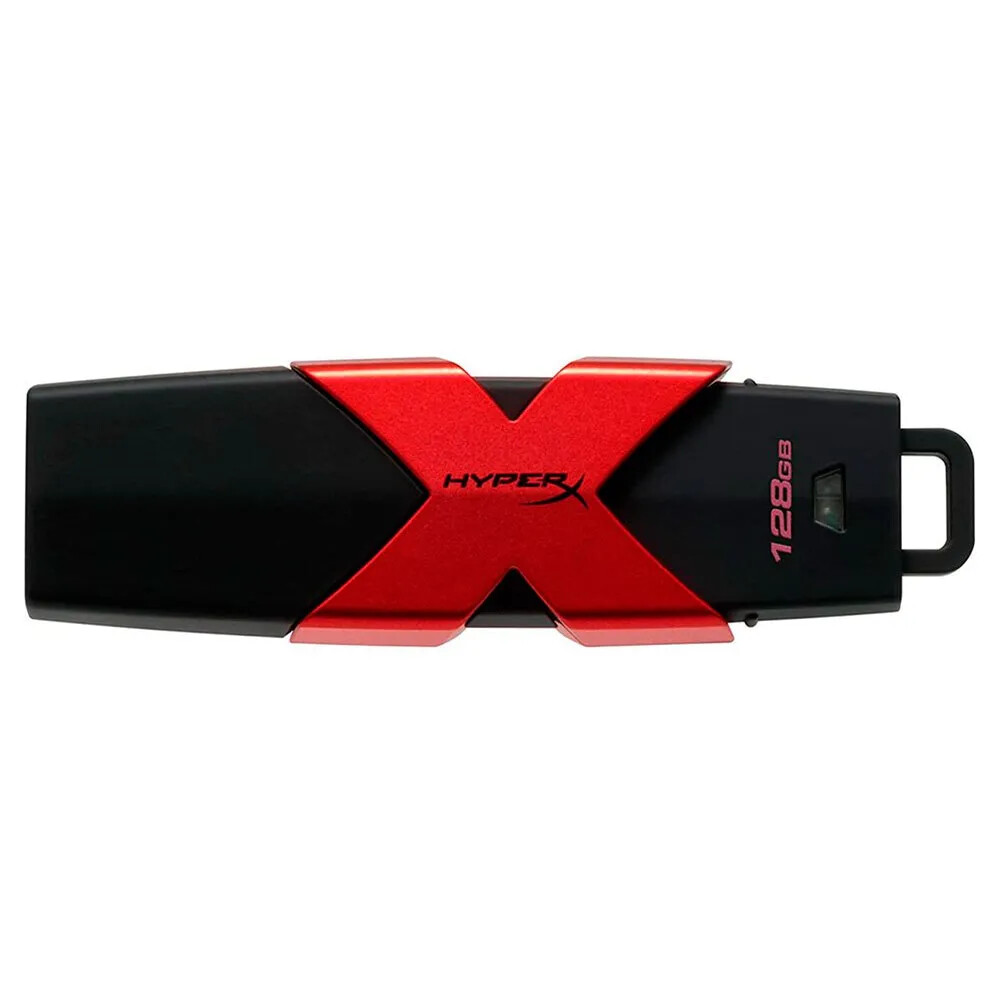
Ahh, right! Jellyfin actually shows the same amount of detail in the android app as the web. I could have copied the same content as above straight from the app.
You won’t get the same read/write speeds from a Windows machine and an AML box. Even the relative read/write speeds between two drives tested in Windows may be different on an AML box.
If you really want to evaluate read/write speeds between USB sticks and SSDs test it in CE from SSH. I doubt you will get more than 150-170MB/s with any Flash drive or SSD attached to USB3. There are other bottlenecks present.
You are right and i don’t have technical skill to reply ;)…btw in anycase now coreelec is fluid (for me) like in android (maybe on usb stick is caused by poor r4k performance?)
Can You also give me your suggestion about this ?
Sorry but i’m new in coreelec world
thx
I buy a new heatsink, but i don’t understand if i need to place over the black one or i need to remove the black one ?
that was a good trick. Thank you