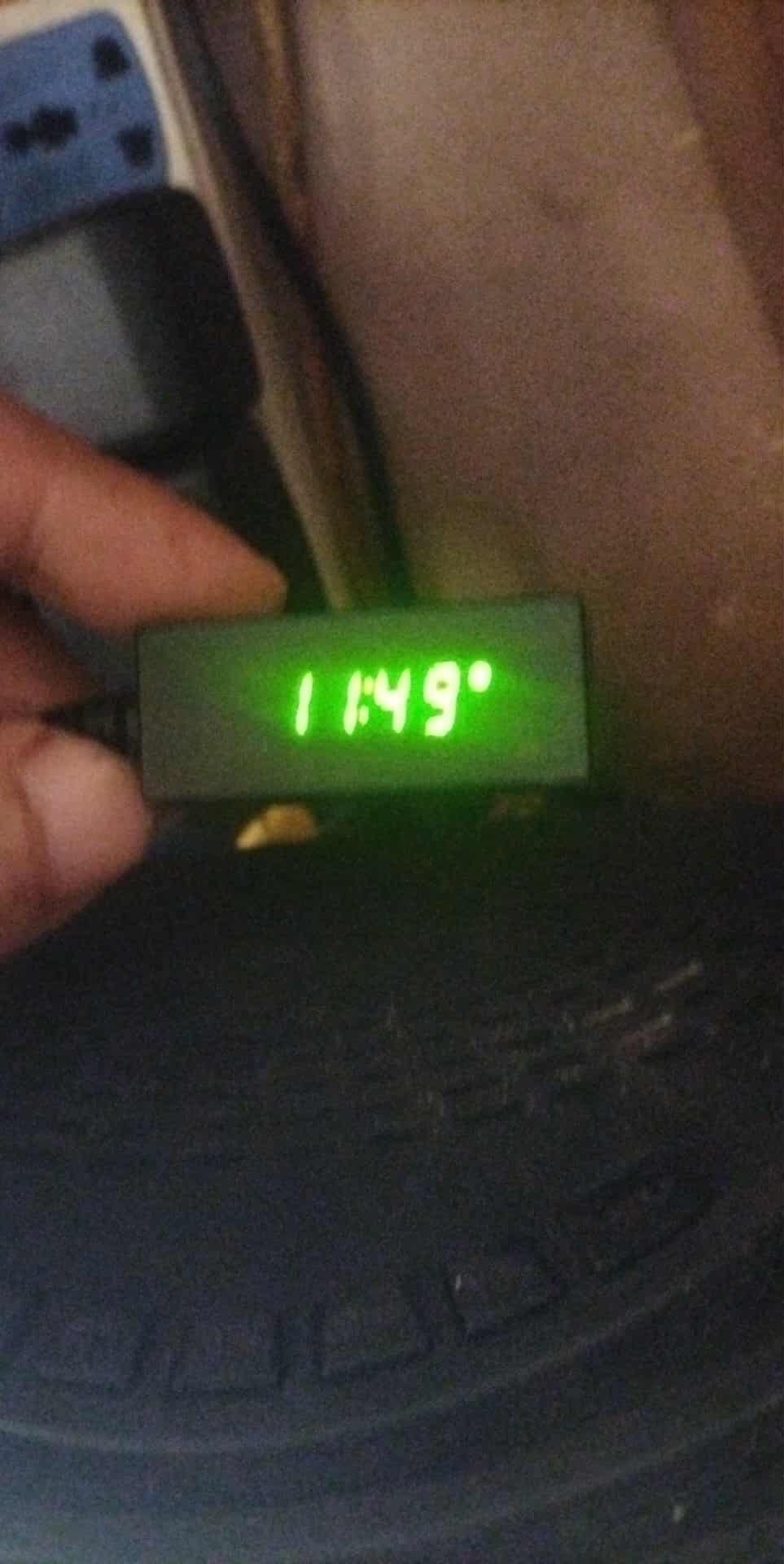
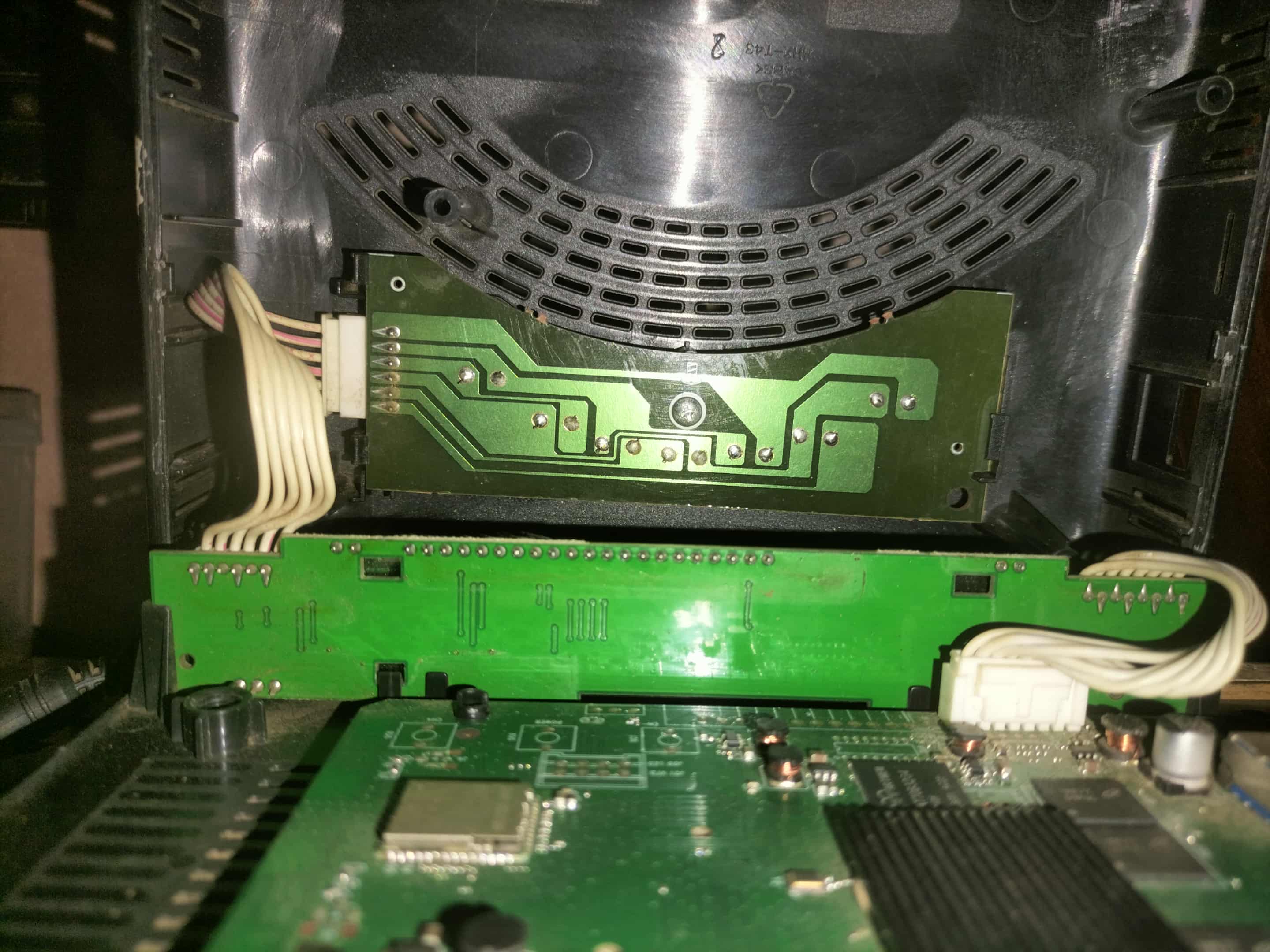
How to configure VFD

[   11.480514] meson-g12a-pinctrl pinctrl@ff634480: pin GPIOX_0 already requested by ffe03000.sdio; cannot claim for periphs-banks:476
[   11.480524] meson-g12a-pinctrl pinctrl@ff634480: pin-65 (periphs-banks:476) status -22
[   11.480532] OpenVFD: can't request gpio of gpio_clk
[   11.480541] openvfd: probe of openvfd failed with error -22 

Something changed in DT, need to check one day…

Use nightly buildd 20250915.

1 Like

Yes, It works, Thank you

2 Likes

Hi,

I need help with new HK1 RBOX X50 (S905X5M)

In Android : cat /sys/kernel/debug/gpio

No such file or directory

dtb extracted from CE with

dd if=/dev/dtb | gzip > /storage/downloads/dtb.img.gz

If you need more details, I also actived the terminal sharing

dtb.img.gz (229.6 KB)

dmesg :

https://paste.coreelec.org/HeadedDripping

Thanks

The vfd.conf is fixed on your device and should be available soon in vfd config repo.

2 Likes

Hi everyone

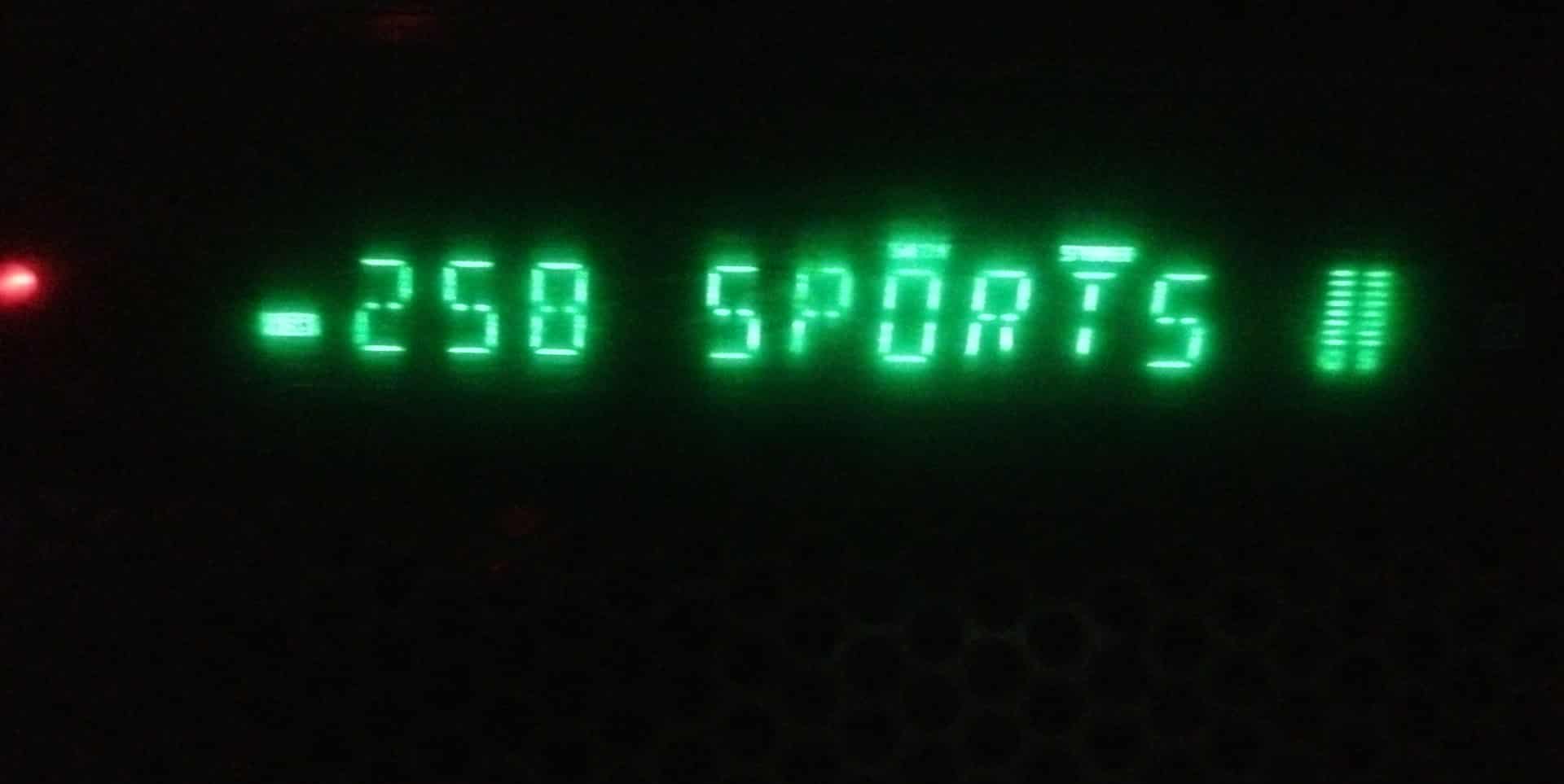
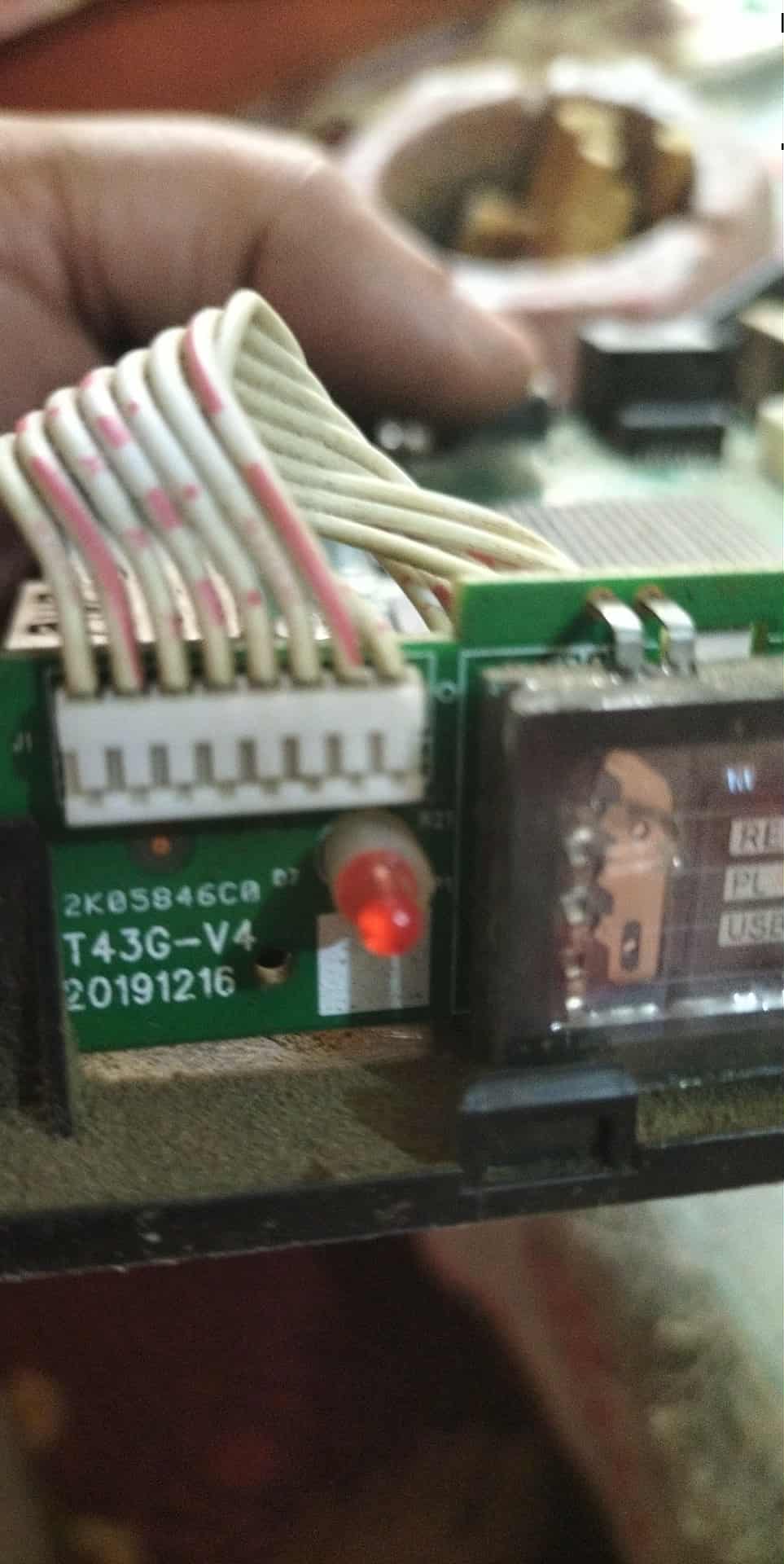
Is there any way to use cig20 display with openvfd?

It has a word boot and never go away I want just to use it as clock

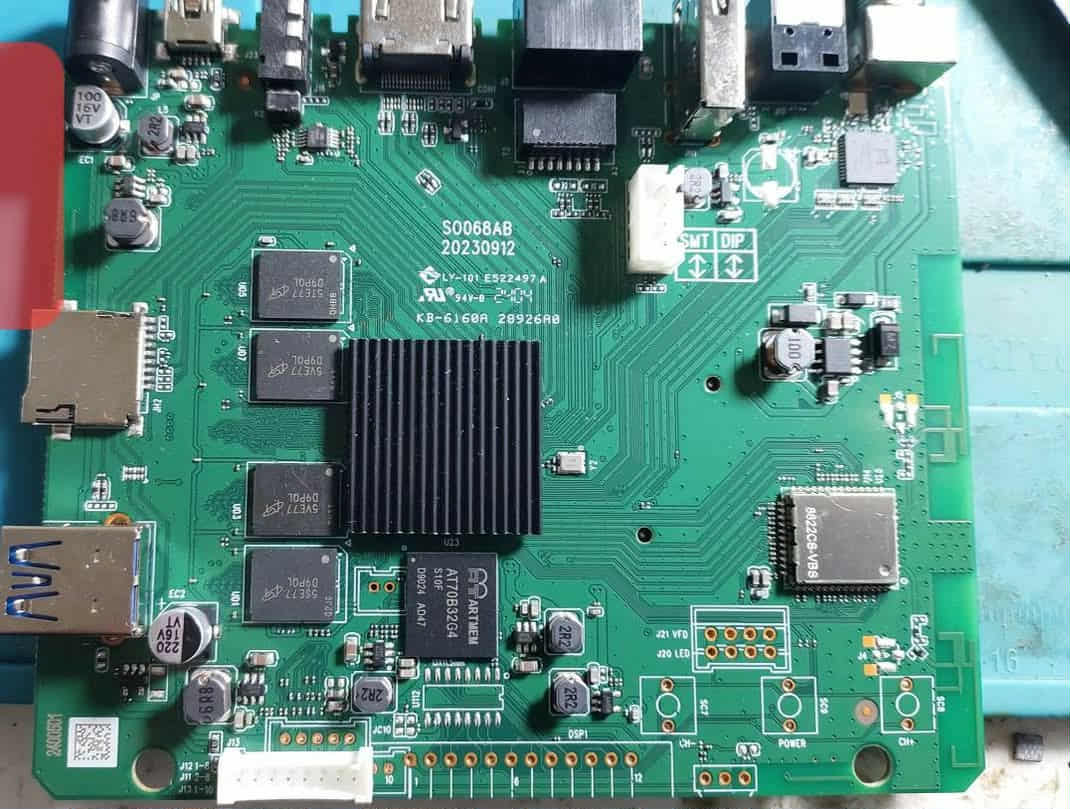
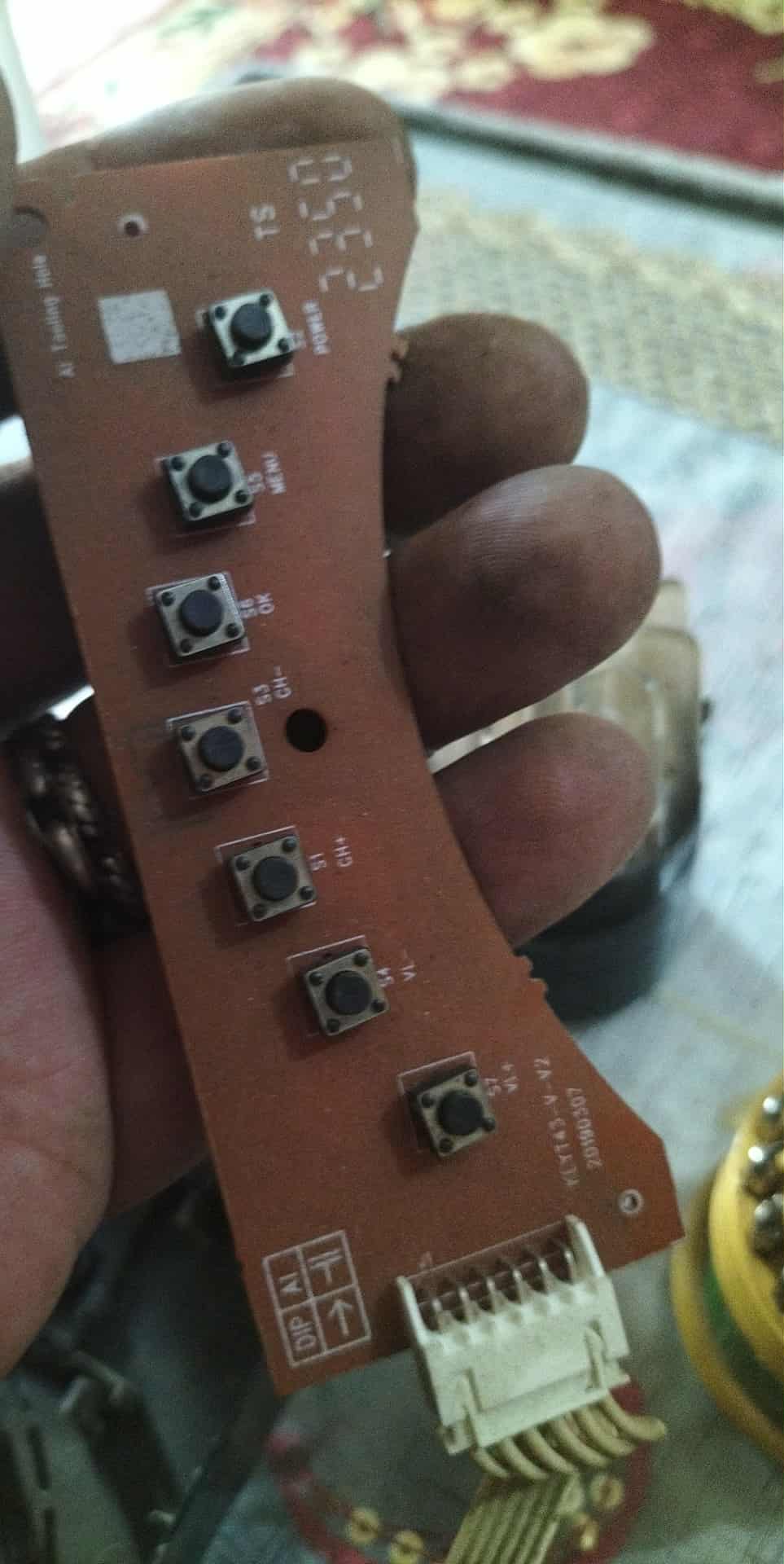
This photos from android

Is this a display on an Android box?

If so, which one?

But to answer the question, not as-is. It would require an implementation for the display and its controller in the driver.

It’s Chinese box called tiger one billion

And yes it’s android box

The chip is inside the screen not on main board

It’s a very secured box that I can’t extract dtb

The model cig20 I found on /vendor/etc in ini file contain 2 vfd one for that cig20 and the second for external vfd use fd650 also Fd650 inside that vfd

So the board itself doesn’t have any controller

Is there’s a close up pic of the whole screen and the chip (with clear markings) driving it?

I’m not sure if the FD650 is enough to drive such a display. This looks like a true VFD display, though, not LED like most other boxes.

You didn’t get me

The lcd screen has the chip inside it and not visible I knew it’s model from ini file

The Fd650 chip is inside another screen

So every screen has its own controller chip inside

Here is the full screen pictures

and here is the config i found on android

[cfg_num]
    configNumber    = 2    	;
[cfg0_info]
    type         	= 1    	; 0:fd650, 1:cig20, 2:gpio, 3:tm1637, 4:pt6311
    stb             = 500    ;
    clk             = 502    ;
    din             = 504  	; host port
    dout            = 503  	; host port
[cfg1_info]
    type         	= 0	   	; 0:fd650, 1:cig20, 2:gpio, 3:tm1637, 4:pt6311
    clk             = 475  	;
    din             = 474  	;

the external screen fd650 is working fine with this gpios the problem with the internal

@TheCoolest Here’s a vfd.conf for the Dune HD Pro Vision 4K box if you want to add it to the repo.

# This file must be renamed to vfd.conf and placed in the /storage/.config/ folder.
#
# Dune HD Pro Vision 4K
#----------------------
#gpio_xxx:
# [0] 0 = &gpio, 1 = &gpio_ao.
# [1] pin number - https://github.com/openSUSE/kernel/blob/master/include/dt-bindings/gpio/meson-gxl-gpio.h
# [2] Reserved - must be 0.

vfd_gpio_clk='0,39,0'
vfd_gpio_dat='0,33,0'
vfd_gpio_stb='0,0,0xFF'

#chars:
# < DHHMM > Order of display chars (D=dots, represented by a single char)

vfd_chars='0,4,3,2,1'

#dot_bits:
# Order of dot bits. Typical configurations:
# Display Type 0, 1 usually has Alarm, USB, Play, Pause, Col, Ethernet, Wifi dots
# Alarm = 0, USB = 1, Play = 2, Pause = 3, Col = 4, Eth = 5, Wifi = 6
# Display Type 2 usually has APPS, USB, SETUP, CARD, Col, HDMI, CVBS dots
# APPS = 0, USB = 1, SETUP = 2, CARD = 3, Col = 4, HDMI = 5, CVBS = 6
# Display Type 3 Power, LAN, Col, Low Wifi, High Wifi
# N/A = 0, N/A = 1, Power = 2, LAN = 3, Col = 4, Low Wifi = 5, High Wifi = 6
# Display Type 5 - Col = 2

vfd_dot_bits='2,3,4,5,6,0,1'

#display_type:
# [0] - Display type.
# [1] - Reserved - must be 0.
# [2] - Flags. (bit 0 = '1' - Common Anode display, bits [1-7] - Reserved.)
# [3] - Controller.

vfd_display_type='0x01,0x00,0x00,0x03'
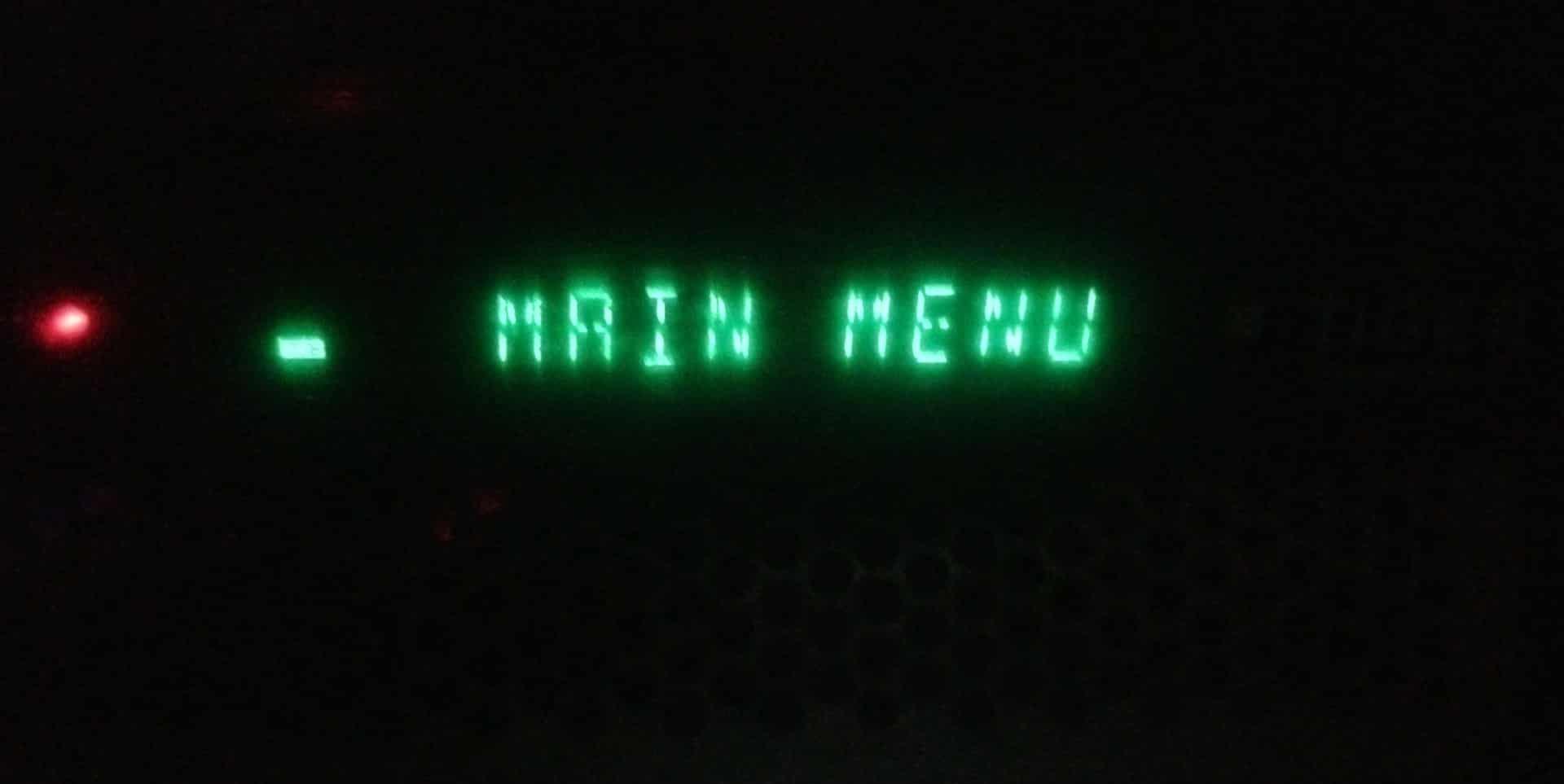
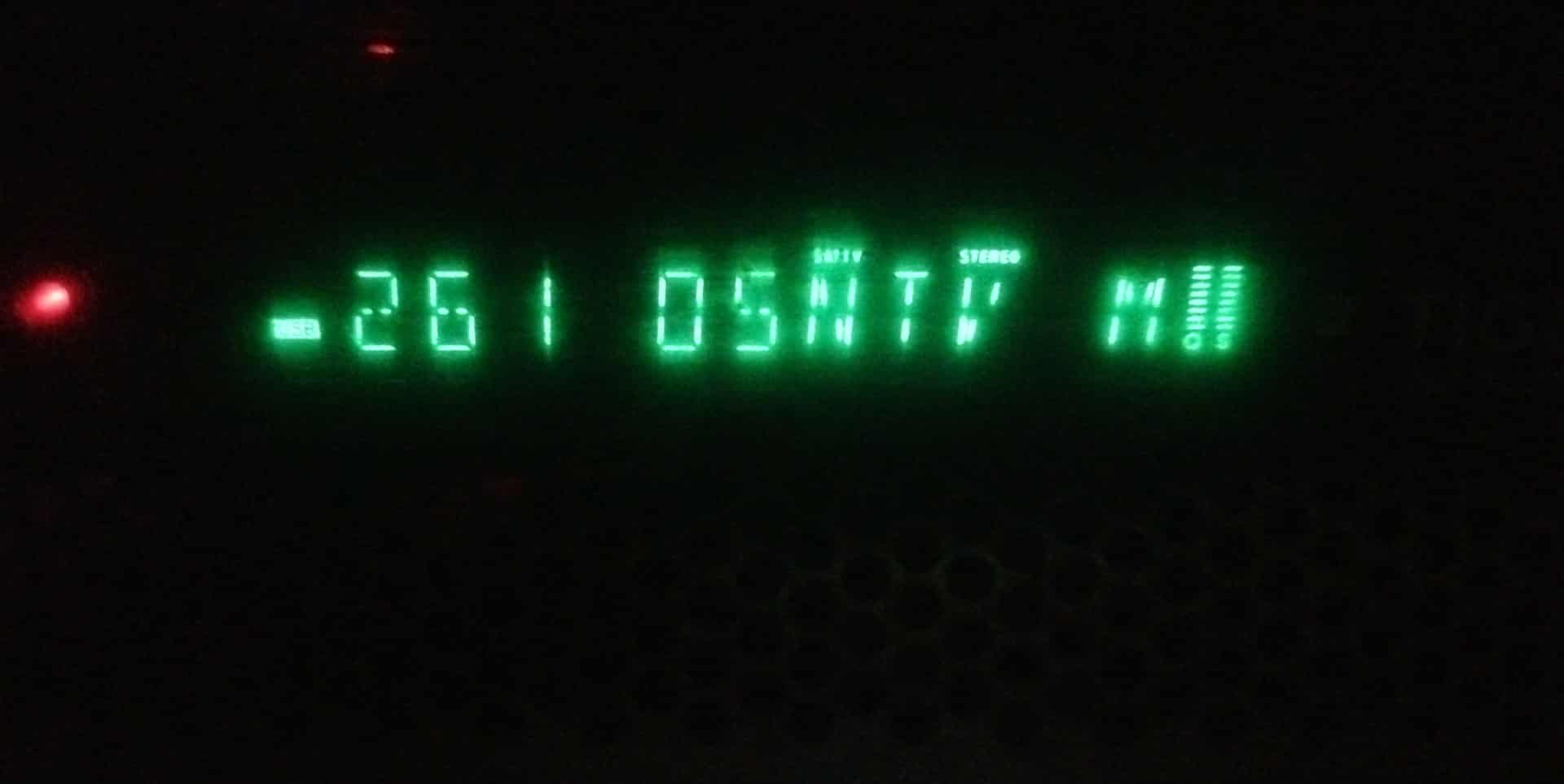
Sorry for the delay. Try this config for the FD650 display.

tiger-1B-vfd.conf (1.2 KB)

1 Like

Thanks, will do! Can you share how did you find the right config for this box?

cat /sys/kernel/debug/gpio in android gave me the following.

GPIOD_4   fd650_dat
GPIOD_10  fd650_clk

It’s an S905X4 box so looking at linux-amlogic/include/dt-bindings/gpio/meson-sc2-gpio.h at amlogic-5.4.210 · CoreELEC/linux-amlogic · GitHub

Gives:-

GPIOD_4  = 33
GPIOD_10 = 39

I then used the dune-hd-sky-4k-plus-vfd.conf as a template, changed the IO pins and using:-

OpenVFDService -t -dt 0x01000003 -co 0 1 2 3 4

The controller was fd650 (0x03) from the gpio report display_type 0x01 was the only one that gave an unscrambled or non blank display.

-co 0 1 2 3 4 gave the digits in reverse order so I changed that around to 0,4,3,2,1

There are no icons on the display so the colon was just trial and error, starting at:-

vfd_dot_bits='0,1,2,3,4,5,6'

and left shifting the values until the colon worked:-

vfd_dot_bits='0,1,2,3,4,5,6' - nope
vfd_dot_bits='1,2,3,4,5,6,0' - nope
vfd_dot_bits='2,3,4,5,6,0,1' - working

1 Like

I have new S905W2 box with FD6551 shown in the chip. I am running 21.3-Omega. I have already openvfd installed from Add-On → Services within CE.

I have tried existing vfd.confs mentioned at the github URL however the display is blank with the all the matching S905W2 confs. I have confirmed the display shows the current time, ethernet icon and a alarm type icon when I boot in Android.

Below given is the output from Android. I have also attached my dtb file here. Could you please let me know which is the correct vfd.conf I have to use to get the display?

u0_a61@localhost:~$ cat /sys/kernel/debug/gpio
gpiochip0: GPIOs 430-511, parent: platform/fe000000.apb4:pinctrl@4000, periphs-b anks:
gpio-430 (GPIOB_0 )
gpio-431 (GPIOB_1 )
gpio-432 (GPIOB_2 )
gpio-433 (GPIOB_3 )
gpio-434 (GPIOB_4 )
gpio-435 (GPIOB_5 )
gpio-436 (GPIOB_6 )
gpio-437 (GPIOB_7 )
gpio-438 (GPIOB_8 )
gpio-439 (GPIOB_9 )
gpio-440 (GPIOB_10 )
gpio-441 (GPIOB_11 )
gpio-442 (GPIOB_12 )
gpio-443 (GPIOB_13 )
gpio-444 (GPIOC_0 )
gpio-445 (GPIOC_1 )
gpio-446 (GPIOC_2 )
gpio-447 (GPIOC_3 )
gpio-448 (GPIOC_4 )
gpio-449 (GPIOC_5 )
gpio-450 (GPIOC_6 |cd ) in lo
gpio-451 (GPIOC_7 )
gpio-452 (GPIOE_0 )
gpio-453 (GPIOE_1 )
gpio-454 (GPIOD_0 )
gpio-455 (GPIOD_1 )
gpio-456 (GPIOD_2 )
gpio-457 (GPIOD_3 |fd655_dev ) out hi
gpio-458 (GPIOD_4 |fd655_dev ) out hi
gpio-459 (GPIOD_5 )
gpio-460 (GPIOD_6 )
gpio-461 (GPIOD_7 )
gpio-462 (GPIOD_8 )
gpio-463 (GPIOD_9 |remote_led ) out hi ACTIVE LOW
gpio-464 (GPIOD_10 |data_gpio ) out lo
gpio-465 (GPIOD_11 |sys_led ) out hi
gpio-466 (GPIOH_0 )
gpio-467 (GPIOH_1 )
gpio-468 (GPIOH_2 )
gpio-469 (GPIOH_3 )
gpio-470 (GPIOH_4 )
gpio-471 (GPIOH_5 |avout_mute ) out hi
gpio-472 (GPIOH_6 )
gpio-473 (GPIOH_7 )
gpio-474 (GPIOH_8 )
gpio-475 (GPIOH_9 )
gpio-476 (GPIOH_10 )
gpio-477 (GPIOH_11 )
gpio-478 (GPIOX_0 )
gpio-479 (GPIOX_1 )
gpio-480 (GPIOX_2 )
gpio-481 (GPIOX_3 )
gpio-482 (GPIOX_4 )
gpio-483 (GPIOX_5 )
gpio-484 (GPIOX_6 |sdio_wifi ) out hi
gpio-485 (GPIOX_7 |sdio_wifi ) in hi
gpio-486 (GPIOX_8 )
gpio-487 (GPIOX_9 )
gpio-488 (GPIOX_10 )
gpio-489 (GPIOX_11 )
gpio-490 (GPIOX_12 )
gpio-491 (GPIOX_13 )
gpio-492 (GPIOX_14 )
gpio-493 (GPIOX_15 )
gpio-494 (GPIOX_16 )
gpio-495 (GPIOX_17 |bt_rfkill ) out hi
gpio-496 (GPIOX_18 |bt_rfkill ) in hi
gpio-497 (GPIOX_19 |bt_rfkill ) out hi
gpio-498 (GPIOZ_0 )
gpio-499 (GPIOZ_1 )
gpio-500 (GPIOZ_2 )
gpio-501 (GPIOZ_3 )
gpio-502 (GPIOZ_4 )
gpio-503 (GPIOZ_5 )
gpio-504 (GPIOZ_6 )
gpio-505 (GPIOZ_7 )
gpio-506 (GPIOZ_8 )
gpio-507 (GPIOZ_9 )
gpio-508 (GPIOZ_10 )
gpio-509 (GPIOZ_11 )
gpio-510 (GPIOZ_12 )
gpio-511 (GPIO_TEST_N )

Thanks in advance.

dtb.img.gz (57.4 KB)

What’s the name of this box? (just so I know how to name the vfd.conf file)

Try this vfd.conf, if you get nothing on the display swap the values for vfd_gpio_clk and vfd_gpio_dat and try again.

s905w2-vfd.conf (1.2 KB)

Thanks for looking into this and sharing the vfd.conf. This box is named as X4Plus_S905W2 printed on the Silk board. I am out of station at present and not near to this box. I will test this conf and confirm you back once I have returned back.

For infornation.

If it hasn’t been published yet. x96 m200 matches configuration x96-m300.vfd.conf

Chip TM1628

1 Like

@TheCoolest. My box is Amlogic S905X3 with 4/64 GB. It is currently running CoreELEC (official): 21.3-Omega (Amlogic-ng.arm) and Linux version: 4.9.269 (portisch@ubuntu). I am able to boot using sm1_s905x3_4g.dtb. All the hardware components are working including LAN, WiFi, Bluetooth, USB 2.0 and USB 3.0 Ports. However the VFD is not working which works fine in Andriod.

I have the OpenVFD add-on already enabled from Coreelec. It got the chipset FD6551. I have tried below given .conf files but I am unable to get the display. Could you please help me with the right conf file or direct towards the one that can be used?

A95X F3 Air - S905X3 configuration - Not Working
H96 Max X3 (S905X3) - Not working
hk1-box-vfd.conf - Not Working
hk1-x3-vfd.conf - Not Working

below given is the gpio details I got from Andriod

localhost:~$ cat /sys/kernel/debug/gpio
gpiochip1: GPIOs 410-495, parent: platform/pinctrl@ff634480, periphs-banks:
gpio-433 ( |? ) out hi
gpio-448 ( |amlsd ) out hi
gpio-458 ( |amlsd ) in hi
gpio-482 ( |sdio_wifi ) out hi
gpio-483 ( |sdio_wifi ) in hi
gpio-493 ( |bt_rfkill ) out hi
gpio-495 ( |bt_rfkill ) out hi

gpiochip0: GPIOs 496-511, parent: platform/pinctrl@ff800014, aobus-banks:
gpio-498 ( |avout_mute ) out hi
gpio-500 ( |? ) out hi
gpio-502 ( |data_gpio ) out lo
gpio-506 ( |fd655_dev ) out hi
gpio-507 ( |fd655_dev ) out hi

The filename in the “configfiles” folder: vfd.conf
Not hk1-box-vfd.conf and etc.
Still no luck?
Put the file…and box reboot.
What is the correct name of the box?