Thanks, but it’s all in Russian and I don’t understand a word of it. I tried using Google Translate and it said English is not available. Go figure! What is the difference between ATV and AOSP, and the 42 or 54 versions?
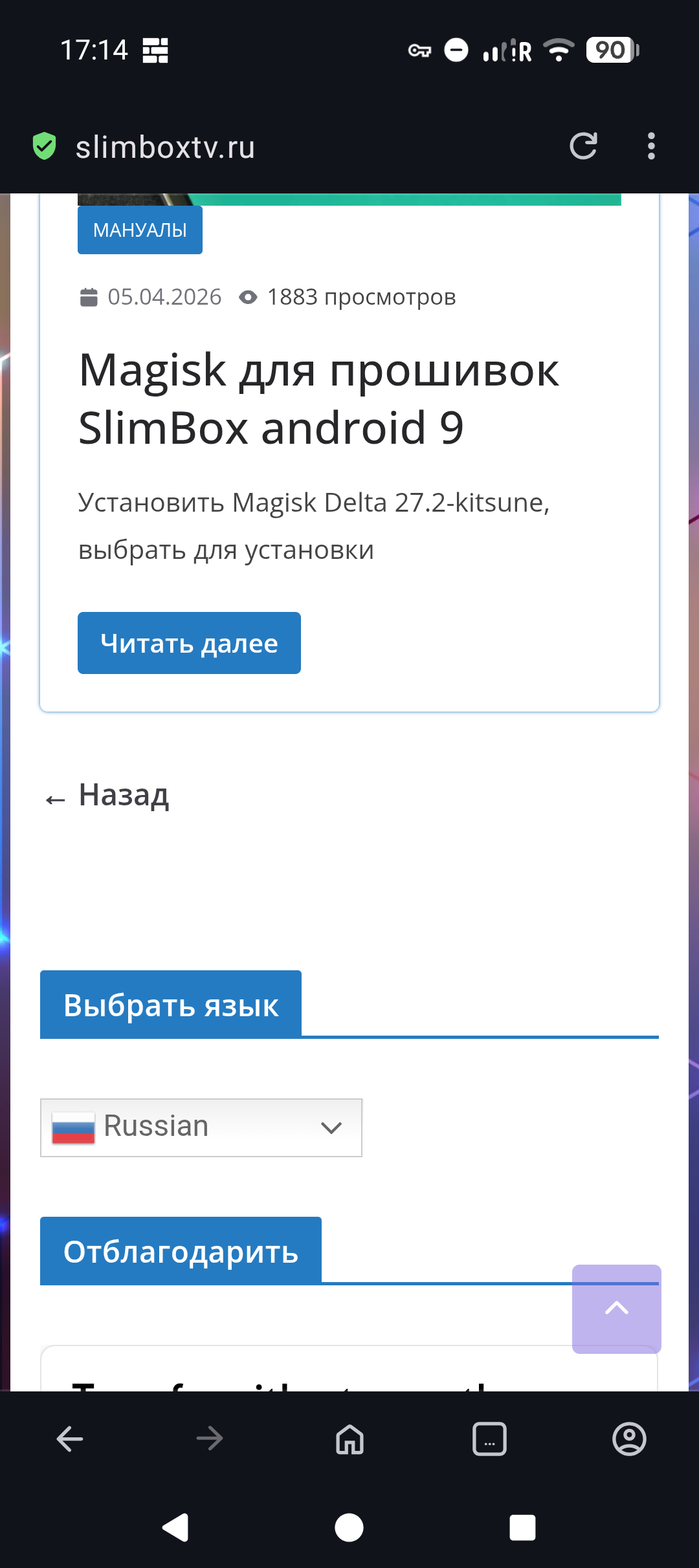
Believe it or not, I don’t have one. I only use laptops. There’s no option to change the language except on the page for downloading the slimbox tv file.
Use Google Chrome, translate is there.
Or go to Ugoos Download, official, there us re-release of the 054n, also 054n2.It works fine.FEL support with built in u- player.
Then boot CoreELEC from external, use CoreELEC tool ceemmc-x to move to emmc/internal .Dual Boot.
Sorry for yet another of my stupid questions, but what is FEL? You guys use an entire dictionary of acronyms which, for old fellas like myself, leave me perplexed.
I think I will run CE from an USB drive. The warnings about the potential to brick the device when flashing to eMMC have scared the f**k out of me. If I was a youngster, well versed in all this stuff, I would probably not hesitate. But, as I haven’t a clue what I’m doing, I think the risk is too high.
There is no any issue, when you run the CE from SD or usb.
No need to run from emmc.
I have bunch of boxes, no one run from internal.
Make sure, you choose one good quality quick sdcard or pendrive.
Would be the best to read a little about multimedia playback options
Full Enhancement Layer
the first sentence here is a brief explanation, if you need in depth then you need google
Frodo19 reply is best answer.
How do you currently boot CoreELEC?
You have older AM6 Ugoos, any idea which firmware you are using?Is it 038 Dualboot?
I have many boxes ,only 2 are on internal.
Flash the re- release 054n for your Box, it will overwrite existing firmware. Then clean install CoreELEC on USB Pendrive.
All should be Good 
Thanks for that. Unless I have missed something, the article seems to talk about use with a TV only. I am feeding the videos from the AM6B+ to a projector that has Dolby Vision included. Should be ok with the AM6B+, shouldn’t it?
Currently booting from an SD card using firmware version AM6_ota_0.3.8.1.
I don’t know if it’s dual boot. All I know is that when restarting CoreElec, and I’m running a very old version, I am offered the option to restart or boot to eMMC. I suppose that’s dual boot although when I start the AM6, I do not get any choice. It just goes straight into CE. If the Ugoos interface was working, then I can only get into it using the CE restart options, but that’s fine. In fact, I wouldn’t want it any other way.
Ok,perfect, remove CoreELEC SD
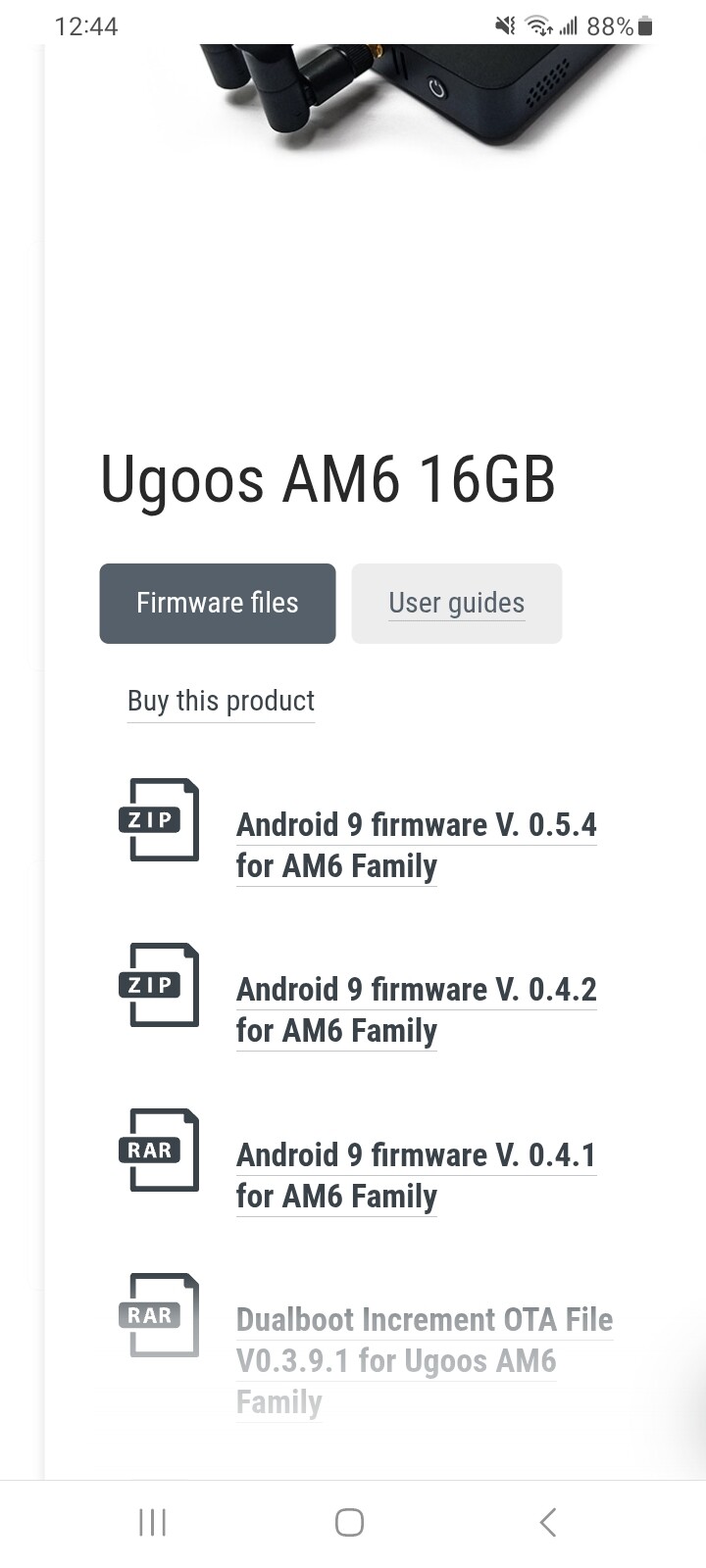
Go to Ugoos Download Official and grab the re- release 054n ,and update Ugoos Firmware. Instructions and USB Burning Tool etc..are all there as well
After update Boot CoreELEC from external
It says I need a USB A male to USB A male patch cable. I don’t have one. I only have USB A to USB C cables, however, I do have a USB card reader. Could I write to an SD card then flash from that?
Yes,if there is an OTA Zipped file you could copy to SD card and apply through Ugoos .USB A to USB A is easy to find/ can make one yourself by splicing 2 old cables together/Mae sure is 4 wire and match the colors.
However we are way off Thread Topic here.
I don’t think I’m up to splicing a USB cable. I will attempt the SD card install. How can I tell which file is the OTA version, please? There are two options: aosp or atv and I don’t know what the difference is.
Also, I have just received the AM6B+ but there was no Bluetooth key for the remote supplied with it. There was with my AM6 Plus though. Has Bluetooth been included internally with this newer version?
Another question. On my old AM6 Plus, I have a rather dated version of CoreElec. I think it was v18. Anyway, I have it setup exactly as needed with a myriad of addons. While I appreciate I will need to download newer version of the addons from the various repositories, is there any way I can export its settings so I can use them with the new box, or will I have to start all over?
do you have a usb a to usb c cable and an usb c female to usb a cable?
This version is still in Beta stage. According to Kodi’s site, it still has some issues needing to be resolved. Would I not be better off installing the last Omega stable release?
No, I only have USB A male to USB c male cables, lots of them! 