CoreELEC:~ # mount -o rw,remount /flash
CoreELEC:~ # fdtput -t s /flash/dtb.img /soc/pcieA@f5000000 status okay
Error at ‘/soc/pcieA@f5000000’: FDT_ERR_NOTFOUND
try fdtput -t s /flash/dtb.img /pcieA@f5000000 status okay

CoreELEC:~ # dmesg | paste
https://paste.coreelec.org/AlcatrazDahmer
CoreELEC:~ # udevadm info /sys/bus/pci/devices/* | paste
Unknown device “/sys/bus/pci/devices/*”: No such device
[    5.861229@1]- wifi_dummy: Triggered SDIO/PCIe WiFi power on and bus rescan
[    5.861273@1]- wifi_dummy: found enabled /sdio@fe088000
[    5.861283@1]- wifi_dummy: found disabled /pcieA@f5000000
[    5.861312@1]- wifi_dummy: SDIO enabled, PCIe disabled
looks obvious to me
That means devices with Pcie interface cannot be used in kernel 4.9, can I understand it this way?
[    5.861273@1]- wifi_dummy: found enabled /sdio@fe088000
[    5.861283@1]- wifi_dummy: found disabled /pcieA@f5000000
it means you did not enable pcie
also you need to disable sdio
fdtput -t s /flash/dtb.img /sdio@fe088000 status disabled
fdtput -t s /flash/dtb.img /pcieA@f5000000 status okay
I followed your method of operation, just like yesterday. After restarting, it crashed directly.
no log, no problem
Unable to enter the system even after booting up, unable to provide logs.
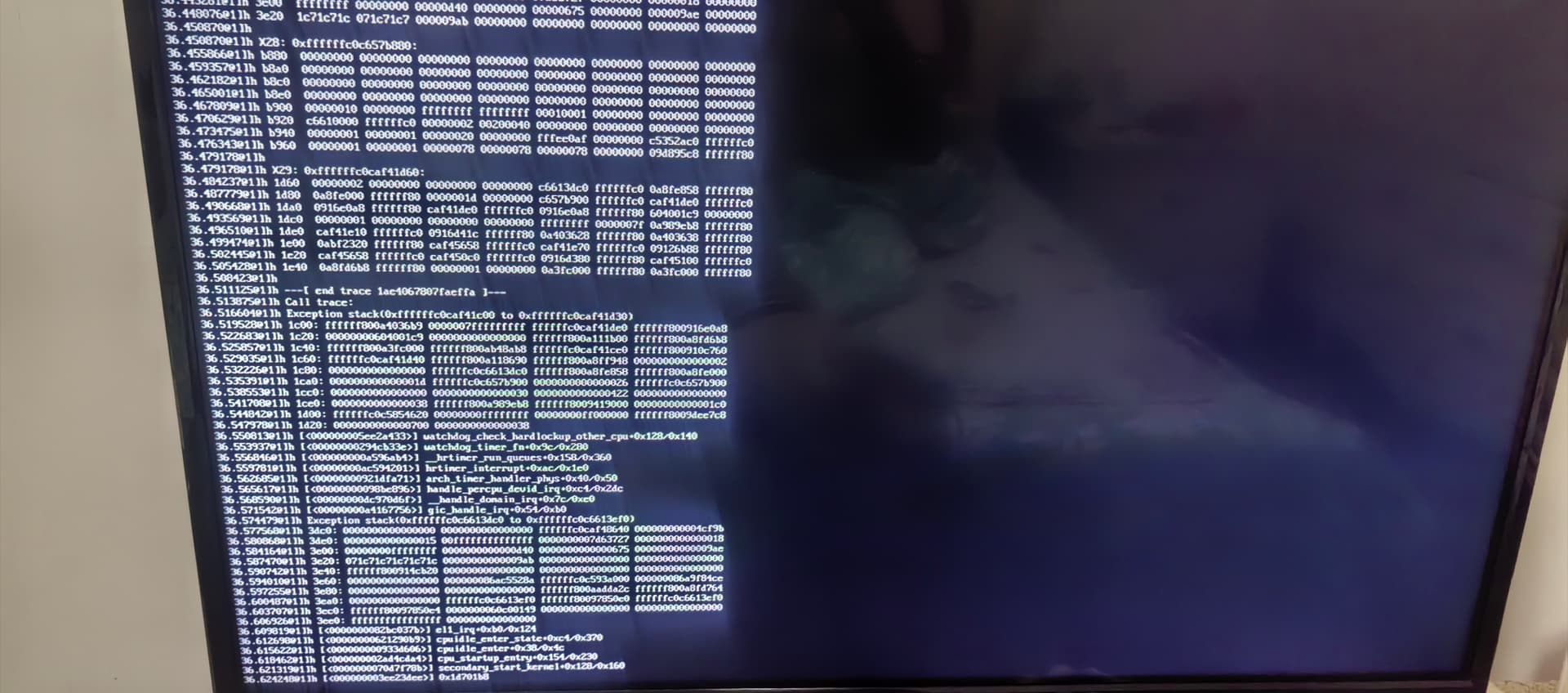
dmesg | paste
https://paste.coreelec.org/EurekaThoughts

Please try with this test image:
After testing, WiFi and Bluetooth are not working.
dmesg: https://paste.coreelec.org/BlondieBarrels
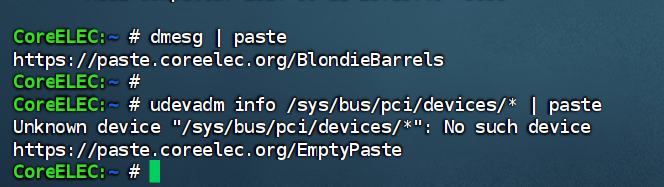
mount -o rw,remount /flash

fdtput -t s /flash/dtb.img /sdio@fe088000 status disabled

fdtput -t s /flash/dtb.img /pcieA@f5000000 status okay

sync

reboot
[ 1.504851@1]- amlogic-pcie-v2 f5000000.pcieA: Error: Wait linkup timeout.
No idea, maybe it just does not work on Amlogic-ng for this device.


##############################################
#                  CoreELEC                  #
#            https://coreelec.org            #
##############################################

CoreELEC (official): 21.1.1-Omega_nightly_20240913 (Amlogic-ne.aarch64)
      Machine model: Ugoos X4
     CoreELEC dt-id: sc2_s905x4_ugoos_x4
      Linux version: 5.4.210 (docker@4e897066bdce) #1 Fri Sep 13 03:31:10 IDT 2024
      Kodi compiled: 2024-09-13 09:59:12 +0800

CoreELEC:~ # dmesg | paste
https://paste.coreelec.org/RailsNames
Upgrading to the latest nightly version on the 13th, there was an inexplicable crash, and I also used the iptv simple plugin, but couldn’t play iptv and crashed directly.
You didn’t run this for linux 5.4.210.
mount -o rw,remount /flash
fdtput -t s /flash/dtb.img /soc/sdio@fe088000 status disabled
fdtput -t s /flash/dtb.img /soc/pcie@f5000000 status okay
sync
reboot
This commands are different for different linux versions: don’t mix up them.
I didn’t run them
The firmware of ng.arm cannot use wireless and Bluetooth. It crashes every time it is turned on and cannot be used. It’s okay not to enable PCIEA, but I don’t know how to play it. I’m afraid I might damage my device, so I can only use NE firmware first. Once you solve the crash problem, the issue with the iptv simple plugin crashing yesterday was caused by updating EPG. The problem has been resolved, but this plugin still has a bug that needs to be fixed by a dedicated person.
Don’t expect too much.
I think you don’t really know what you want.
That means currently, no matter what version of NG is available, ap6275p cannot be used, so I switched to the NE system to check.